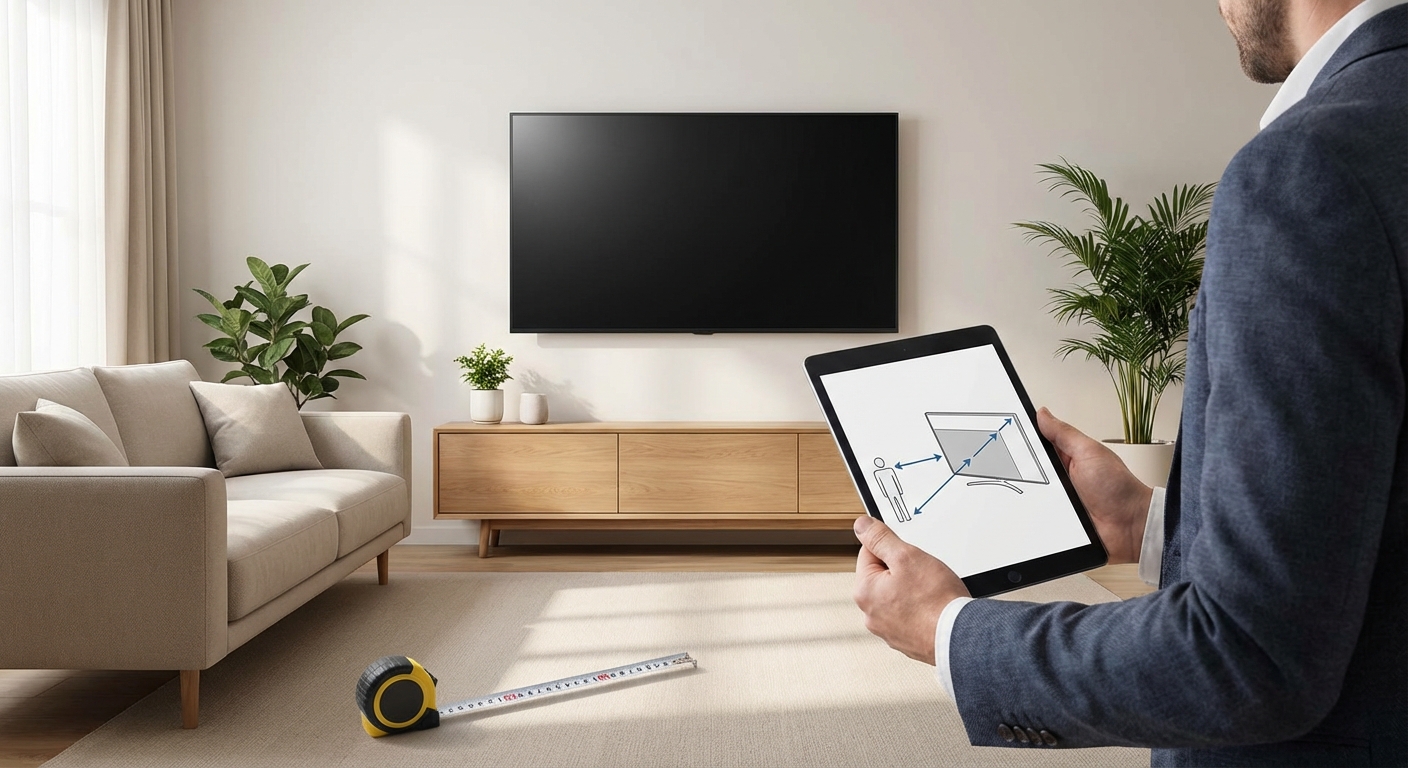
You just measured your living room wall and now you’re staring at a sea of TV sizes online, wondering if 65 inches is too big or if 55 inches will leave you squinting at subtitles. Getting the screen size wrong means either neck strain from sitting too close or missing details because you’re too far away.
The ideal TV size depends on your viewing distance. For 4K TVs, divide your seating distance in inches by 1.5 to get the recommended screen size. A person sitting 8 feet away should consider a 65-inch screen, while 10 feet works best with 75 to 80 inches. Room layout, resolution, and personal preference also play important roles in your final decision.
Understanding the Viewing Distance Formula
The relationship between screen size and viewing distance changed dramatically when 4K became standard. Older rules told you to sit far back to avoid seeing pixels. Modern 4K displays pack so many pixels that you can sit much closer without any quality loss.
Here’s the math that actually works. Take your viewing distance in inches and divide by 1.5. That gives you the minimum comfortable screen size.
Sitting 96 inches away (8 feet)? That’s 96 ÷ 1.5 = 64 inches. A 65-inch TV fits perfectly.
At 120 inches (10 feet), you get 120 ÷ 1.5 = 80 inches. A 75 or 77-inch screen works well here.
This formula assumes you want an immersive experience where the screen fills your field of view without requiring head movement. Some people prefer a less immersive setup. That’s fine. Just know this gives you the starting point.
Screen Size Chart by Distance
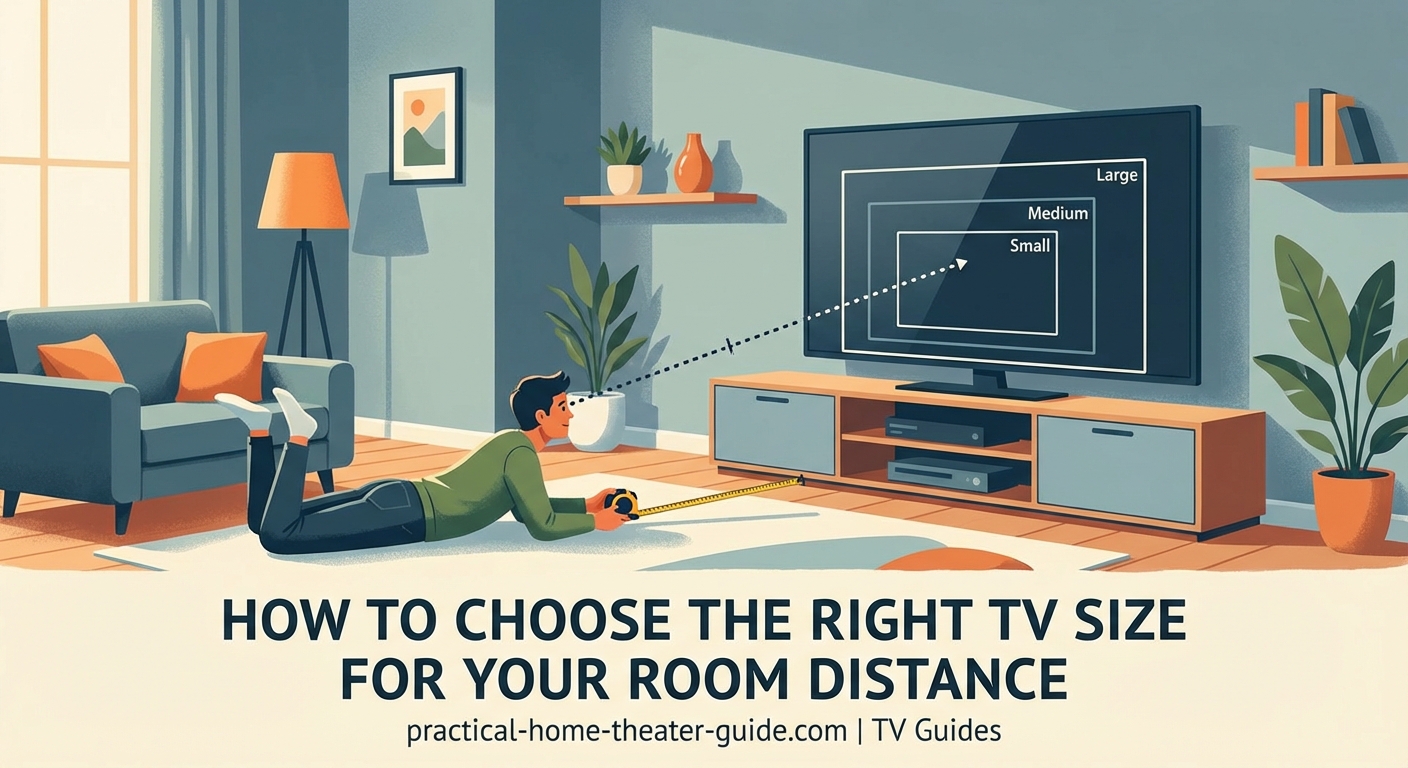
Here’s a reference table that matches common viewing distances to appropriate TV sizes:
| Viewing Distance | Minimum Size (4K) | Ideal Range | Maximum Comfortable |
|---|---|---|---|
| 5 feet | 40 inches | 43-50 inches | 55 inches |
| 6 feet | 48 inches | 50-55 inches | 60 inches |
| 7 feet | 55 inches | 55-65 inches | 70 inches |
| 8 feet | 64 inches | 65-70 inches | 75 inches |
| 9 feet | 72 inches | 75-77 inches | 85 inches |
| 10 feet | 80 inches | 75-85 inches | 90 inches |
| 12 feet | 96 inches | 85-98 inches | 100+ inches |
These numbers assume 4K resolution. If you’re looking at a 1080p TV (which you shouldn’t be in 2024), add about 30% to these distances.
Measuring Your Room Properly
Getting accurate measurements prevents expensive mistakes. Here’s how to measure correctly:
- Find your main seating position where you’ll watch most content.
- Measure from that spot to the wall where the TV will mount or sit.
- Account for any TV stand depth or wall mount offset (usually 2 to 4 inches).
- Subtract that offset from your total distance.
- Write down the final number in both feet and inches.
Don’t measure from random spots around the room. Use the actual couch or chair position where you plant yourself for movie night.
If you have multiple seating areas at different distances, optimize for the primary viewing spot. Secondary seats will still get a decent experience even if they’re not at the perfect distance.
Room Layout Factors That Matter
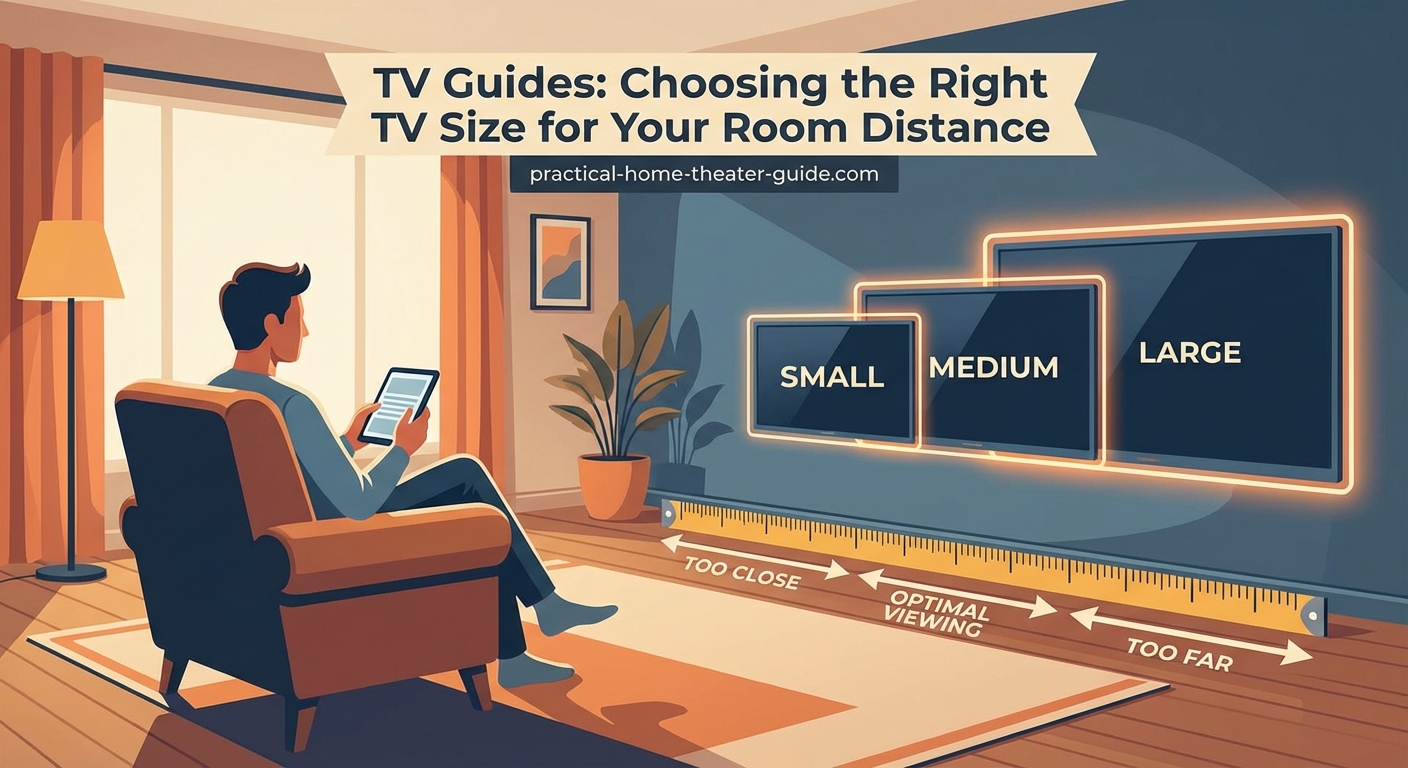
Your room’s physical setup affects which TV size works best. Wall width limits how big you can go. A 75-inch TV measures about 66 inches wide. Add another 6 to 12 inches for a stand or clearance on each side.
Ceiling height plays a role too. Mounting a massive screen in a room with 7-foot ceilings creates an overwhelming, unbalanced look. Higher ceilings handle larger screens better.
Window placement affects viewing during daytime. Glare from windows behind or beside the screen makes any size harder to watch. Consider room lighting before committing to a size.
Furniture arrangement matters more than people think. An open floor plan where you might rearrange seating calls for a more conservative size. A dedicated media room with fixed seating lets you maximize screen size.
The biggest mistake people make is buying too small, not too big. After a week with a properly sized TV, your brain adjusts and the screen feels normal. But a too-small screen will bother you every single viewing session.
Field of View and Immersion
Theater designers use a 40-degree field of view as the sweet spot for immersive content. This means the screen edges should occupy about 40 degrees of your horizontal vision when looking straight ahead.
That viewing angle is what the 1.5 multiplier achieves. Sitting closer increases immersion but requires more head movement during action scenes. Sitting farther back reduces immersion but feels more relaxed for casual viewing.
Sports fans often prefer sitting a bit farther back than the formula suggests. Following a basketball or soccer ball across the screen is easier when you don’t need to turn your head.
Movie enthusiasts typically want maximum immersion and prefer sitting at or slightly closer than the calculated distance.
Resolution Makes a Difference
4K resolution changed everything about TV sizing. The pixel density is high enough that you won’t see individual pixels even sitting close. This is why modern recommendations suggest much larger screens than old guides from the 1080p era.
With 8K TVs entering the market, you could theoretically sit even closer. But 8K content remains rare and expensive. Stick with 4K sizing recommendations for now.
If you’re considering a 1080p TV for a secondary room, use the old 2.5 multiplier instead. That means sitting 8 feet from a 1080p screen requires only a 38-inch TV for comfortable viewing.
Common Sizing Mistakes to Avoid
Here are the traps people fall into:
- Showroom misjudgment: TVs look smaller in big box stores with high ceilings and bright lights
- Furniture first: Buying a TV stand before choosing the TV locks you into a size range
- Ignoring upgrades: Getting a smaller TV now means replacing it sooner when you want more immersion
- Bedroom assumptions: Bedrooms often have closer viewing distances than you think
- Corner placement: Angled viewing from a corner requires sitting farther back for the same comfort
| Mistake | Why It Happens | Better Approach |
|---|---|---|
| Buying too small | Worried about overwhelming the room | Trust the distance formula |
| Ignoring wall width | Focused only on screen size | Measure total TV width with stand |
| Forgetting viewing angle | Only considering distance | Check if off-center seats have clear views |
| Skipping the mockup | Hard to visualize sizes | Tape the dimensions on the wall |
| Following old rules | Using outdated 1080p guidelines | Use modern 4K formulas |
Testing Before You Buy
Create a mockup before purchasing. Cut cardboard to match the outer dimensions of your target TV size. Tape it to the wall at the mounting height you plan to use.
Sit in your normal viewing spot for 20 minutes. Does it feel too big? Too small? Can you see the entire screen without moving your head uncomfortably?
Have someone else sit there while you stand back and look at the room balance. Does the size fit the space aesthetically?
This simple test catches problems that measurements alone miss. A 75-inch screen might measure perfectly but feel wrong in a room with specific proportions or furniture.
Special Situations and Adjustments
Some rooms need custom thinking:
Open floor plans: Go slightly smaller than the formula suggests since the lack of walls makes screens feel larger.
Dedicated theater rooms: You can push 10 to 15% larger than standard recommendations since the dark walls and controlled lighting enhance immersion.
Bright rooms with lots of windows: Size matters less than brightness and anti-glare features. Focus on those specs first.
Multi-purpose rooms: If the TV room doubles as a play area or office, consider how the screen size affects other activities.
Mounting height: Screens mounted above a fireplace or high on a wall should be slightly smaller since the viewing angle already creates distance.
Budget and Size Trade-offs
Bigger isn’t always better when budget enters the picture. A 65-inch TV from a quality brand with good HDR and processing often delivers a better experience than a cheap 75-inch model with poor picture quality.
Price per inch drops as you go bigger, but only within the same product line. A 65-inch mid-range TV typically costs less per inch than a 55-inch model from the same series.
Consider this: would you rather have a 75-inch screen with mediocre contrast and color, or a 65-inch screen with excellent picture quality? The smaller screen with better performance usually wins.
Set your budget first, then find the largest high-quality TV that fits within it and matches your viewing distance.
Making Your Final Decision
You’ve measured your room, calculated the ideal size, and checked your budget. Now it’s time to choose.
Start with the size that matches your viewing distance using the formula. If that lands between two common sizes (like needing 70 inches when stores offer 65 or 75), go with the larger option if your budget allows.
Check the total dimensions including the bezel and stand. Make sure it physically fits your space with a few inches of clearance.
Consider your content preferences. Mostly watching movies and gaming? Lean toward the larger size. Mostly news and casual TV? The smaller end of the range works fine.
Think about the next five years. TVs last a long time. Will you wish you had gone bigger after living with it for a year?
Getting the Size Right From the Start
Choosing the right TV size for your room distance sets the foundation for years of comfortable viewing. The formula is simple: divide your seating distance in inches by 1.5 for 4K TVs. Measure carefully, test with a mockup, and trust that a properly sized screen will feel natural after a few days.
Your room layout, budget, and viewing preferences all factor into the final decision, but distance remains the primary consideration. A TV that matches your space correctly disappears into the experience instead of constantly reminding you it’s too big or too small.
Leave a Reply