
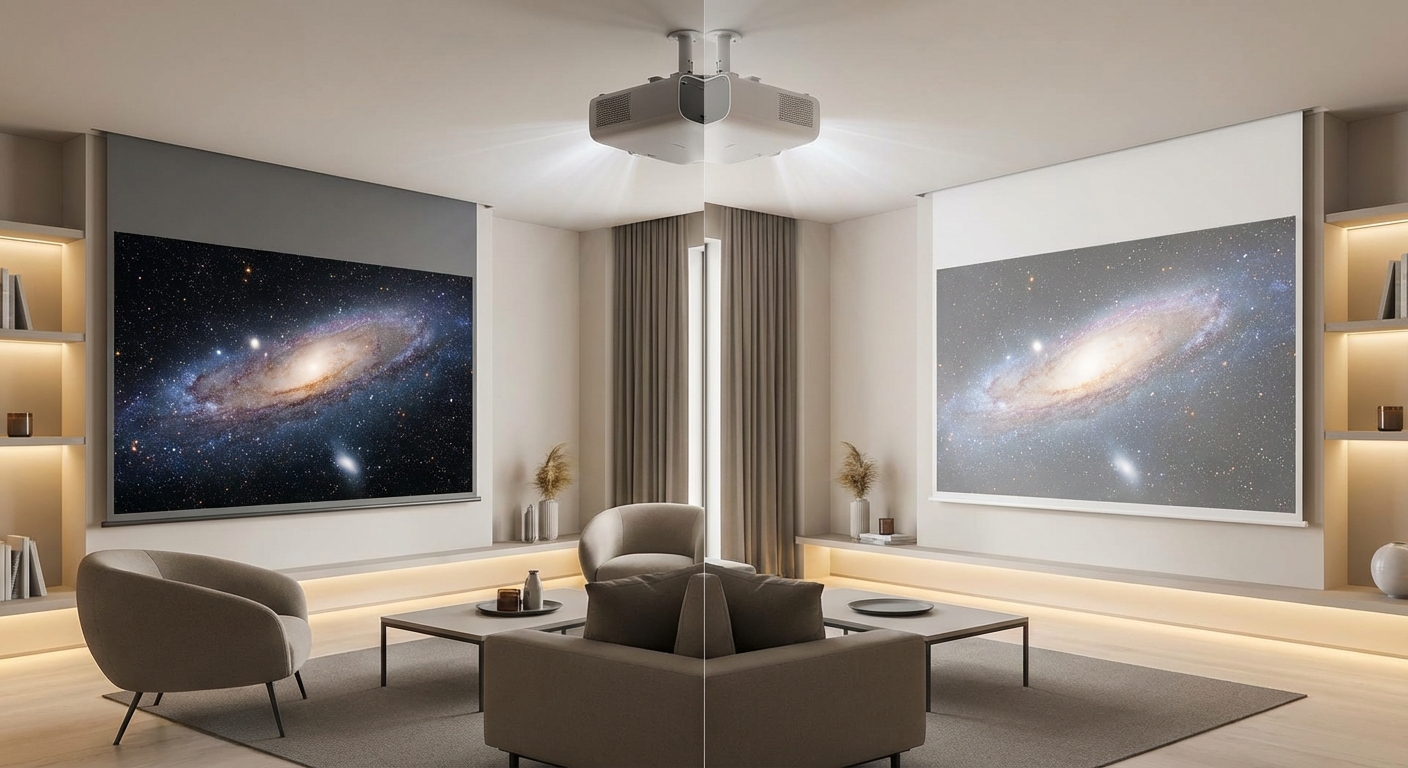
You’re standing in your living room with a new projector, ready to mount it. Then you hit the screen decision. Gray or white?
The answer isn’t about which color is “better.” It’s about matching the screen to your room’s lighting conditions and your projector’s capabilities. Pick wrong and you’ll watch washed-out images or struggle with muddy blacks.
White screens reflect more light and work best in dedicated dark rooms with light control. Gray screens absorb ambient light and improve contrast in rooms with windows or other light sources. Your choice depends on room lighting, projector brightness, and viewing habits. Most buyers with ambient light challenges benefit from gray, while home theater purists in dark rooms prefer white for maximum brightness and color accuracy.
How White Projector Screens Work
White screens use a neutral surface that reflects light evenly across the viewing area. They’re designed with a gain rating close to 1.0, meaning they reflect approximately the same amount of light that hits them.
The surface doesn’t filter or absorb specific wavelengths. Everything bounces back toward your eyes. This creates accurate color reproduction when you control the lighting.
White screens maximize your projector’s brightness potential. If you’ve got a 2,000-lumen projector, you’ll see most of those lumens on screen. This matters when you’re watching HDR content or trying to fill a large screen size.
The downside shows up immediately when ambient light enters the room. That light hits the white surface and reflects back just like the projected image. Your blacks turn gray. Contrast drops. The picture looks washed out.
Think of it like trying to read a book under a streetlight. The pages reflect everything, making it harder to see the actual text.
How Gray Projector Screens Handle Light
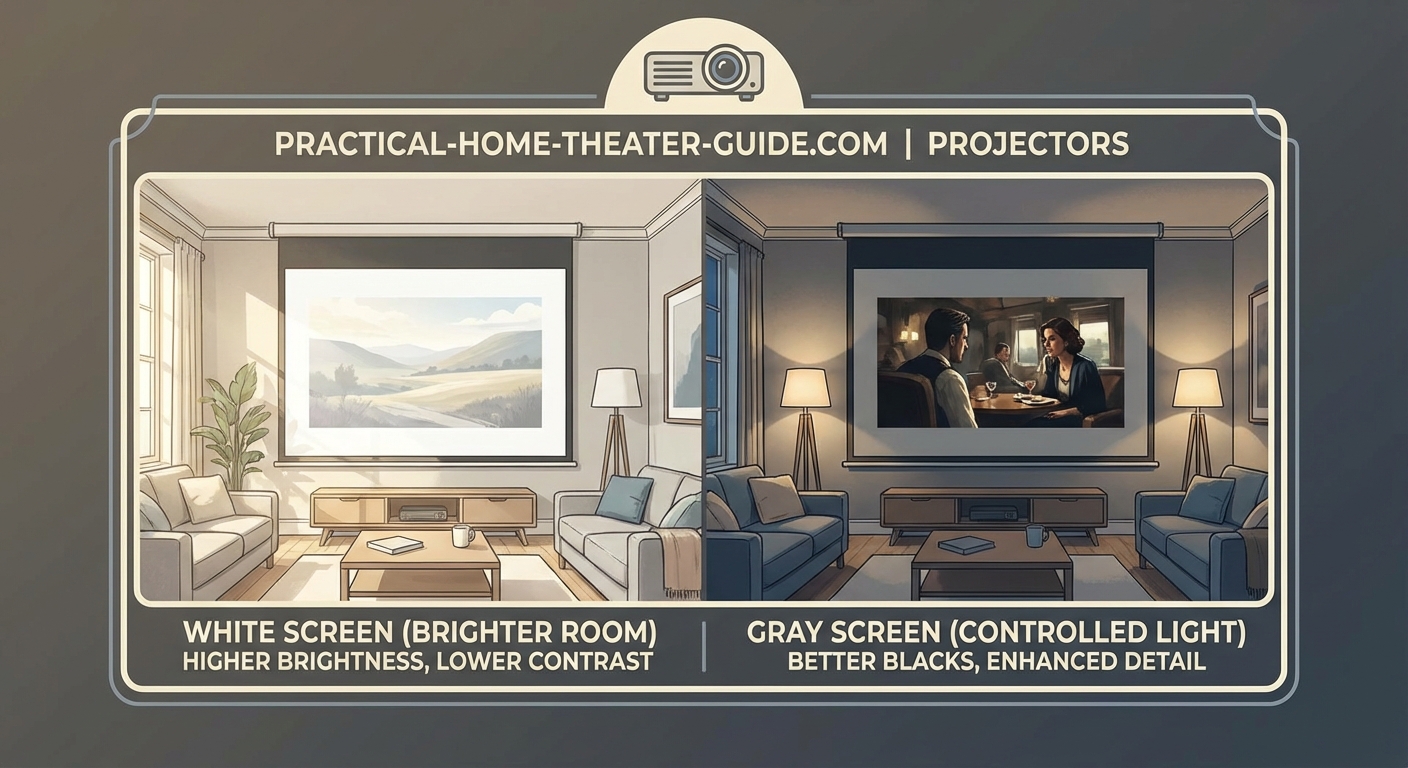
Gray screens use a darker surface material that absorbs some of the light hitting it. This includes both projected light and ambient light from windows, lamps, or other sources.
The key difference is selectivity. Gray screens absorb more of the ambient light (which tends to be diffuse and unfocused) while still reflecting the concentrated light from your projector.
This creates better black levels. When the projector displays a black scene, the gray surface appears darker than white would under the same conditions. Your contrast ratio improves, even with some lights on.
The trade-off is brightness. You’ll lose some of the projector’s output. A gray screen might have a gain of 0.8 or 0.9, meaning you’re seeing 80-90% of your projector’s brightness.
For rooms where you can’t achieve total darkness, this trade is worth it. Better contrast beats raw brightness when ambient light is present.
Measuring the Real Differences
Here’s how white and gray screens compare across the factors that actually affect your viewing experience:
| Factor | White Screen | Gray Screen |
|---|---|---|
| Brightness | Full projector output | 10-20% reduction |
| Black levels | Gray in ambient light | Darker, more accurate |
| Contrast ratio | Lower with ambient light | Higher in mixed lighting |
| Color accuracy | Excellent in dark rooms | Slightly warm tones |
| Ambient light rejection | Minimal | Moderate |
| Viewing angle | Wide, consistent | Slightly narrower |
| Best room type | Dedicated theater | Multi-purpose room |
The numbers tell part of the story. A white screen in a dark room delivers reference-quality images. The same white screen with afternoon sunlight streaming through windows becomes unwatchable.
Gray screens sacrifice some peak brightness to maintain image quality when you can’t control every light source. This makes them more forgiving for everyday use.
Matching Screen Color to Your Projector
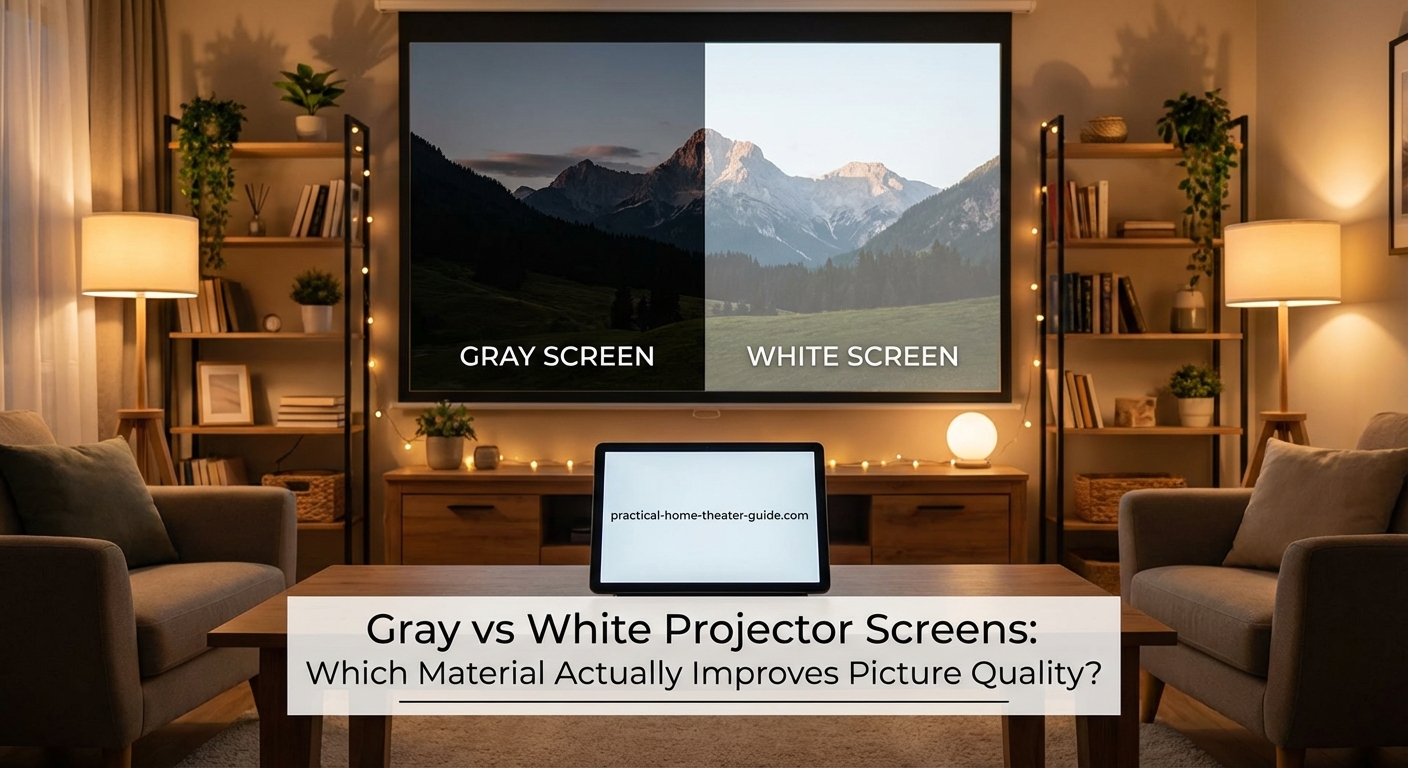
Your projector’s specifications determine which screen color makes sense. Start with the lumen rating.
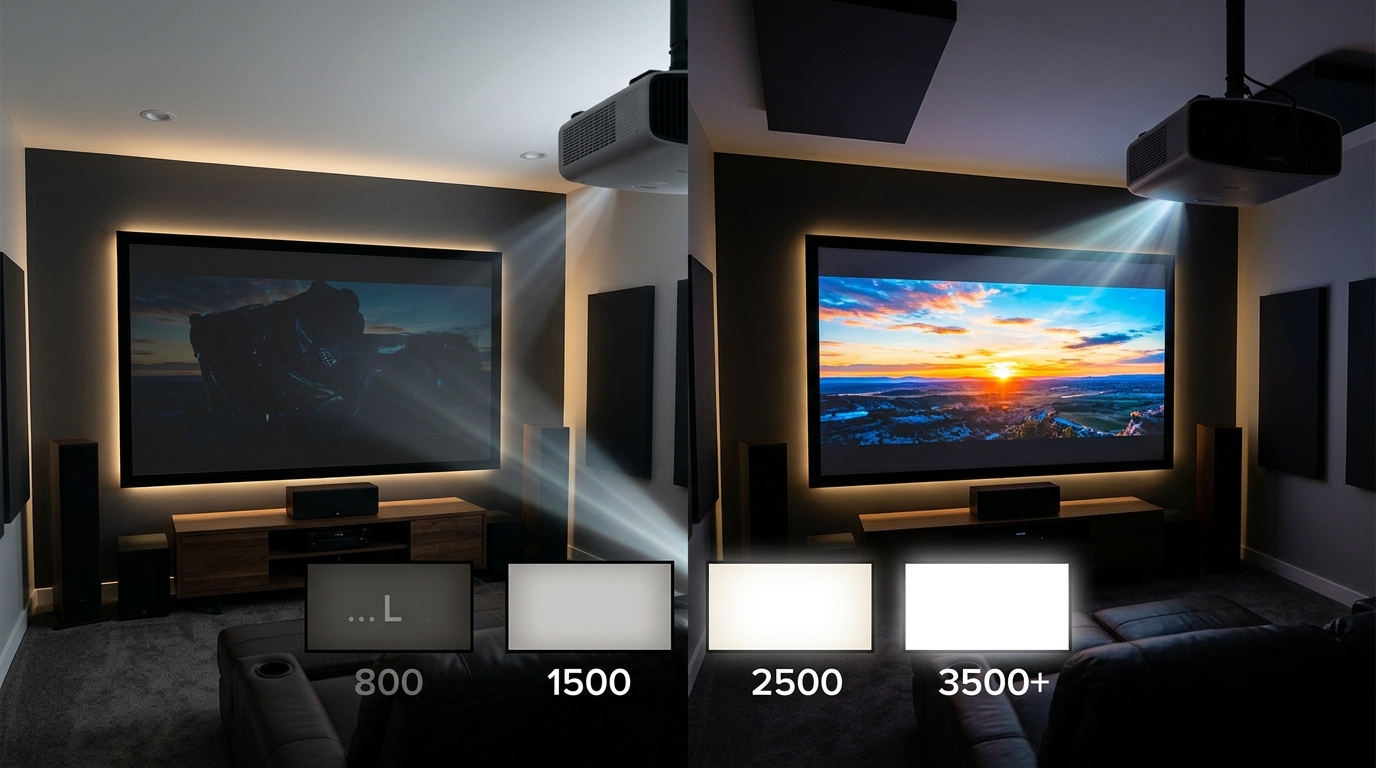
Projectors under 2,000 lumens struggle with gray screens in anything but small sizes. You’ve already got limited brightness, and the gray surface reduces it further. Stick with white unless your room is completely dark.
Projectors between 2,000 and 3,000 lumens work with either option. Your room lighting becomes the deciding factor. Can you block windows and control overhead lights? White works. Got windows you can’t cover? Gray helps.
Projectors over 3,000 lumens have brightness to spare. Gray screens make sense here because you can afford to lose some lumens in exchange for better contrast. These brighter projectors often benefit from the gray screen’s ability to tame their output and prevent eye fatigue.
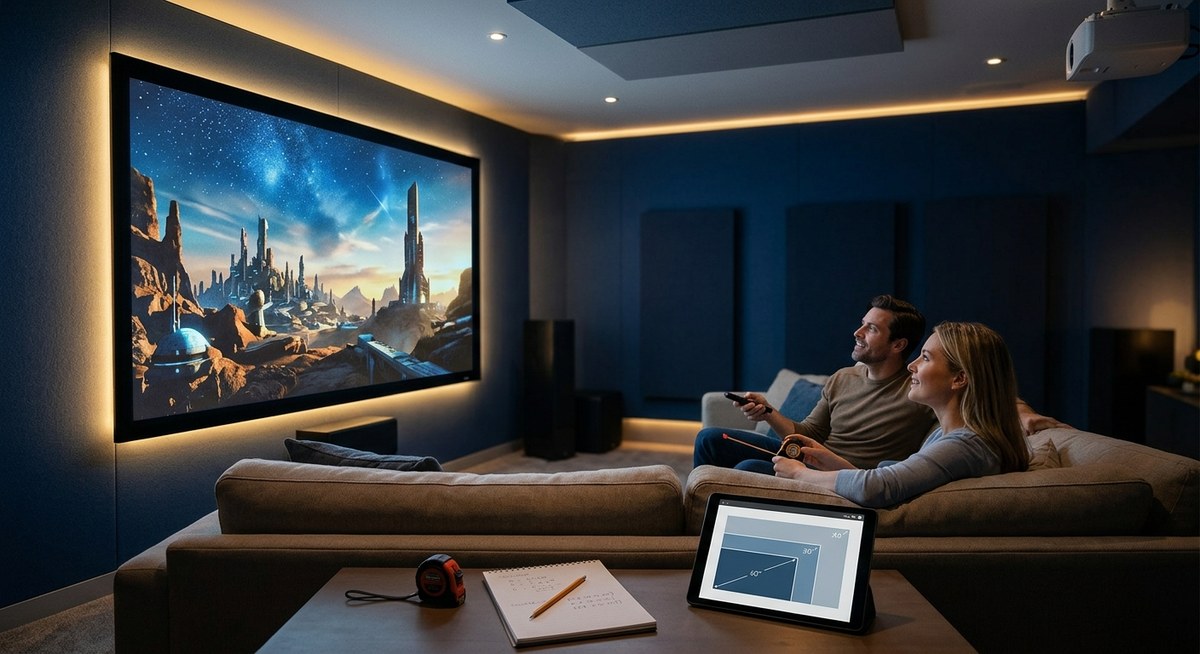
Calculate your ideal setup before committing to a screen color. Throw distance affects brightness, which influences your screen choice.
Testing Your Room’s Lighting Conditions
Before buying either screen, assess your actual viewing environment. This takes 15 minutes and saves you from an expensive mistake.
- Go to your viewing space at your typical watching time (usually evening).
- Turn off all lights you plan to turn off during viewing.
- Note any remaining light sources (windows, hallway lights, LED indicators on equipment).
- Project a test image with black bars or a dark scene onto your wall or temporary surface.
- Observe how the black areas look. If they appear light gray, you’ve got too much ambient light for a white screen.
- Check the same scene at different times of day if you plan to watch during daylight hours.
Your room passes the white screen test if you can achieve near-total darkness. Any visible light contamination suggests a gray screen will serve you better.
If you can read a book comfortably in your theater room with the lights you plan to leave on, you need a gray screen or better light control. The same ambient light that lets you read will wash out your projected image on a white surface.
Common Screen Selection Mistakes
Many buyers choose based on price or availability rather than their actual needs. Here are the mistakes that lead to disappointing results:
- Buying white because it’s cheaper, then dealing with poor contrast forever
- Choosing gray for a pitch-black basement, sacrificing brightness unnecessarily
- Ignoring projector specifications and buying based on screen reviews alone
- Assuming expensive means better without considering room conditions
- Mixing a low-lumen projector with a gray screen, creating a dim image
- Selecting screen size before screen color, limiting your options
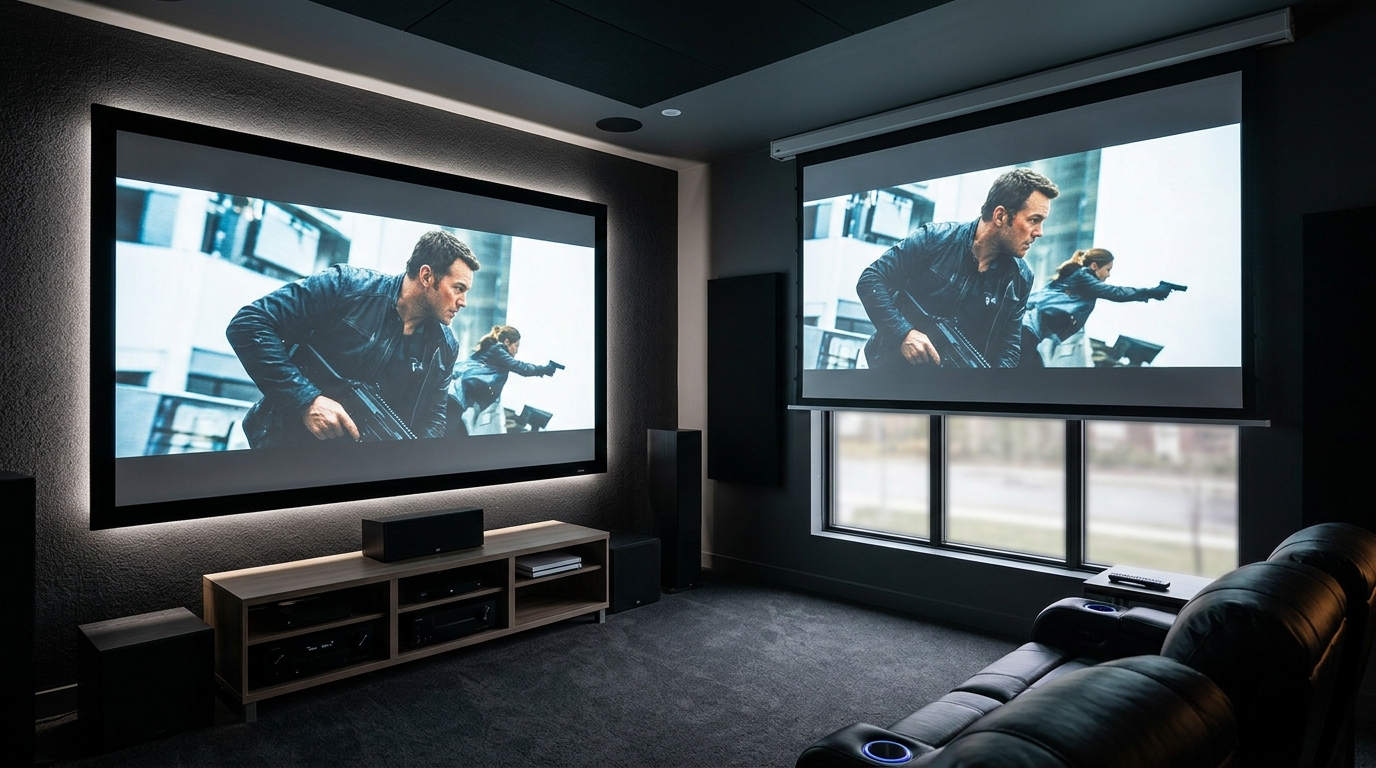
The worst mistake is buying a screen before testing your projector in the actual space. Rent or borrow a projector first. Project onto a white wall and a gray poster board. See the difference with your own eyes in your lighting conditions.
Alternative Screen Technologies Worth Considering
Standard white and gray screens aren’t your only options. Newer technologies address specific problems.
Ambient light rejecting (ALR) screens use angular or layered surfaces to reflect projector light while absorbing ceiling light. These work best with ultra-short-throw projectors mounted below the screen. They cost more but handle room lighting better than gray screens.
High-contrast gray screens go darker than standard gray, sometimes appearing almost black. These need bright projectors (3,000+ lumens) but deliver exceptional black levels and contrast.
Silver screens boost brightness through higher gain ratings (1.3 to 1.5) but narrow the viewing angle. Viewers off to the sides see dimmer images. These work for centered seating arrangements.
Acoustic transparent screens let you place speakers behind the screen for better sound staging. They come in both white and gray. The perforation pattern slightly affects brightness and sharpness.
Consider these alternatives if standard screens don’t solve your specific challenge. But most people get excellent results from a well-matched white or gray screen.
Setting Up Your Screen for Best Results
Screen color is only part of the equation. Proper installation and calibration matter just as much.
Position the screen away from direct light sources. Even gray screens have limits. A window directly behind viewers will still cause problems.
Mount the screen flat and taut. Wrinkles and waves scatter light unpredictably, reducing the benefits of your screen choice. Use all mounting points and adjust tension evenly.
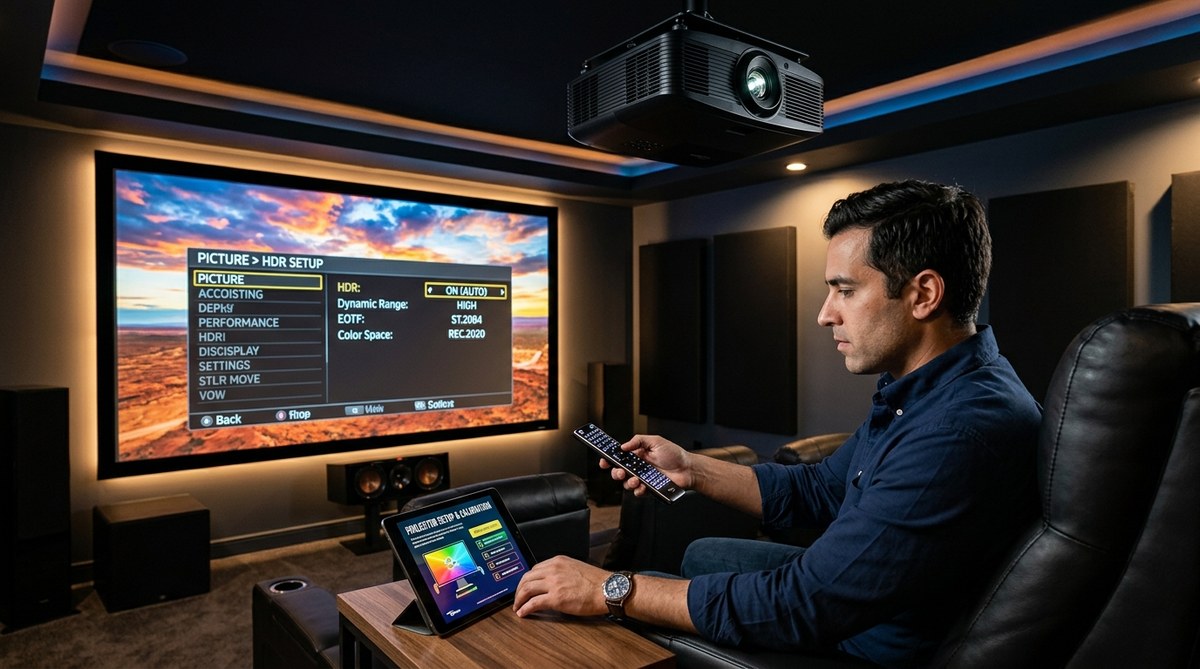
Calibrate your display after installation. Screen color affects color temperature and brightness settings. What worked on your old setup won’t match your new screen.
Add light control where possible. Blackout curtains, dimmable lights, and dark wall paint all improve performance regardless of screen color. These environmental changes often matter more than the screen itself.
Consider room acoustics while you’re at it. Sound treatment completes the theater experience that your new screen enables.
Making the Decision Between Gray and White
Here’s the practical decision tree for choosing your screen color:
Choose white if:
– You have a dedicated theater room with no windows
– You can control all light sources during viewing
– Your projector produces under 2,000 lumens
– Color accuracy matters more than convenience
– You only watch movies at night with lights off
– You want the brightest possible image
Choose gray if:
– Your room has windows you can’t completely block
– You watch during daytime or with some lights on
– Your projector produces over 2,500 lumens
– You share the space with family who need lighting
– Contrast and black levels matter more than peak brightness
– You want flexibility in viewing conditions
Most first-time buyers overestimate their light control and underestimate how often they’ll watch with some ambient light. When in doubt, gray gives you more flexibility.
The screen you’ll actually use beats the theoretically perfect screen you’ll avoid because the setup is too demanding.
Your Screen Choice Shapes Every Viewing Session
The screen decision affects every movie night, game session, and sports watch party. White delivers purity and brightness in controlled environments. Gray provides consistency and forgiveness in real-world rooms.
Test your space honestly. Match your projector’s capabilities. Consider how you actually use the room, not how you wish you used it. The right screen color makes your projector investment pay off every time you press play.
Start with the lighting assessment. Everything else follows from that single factor.







Leave a Reply