
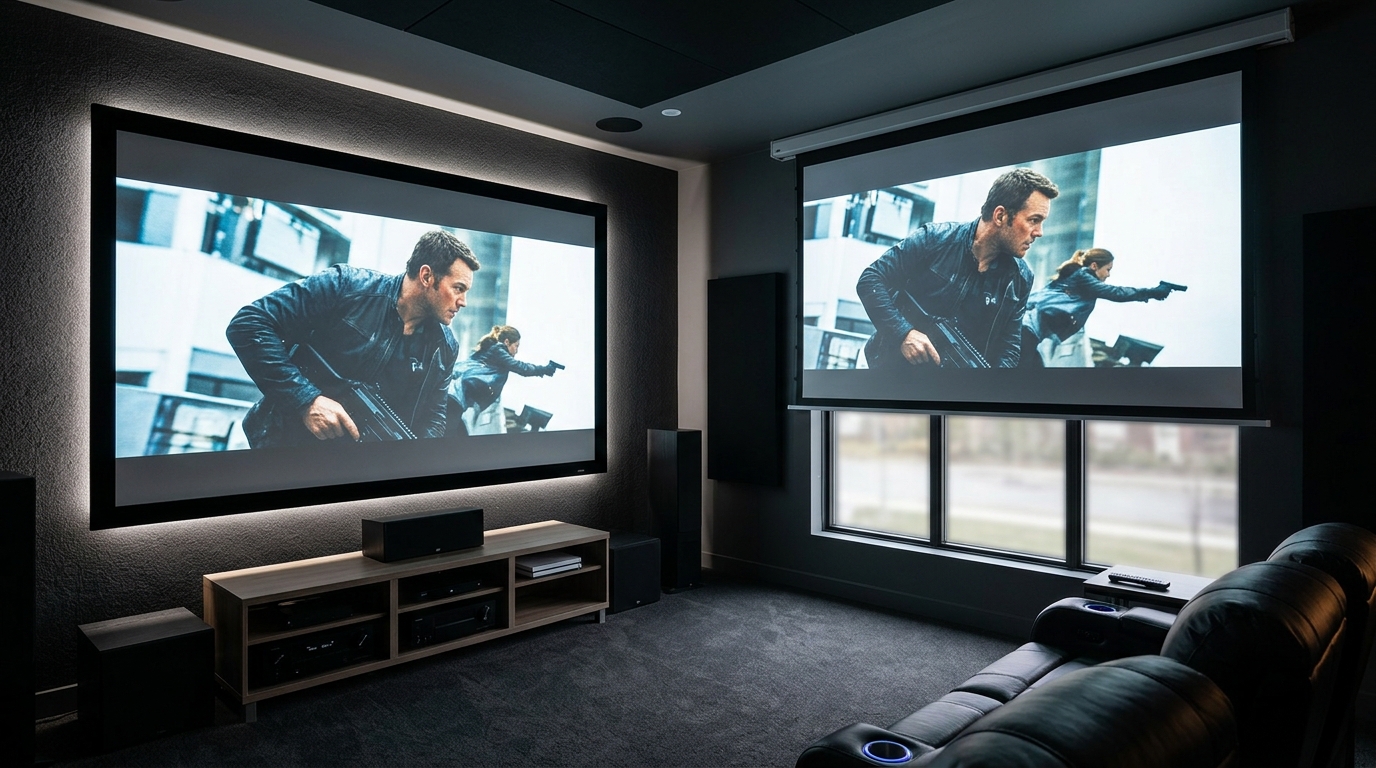
You’ve picked out your projector, measured the room, and now you’re staring at screen options that look identical in photos but cost wildly different amounts. The choice between a fixed frame and motorized projector screen affects more than your budget. It changes how you use your space, what your picture looks like, and how often you’ll actually watch movies in that room.
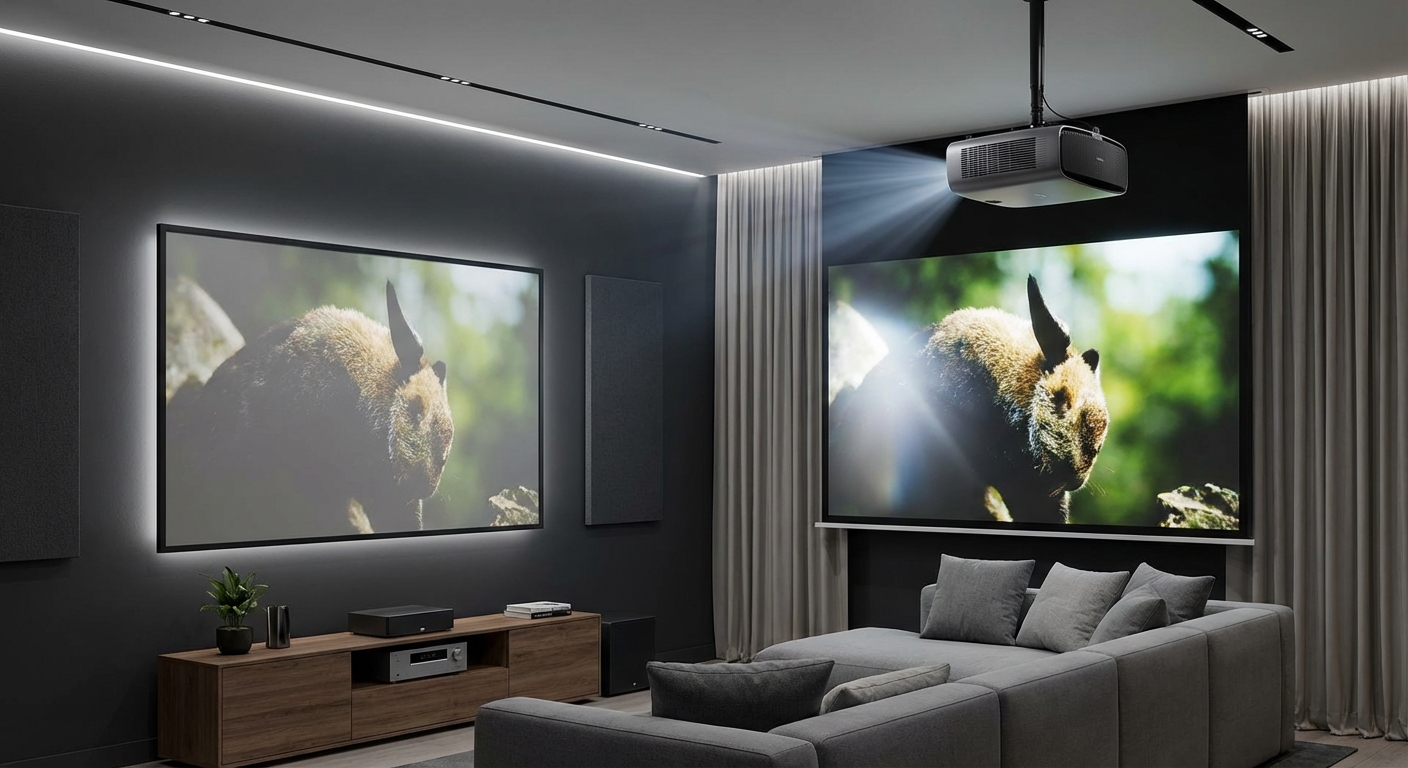
Fixed frame screens offer superior picture quality and lower cost but permanently occupy wall space. Motorized screens retract when not in use, making them ideal for multipurpose rooms, though they cost more and introduce mechanical parts that can fail. Your decision hinges on whether you need the space back or prioritize the flattest possible surface for image quality.
Understanding the basic design differences
Fixed frame screens stretch material over a rigid aluminum or wood frame.
The fabric stays under constant tension.
Nothing moves. Nothing retracts.
Motorized screens roll the material around a tube inside a housing. A motor lowers and raises the screen using a remote, wall switch, or automation trigger.
Both types use similar screen materials. The difference lies in how that material stays flat.
Fixed frames maintain tension from all four sides. The material can’t sag or ripple because it’s pulled tight and stays that way.
Motorized screens rely on a weighted bar at the bottom to pull the material flat. Gravity does the work. The sides remain free, which can allow minor waves or movement in rooms with strong air currents.
Picture quality comparison that actually matters
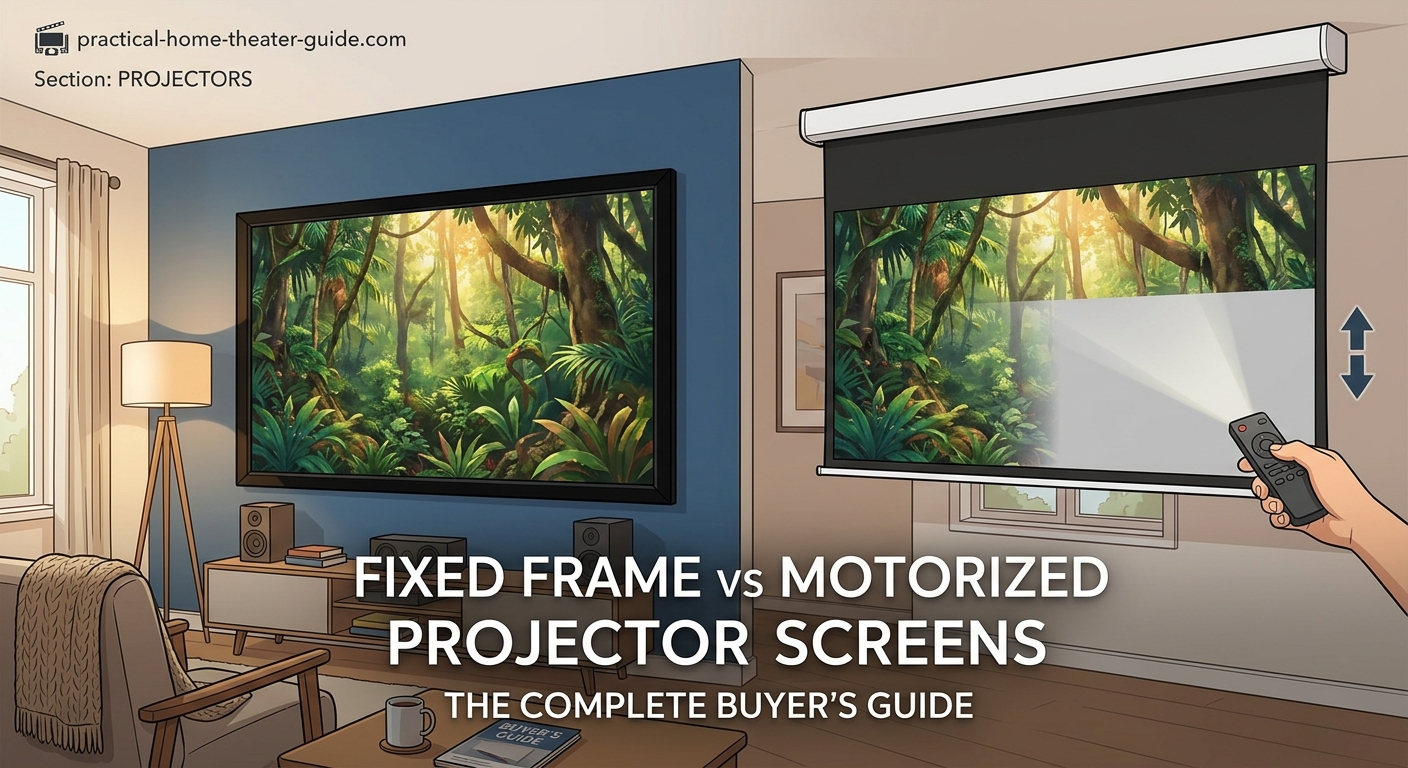
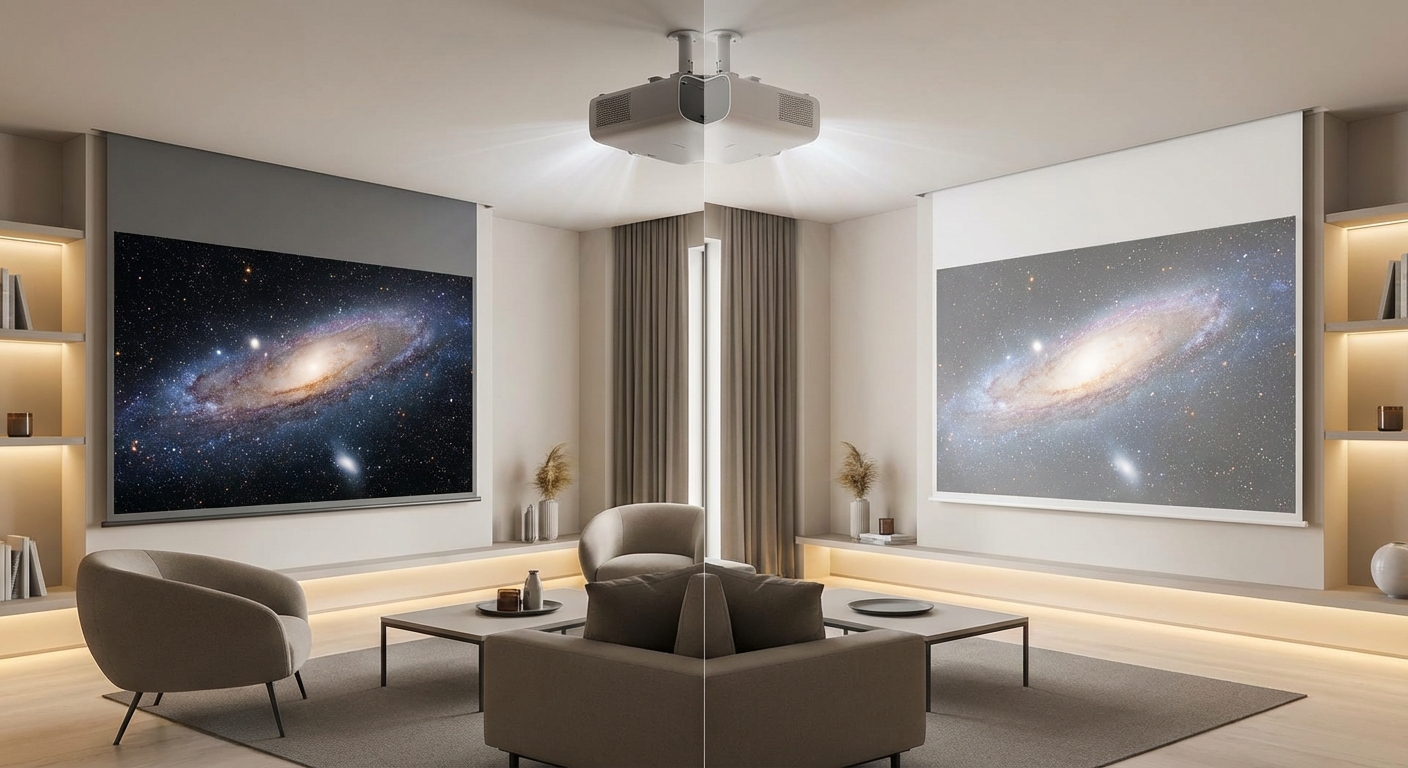
Fixed frame screens produce flatter surfaces.
That flatness translates to sharper images, especially at the edges. When you’re watching a movie with bright scenes, any ripple in the screen material becomes visible. Light bounces off waves differently than flat surfaces.
Motorized screens have improved dramatically in recent years. High-end models now include tensioning systems that pull the sides taut as the screen descends. These tab-tensioned motorized screens come close to fixed frame flatness.
Budget motorized screens without tensioning systems show visible waves. You’ll notice it most during panning shots or when bright credits roll.
If picture quality is your top priority and you have a dedicated theater room, a fixed frame screen will give you the flattest surface at the lowest cost. Save the motorized option for rooms where the screen needs to disappear.
The black border around fixed frames also improves perceived contrast. That velvet frame absorbs stray light and defines the image edge clearly. Your eye perceives deeper blacks when the image has a defined boundary.
Motorized screens typically lack this border. The image ends where the white material ends, which can make dark scenes look slightly washed out by comparison.
Cost breakdown for real-world budgets
Fixed frame screens cost less.
A quality 120-inch fixed frame screen runs $300 to $800 depending on material and manufacturer. You can find decent options under $400 if you’re willing to assemble the frame yourself.
Motorized screens start around $600 for basic 120-inch models. Add tensioning systems and you’re looking at $1,200 to $2,500. Premium models with quiet motors and advanced materials push past $3,000.
The price gap widens as screen size increases. A 150-inch fixed frame might cost $600, while a comparable motorized screen easily hits $2,000.
Installation costs differ too. Fixed frames require sturdy wall mounting. You’ll need to find studs or use heavy-duty anchors. Most people can handle this with basic tools.
Motorized screens need electrical work. You’ll either run power to the ceiling mount location or hire an electrician. That adds $150 to $500 to your total cost depending on your local rates and how far the nearest outlet sits.
Here’s what you’re actually paying for:
| Feature | Fixed Frame | Motorized |
|---|---|---|
| Base screen cost | $300-$800 | $600-$2,500 |
| Installation complexity | Moderate | High |
| Electrical work needed | No | Yes |
| Ongoing maintenance | None | Motor service every 5-10 years |
| Material replacement | Easy | Moderate difficulty |
Installation requirements and room limitations
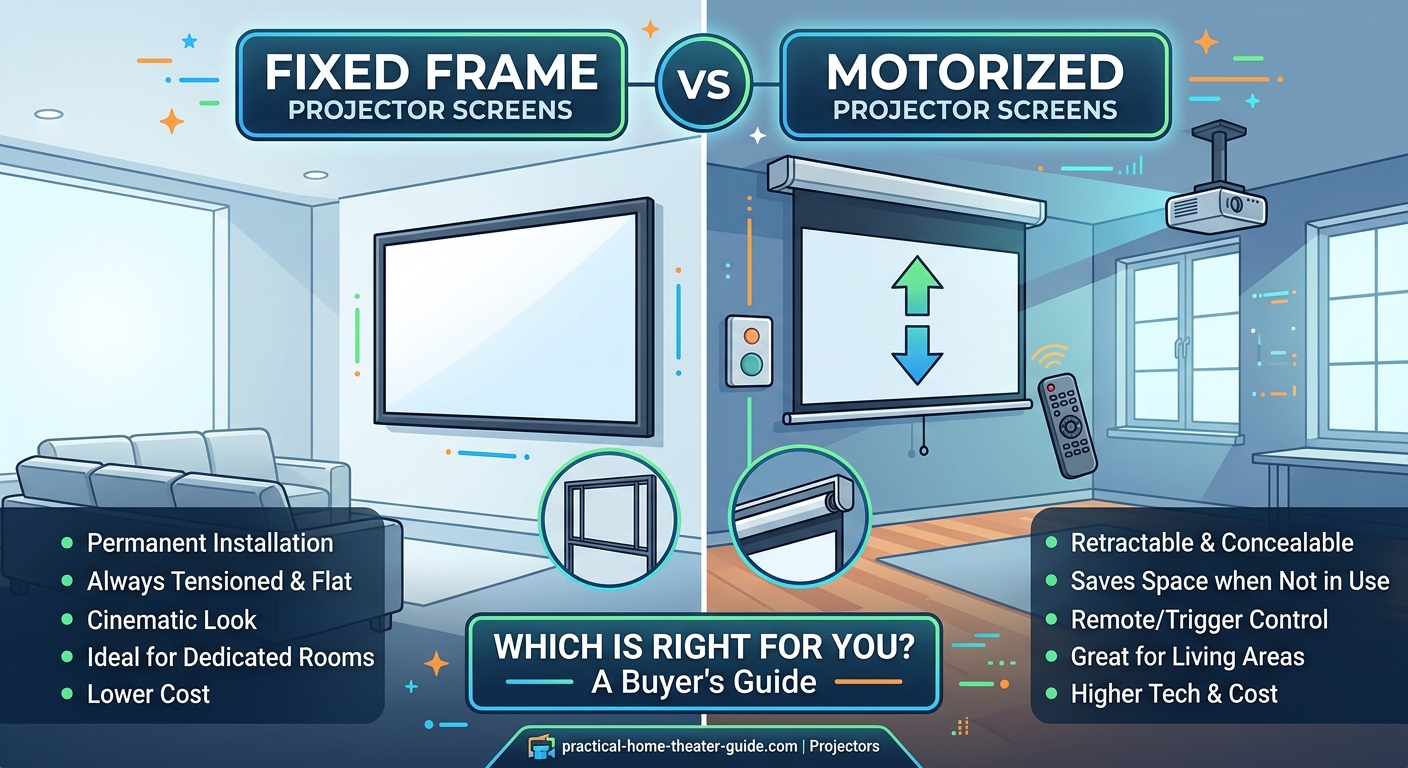
Fixed frame screens need clear, permanent wall space.
Measure your wall carefully. The frame extends beyond the viewing area by 2 to 4 inches on all sides. A 120-inch diagonal screen with a 16:9 ratio measures roughly 104 inches wide and 59 inches tall. Add the frame and you’re mounting something 110 inches wide.
You can’t easily move a fixed frame once installed. The frame comes apart, but you’ll leave mounting holes in your wall.
Motorized screens mount to the ceiling or high on the wall. The housing typically measures 4 to 6 inches in diameter and spans the full width of the screen plus a few inches. Ceiling joists need to support the weight, which ranges from 30 to 60 pounds for residential screens.
Rooms with low ceilings present challenges for motorized installations. The screen needs clearance to descend without hitting furniture or decor. Measure from your ceiling to where the bottom of the screen will sit. Add 6 inches for the housing and mounting hardware.
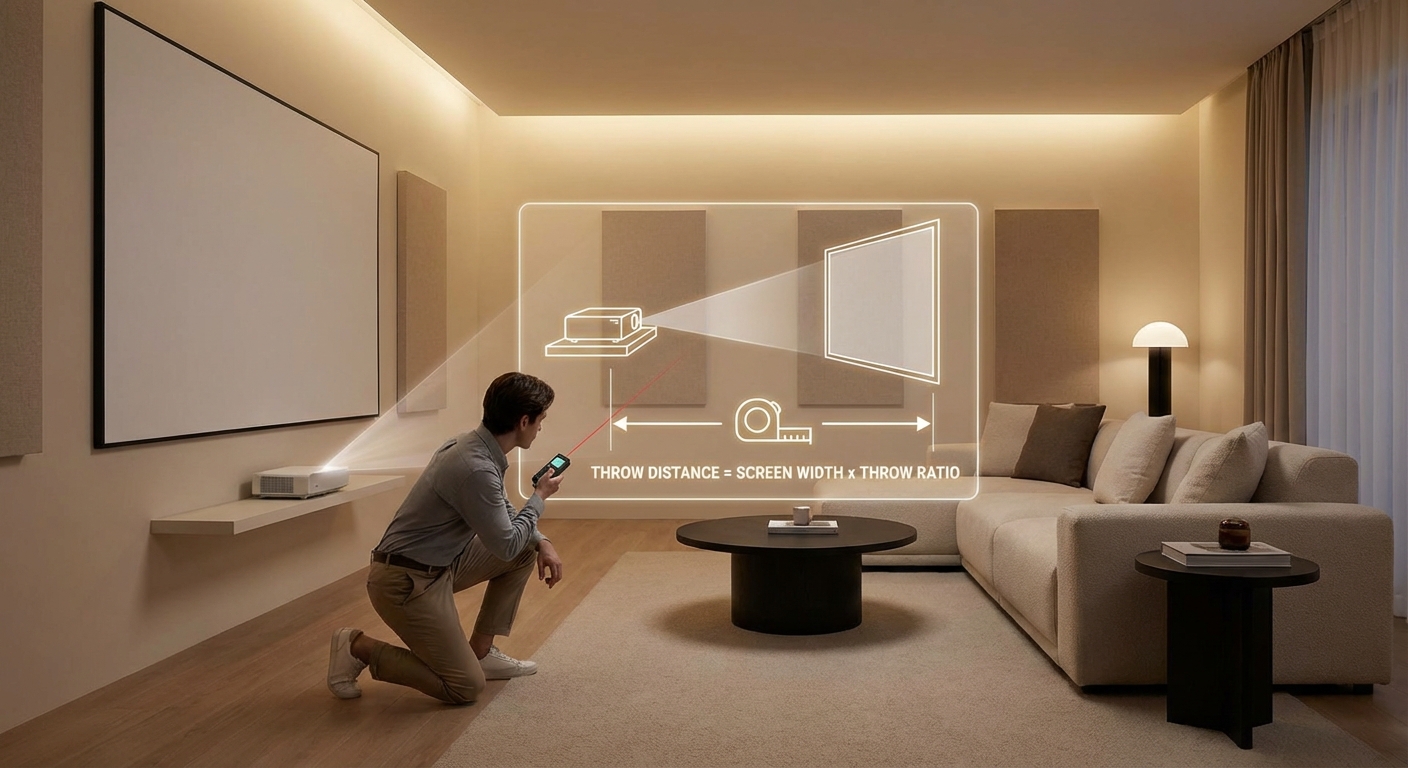
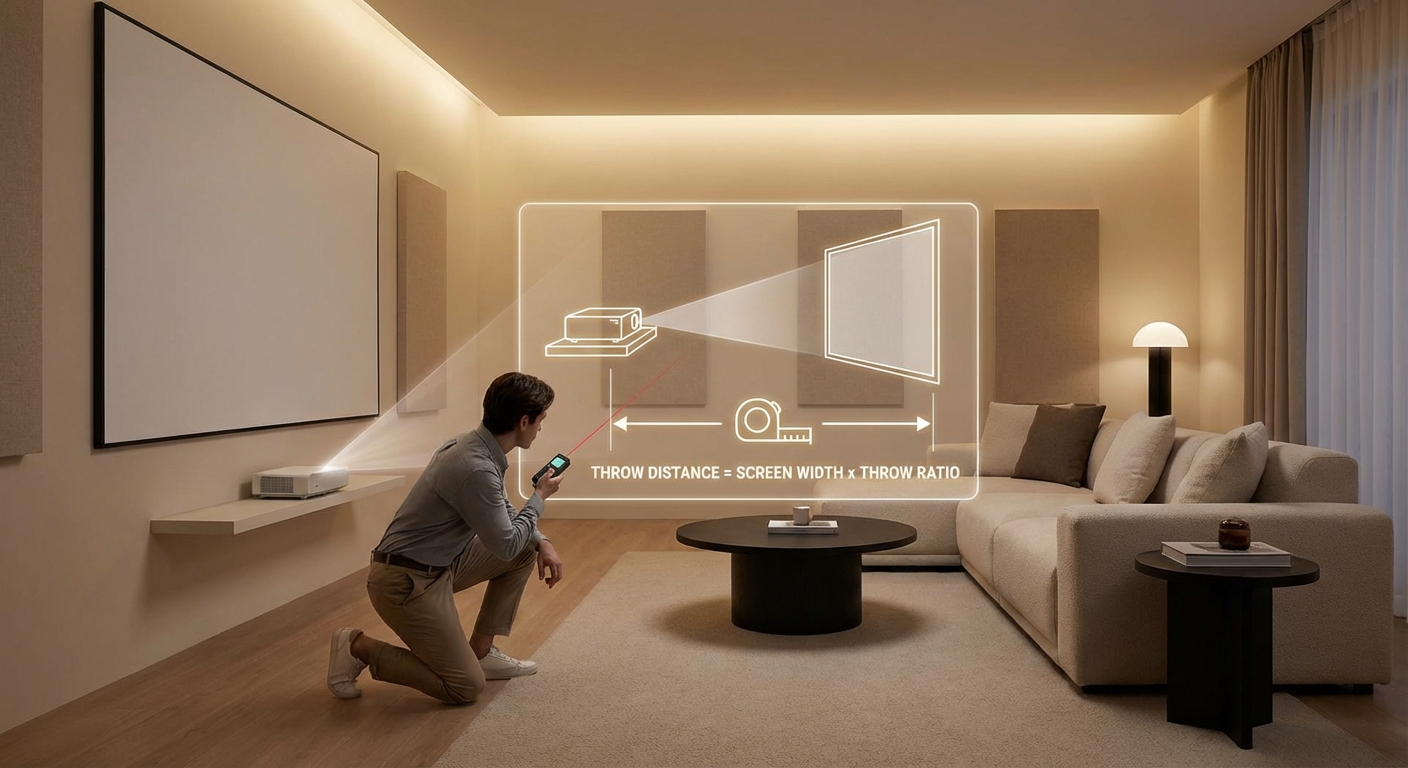
How to calculate projector throw distance for your room size affects screen placement regardless of which type you choose.
Multipurpose room considerations
Motorized screens make sense when your theater doubles as something else.
Living rooms that host movie nights on weekends but serve as regular living spaces during the week benefit from retractable screens. The screen disappears, and your wall returns to normal.
Game rooms, home offices, and guest bedrooms fall into this category too. You want the theater experience when you need it, but not a giant white rectangle staring at you the rest of the time.
Fixed frames work better in dedicated spaces. If you’ve converted a basement or spare bedroom into a theater, that screen can stay visible all the time. Nobody needs the wall space for anything else.
Consider what hangs on that wall currently. Family photos? A TV? Artwork? A fixed frame replaces all of that. You’re committing that wall to theater use.
Motorized screens let you keep your existing wall decor. The screen drops in front of it when needed.
Ambient light and screen material options
Both screen types offer identical material choices.
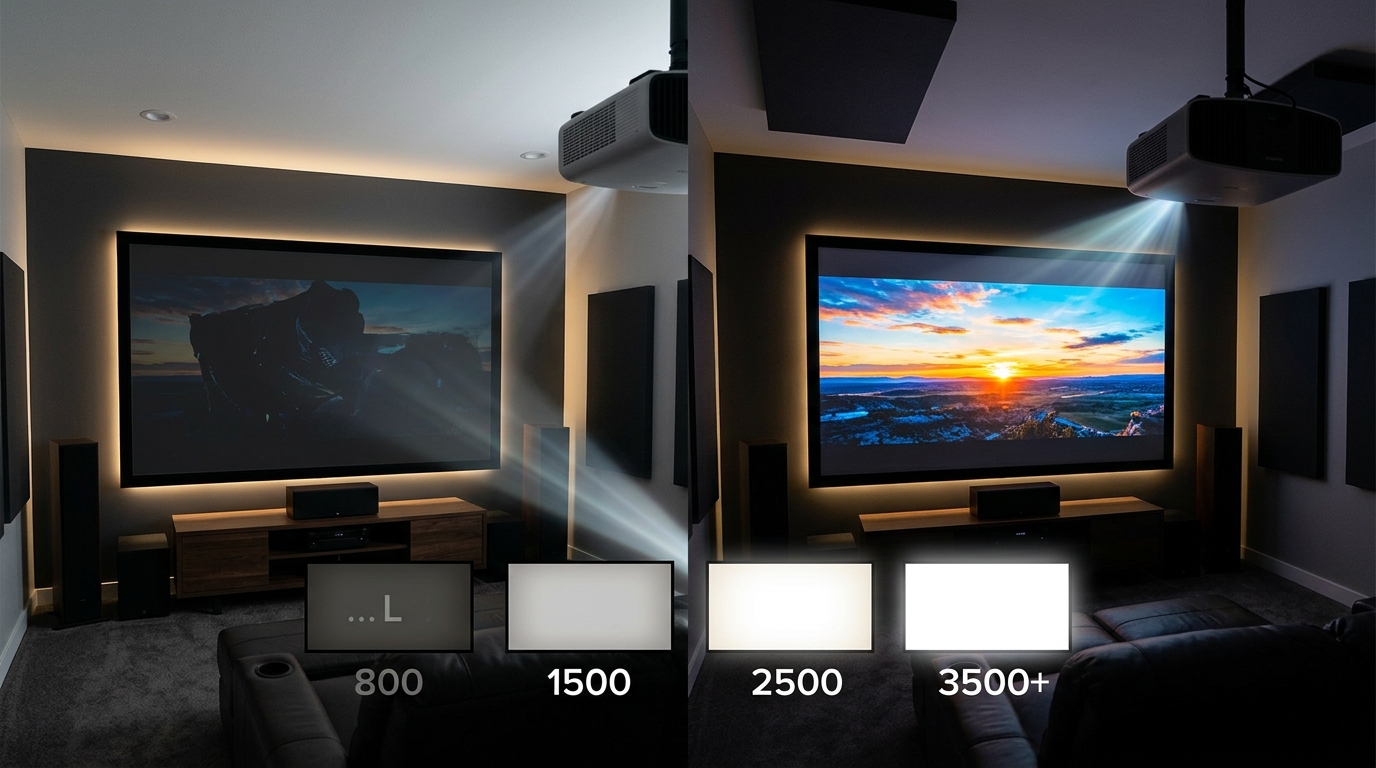
White materials work in dark rooms. Gray materials help with ambient light by absorbing some of it before reflecting the image back to your eyes.
Ambient light rejecting (ALR) materials cost more but perform better in rooms with windows or can lights. These specialized surfaces use angular structures to reject light from above while reflecting projector light from the front.
Fixed frames accommodate any material. You can even buy the frame separately and stretch your own fabric if you want to experiment with different surfaces.
Motorized screens limit your material choices slightly. The fabric needs to roll smoothly without creasing. Some heavier ALR materials work better on fixed frames because they resist the rolling motion.
Gray vs white projector screens explains material selection in detail, but the key point here is that both screen types support most materials.
Rooms with windows or ambient light need either gray or ALR materials regardless of screen type. The mechanical difference between fixed and motorized matters less than choosing the right surface for your lighting conditions.
Maintenance and longevity expectations
Fixed frame screens require almost no maintenance.
Dust the surface occasionally with a microfiber cloth. Don’t use cleaning products unless the manufacturer specifically recommends them. Most screen materials repel dust naturally.
The frame itself lasts decades. Aluminum frames don’t rust or warp. The material might sag slightly after 10 to 15 years, but you can usually retighten it by adjusting the frame corners.
Motorized screens have moving parts that eventually fail.
Motors typically last 5 to 10 years with regular use. Cheaper motors fail sooner. The rolling mechanism can develop issues where the screen doesn’t descend evenly or stops mid-travel.
Remote controls need battery replacements. Wall switches can fail. Automation integrations occasionally lose connection.
Budget an extra $200 to $500 for motor replacement or repair during your screen’s lifetime. Some manufacturers offer extended warranties that cover mechanical failures.
The screen material itself wears similarly on both types. Expect 10 to 15 years before you notice yellowing or loss of brightness. Replacement material costs the same whether you’re re-stretching a fixed frame or ordering a new motorized screen surface.
Step-by-step decision process
Use this method to pick the right screen type for your situation:
-
Identify your room type. Is this a dedicated theater space or does the room serve other purposes daily? Dedicated spaces favor fixed frames. Multipurpose rooms favor motorized screens.
-
Measure your available wall and ceiling space. Can you mount a permanent frame without blocking windows, doors, or existing features? If wall space is tight, consider whether ceiling mounting a motorized screen works better.
-
Calculate your total budget including installation. Add electrical work costs for motorized screens. Compare the total price to fixed frame options that deliver similar picture quality.
-
Assess your ambient light situation. Rooms with windows or can lights need careful material selection regardless of screen type. Dark rooms with light control give you more flexibility.
-
Consider your tolerance for visible equipment. Some people love the clean look of a retracted screen. Others don’t mind a frame on the wall and prefer the better picture quality.
-
Factor in long-term maintenance willingness. Are you comfortable troubleshooting motor issues or would you rather install something that never breaks?
Common mistakes that waste money
Buying a motorized screen for a dedicated theater room wastes money.
You’re paying extra for a feature you don’t need. The screen never retracts because the room only serves one purpose.
Choosing a fixed frame for a living room often leads to regret. That white rectangle dominates the space when you’re not watching movies. Guests ask about it. Kids want to touch it.
Undersizing the screen to make a fixed frame fit ruins the theater experience. If your wall can’t accommodate a proper screen size, a motorized option mounted higher might work better.
Skipping tensioning systems on motorized screens to save $300 creates picture quality issues you’ll notice every time you watch. Either buy a properly tensioned motorized screen or choose a fixed frame instead.
5 common projector setup mistakes covers other installation issues that affect both screen types.
Installing a motorized screen without proper electrical planning leads to visible power cords or expensive rewiring. Plan the electrical run before you buy the screen.
Specific scenarios and recommendations
Dedicated basement theater: Fixed frame screen. You want the best picture quality at the lowest cost. The room exists only for movies and TV. A motorized screen adds complexity without benefits.
Living room with large TV: Motorized screen. Drop it in front of the TV for movie nights. Retract it for daily TV watching. The TV stays functional and the screen appears only when you need the larger image.
Bonus room that hosts guests: Motorized screen. The room serves multiple functions. Guests use it as a bedroom or play area. The screen retracts to return the space to normal.
Home office with presentation needs: Motorized screen. Use it for video calls or presentations, then retract it to restore your office environment. The professional look matters here.
Apartment or rental property: Neither. You can’t mount permanent screens in most rentals. Consider a portable screen with a tripod stand instead. These pack away completely and leave no wall damage.
Outdoor covered patio: Motorized screen. Weather protection matters even under a roof. Retract the screen when not in use to prevent dust, pollen, and moisture exposure.
Screen gain and viewing angle differences
Screen gain measures how much light the material reflects compared to a reference white surface.
A gain of 1.0 reflects light equally in all directions. Higher gain focuses light toward the center seating position. Lower gain spreads light more evenly but appears dimmer.
Fixed frame screens typically offer more gain options. Manufacturers assume these screens go in dedicated spaces where seating positions are fixed. You can choose high-gain materials (1.3 to 1.8) if everyone sits in the center sweet spot.
Motorized screens usually stick to gains between 0.8 and 1.3. The assumption is that multipurpose rooms have varied seating arrangements. Lower gain materials maintain consistent brightness across wider viewing angles.
What screen gain really means provides detailed explanations, but the practical takeaway is simple: fixed frames give you more material choices including specialized high-gain options.
Viewing angle matters more in living rooms than dedicated theaters. If people sit at sharp angles to the screen, choose materials with gain closer to 1.0 regardless of screen type.
Automation and smart home integration
Motorized screens integrate with home automation systems.
You can trigger the screen to lower when you start your projector. The screen retracts automatically when you power everything off. This integration requires compatible equipment and some setup work.
Control4, Crestron, and other automation platforms support most motorized screen brands. The screen connects via RS-232, IP control, or contact closure triggers.
Fixed frame screens obviously don’t integrate with anything. They just sit there.
For some people, this automation justifies the motorized screen cost even in a dedicated theater. Walking into a dark room and having the screen descend as the projector warms up feels polished.
For others, pressing a remote button to lower a screen adds an unnecessary step. The fixed frame is always ready.
Consider whether you already have home automation. If you’re building an integrated system anyway, a motorized screen fits naturally. If you just want to watch movies without fiddling with technology, a fixed frame makes more sense.
Acoustic transparency options
Some screen materials allow sound to pass through.
Acoustically transparent screens let you place speakers behind the screen. This creates better sound imaging because dialogue comes from the actor’s mouth position on screen rather than from speakers beside the screen.
Fixed frame screens offer more acoustically transparent material options. The rigid frame supports heavier perforated or woven materials that allow sound through without sagging.
Motorized screens can use acoustically transparent materials, but the selection is limited. The material needs to roll smoothly, which rules out some perforated options.
If you’re planning to place center and front speakers behind the screen, a fixed frame gives you better material choices. The center channel speaker positioning becomes more flexible when the screen doesn’t block sound.
Most people place speakers around the screen rather than behind it. In that case, acoustic transparency doesn’t matter for your screen decision.
Aspect ratio flexibility
Fixed frame screens lock you into one aspect ratio.
The frame dimensions determine the image shape. A 16:9 frame shows 16:9 content perfectly but letterboxes 2.35:1 movies with black bars above and below.
You can buy fixed frames with masking systems that hide the black bars, but these add significant cost and complexity.
Motorized screens offer more flexibility. You can buy models with multiple stop points. The screen lowers to one height for 16:9 content and extends further for 2.35:1 movies.
Some motorized screens include masking panels that slide in from the sides to adjust the aspect ratio. These cost more but eliminate all black bars regardless of content.
For most people, this flexibility doesn’t matter. Modern projectors handle multiple aspect ratios automatically. You’ll see black bars sometimes, but they don’t ruin the experience.
If you watch a mix of TV shows (16:9) and classic films (various ratios), a motorized screen with adjustable height might justify the extra cost.
Environmental factors and screen protection
Motorized screens protect themselves when retracted.
Dust, pet hair, and airborne particles can’t reach the screen material when it’s rolled up inside the housing. This matters in homes with pets or in rooms that don’t get cleaned frequently.
Fixed frame screens collect dust. You’ll need to clean them periodically. The exposed material can also suffer damage from curious kids or pets who touch it.
Screen materials are more durable than you might think. Light touches don’t usually cause problems. But permanent marker, food, or aggressive cleaning can damage both types.
Rooms with ceiling fans or strong air conditioning vents can cause problems for motorized screens without tensioning. The moving air creates visible ripples in the material. Fixed frames don’t have this issue because the material can’t move.
Temperature and humidity affect both types similarly. Extreme conditions can cause materials to expand or contract slightly. Keep your theater between 60 and 80 degrees Fahrenheit for best results.
Making the final choice
Choose a fixed frame screen when you have a dedicated theater space, want the best possible picture quality, and don’t need the wall space for anything else. You’ll save money and get a flatter surface.
Choose a motorized screen when your room serves multiple purposes, you want equipment to disappear when not in use, or you need aspect ratio flexibility. Accept the higher cost as payment for convenience and space management.
Don’t choose a motorized screen just because it seems fancier. The mechanical complexity adds failure points without improving picture quality. Choose it because you actually need the screen to retract.
Don’t choose a fixed frame if you’re going to resent seeing it on your wall every day. That resentment will stop you from using your theater as often as you planned.
Your projector, room lighting, and seating arrangement matter more than screen type for overall picture quality. Projector lumens explained and how far should you sit from your screen address those factors.
Both screen types deliver excellent results when matched properly to your room and needs. The decision comes down to how you use the space and what you value more: picture quality or flexibility.
Getting your screen installed correctly
Once you’ve picked your screen type, installation quality determines how well it performs.
Fixed frames need level mounting. Use a laser level or a long carpenter’s level to mark your mounting holes. Even a one-degree tilt becomes obvious on a 120-inch screen.
Mount to wall studs whenever possible. Toggle bolts work for drywall-only mounting but use heavy-duty versions rated for the screen weight. Most fixed frames weigh 40 to 70 pounds.
Motorized screens require more planning. Run electrical before you mount the screen. Use a junction box in the ceiling if possible. Surface-mounted conduit works but looks less polished.
Test the screen operation before you finish the installation. Lower and raise it several times to ensure smooth operation. Check for even descent and proper tensioning.
Leave access to the motor housing. You’ll eventually need to replace batteries in the remote or troubleshoot motor issues. Don’t seal the screen behind a soffit without access panels.
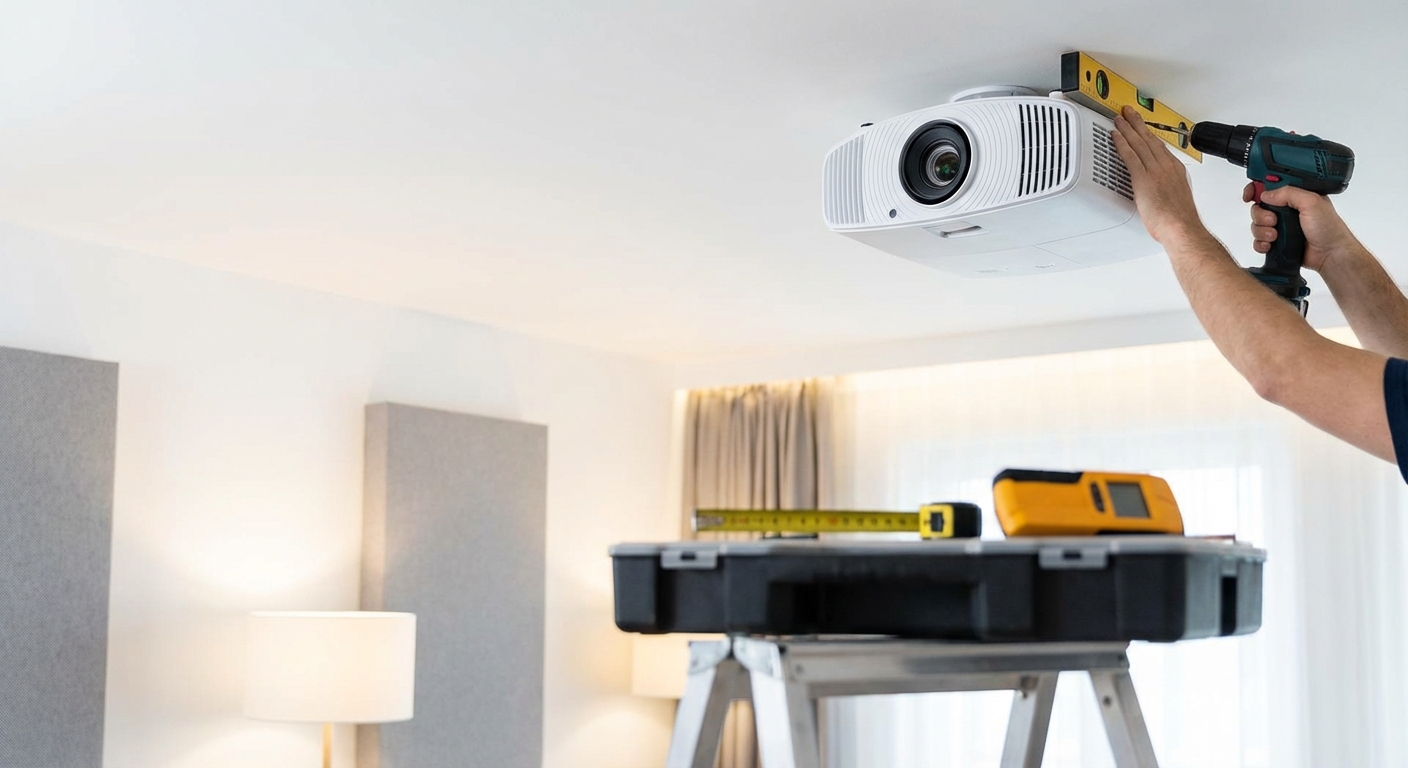
How to mount a projector to the ceiling covers similar installation principles that apply to screen mounting.
Your next step
Pick the screen type that matches your room’s actual use pattern, not the one that sounds cooler or costs more.
Measure your space carefully before ordering. Account for the frame size on fixed screens and the housing dimensions on motorized models.
Order samples of screen materials if the manufacturer offers them. A small 12-inch square lets you test how different materials look with your projector and room lighting.
Plan your installation completely before the screen arrives. Know where power will come from, which tools you need, and whether you’re hiring help or doing it yourself.
The right screen improves every movie you watch for the next decade. Take the time to choose thoughtfully based on your actual needs rather than general advice or marketing claims.





Leave a Reply