
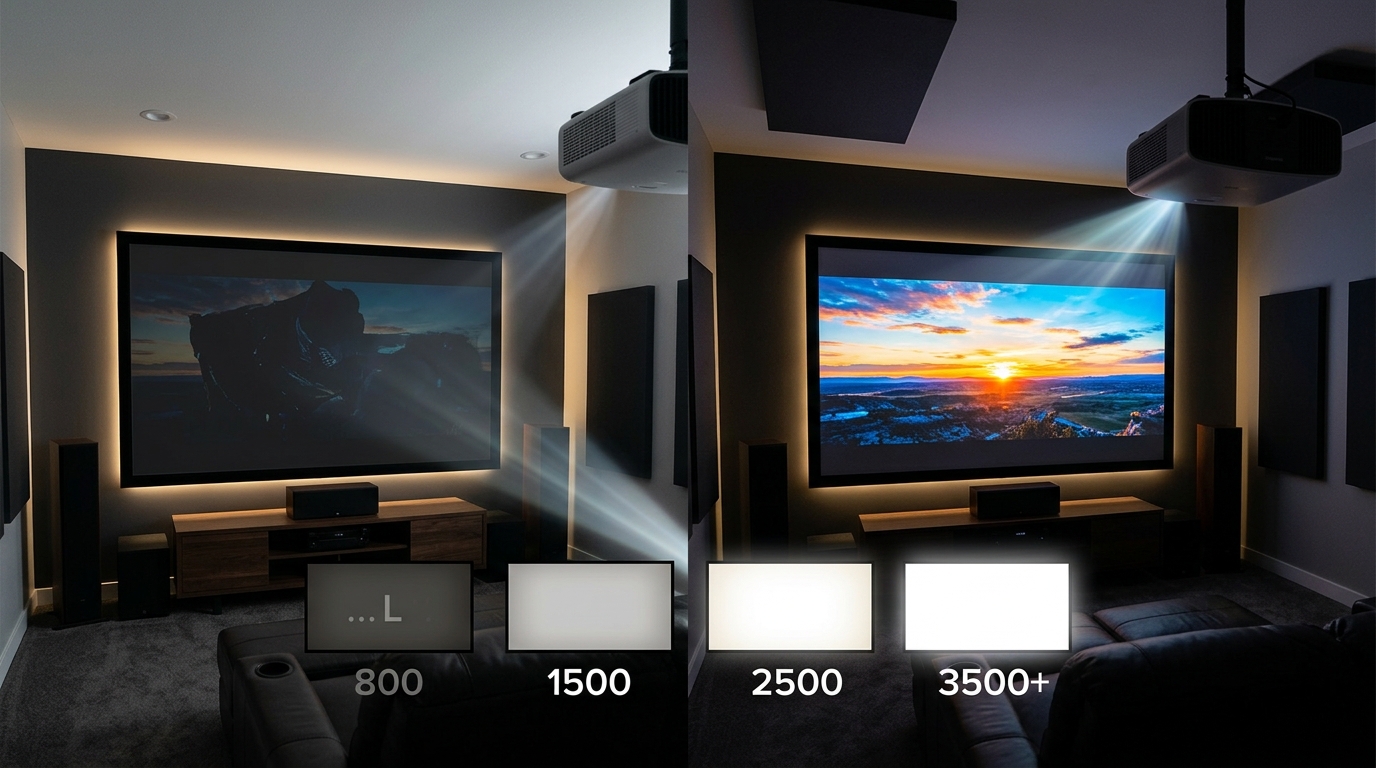
You’re standing in front of a wall of projectors at the store, and every spec sheet screams a different lumen rating. One claims 2,000 lumens. Another boasts 3,500. A third promises cinema-quality images at just 1,500 lumens.
Which one actually works for your living room?
The answer depends on three things: how much light fills your room, how big your screen is, and what you’re watching. Get the brightness wrong, and you’ll either squint at a washed-out image or blow your budget on power you don’t need.
Most home theater projectors need between 1,500 and 3,000 lumens depending on ambient light control. Dedicated dark rooms work fine with 1,500 to 2,000 lumens, while living rooms with some light require 2,500 to 3,500 lumens. Screen size and material also affect brightness needs, with larger screens demanding more lumens to maintain image quality. Understanding your viewing environment helps you avoid underpowered or wasteful purchases.
Understanding What Lumens Actually Measure
Lumens measure the total amount of visible light a projector outputs. Higher numbers mean brighter images.
But brightness alone doesn’t guarantee a good picture.
A 4,000-lumen projector in a pitch-black basement can look harsh and overexposed. A 1,800-lumen model in a sun-filled family room will look pale and gray.
The right brightness depends on your room’s light conditions, not just the biggest number on the box.
Think of lumens like horsepower in a car. A sports car needs more power than a sedan, but driving a race car to the grocery store is overkill. Your projector needs enough brightness to overcome ambient light without washing out colors or creating eye strain.
ANSI Lumens vs Marketing Numbers
Most reputable manufacturers list ANSI lumens, which follow a standardized testing method. This number reflects real-world brightness you can expect.
Some budget brands advertise “LED lumens” or “light source lumens,” which measure the raw LED output before it passes through the projector’s optics. These numbers can be two to three times higher than actual image brightness.
Always look for ANSI lumens when comparing models. If a spec sheet doesn’t specify, assume the number is inflated.
Room Light Conditions and Brightness Requirements
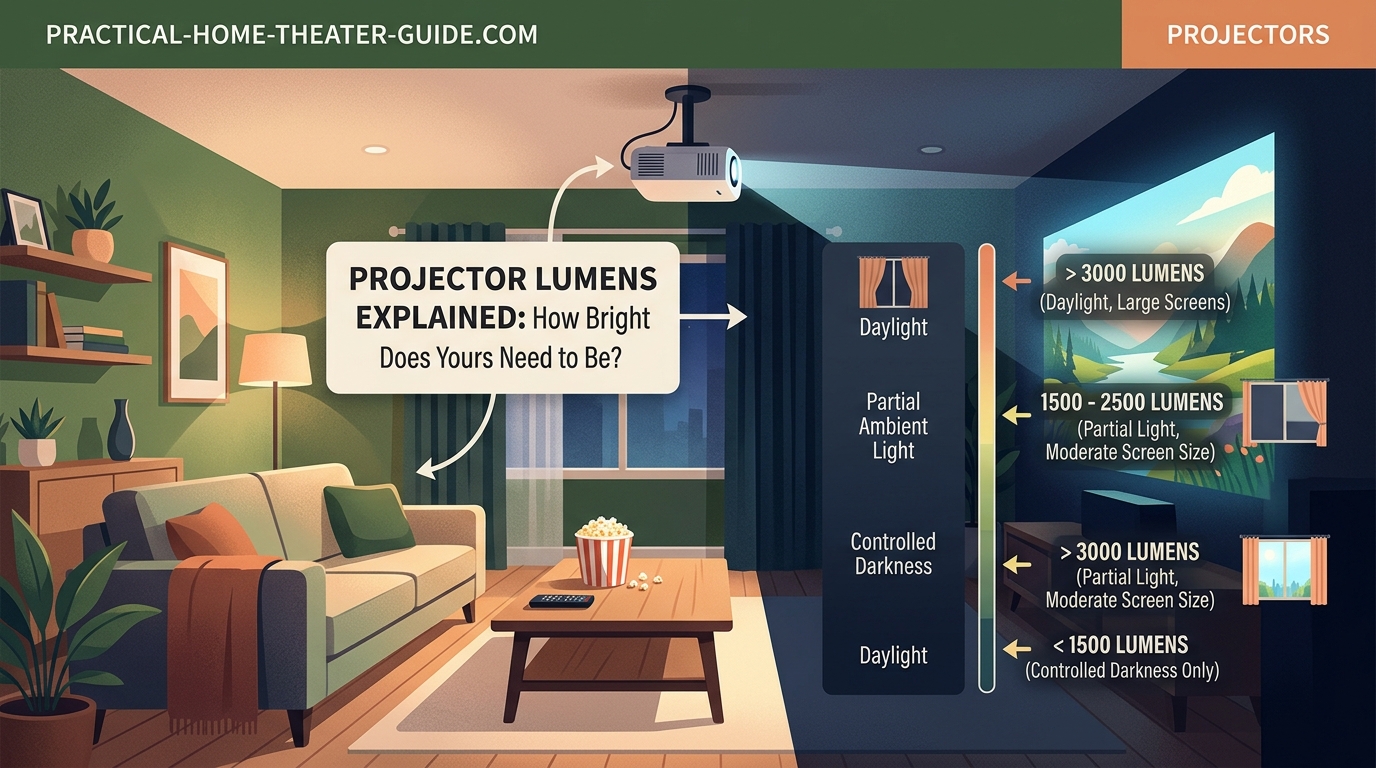
Your room’s ambient light level is the single biggest factor in determining how many lumens you need.
Here’s how different environments affect your requirements:
Dedicated Dark Rooms
A basement theater or media room with blackout curtains and controlled lighting needs the least brightness.
You can get excellent image quality with 1,500 to 2,000 lumens in these spaces. Lower brightness actually helps because it produces deeper blacks and richer colors without overpowering your eyes.
Many cinema purists prefer projectors in this range because they mimic the brightness levels of commercial movie theaters, which typically run between 12 and 16 foot-lamberts on screen.
Living Rooms With Light Control
Family rooms where you can dim lights and close curtains during viewing need more punch.
Target 2,000 to 2,500 lumens for these spaces. You’ll have enough brightness to overcome some ambient light from windows or lamps without needing complete darkness.
This range works well if you watch movies in the evening after sunset but still want the option to leave a lamp on or deal with light spill from adjacent rooms.
Bright Rooms and Daytime Viewing
Living rooms with large windows, open floor plans, or regular daytime use require serious brightness.
You’ll need 2,500 to 3,500 lumens minimum. Some situations call for even more.
If you can’t control light at all, or if you’re setting up in a space with white walls and lots of reflective surfaces, consider 3,500 to 4,000 lumens. Just know that projectors in this range often sacrifice some color accuracy and contrast for raw brightness.
Screen Size Impact on Brightness Needs
Bigger screens spread the same amount of light over a larger area, reducing brightness per square inch.
A 100-inch screen needs roughly four times the lumens of a 50-inch screen to maintain the same perceived brightness, assuming identical viewing conditions.
Here’s a practical breakdown:
| Screen Size | Dark Room | Moderate Light | Bright Room |
|---|---|---|---|
| 80-100 inches | 1,500-1,800 lumens | 2,000-2,500 lumens | 3,000-3,500 lumens |
| 100-120 inches | 1,800-2,200 lumens | 2,500-3,000 lumens | 3,500-4,000 lumens |
| 120-150 inches | 2,200-2,800 lumens | 3,000-3,500 lumens | 4,000+ lumens |
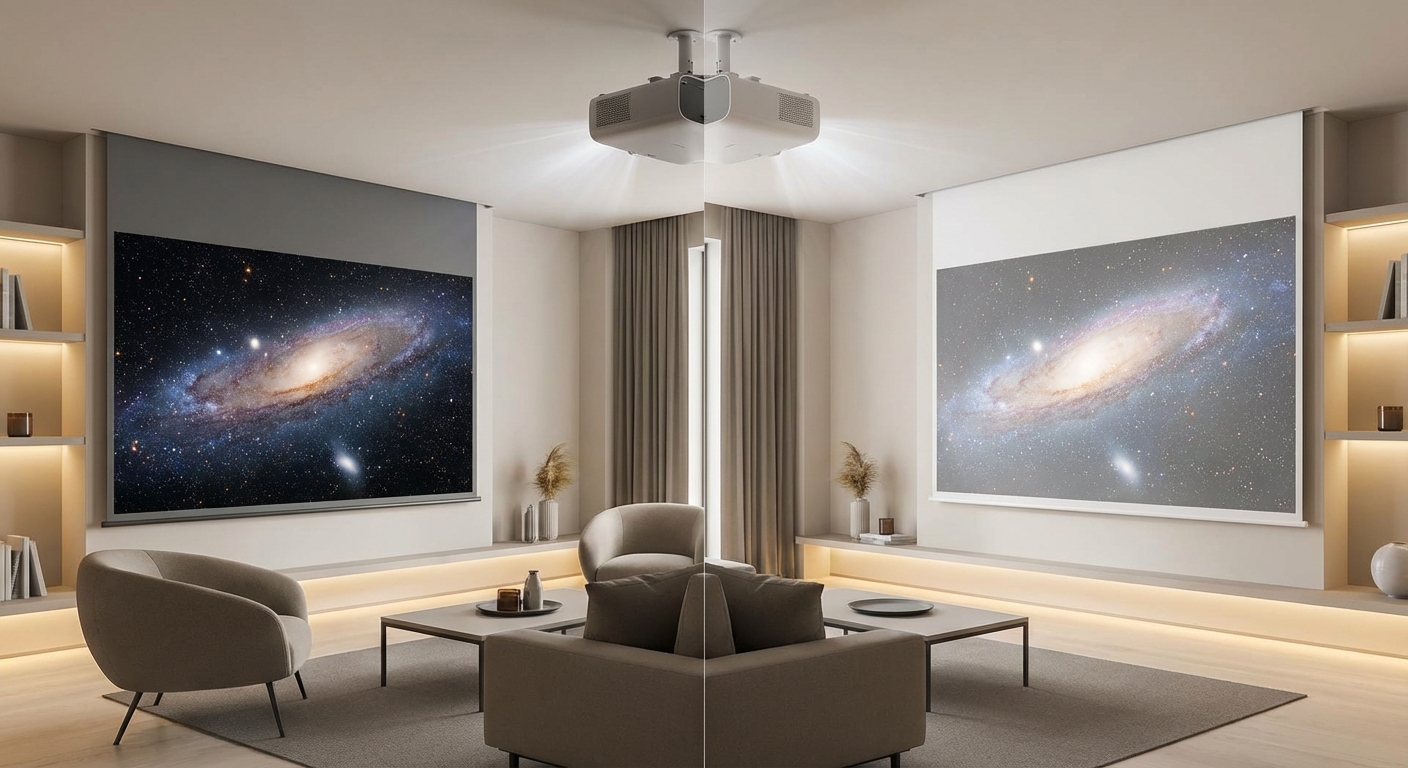
These numbers assume a standard white or gray screen material. Gray vs white projector screens affect how much ambient light rejection you get, which can reduce your lumen requirements in brighter rooms.
Screen Gain and Brightness
Screen gain describes how much a screen reflects light compared to a standard matte white surface.
A gain of 1.0 reflects light evenly in all directions. Higher gain screens (1.3, 1.5, or more) reflect more light toward viewers but narrow the viewing angle.
If you’re using a high-gain screen, you can get away with fewer lumens. A 1.3-gain screen effectively gives you 30% more brightness than a 1.0-gain screen with the same projector.
But high-gain screens can create hot spots and reduce image uniformity if your projector isn’t positioned correctly.
Content Type and Viewing Preferences
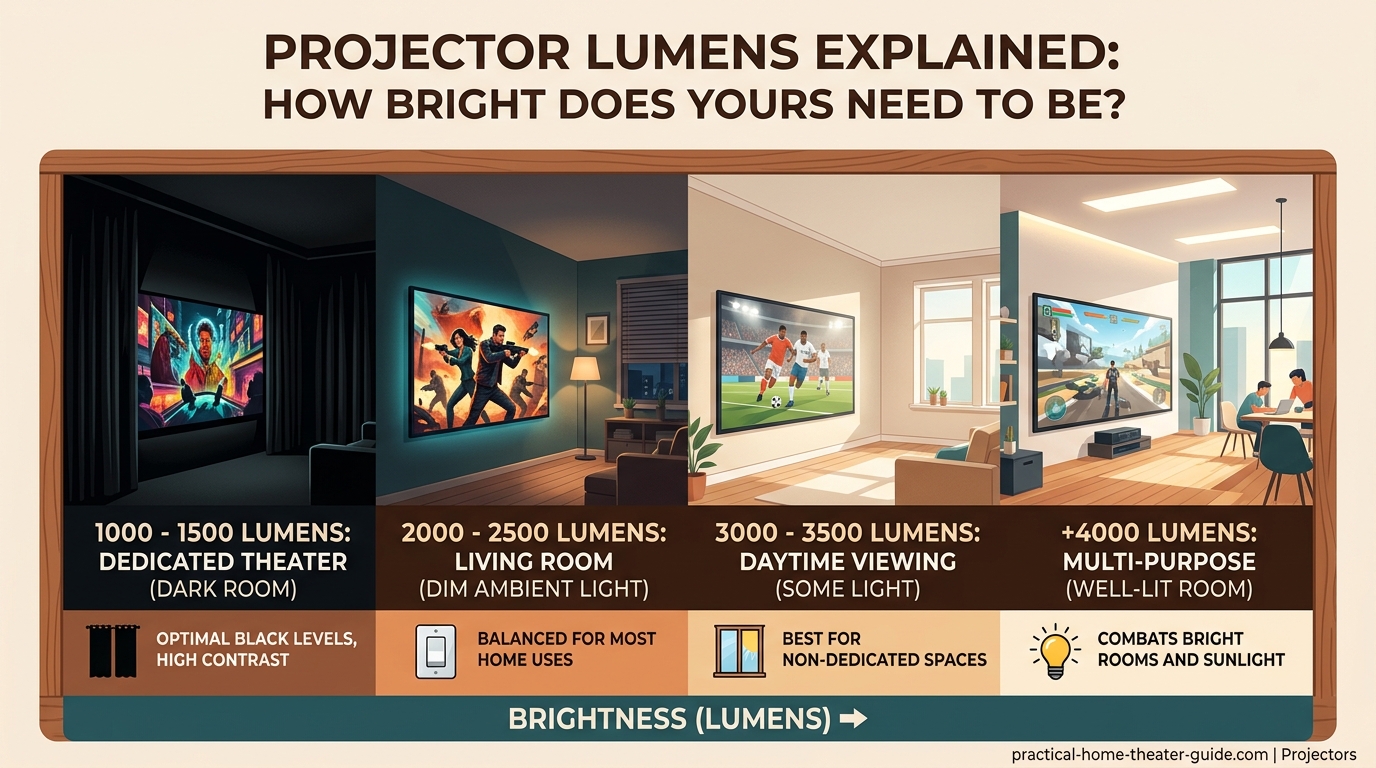
What you watch affects how much brightness you need.
Movies and TV Shows
Cinematic content looks best at lower brightness levels that preserve shadow detail and color depth.
If you’re primarily watching films, aim for the lower end of your room’s recommended range. A 1,800-lumen projector in a dark room delivers the theatrical experience most directors intended.
Sports and Gaming
Fast-moving content with bright scenes benefits from extra lumens.
Sports broadcasts, especially daytime games, look better with 2,500 to 3,000 lumens even in controlled lighting. The extra brightness makes the action feel more vibrant and reduces eye strain during long viewing sessions.
Gaming follows similar rules, particularly if you play during the day or in spaces where you can’t eliminate all ambient light.
Presentations and Business Use
Office environments almost always need maximum brightness.
Conference rooms with overhead fluorescent lights require 3,000 to 4,000 lumens minimum. Some spaces with lots of windows or no light control need 4,500+ lumens.
Text and data presentations demand higher brightness than video content because small details become illegible when washed out by ambient light.
Step-by-Step Process to Calculate Your Lumen Needs
Follow this method to determine the right brightness for your specific setup:
-
Measure your screen size. Decide on your diagonal screen measurement in inches. If you haven’t chosen a screen yet, use the viewing distance formula: multiply your seating distance in inches by 0.6 for a minimum size and 0.84 for maximum size.
-
Assess your room’s light control. Sit in your viewing position at the time you’ll typically watch. Can you make the room completely dark? Is there light spill from hallways or adjacent rooms? Do windows let in daylight even with curtains closed?
-
Determine your screen material. If you already have a screen, check its gain rating. Most standard screens are 1.0 to 1.1 gain. Specialized ambient light rejecting screens might be higher.
-
Apply the baseline formula. Start with these minimums: 15 lumens per square foot of screen in dark rooms, 25 lumens per square foot in moderate light, 40 lumens per square foot in bright rooms.
-
Calculate screen area. For a 16:9 screen, multiply diagonal measurement by 0.4175 to get square feet. (A 100-inch diagonal screen is about 41.75 square feet.)
-
Multiply area by lumens per square foot. A 100-inch screen in a dark room needs at least 626 lumens (41.75 × 15). In moderate light, you’d need 1,044 lumens. In bright conditions, 1,670 lumens.
-
Add a 20-30% buffer. Projector brightness decreases over time as the lamp or LED ages. Build in headroom so your image stays bright for years.
Following this process for a 120-inch screen in a living room with moderate light control gives you a target of around 2,400 to 2,800 lumens after adding your buffer.
Common Brightness Mistakes That Waste Money
Many first-time buyers either overbuy or underbuy based on misleading information.
Buying Too Much Brightness for Dark Rooms
A 3,500-lumen projector in a dedicated theater room creates more problems than it solves.
Excessive brightness crushes black levels, makes dark scenes look gray, and causes eye fatigue. You’ll end up running the projector in its dimmest mode, which often reduces color accuracy and introduces other image quality issues.
If you have good light control, resist the temptation to buy the brightest model. You’ll get better picture quality from a properly-matched projector.
Trusting Manufacturer Claims Without Research
Budget projectors often advertise absurdly high lumen counts that don’t match real performance.
A $200 projector claiming 8,000 lumens is lying. Period.
Real projectors with that much brightness cost thousands of dollars and require substantial cooling systems. If the price seems too good to be true, the lumen rating is probably inflated by 300% or more.
Ignoring Lamp Life and Replacement Costs
Lamp-based projectors lose 20-30% of their brightness over their rated lamp life.
A 2,000-lumen projector might only output 1,400 to 1,600 lumens after 2,000 hours of use. Replacement lamps cost $100 to $400 depending on the model.
LED and laser projectors maintain brightness much longer, typically losing only 10-15% over 20,000 hours. They cost more upfront but save money on replacements.
Factor in long-term brightness degradation when choosing your initial lumen rating. If you need 2,000 lumens at the end of the lamp’s life, buy a 2,500-lumen projector.
Forgetting About Throw Distance
Projector brightness isn’t the only technical spec that matters for your setup.
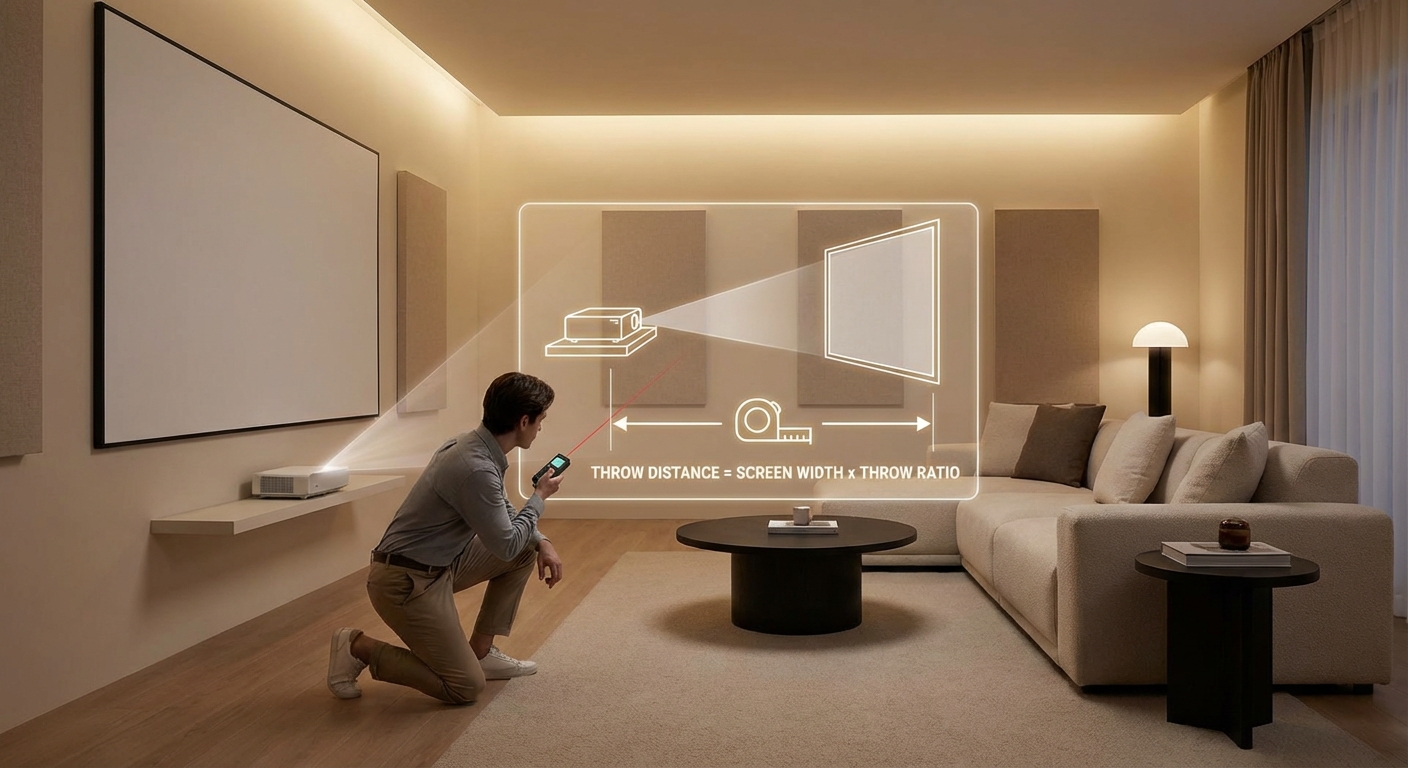
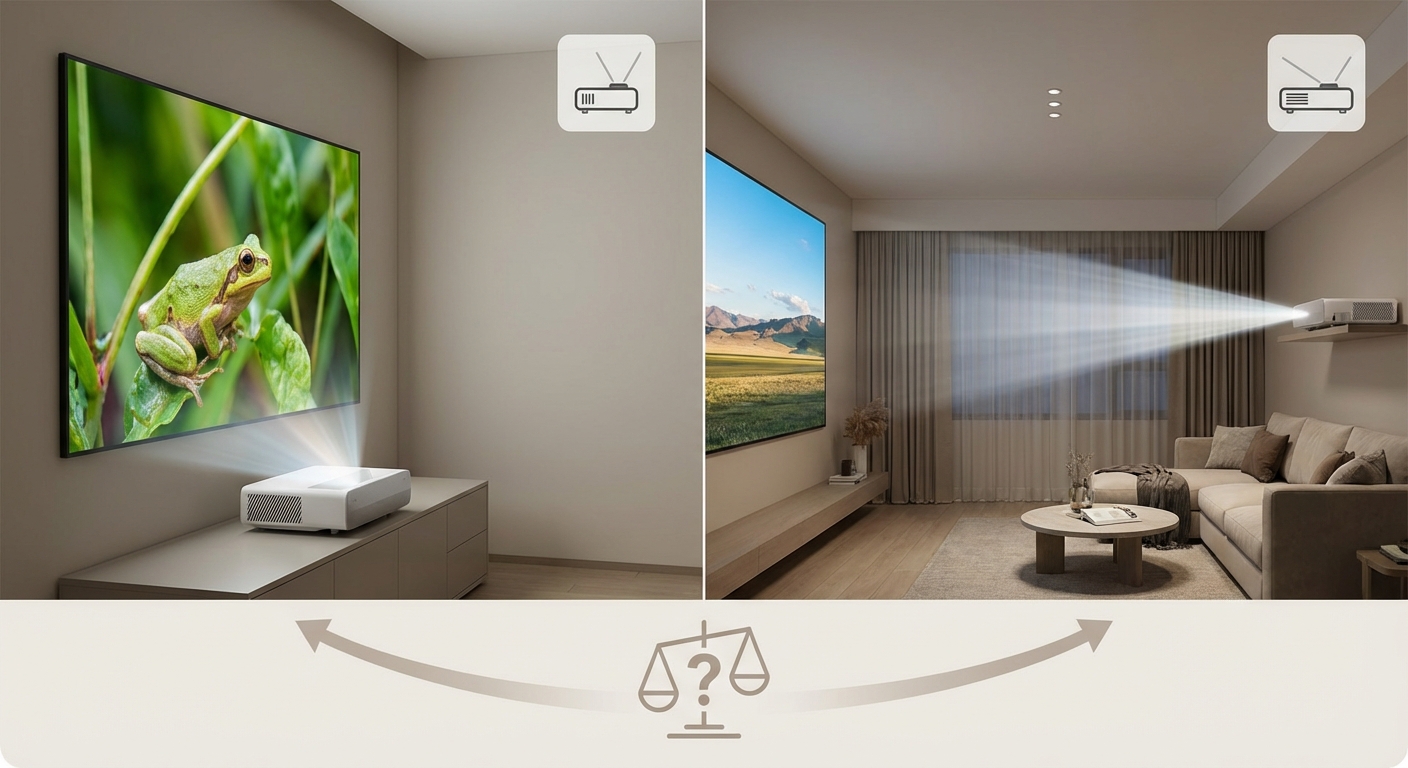
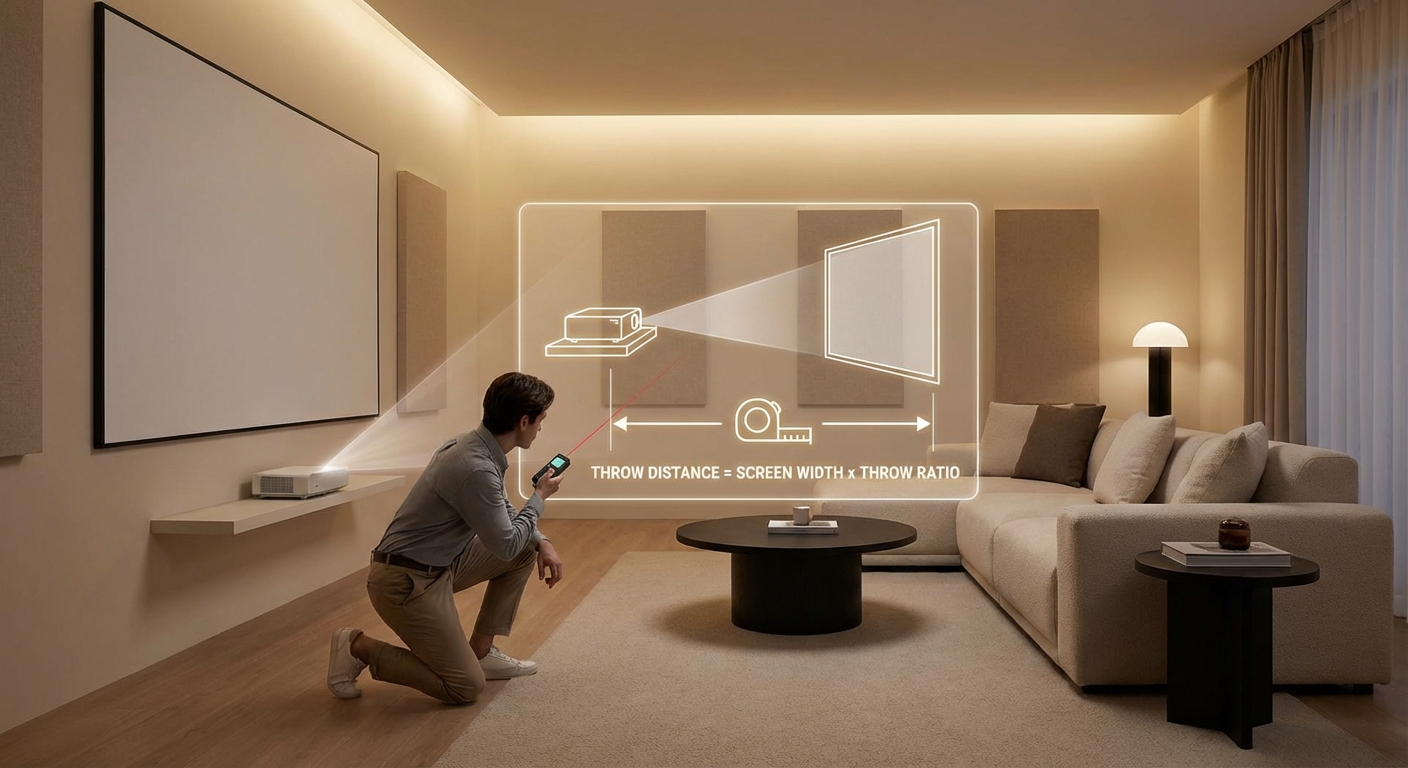
How to calculate projector throw distance for your room size determines whether a projector can even fill your screen from your available mounting position. Some high-lumen models are long-throw designs that won’t work in smaller rooms.
Real-World Brightness Scenarios
Let’s look at specific setups and appropriate lumen ranges:
Basement Home Theater (100-inch screen)
Complete light control with blackout curtains and dark walls. Primarily used for movies and streaming shows in the evening.
Recommended range: 1,500 to 2,000 lumens
A projector in this range delivers deep blacks and accurate colors. The viewing experience matches what you’d get in a commercial cinema. Models like entry-level Epson or BenQ home theater projectors work perfectly here.
Family Room Setup (110-inch screen)
Living room with windows covered by regular curtains. Some light spill from kitchen and hallway. Used for movies after dinner and weekend sports viewing.
Recommended range: 2,200 to 2,800 lumens
This brightness level handles ambient light from adjacent rooms while maintaining good color saturation. You can dim the lights for serious movie watching or leave them on for casual viewing.
Multi-Purpose Living Space (120-inch screen)
Open floor plan with large windows and light-colored walls. Regular daytime use for sports, news, and gaming. Evening movie watching with reduced but not eliminated ambient light.
Recommended range: 3,000 to 3,500 lumens
You need serious brightness to overcome reflective surfaces and window light. Consider an ambient light rejecting screen to boost effective contrast. What screen gain really means and how it affects your home theater becomes particularly important in these challenging environments.
Conference Room (80-inch screen)
Office space with fluorescent overhead lights and windows with blinds. Used for presentations, video calls, and data visualization throughout the workday.
Recommended range: 3,500 to 4,500 lumens
Business environments demand maximum brightness. Text readability and image clarity under full room lighting are the priorities. Color accuracy matters less than visibility.
Brightness vs Other Image Quality Factors
Lumens tell only part of the story.
Contrast ratio, color accuracy, and resolution all contribute to perceived image quality. A 2,000-lumen projector with excellent contrast often looks better than a 3,000-lumen model with poor black levels.
Focus on finding the right brightness for your room first, then compare contrast and color performance within that brightness range. A perfectly-matched projector with slightly lower lumens will always beat an overpowered model with mediocre image processing.
HDR and Brightness Requirements
HDR content requires more brightness than standard dynamic range material to display highlights properly.
Most HDR recommendations suggest at least 2,000 lumens for acceptable performance in dark rooms. Brighter is better for HDR, but only if the projector can maintain good color volume at higher brightness levels.
Many budget projectors claim HDR support but lack the brightness and contrast to do it justice. If HDR is important to you, target 2,500+ lumens and verify the projector’s HDR performance through reviews.
Testing Brightness Before You Buy
If possible, see projectors in person before purchasing.
Showroom Viewing Tips
Store displays often run projectors in their brightest modes under harsh lighting to make them look impressive. This doesn’t reflect how they’ll perform in your home.
Ask to see the projector in its cinema or movie mode, which typically offers the best color accuracy. If the store has a demo room, request a viewing with lighting similar to your setup.
Pay attention to black levels and shadow detail, not just peak brightness. A washed-out image with gray blacks indicates too much brightness for the viewing conditions.
Return Policies Matter
Buy from retailers with generous return windows.
Even careful research can’t perfectly predict how a projector will look in your specific room. Being able to return or exchange the unit within 30 to 60 days gives you time to test it in real-world conditions.
Adjusting Brightness After Installation
Most projectors offer multiple picture modes with different brightness levels.
Bright or Dynamic modes maximize lumens but sacrifice color accuracy. Cinema or Movie modes reduce brightness by 20-30% but deliver better image quality.
You might find that a 2,500-lumen projector in Cinema mode gives you the 1,800 to 2,000 lumens you actually need with superior color performance.
This flexibility means buying slightly more brightness than you think you need isn’t wasteful, as long as you don’t go overboard. You can always reduce output through picture modes, but you can’t add brightness that isn’t there.
Eco Mode Considerations
Eco mode reduces lamp power to extend bulb life and lower fan noise. It typically cuts brightness by 20-30%.
If you’re borderline on brightness requirements, avoid relying on eco mode. You’ll want that extra output available when you need it.
But if you have brightness to spare, eco mode offers real benefits. Quieter operation, longer lamp life, and lower power consumption make it attractive for dedicated theater rooms where you don’t need maximum output.
When to Choose Lower Brightness
More lumens isn’t always better.
Serious home theater enthusiasts often prefer projectors in the 1,500 to 2,200 lumen range because they deliver superior contrast and color accuracy.
If you’re building a dedicated viewing room with complete light control, prioritize image quality over raw brightness. The most cinematic experience comes from properly-matched brightness levels, not maximum output.
Consider how 5 common projector setup mistakes that ruin your picture quality often involve brightness mismatches that could have been avoided with better planning.
Choosing the Right Brightness for Your Space
Getting brightness right makes everything else about your projector setup easier.
Too little, and you’ll fight washed-out images and poor contrast. Too much, and you’ll deal with eye strain and diminished black levels.
Start by honestly assessing your room’s light conditions. Measure your planned screen size. Calculate your baseline needs, then add a buffer for lamp degradation.
Don’t get distracted by marketing claims or the temptation to buy the brightest model available. The right amount of brightness for your specific viewing environment will always deliver better results than raw power you don’t need.
Your viewing experience depends on matching the projector to the room, not forcing the room to accommodate an ill-suited projector. Take the time to get your lumen requirements right, and everything else falls into place.

Leave a Reply