

Thinking about upgrading your home theater setup? You might be wondering whether a 4K or 8K TV is the right fit. Both options promise incredible picture quality, but understanding their differences can help you choose the right gear. As technology advances, 8K TVs are becoming more common, but are they worth the investment? Let’s break down what each resolution offers and how to make an informed decision that fits your viewing habits and budget.
Choosing between 4K and 8K TVs depends on your room size, content availability, and budget. While 8K offers sharper images, 4K remains more practical for most home theaters today. Consider your viewing distance and content sources to make the best choice for your space.
Understanding 4K and 8K resolution basics
What is 4K resolution?
4K, also known as Ultra HD, features a resolution of 3840 x 2160 pixels. This means four times the pixel count of standard 1080p HD, resulting in sharper images and more detail. Most streaming services, Blu-ray discs, and gaming consoles now support 4K content. Its popularity is driven by a perfect balance of excellent image quality and affordability. For most home theater setups, 4K delivers stunning visuals without demanding overly large screens or specialized content.
What is 8K resolution?
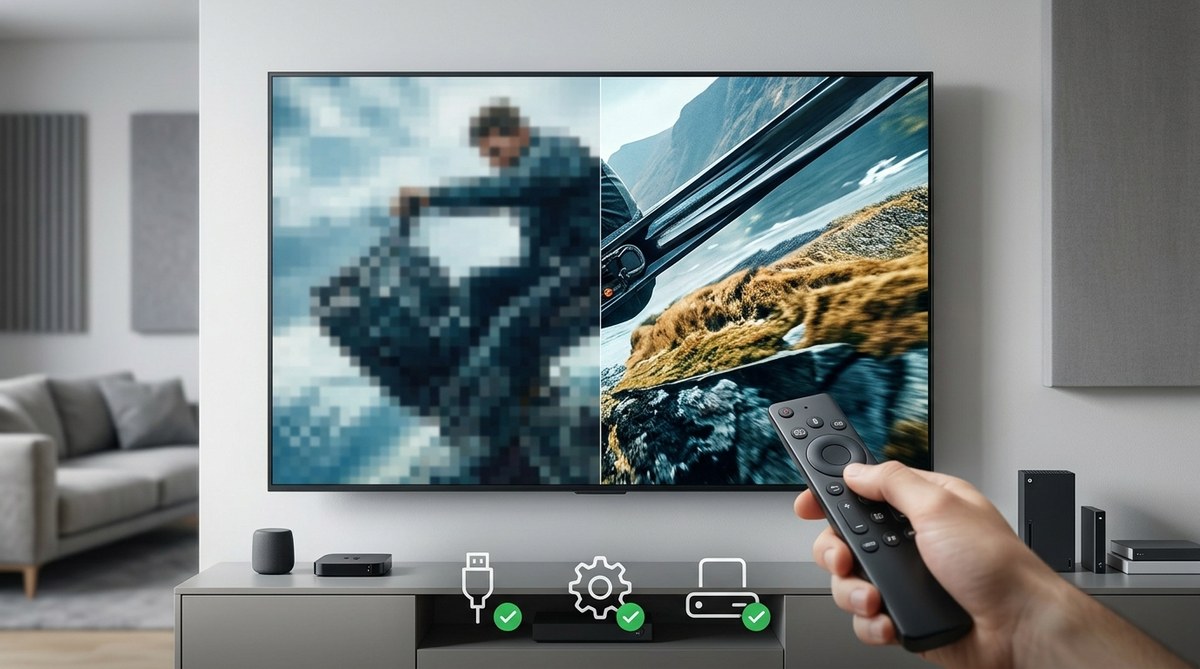
8K doubles the pixel count of 4K, coming in at 7680 x 4320 pixels. This creates an image with four times the pixels of 4K, promising even more detail and clarity. While 8K TVs are now available from brands like Samsung and Sony, native 8K content remains limited. Most users rely on upscaling technology to enhance lower-resolution footage. The main appeal of 8K is future-proofing, with the potential for sharper images as content and broadcasting standards evolve.
Comparing 4K and 8K in a home theater setting
Screen size and viewing distance
The benefit of higher resolution becomes more noticeable on larger screens. If you plan to mount a 75-inch or bigger TV, 8K can deliver crisper images at close viewing distances. However, at typical living room distances of 8 to 10 feet, the difference between 4K and 8K may be subtle. For smaller screens, 4K often provides all the detail you need without the added cost of an 8K set.
Content availability and quality
Most streaming platforms like Netflix, Amazon Prime, and Disney+ primarily offer 4K content. While some select titles are available in 8K, the library is tiny. Blu-ray discs are mostly 4K compatible, and 8K content is scarce. Upscaling technology in 8K TVs can improve lower-resolution footage, but it cannot replace true native 8K content. Therefore, unless you are an early adopter or have specific 8K content, a 4K TV suffices for most viewers.
Price and value
8K TVs typically cost significantly more than their 4K counterparts. The premium is due to higher manufacturing costs and newer technology. For the same budget, you might get a larger or better-quality 4K TV. As 8K content and broadcasting develop, prices are expected to drop, but right now, 4K offers a more practical balance of price and performance.
Upscaling and processing
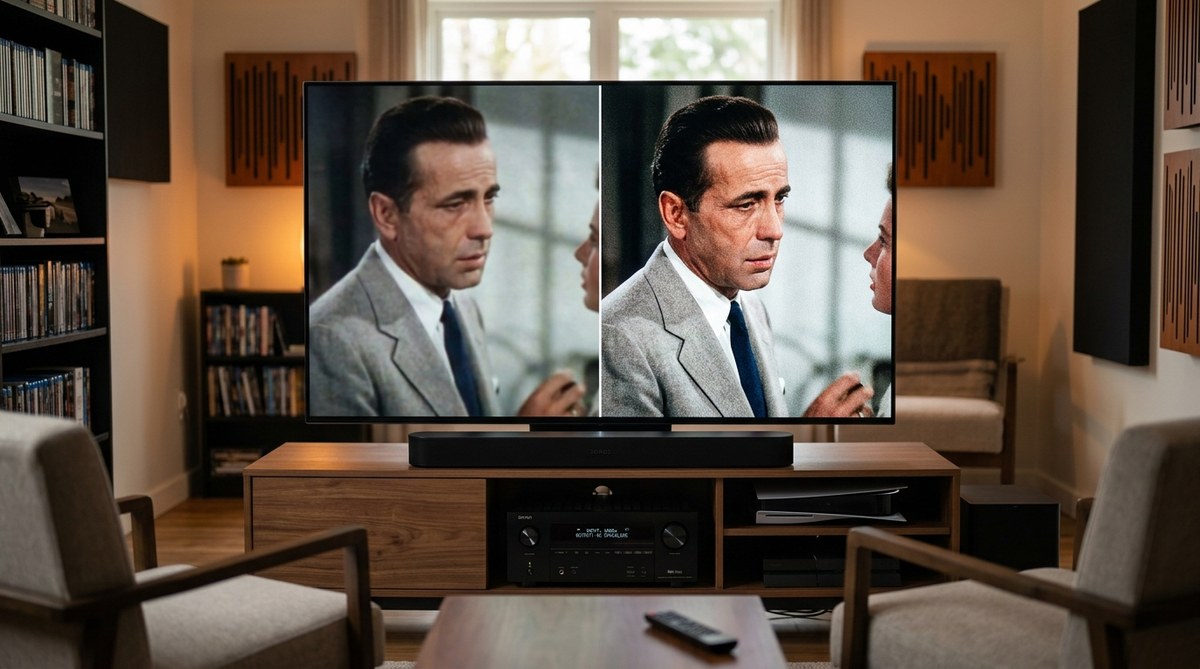
Modern 8K TVs incorporate sophisticated upscaling algorithms to enhance 4K and lower-resolution content. While these can deliver impressive images, they are still relying on software tricks rather than native resolution. Experts suggest that for most home theater setups, focusing on a high-quality 4K TV with good processing features offers excellent results without needing to chase the 8K hype.
Practical steps to choose your perfect display
- Assess your room size and viewing distance: Larger screens benefit more from 8K resolution if you sit close. For typical living rooms, 4K is usually sufficient.
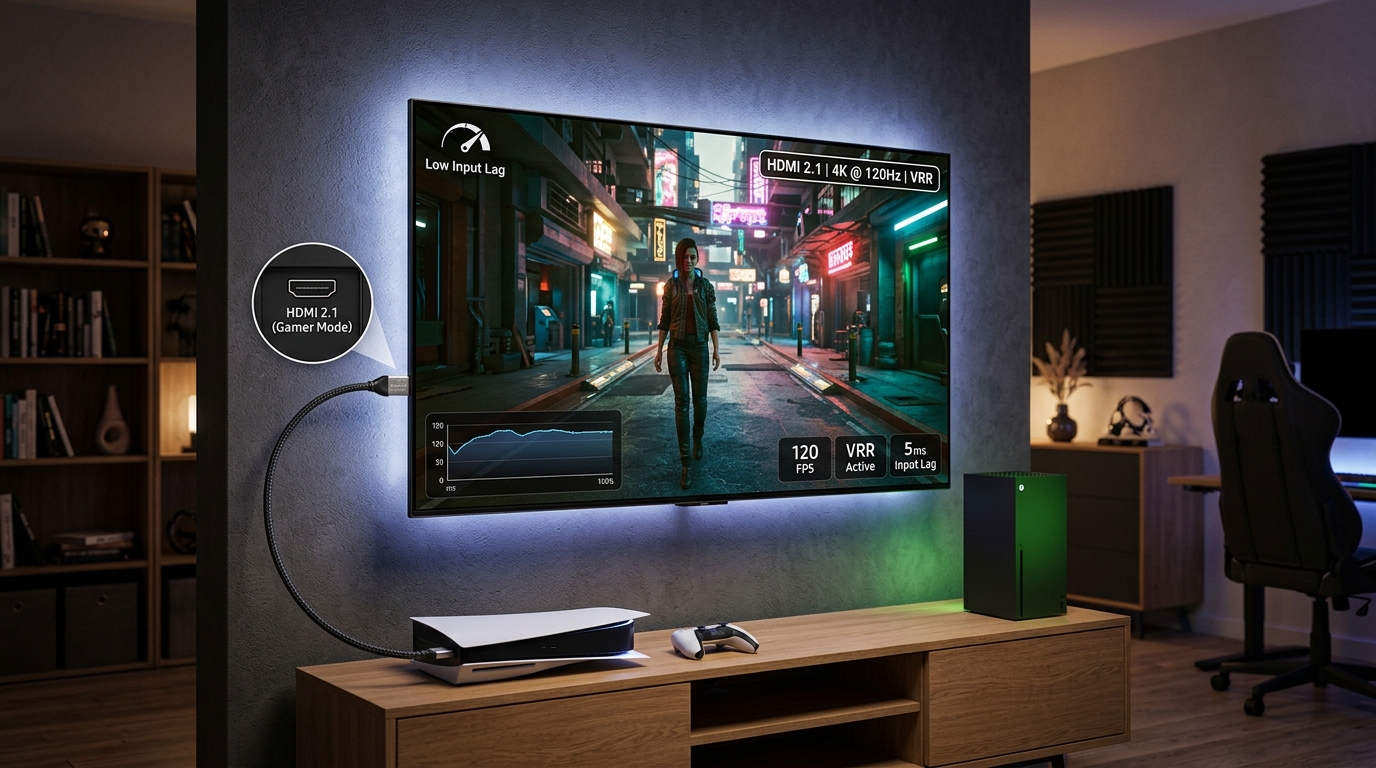
- Evaluate your content sources: Do you stream a lot of 4K content? Are you a gaming enthusiast with a compatible console? If yes, a 4K TV will meet your needs.
- Set a budget: Consider how much you want to spend. If budget is tight, investing in a top-tier 4K model makes more sense.
- Think about future-proofing: If you want to stay ahead of the curve and can afford it, an 8K TV might be worth considering. Just remember that content will be limited for some years.
| Techniques | Mistakes to Avoid |
|---|---|
| Overlooking room size and viewing distance | Buying a large 8K TV without close seating can diminish its benefits |
| Ignoring content compatibility | Choosing an 8K TV when most content is 4K or lower |
| Focusing solely on resolution | Prioritize picture processing, HDR, and contrast features |
| Not considering upscaling capabilities | Check if the TV has good upscaling to improve lower-res content |
Experts agree that for most home theater enthusiasts, a premium 4K TV offers better value today. As one industry insider mentions, “The difference between 4K and 8K is remarkable on paper, but real-world benefits are limited until native 8K content becomes mainstream.”
Frequently asked questions about 4K and 8K TVs
Is 8K resolution worth it for home theater use?
In most cases, no. The scarcity of native 8K content and the high price make 8K less practical for everyday home theater enjoyment. It may be more beneficial to invest in a quality 4K model with excellent color accuracy, contrast, and upscaling.
Can I see the difference between 4K and 8K on a typical home setup?
On smaller screens or at typical viewing distances, the difference is often hard to notice. Larger screens and closer seating arrangements make the 8K advantage more visible, but only if your content is native 8K.
Will my existing 4K content look worse on an 8K TV?
No. Most 8K TVs excel at upscaling 4K and lower-resolution content. The images will look comparable or even better due to improved processing technology.
How do I set up my new TV for the best picture quality?
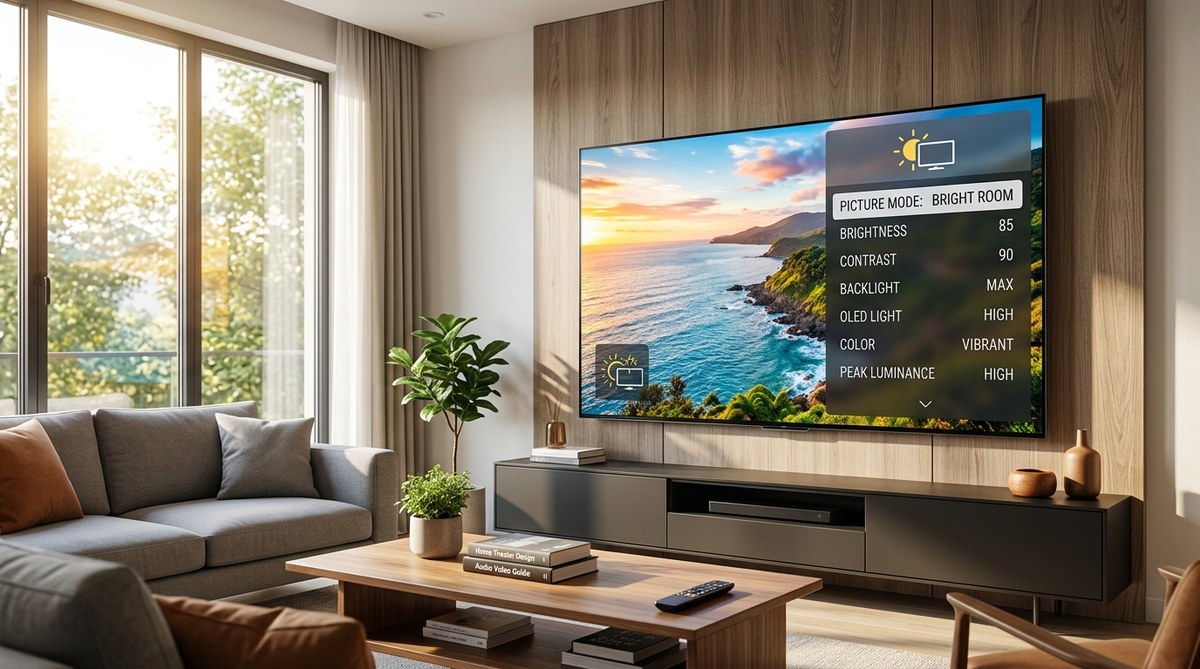
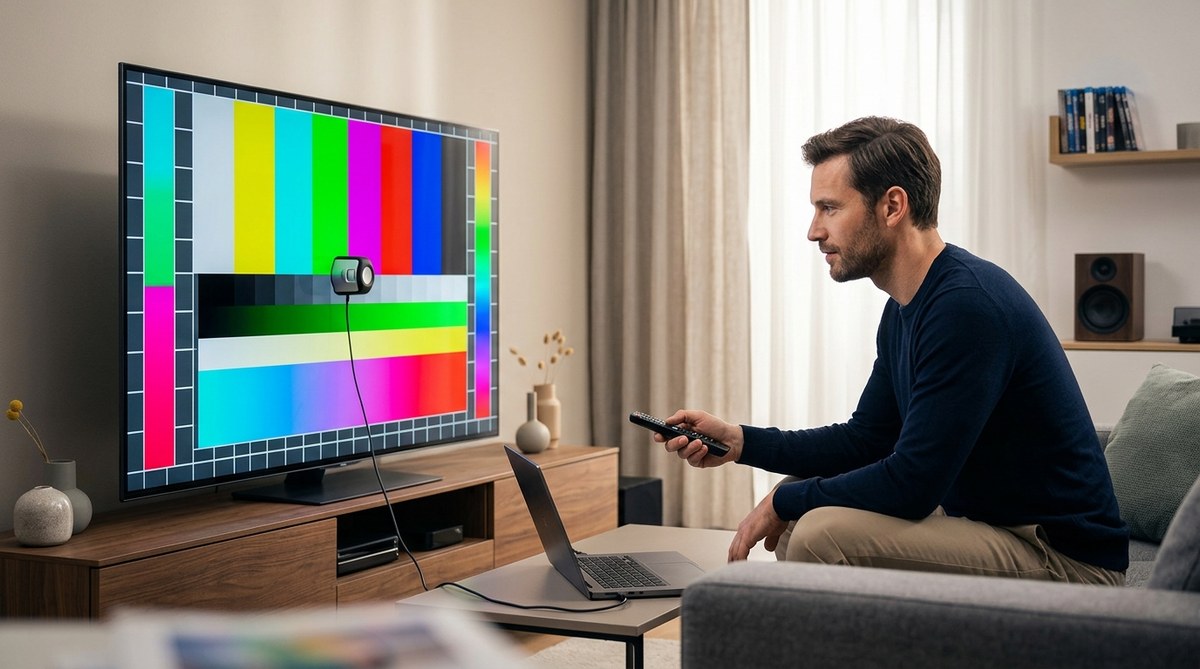
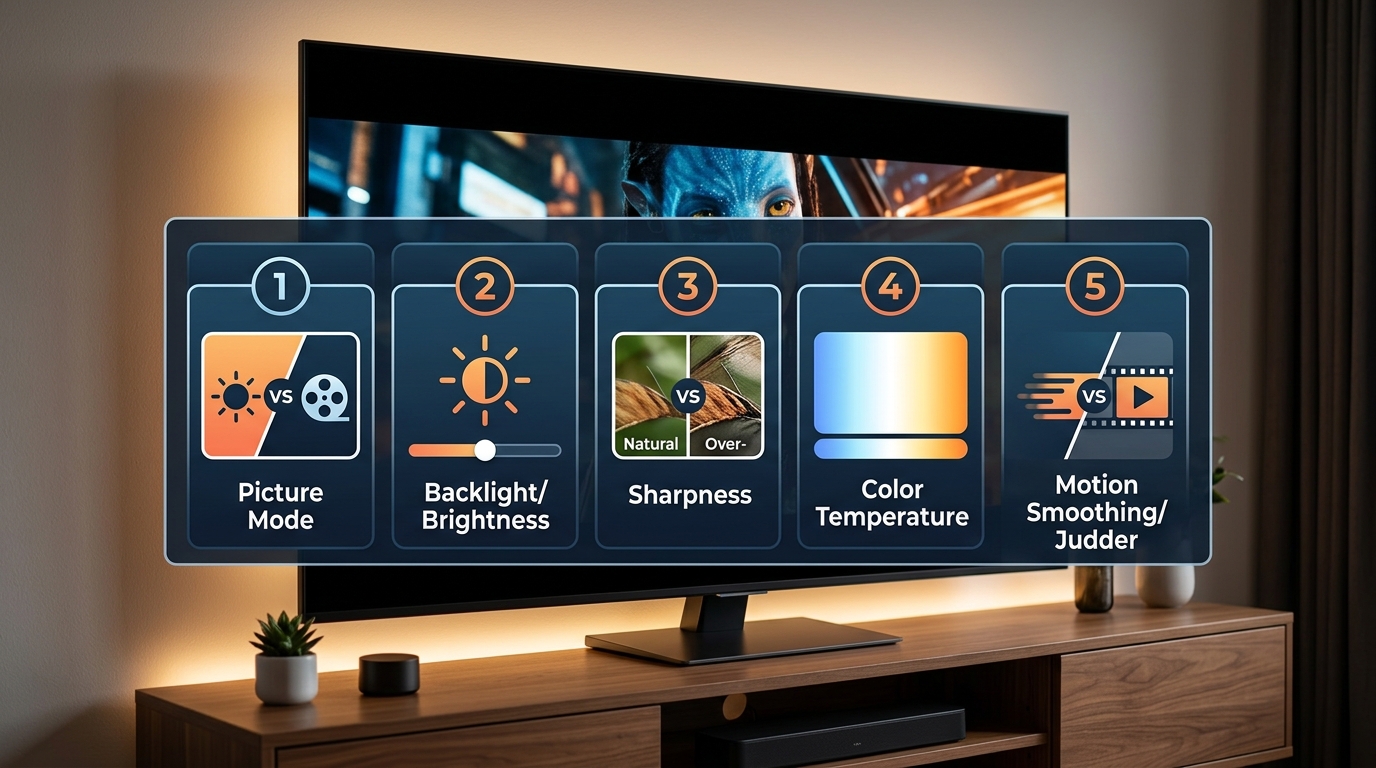
Adjust settings like contrast, brightness, and sharpness. Enable any available upscaling features and HDR modes. For optimal results, consider calibration using professional guides or calibration discs.
Making the smart choice for your home theater
Choosing between 4K and 8K hinges on your room size, content access, and budget. For most users, a high-quality 4K TV provides excellent picture quality and a vast content library. As 8K content becomes more prevalent and prices decrease, you may revisit your decision later. The key is to select a display that matches your viewing habits now while remaining adaptable for future upgrades.
Investing in the right display means focusing on picture processing, HDR support, and connectivity options. Whether you opt for a 4K or 8K TV, setting up your system correctly will make all the difference. Take the time to calibrate your display and arrange your seating for optimal viewing. Your home theater experience will be more immersive and enjoyable with the right gear in place.
Remember, technology continues to evolve. Staying informed and making practical choices today ensures your home theater remains a source of entertainment for years to come.






Leave a Reply