
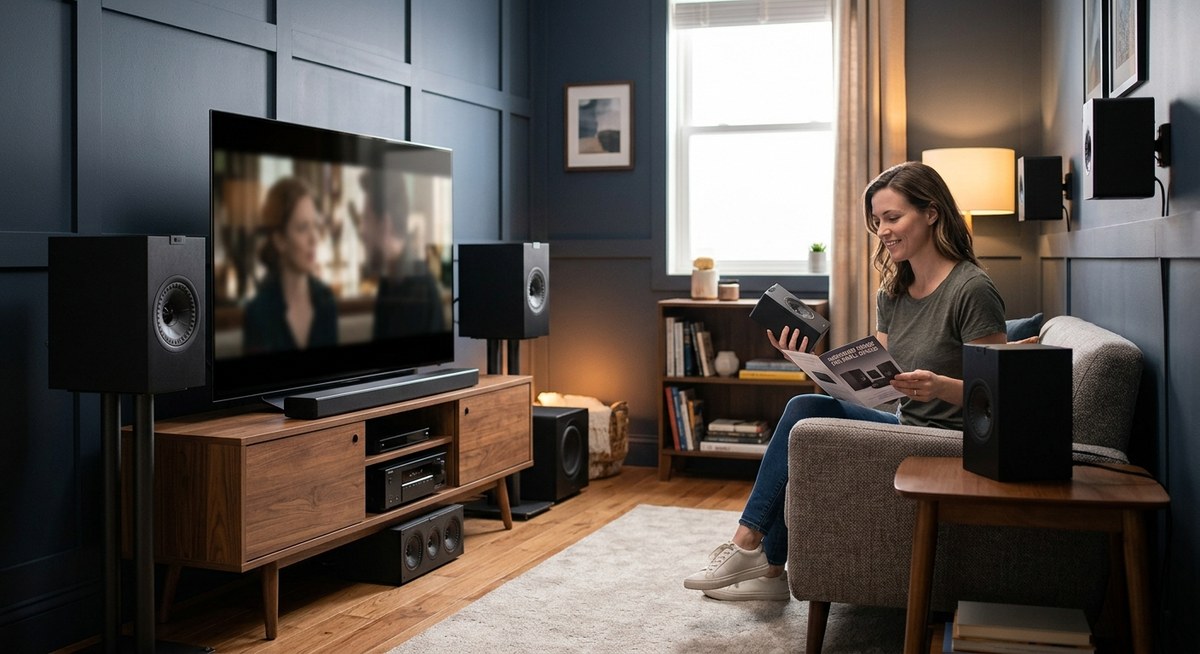
You’re standing in your living room, staring at the back of a receiver box, trying to figure out if those extra two speakers are worth the money and wall space. The numbers sound technical, but the decision comes down to something simple: what will actually sound better in your room, and is the upgrade worth the hassle?
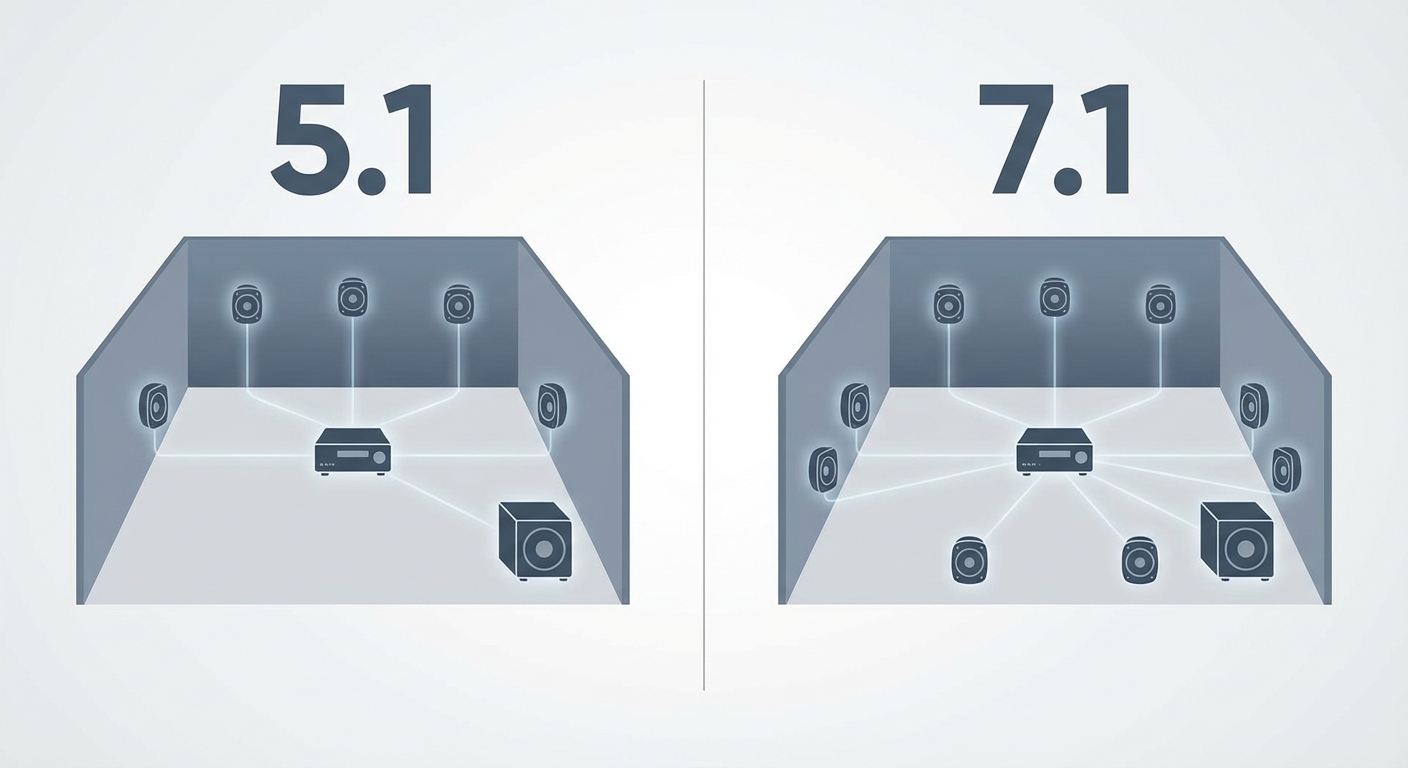
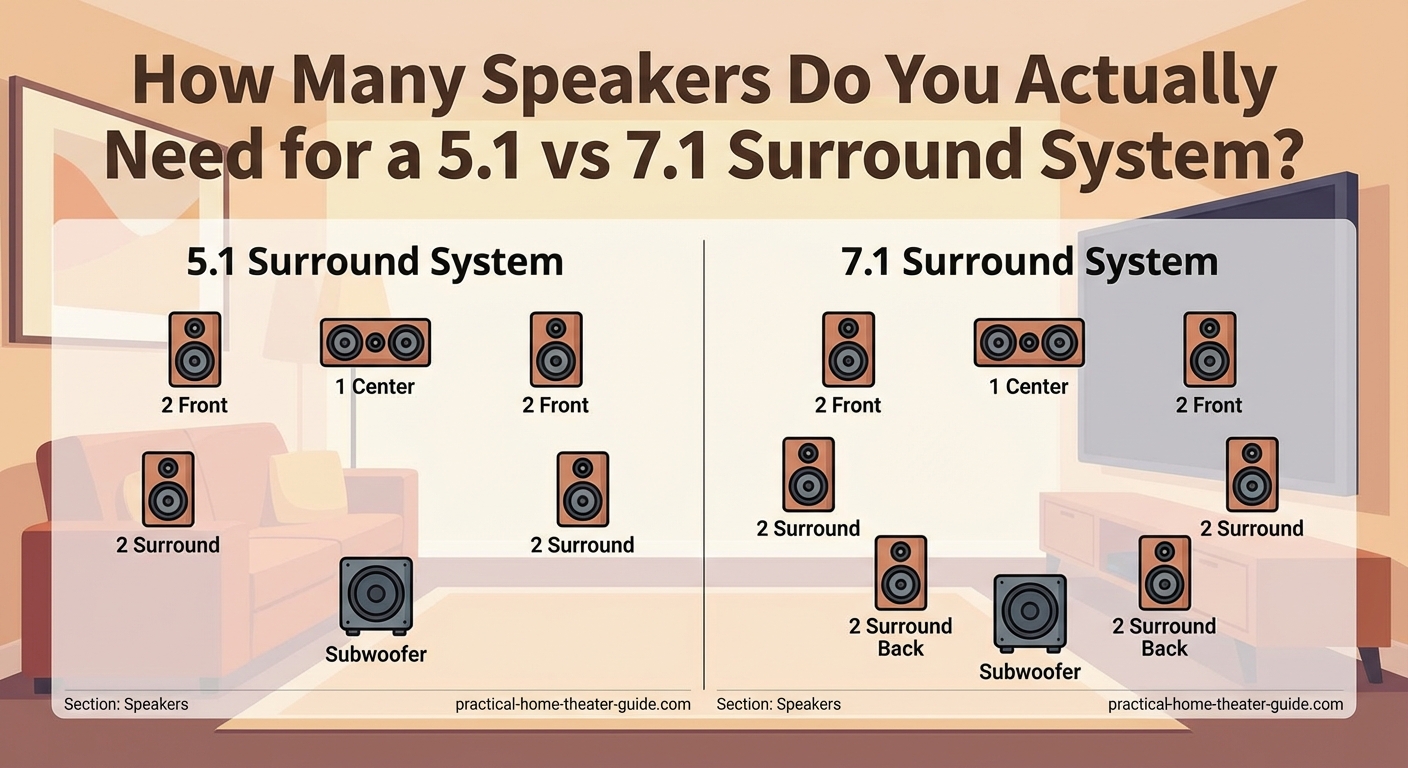
A 5.1 system uses six speakers (left, center, right, two surrounds, one subwoofer) and works well in most rooms. A 7.1 system adds two rear speakers for deeper immersion but requires more space and budget. Choose 5.1 for rooms under 250 square feet or tight budgets. Pick 7.1 if you have 300+ square feet, proper seating distance, and want maximum surround detail.
Breaking down the numbers behind each system
The first number tells you how many main speakers handle dialogue, music, and effects. The second number counts subwoofers for low-frequency rumble.
A 5.1 system includes:
– One center channel speaker (dialogue and vocals)
– Two front speakers (left and right music and effects)
– Two surround speakers (ambient sound and directional effects)
– One subwoofer (explosions, bass, and low-end impact)
A 7.1 system has everything above, plus two additional rear surround speakers positioned behind your seating area.
Those extra speakers create a more complete sound field. Instead of hearing a helicopter pass from front to side, you hear it travel all the way behind you.
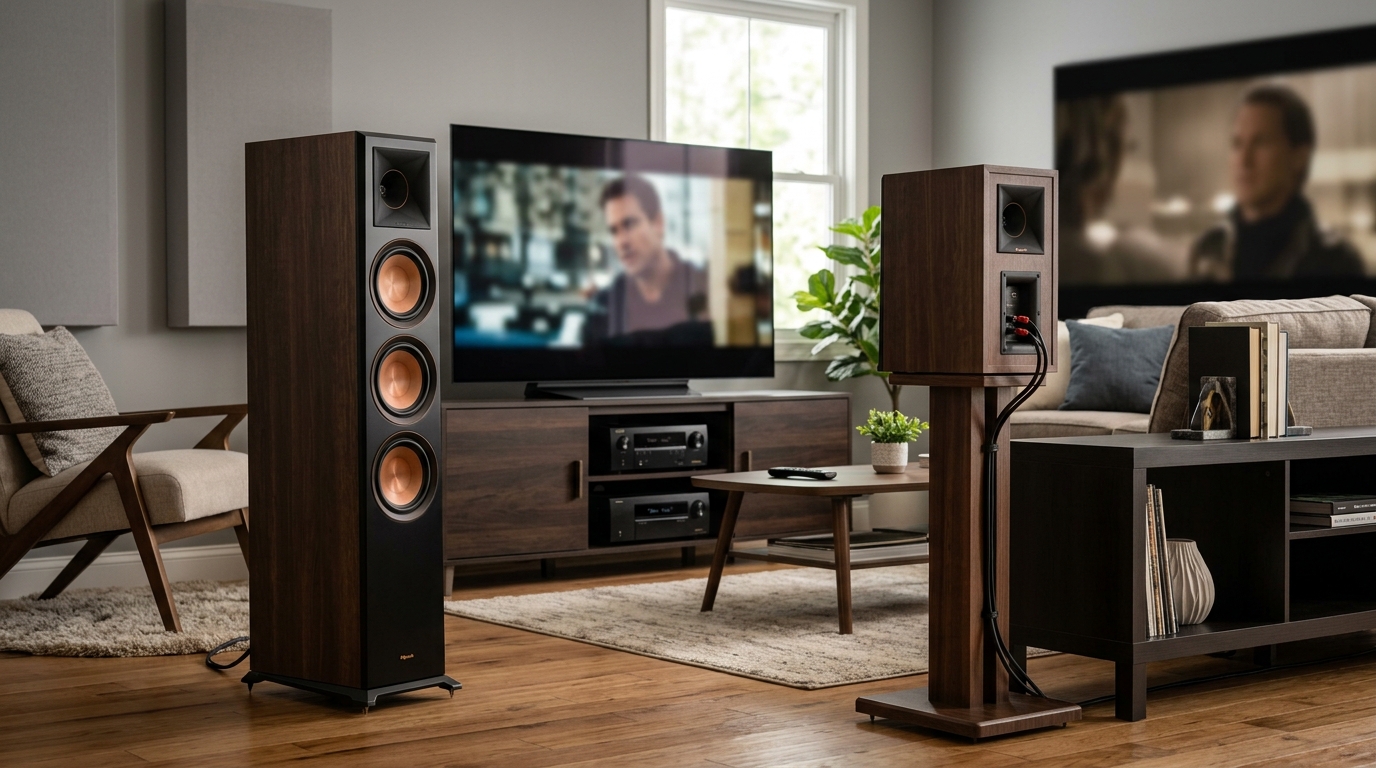
But more speakers don’t automatically mean better sound. Room size, speaker quality, and placement matter more than channel count.
How speaker placement changes between the two setups
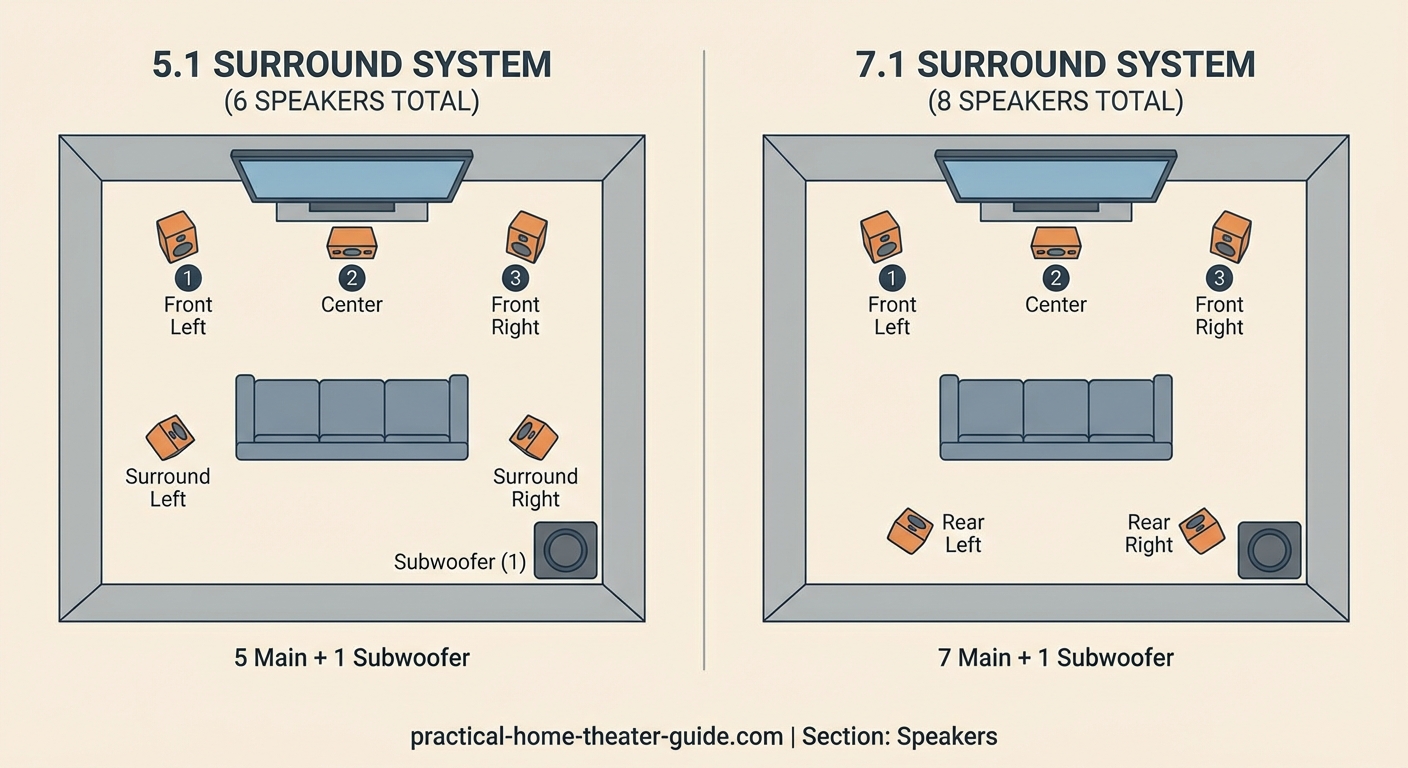
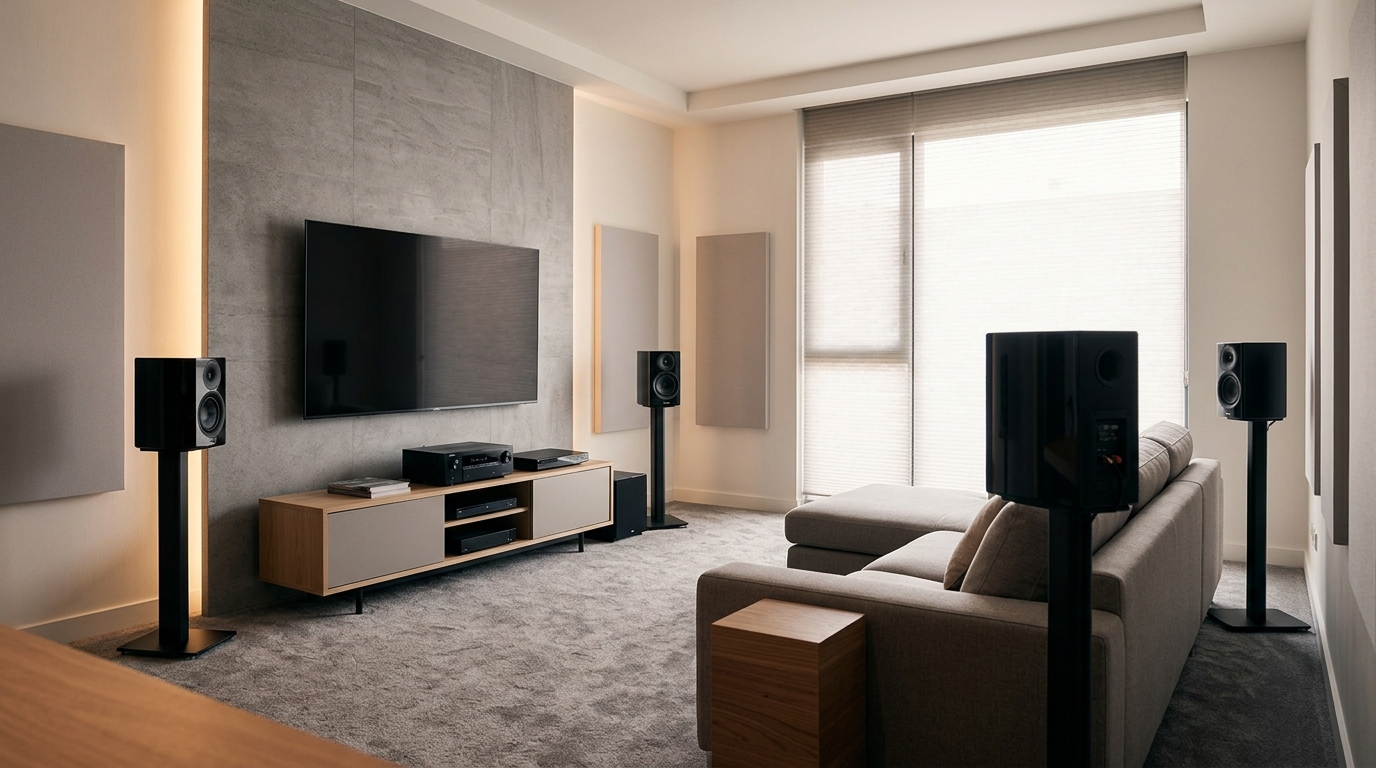
In a 5.1 configuration, your two surround speakers sit at 90 to 110 degrees from your main seating position. Think of them slightly behind and to the sides of your couch.
They handle ambient effects and directional audio. Rain sounds, crowd noise, and passing vehicles come through these channels.
With 7.1, you split surround duties. The side surrounds stay at 90 to 110 degrees. The new rear surrounds go at 135 to 150 degrees, closer to directly behind you.
This creates a more defined rear sound stage. Instead of guessing where a sound originates, you hear precise placement.
Here’s the catch: you need enough distance between your seating and the back wall. If your couch sits against the wall, those rear speakers have nowhere to go.
Most installers recommend at least three feet of clearance behind your seating for proper 7.1 placement. Less than that, and you’re better off sticking with 5.1.
Room size makes or breaks your decision
Small rooms under 200 square feet rarely benefit from 7.1. The speakers sit too close together, and the sound field collapses into mush.
Medium rooms between 200 and 300 square feet can go either way. If your seating sits in the middle of the room with clearance on all sides, 7.1 works. If furniture crowds the walls, stick with 5.1.
Large rooms over 300 square feet shine with 7.1. You have space for proper speaker separation, and the extra channels fill dead zones where sound would otherwise drop off.
Consider your seating arrangement too. A single couch centered in the room gets the full benefit of surround channels. Multiple rows or scattered chairs dilute the effect.
| Room Size | Best Configuration | Why It Works |
|---|---|---|
| Under 200 sq ft | 5.1 | Speakers too close for meaningful separation in 7.1 |
| 200-300 sq ft | 5.1 or 7.1 | Depends on seating clearance and wall distance |
| Over 300 sq ft | 7.1 | Enough space for proper rear speaker placement |
| Irregular shapes | 5.1 | Odd angles make 7.1 placement difficult |
What you’ll actually hear in movies and music
Most streaming content and Blu-rays come mixed in 5.1. Netflix, Disney+, and HBO Max default to 5.1 for nearly everything.
7.1 content exists, but it’s less common. Some Blu-rays include 7.1 tracks, and a handful of streaming titles support it. Your receiver can upmix 5.1 content to 7.1, but that’s artificial processing, not true discrete audio.
Music almost never uses 7.1. Even surround music formats max out at 5.1.
For movies, the difference shows up in big action scenes. Explosions feel more directional. Ambient effects like rain or wind surround you more completely.
Dialogue and music sound nearly identical between the two. Those elements come through the front three speakers, which both systems share.
“The jump from stereo to 5.1 is massive. The jump from 5.1 to 7.1 is noticeable but not transformative. If you’re choosing between better speakers in 5.1 or mediocre speakers in 7.1, take the better speakers every time.” — Home theater installer with 15 years of experience
Budget reality check for both systems
A decent 5.1 system starts around $500 for an entry-level receiver and speaker package. Mid-range setups run $1,200 to $2,000. High-end systems exceed $5,000.
Adding two more speakers for 7.1 increases costs by 30 to 40 percent. You also need a more powerful receiver to drive the extra channels.
Don’t forget installation costs. Running speaker wire through walls takes time and skill. If you’re hiring someone, expect to pay $75 to $150 per speaker for labor.
Budget breakdown for a mid-range setup:
- 5.1 system: $1,500 for receiver and speakers, $400 for installation, $100 for cables and mounts
- 7.1 system: $2,100 for receiver and speakers, $600 for installation, $150 for cables and mounts
That’s a $750 difference for two extra speakers and the channels to power them.
If you’re stretching your budget, put that money toward better front speakers or a stronger subwoofer. Those upgrades deliver more noticeable improvements than adding rear channels.
Receiver features matter more than you think
Your receiver needs enough amplifier channels to power all speakers. A 5.1 receiver has six channels. A 7.1 receiver has eight.
Some 7.1 receivers let you reassign channels. Instead of using all seven for surround sound, you can power speakers in a second room or add height channels for Atmos.
Check the receiver’s power output per channel. Budget models claim high wattage but measure it with only one or two channels driven. Real-world performance drops when all channels play simultaneously.
Look for these features regardless of channel count:
– HDMI 2.1 for 4K and 8K passthrough
– Room correction software (Audyssey, Dirac, YPAO)
– Streaming app support (Spotify, AirPlay, Chromecast)
– Pre-outs for adding external amplifiers later
A great 5.1 receiver beats a mediocre 7.1 receiver every time.
Common mistakes that waste money and space
Buying a 7.1 receiver but only connecting five speakers wastes potential. If you’re not using those channels now, you’re paying for features you don’t need.
Placing rear speakers too high ruins the effect. Mount them at ear level when seated, not up near the ceiling.
Skimping on the center channel speaker hurts dialogue clarity. This speaker handles 60 to 70 percent of movie audio. Spend more here than on surrounds.
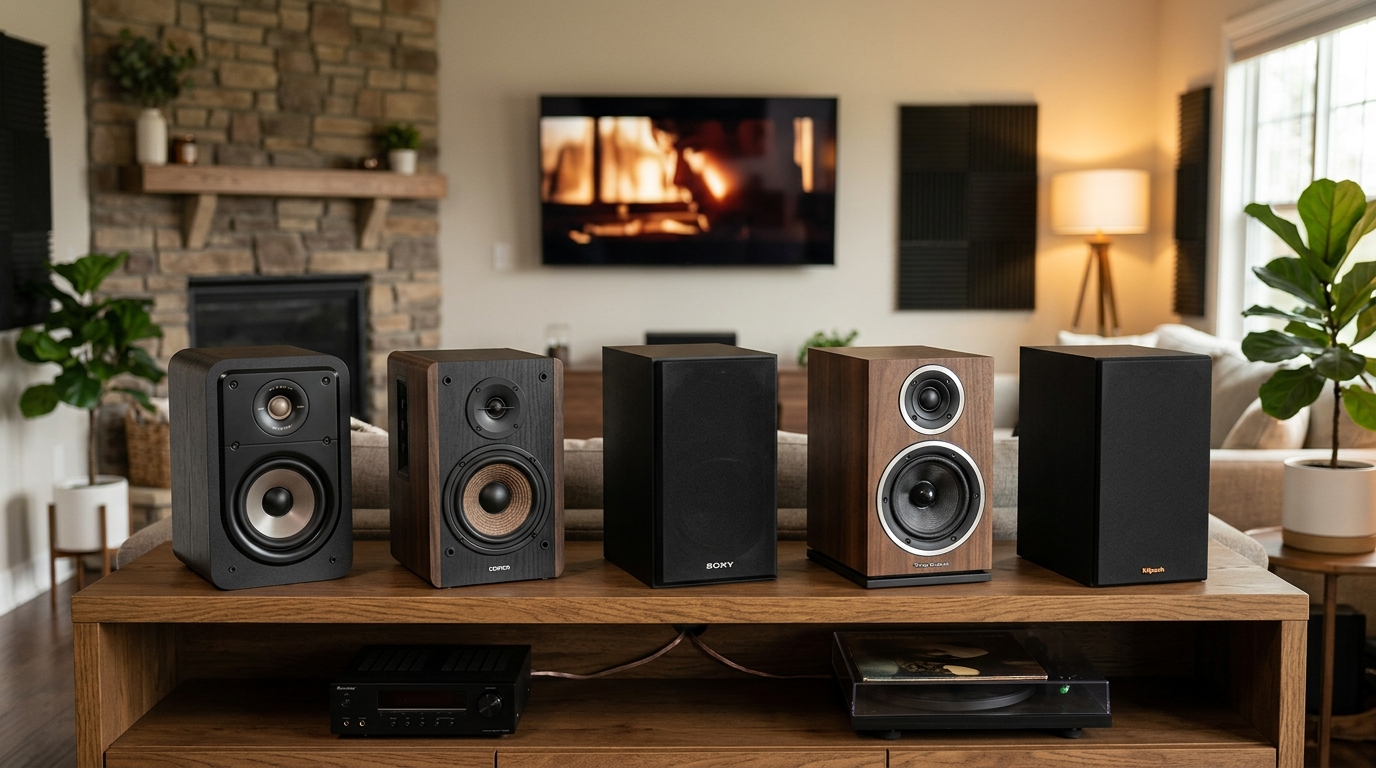
Ignoring room acoustics means even the best system sounds muddy. Hard surfaces reflect sound and create echoes. Carpet, curtains, and furniture absorb reflections and clean up the sound. You might benefit from learning how to stop echo and reverb ruining your home theater sound before investing in extra speakers.
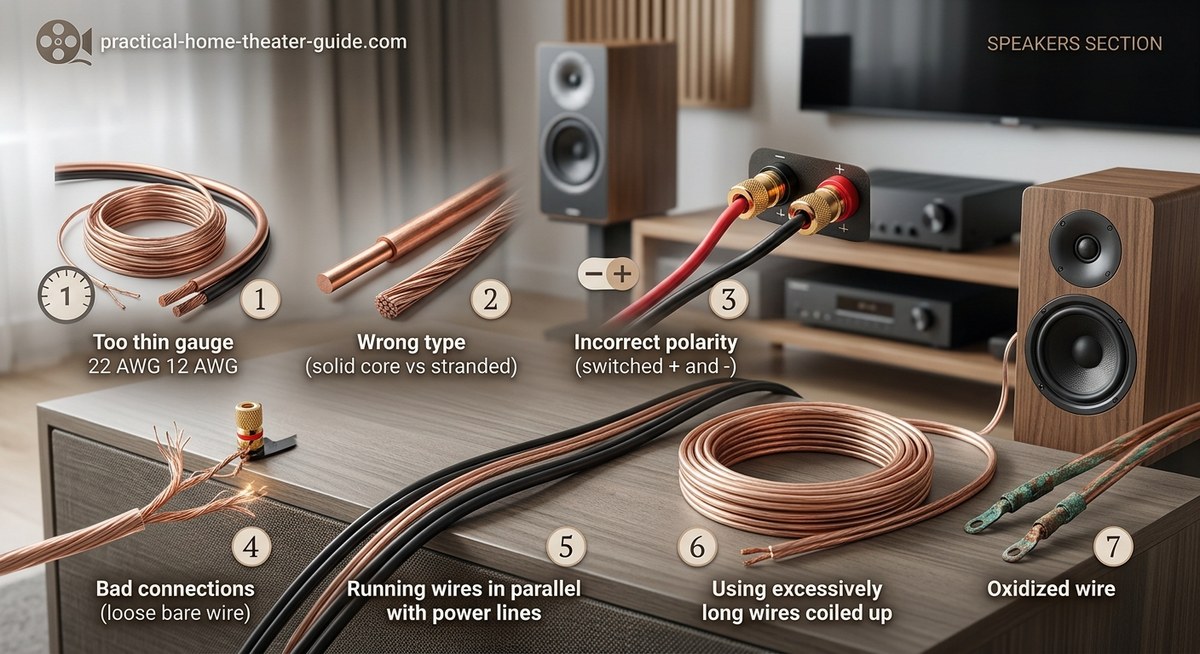
Using the wrong speaker wire gauge causes signal loss. For runs under 50 feet, 16-gauge wire works fine. Longer runs need 14-gauge or thicker. If you’re planning to run speaker wire through walls without damaging your home, factor in the proper gauge from the start.
Upgrading from 5.1 to 7.1 later
Most 5.1 receivers can’t upgrade to 7.1. You’d need to replace the receiver entirely.
If you think you’ll want 7.1 eventually, buy a 7.1 receiver now and add the rear speakers later. This costs less than replacing your receiver down the road.
Some receivers support 5.1.2 or 5.1.4 configurations. These add height channels for Dolby Atmos instead of rear surrounds. Atmos creates overhead sound effects like helicopters or rain.
For many rooms, 5.1.2 delivers more impact than 7.1. Height channels add a dimension that rear surrounds can’t match.
You can start with 5.1, add two height speakers for 5.1.2, then expand to 7.1.2 if your receiver supports nine channels.
Real-world testing in different room types
Small apartment (150 sq ft): 5.1 filled the space perfectly. Adding rear speakers created overlap and muddiness. The room couldn’t support the extra channels.
Medium living room (250 sq ft): 7.1 worked when the couch sat three feet from the back wall. Moving the couch against the wall made rear speakers pointless. 5.1 sounded better in that configuration.
Large basement theater (400 sq ft): 7.1 created noticeable immersion. Action scenes felt more enveloping. The extra space let each speaker breathe.
Oddly shaped loft (280 sq ft): Angled walls and open staircase made 7.1 placement impossible. 5.1 with careful positioning delivered better results than poorly placed 7.1.
Your room shape and furniture layout matter as much as square footage. Walk around your space and visualize where each speaker would mount before committing to 7.1.
Which system matches your priorities
Choose 5.1 if:
– Your room measures under 250 square feet
– Your couch sits against the back wall
– You’re working with a tight budget
– Most of your content comes from streaming services
– You value speaker quality over channel count
Choose 7.1 if:
– You have 300+ square feet with open space behind seating
– You watch a lot of action movies on Blu-ray
– Your budget allows for quality speakers across all channels
– You want maximum immersion for gaming
– You plan to add Atmos height channels later
Neither option is wrong. The right choice depends on your room, budget, and how you use your system.
Setting up your chosen system correctly
Once you’ve picked your configuration, proper setup matters more than the channel count.
Start with speaker placement:
- Position the center channel directly above or below your screen at ear level
- Angle the front left and right speakers toward your main seating position at 22 to 30 degrees from center
- Place the subwoofer using the crawl method (put it where you sit, crawl around the room’s perimeter, and listen for the spot with the best bass response)
- Mount surround speakers at 90 to 110 degrees from your seating, two to three feet above ear level
- Add rear speakers for 7.1 at 135 to 150 degrees, same height as side surrounds
After physical placement, run your receiver’s room correction software. This measures your room’s acoustics and adjusts each speaker’s volume, delay, and frequency response.
The automated calibration gets you 80 percent of the way there. Fine-tuning by ear handles the rest.
Test your setup with reference scenes. The opening of “Blade Runner 2049” stresses surround channels. “Mad Max: Fury Road” tests dynamic range and bass response. “A Quiet Place” reveals dialogue clarity and subtle ambient effects.
Your room’s layout might require compromises. That’s fine. A well-calibrated 5.1 system beats a poorly set up 7.1 system every time. Just like choosing the right TV size for your room distance matters for picture quality, proper speaker placement determines whether your audio investment pays off.
Making the decision work for years
Audio systems last a decade or more with proper care. Think about how your needs might change.
Are you planning to move? A 5.1 system adapts to more room types. Those two extra speakers in 7.1 might not fit your next space.
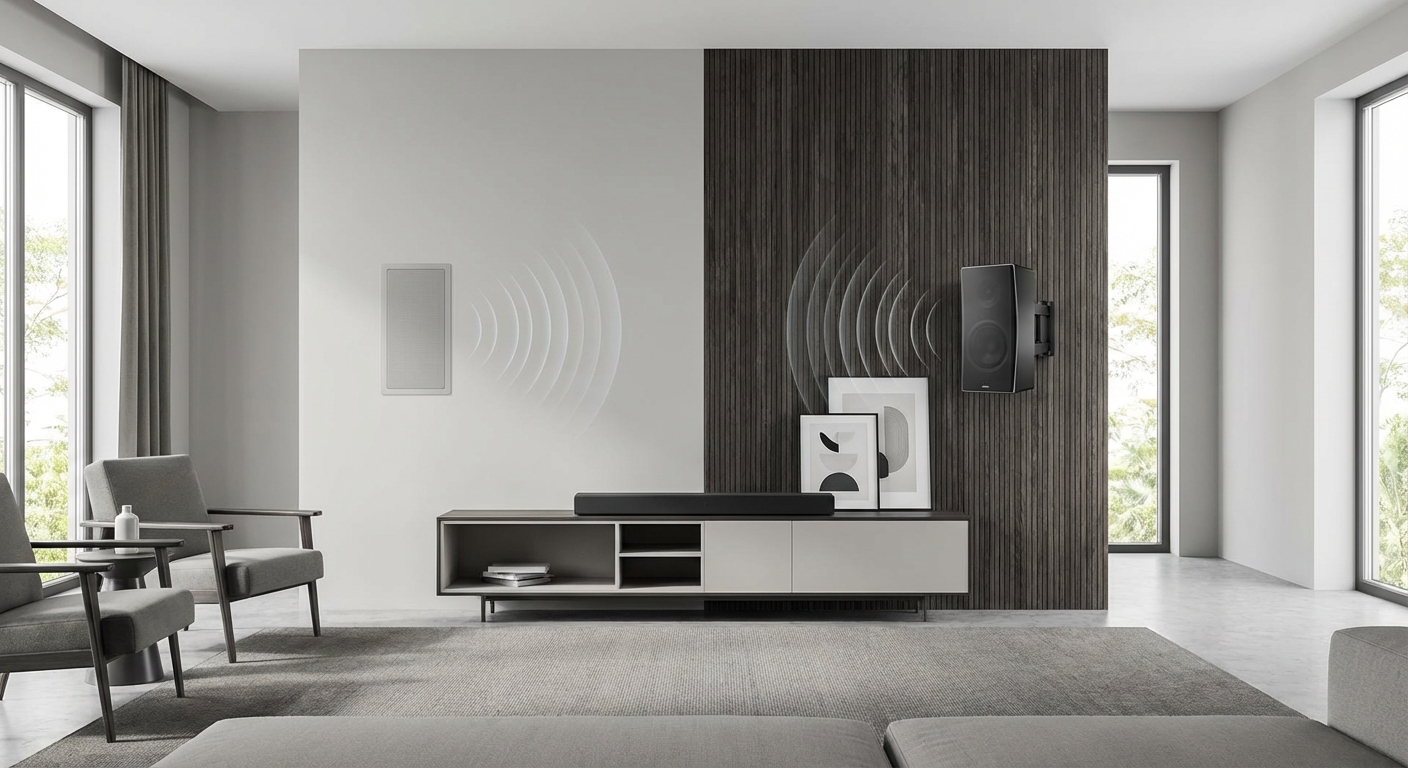
Will you renovate? In-wall speaker installation makes sense if you’re opening walls anyway. Surface-mounted speakers work better for renters or temporary setups.
Do you host movie nights? More seating positions dilute the sweet spot where surround sound works best. A simpler 5.1 system performs more consistently across multiple seats.
Technology keeps evolving. Atmos and DTS:X add height channels that create overhead effects. These formats matter more than rear surrounds for future-proofing.
A 7.1 receiver gives you flexibility. Run 5.1 now, add height channels later, or expand to full 7.1 if your room allows it.
Your room tells you what it needs
Walk into your space and picture where each speaker would go. Can you mount rear speakers three feet behind your couch? Do you have wall space for side surrounds without blocking windows or doorways?
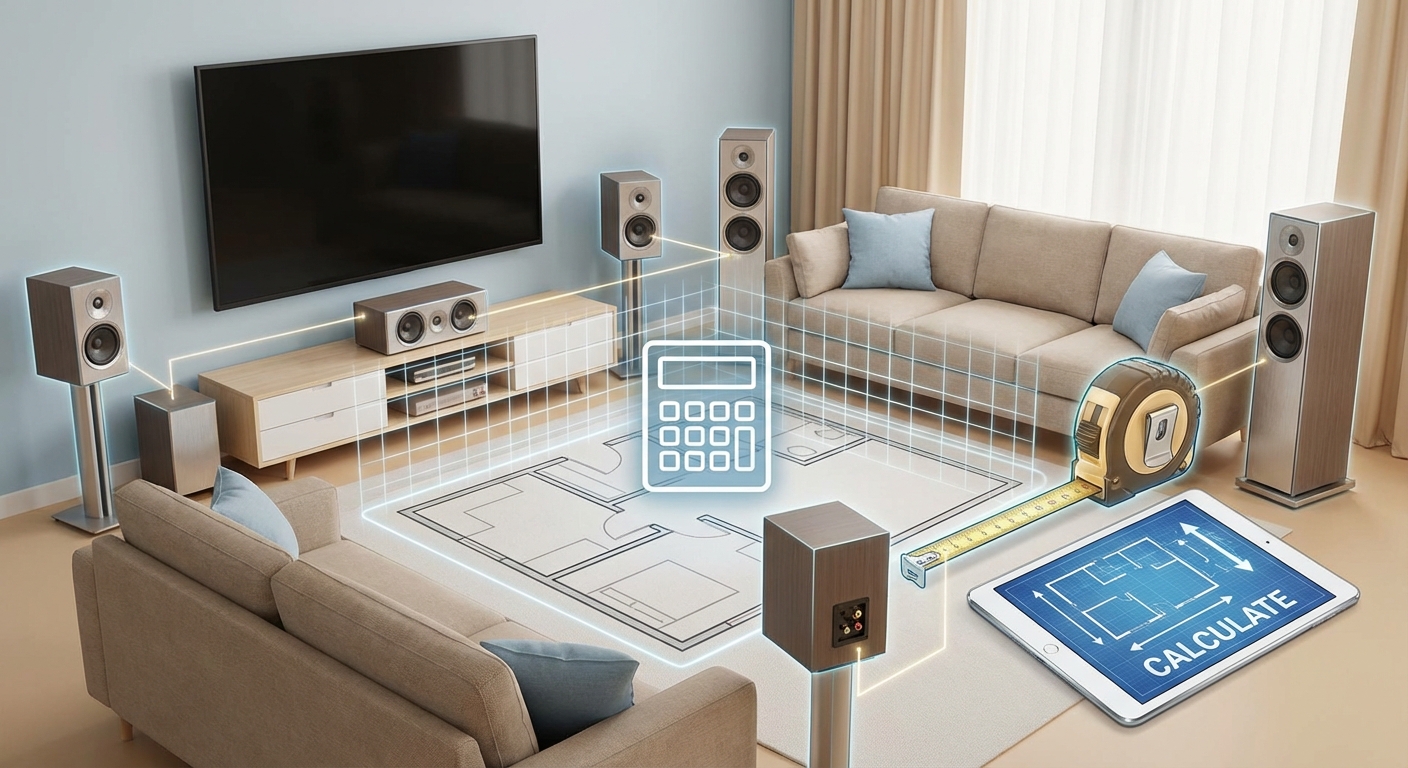
Measure your room. Calculate square footage. Note any odd angles, open staircases, or architectural features that complicate speaker placement.
Sit in your main viewing position. Turn around. If you see a blank wall three to four feet behind you, 7.1 makes sense. If you see a wall within arm’s reach, stick with 5.1.
Your room has already made the decision. You’re just confirming what the space can support. Trust the layout more than marketing claims about immersive audio.
Start with 5.1 if you’re uncertain. You can always add speakers later. Ripping out a poorly planned 7.1 system wastes money and leaves holes in your walls.







Leave a Reply