
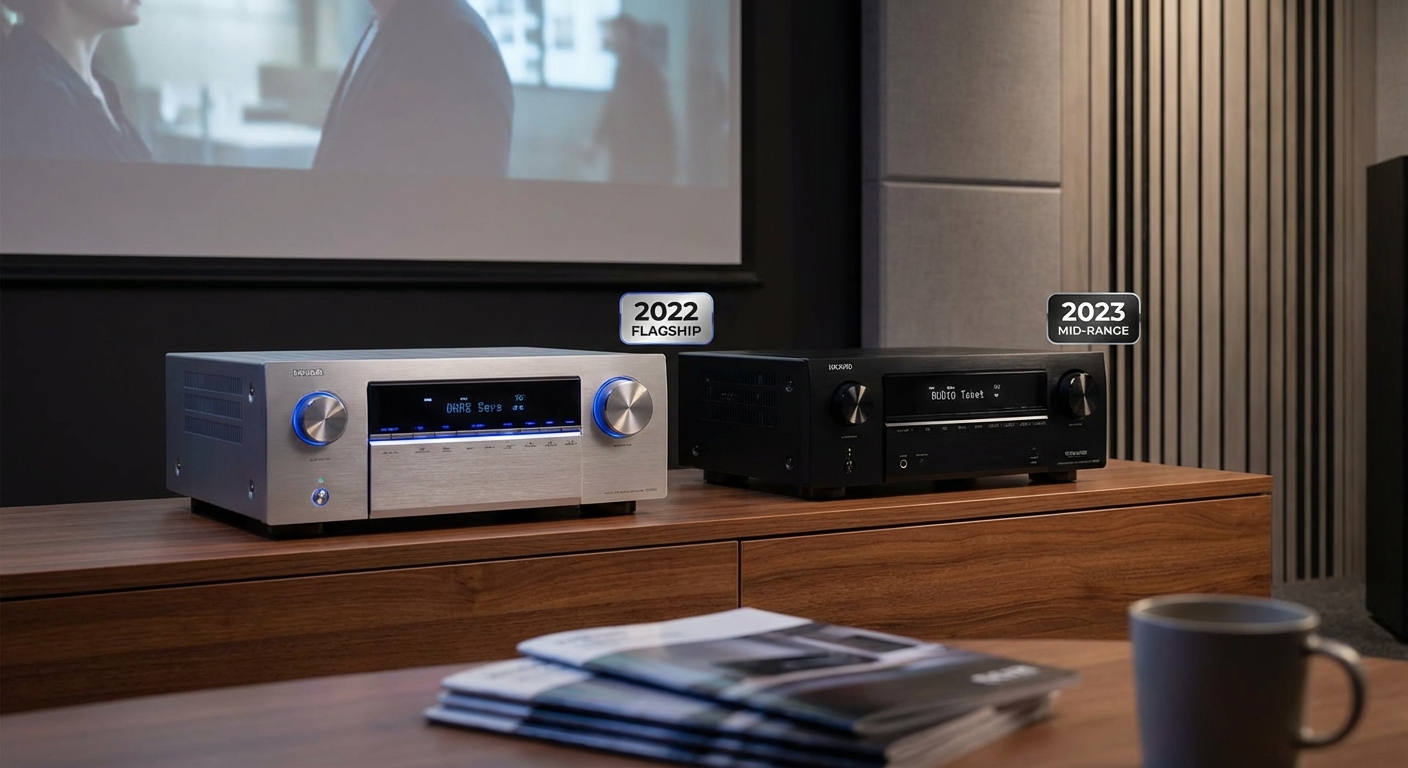
You’re staring at two AV receivers with the same price tag. One is last year’s top model with every bell and whistle the manufacturer could cram in. The other is this year’s mid range unit with newer tech but fewer features. Both cost exactly the same amount of money, and both promise to power your home theater dreams. Which one actually delivers better value?
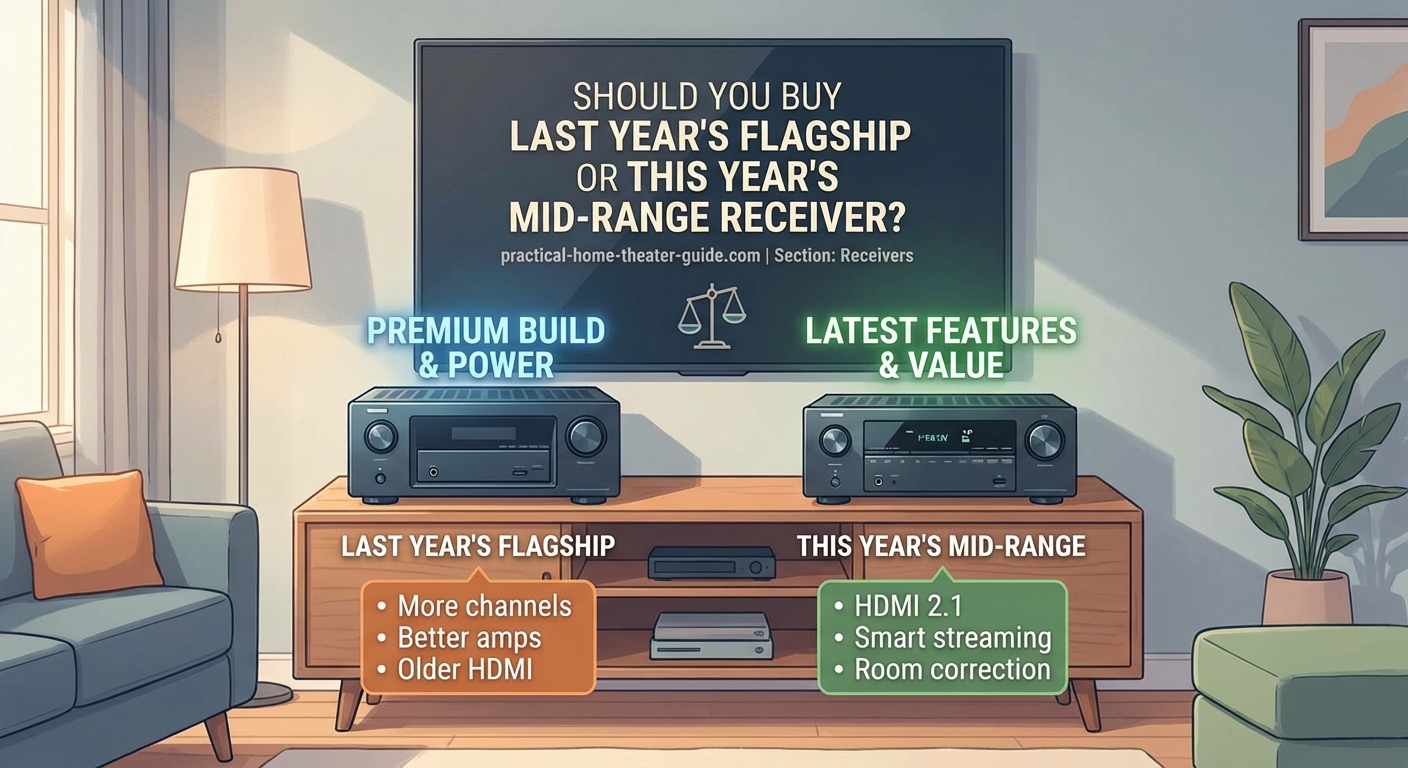
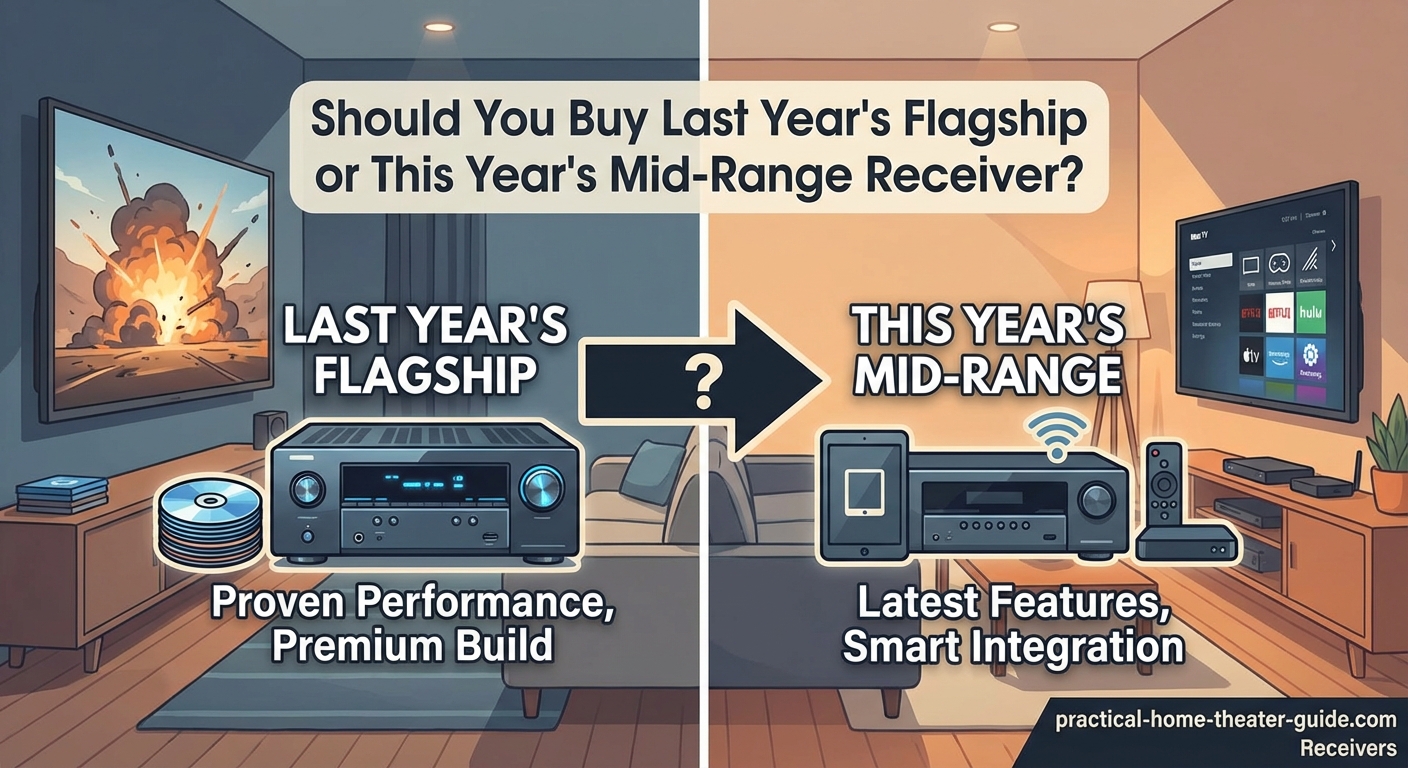
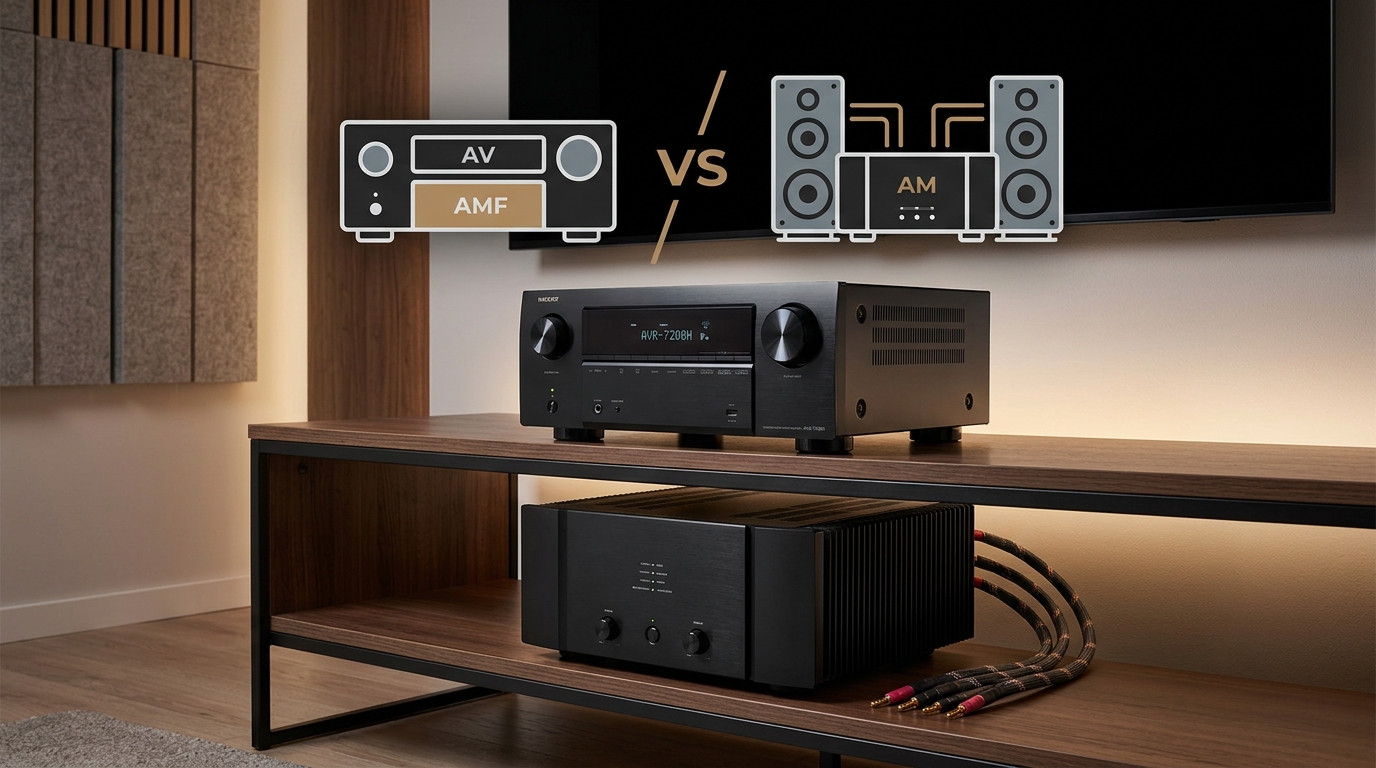
Last year’s flagship receivers offer better build quality, more channels, and premium features at clearance prices, but new mid range models include updated HDMI specs, modern codecs, and longer support lifecycles. Your choice depends on whether you prioritize raw power and connectivity now or future compatibility and warranty coverage. Most home theater setups benefit more from the flagship’s superior amplification and room correction technology.
Understanding the Flagship vs Mid Range Trade Off
Flagship receivers represent the manufacturer’s best effort from a previous year. They packed in every feature imaginable to justify premium pricing. When the new model year arrives, retailers slash prices to clear inventory. That’s when things get interesting.
Mid range receivers from the current year occupy the sweet spot in the manufacturer’s lineup. They include essential features without the exotic extras. More importantly, they ship with the latest HDMI standards, updated firmware, and current audio codecs.
The price convergence happens because flagships depreciate while mid range models hold steady. A receiver that cost $1,200 last year might sell for $600 today. Meanwhile, this year’s $600 mid range model just hit shelves at full price.
Your decision comes down to what matters more for your specific setup.
Where Old Flagships Win
Build Quality and Components
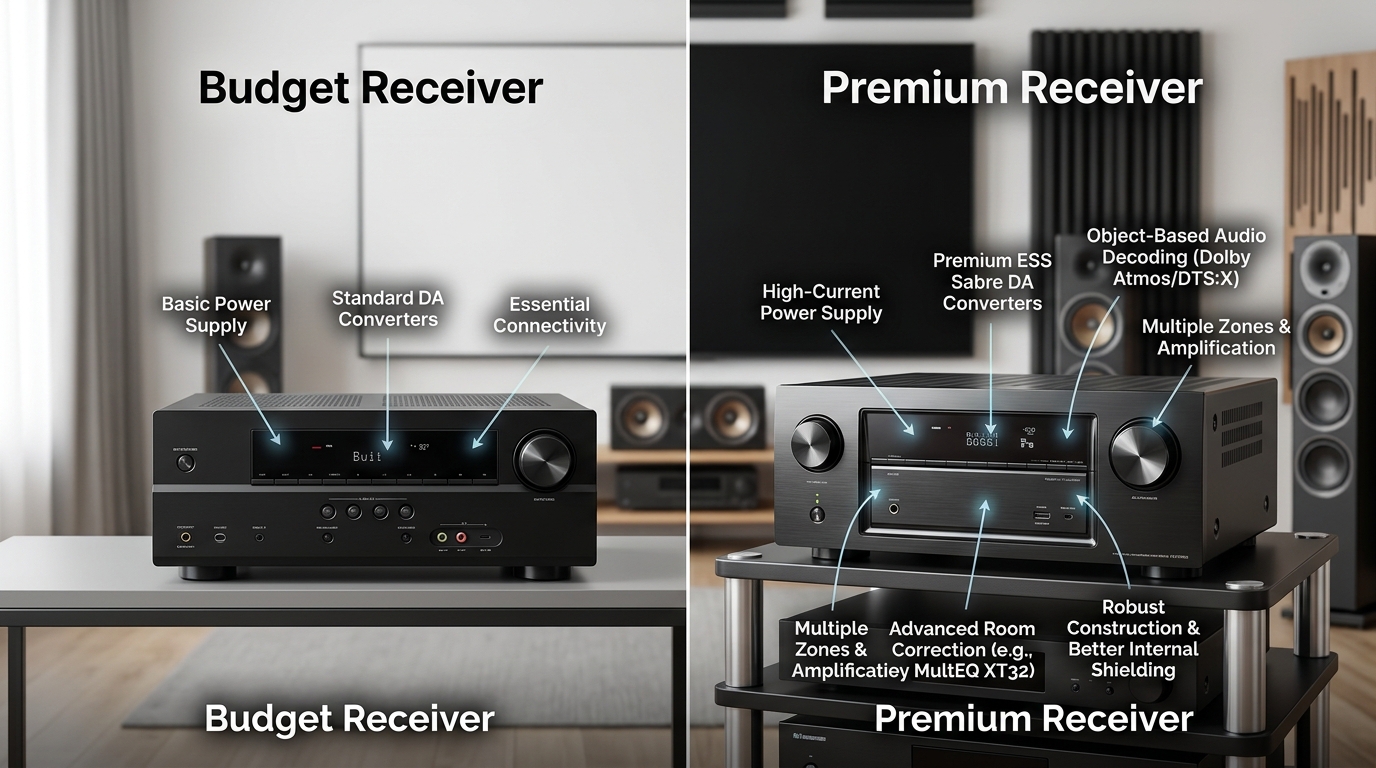
Flagship models use better parts throughout. Heavier power supplies. Larger capacitors. More robust chassis construction. These components don’t become obsolete when a new model launches.
The amplifier section typically outperforms mid range units by a significant margin. You’ll see higher wattage ratings, better distortion specs, and improved channel separation. This translates to cleaner sound at higher volumes and better control over demanding speakers.
- Thicker gauge wiring inside the chassis
- Better shielding against electromagnetic interference
- More substantial binding posts for speaker connections
- Reinforced chassis that reduces vibration and resonance
- Premium volume knobs and selector switches that feel solid
Channel Count and Flexibility
Last year’s flagship probably offers 9 or 11 channels of amplification. This year’s mid range model might max out at 7 channels. If you’re building a 5.1.4 Atmos system or planning to expand later, those extra channels matter.
You also get more pre-out connections on flagship units. This lets you add external amplifiers for specific channels without replacing the entire receiver. Mid range models often skip pre-outs entirely or include just one pair.
Room Correction Technology
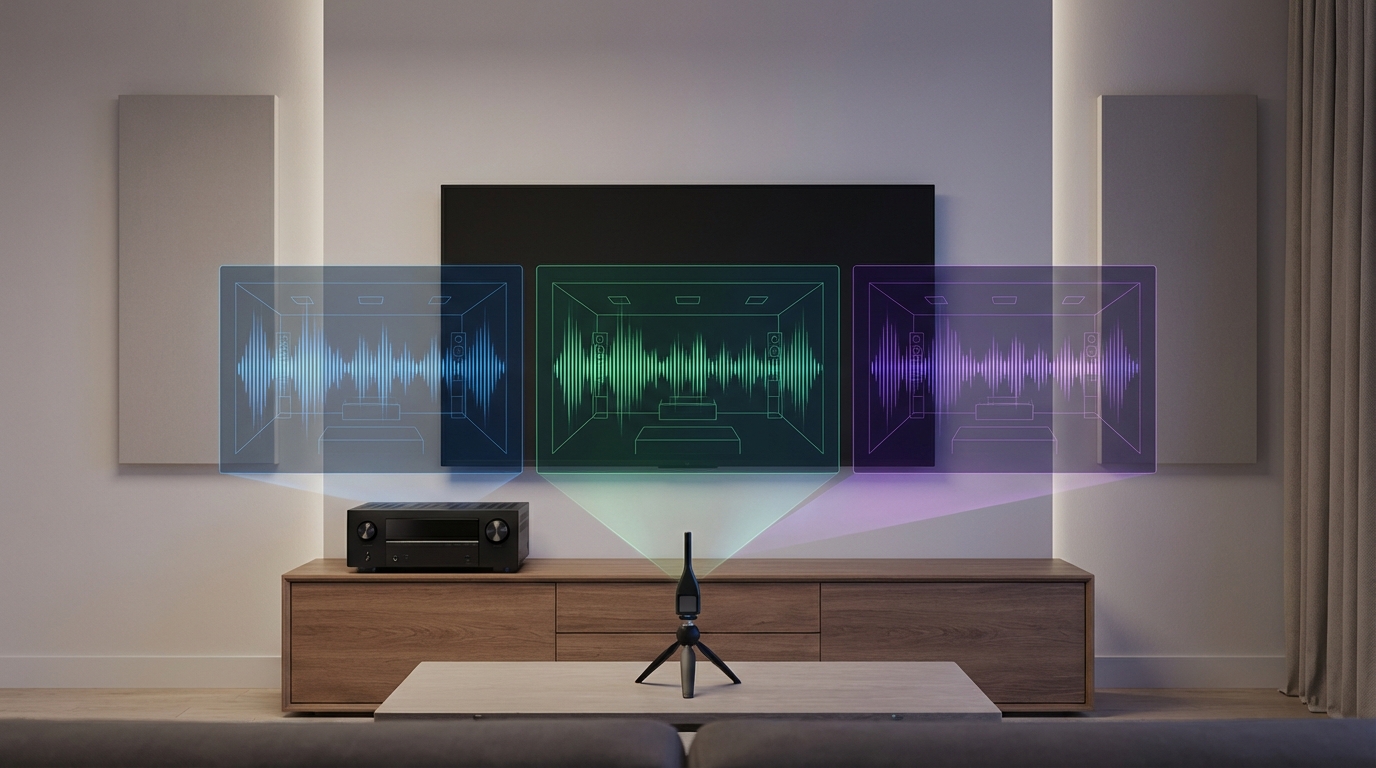
High end room correction systems like Dirac Live, Audyssey MultEQ XT32, or Anthem Room Correction only appear in flagship models. Mid range receivers include basic versions that measure fewer positions and apply simpler filters.
The difference is audible. Advanced room correction can tame nasty room modes, smooth frequency response across multiple seats, and create a more cohesive soundstage. Basic systems handle obvious problems but miss subtle issues.
A proper room correction system can make a $500 speaker sound like a $1,000 speaker in your actual room. It’s one of those features you can’t unhear once you experience it done right.
Analog Audio Sections
Flagship receivers invest heavily in the analog stages. Better digital to analog converters. Cleaner preamp circuits. More attention to signal path layout. These improvements benefit every source you connect, not just high resolution audio files.
Some flagship models include dedicated headphone amplifiers with separate volume controls and output impedance settings. Mid range receivers treat headphones as an afterthought with a basic jack that mirrors the speaker output.
Where New Mid Range Models Excel
HDMI Standards and Video Processing
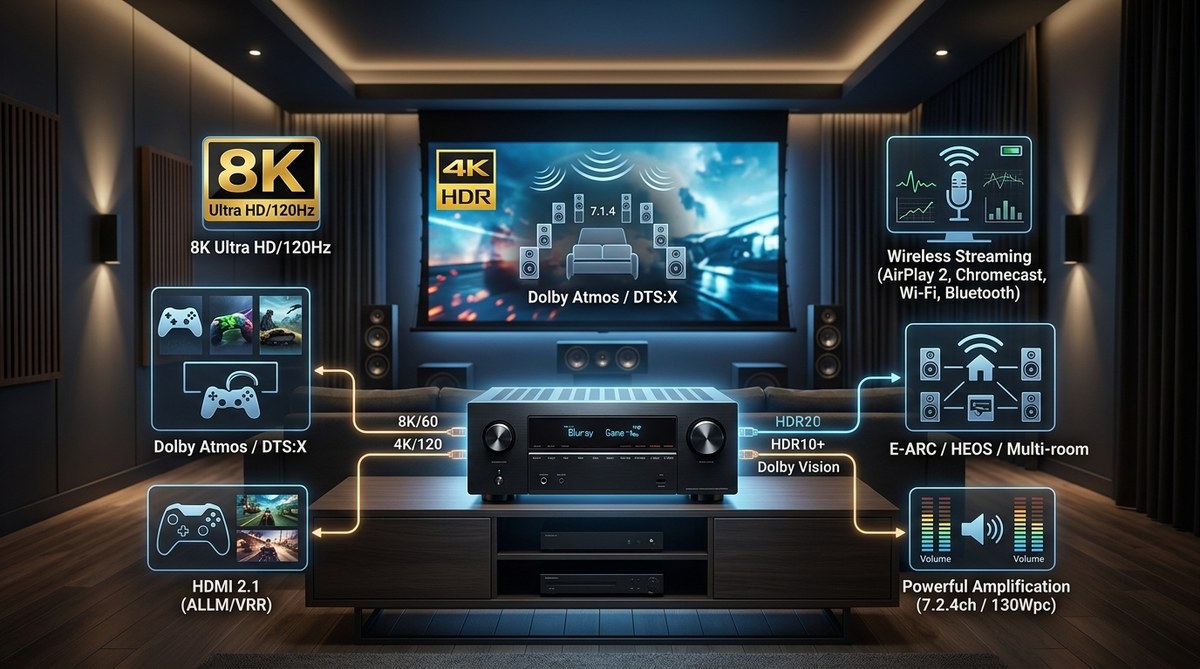
This is the biggest advantage for current year models. HDMI specifications evolve constantly. A receiver from 2023 might lack HDMI 2.1 features that became standard in 2024. If you own or plan to buy a modern TV, those features matter.
Key HDMI capabilities to consider:
| Feature | Why It Matters | Typical Availability |
|---|---|---|
| 4K/120Hz passthrough | Essential for PS5 and Xbox Series X gaming | 2021 flagships and newer |
| Variable Refresh Rate | Eliminates screen tearing in games | 2021 flagships and newer |
| Auto Low Latency Mode | Automatically switches to game mode | 2021 flagships and newer |
| Enhanced Audio Return Channel | Sends high quality audio from TV apps back to receiver | 2019 flagships and newer |
| 8K/60Hz passthrough | Future proofing for 8K content | 2022 mid range and newer |
A 2022 flagship might handle 4K/120Hz on only two inputs. A 2024 mid range model supports it on all four HDMI inputs. That flexibility matters if you connect multiple gaming consoles, a PC, and a streaming device.
Codec Support and Audio Formats
Audio codec licensing changes over time. DTS:X Pro, IMAX Enhanced, and Auro-3D support appeared in waves across different model years. A current mid range receiver might include codecs that weren’t available when last year’s flagship launched.
Streaming services also evolve their audio offerings. Newer receivers optimize for Dolby Atmos via streaming apps, with specific firmware tuning for Netflix, Disney+, and Apple TV+ implementations.
Warranty Coverage and Support
New receivers ship with full manufacturer warranties, typically two or three years. That clearance flagship might carry only a 90 day retailer warranty or come as a refurbished unit with limited coverage.
Firmware updates matter more for receivers than most electronics. Manufacturers discover HDMI handshake issues, audio sync problems, and codec bugs after launch. A current model receives active support. An older flagship might get one final update before the manufacturer moves on.
You can expect five to seven years of firmware support for current models. A three year old flagship already burned through half its support lifecycle.
Energy Efficiency and Heat Management
Newer receivers implement better power management. They use less electricity in standby mode and generate less heat during operation. This matters if your equipment rack has limited ventilation or if you care about your electric bill.
Modern designs also spin fans more intelligently. Older flagships run fans constantly or use aggressive fan curves that create audible noise. Current mid range models often operate silently for typical listening sessions.
How to Evaluate Your Specific Situation
Follow these steps to determine which option fits your needs:
-
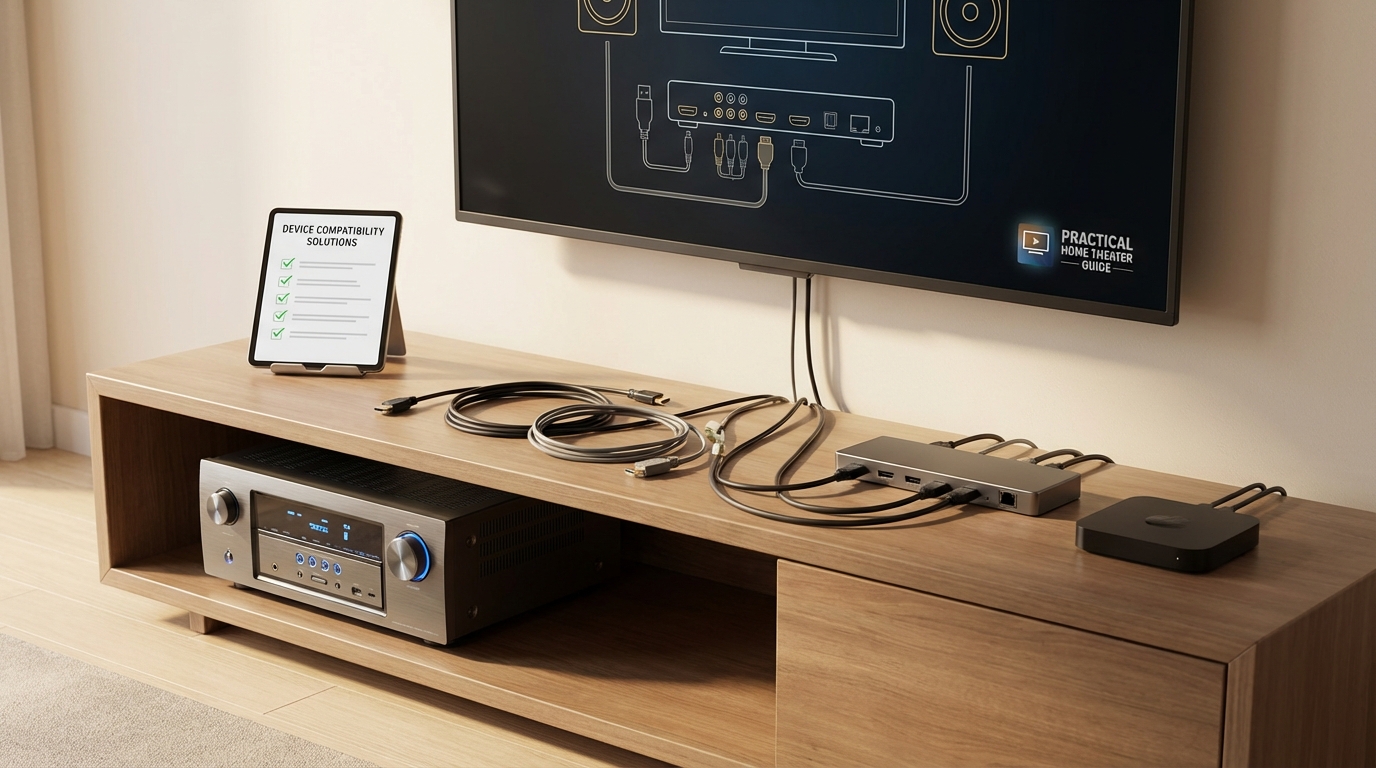
List every device you plan to connect and note its HDMI version and audio output capabilities. If you own a PS5, Xbox Series X, or gaming PC, HDMI 2.1 features become mandatory.
-
Measure your room and count your speakers, including any ceiling or height channels you might add within three years. Match this to the receiver’s channel count and pre-out options.
-
Check the manufacturer’s website for firmware update history on the older flagship model. If updates stopped more than a year ago, factor that into your decision.
-
Compare the specific room correction systems and research their performance in rooms similar to yours. Online forums and audio communities share extensive real world testing data.
-
Calculate the total cost including any extended warranty you might buy for the older flagship to match the new model’s coverage period.
Gaming Focused Setups
Gamers should prioritize HDMI 2.1 features above almost everything else. Variable refresh rate and auto low latency mode eliminate frustrating technical issues. The sound quality difference between a flagship and mid range receiver matters less than smooth, tear free gameplay.
Choose the current mid range model unless the flagship is from 2021 or newer with full HDMI 2.1 implementation across all inputs.
Music Listening Primary Use
Audiophiles who spend more time streaming music than watching movies benefit most from flagship amplification and analog stages. The better power supply and amplifier design deliver cleaner sound at any volume level.
Room correction also plays a bigger role for music. Advanced systems preserve stereo imaging while correcting frequency response. Basic systems sometimes smear the soundstage in pursuit of flat response.
Choose the older flagship and verify HDMI features meet your minimum video requirements.
Multi Room Audio Needs
If you plan to power speakers in multiple rooms, flagship models offer more flexibility. They include second and third zone outputs with independent source selection. Mid range receivers typically limit you to a single additional zone with reduced functionality.
Older flagships also provide more robust multi room audio protocols. Some include legacy support for whole home audio systems you might already own.
Budget Constrained Scenarios
When every dollar counts, the flagship delivers more receiver per dollar spent. You get significantly better components and features for the same price. The HDMI limitations might not matter if you’re using a TV from 2019 or earlier.
Just ensure you can live with the warranty situation. A receiver failure outside the warranty period means paying for repairs or replacement out of pocket.
Common Mistakes That Cost Money
Many buyers fixate on channel count without considering their actual speaker layout. A 7.2.4 Atmos system sounds impressive until you realize your room can’t accommodate four ceiling speakers. That 11 channel flagship becomes overkill.
Others ignore power requirements. Flagship amplifiers draw more current and might trip breakers in older homes. Check your electrical panel capacity before bringing home a 150 pound receiver that pulls 1,200 watts at full power.
Assuming all HDMI 2.1 implementations are equal leads to disappointment. Some manufacturers enabled features through firmware updates that don’t work as reliably as hardware level implementations. Research the specific model’s HDMI chipset and real world performance.
Forgetting about physical size creates installation headaches. Flagship receivers often measure several inches deeper than mid range units. That extra depth might not fit in your existing furniture. Measure twice, buy once.
Testing Before You Commit
Many retailers offer generous return policies on receivers. Take advantage of this to test the unit in your actual room with your actual speakers. Pay attention to these areas:
- HDMI handshake reliability when switching between sources
- Fan noise during typical listening sessions at your preferred volume
- Room correction results compared to manual tuning
- Remote control responsiveness and button layout
- On screen menu speed and interface design
Set up your most demanding content. Play the opening scene from a Dolby Atmos movie at reference level. Stream a high resolution music track. Switch between game consoles and streaming devices rapidly. These stress tests reveal issues that don’t appear in store demonstrations.
Connect your TV and test audio return channel functionality if you use built in streaming apps. Some older flagships struggle with ARC handshake protocols on newer TVs. This creates annoying audio dropouts that require power cycling the receiver.
The Warranty Math Nobody Talks About
A three year warranty on a $600 receiver costs the manufacturer roughly $60 to $90 in expected claims. When you buy a clearance flagship with 90 days of coverage, you’re saving that warranty cost but assuming the risk yourself.
Receivers fail most often in the first six months or after five years. The middle period is relatively stable. If your flagship clears the initial break in period, you’ll probably get several good years before age related failures appear.
Factor this into your decision. If the flagship is refurbished or open box, that initial failure window already passed. Someone else discovered any manufacturing defects. This actually reduces your risk compared to a brand new unit.
Future Proofing vs Present Performance
Future proofing sounds smart but often costs more than planned upgrades. The receiver you buy today will probably last five to seven years before you feel compelled to upgrade. Technology changes faster than that timeline.
HDMI 2.1 already matters for current devices. HDMI 2.2 or whatever comes next won’t matter for at least three years. By then, you’ll want to upgrade for reasons beyond HDMI specifications.
Focus on present performance with a realistic view of your upgrade cycle. A flagship that excels today beats a mid range unit that promises to maybe handle future formats you might eventually use.
Setting Up Your Choice Correctly
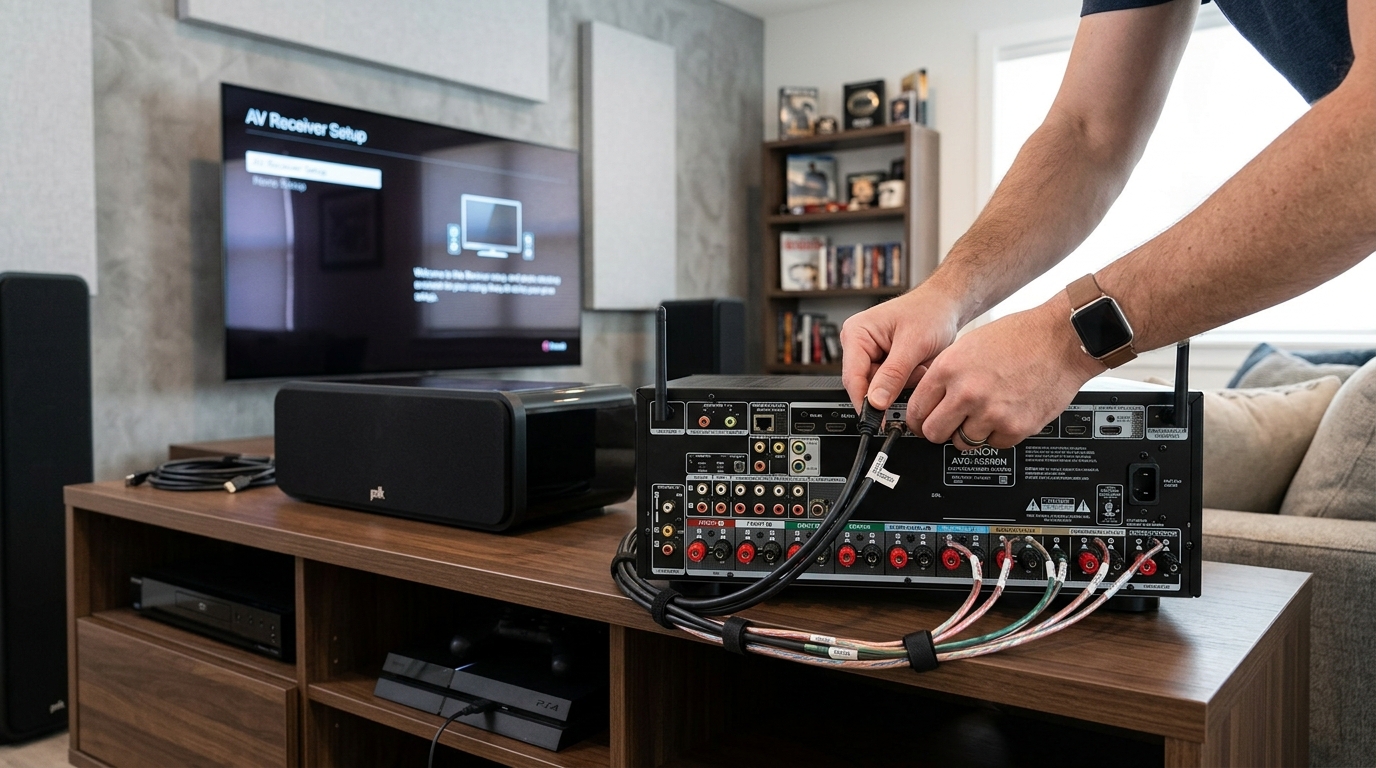
Whichever option you choose, proper setup determines actual performance. Even a flagship receiver sounds mediocre with poor speaker placement and no room correction calibration.
Start with speaker positioning before running any automatic setup. Place your front left and right speakers at equal distances from your main seat. Angle them to aim at your ears. Position the center channel at ear height when seated, not crammed inside furniture.
Run room correction in a quiet room with no background noise. Place the measurement microphone at multiple positions throughout your seating area. The system needs data from different locations to optimize for more than one seat.
Verify speaker size settings after automatic calibration completes. Many systems incorrectly classify bookshelf speakers as large or tower speakers as small. These mistakes ruin bass management and create gaps in frequency response.
Consider connecting your display properly to take advantage of modern features. How to calibrate your TV in 30 minutes without hiring a professional ensures your video quality matches your audio improvements.
If your room has acoustic challenges, address those before blaming the receiver. How to stop echo and reverb ruining your home theater sound covers simple treatments that dramatically improve any system.
Making Your Final Decision
Start by defining your must have features. Write them down. Gaming at 4K/120Hz is either essential or irrelevant. There’s no middle ground. The same applies to channel count, room correction quality, and warranty coverage.
Compare specific models, not generic categories. A 2022 Denon flagship differs from a 2022 Yamaha flagship. Read professional reviews that measure actual performance. User reviews help identify reliability issues and customer service quality.
Check used market prices for both options. Sometimes a current flagship sells for just $200 more than the mid range model. That changes the equation entirely. Other times, you can find the previous generation flagship for 40% less than mid range pricing.
Calculate cost per year of expected use. A $600 receiver that lasts seven years costs $86 annually. A $400 receiver that needs replacement after four years costs $100 annually. The cheaper purchase sometimes costs more over time.
Your Home Theater Deserves the Right Foundation
The receiver you choose becomes the foundation of your home theater for years to come. It controls every sound you hear and routes every image you see. This decision matters more than most people realize.
An old flagship offers better sound quality, more connectivity, and superior build quality for the same money as a mid range model. But only if you can accept older HDMI standards and shorter warranty coverage. A new mid range receiver provides modern features, full support, and peace of mind at the cost of some performance and flexibility.
Neither choice is universally correct. Your room, your sources, your speakers, and your priorities determine the right answer. Take time to evaluate your specific situation honestly. The receiver that matches your actual needs will serve you better than the one that looks better on paper.
Start by listing your must have features today. Then make your choice based on which option delivers those features most completely. Your home theater will sound better for it.







Leave a Reply