
You’re staring at receiver specs and the numbers keep climbing: 5.1, 7.2, 9.2, 11.4. Each step up adds hundreds to the price tag, and you’re left wondering if you actually need all those channels or if manufacturers are just padding their profit margins.
Most home theater setups work best with 5 to 7 channels. A 5.1 system handles small to medium rooms perfectly, while 7.1 adds immersive surround for larger spaces. Higher channel counts like 9.2 or 11.4 only make sense if you plan to add height speakers for Atmos or run multiple zones. Match your channel count to your room size and realistic upgrade plans, not marketing hype.
Understanding what receiver channels actually mean
A receiver channel powers one speaker. The first number tells you how many speakers the receiver can drive, and the second number tells you how many subwoofers it supports.
A 5.1 receiver powers five speakers and one subwoofer. A 7.2 receiver powers seven speakers and two subwoofers. Simple enough.
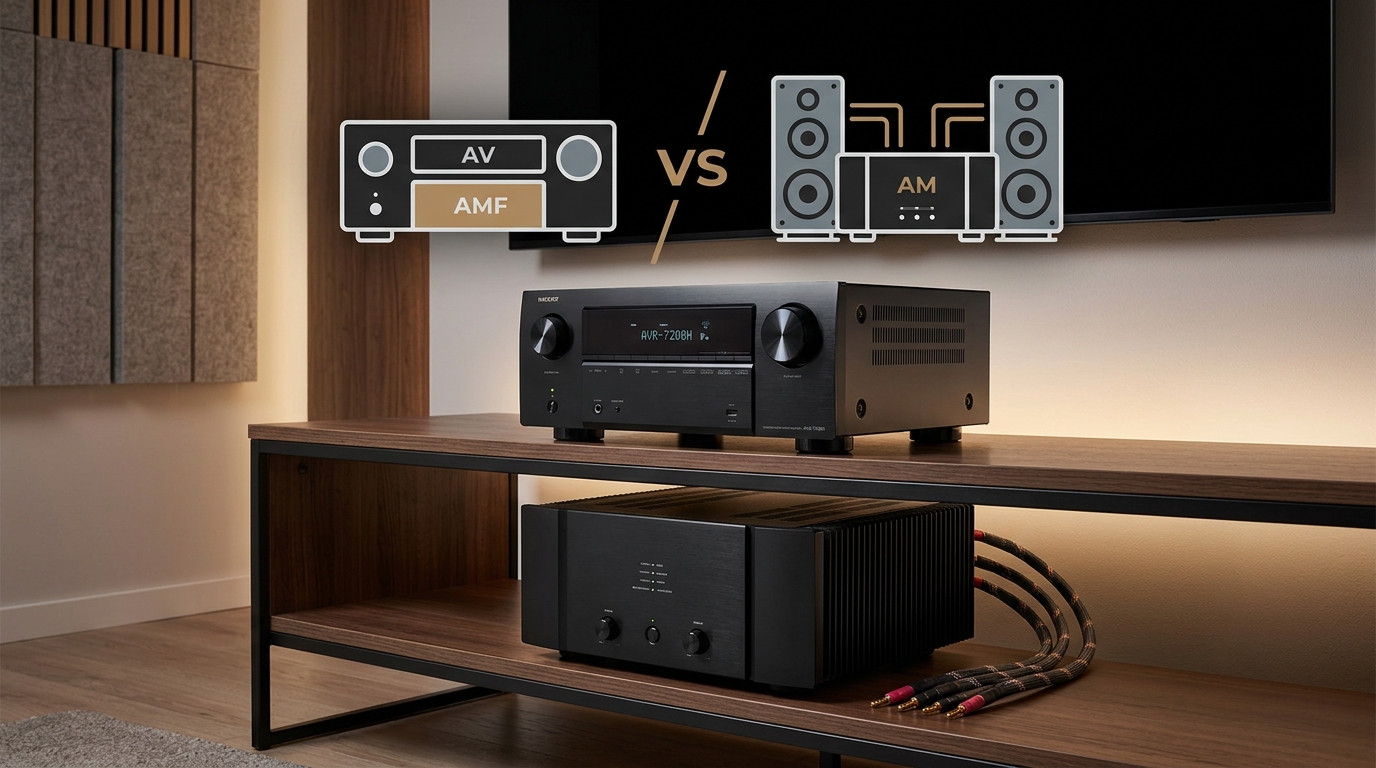
But here’s where it gets tricky. Some receivers advertise 7.2 channels but only amplify five at once. They expect you to add an external amplifier for the extra two. Always check whether the receiver has built-in amplification for every channel it lists.
The speaker arrangement matters more than the raw number. Those five or seven speakers go in specific locations to create surround sound. Front left, center, front right, surround left, and surround right make up a 5.1 system. Add two more surrounds behind you and you’ve got 7.1.
Matching channels to your room size
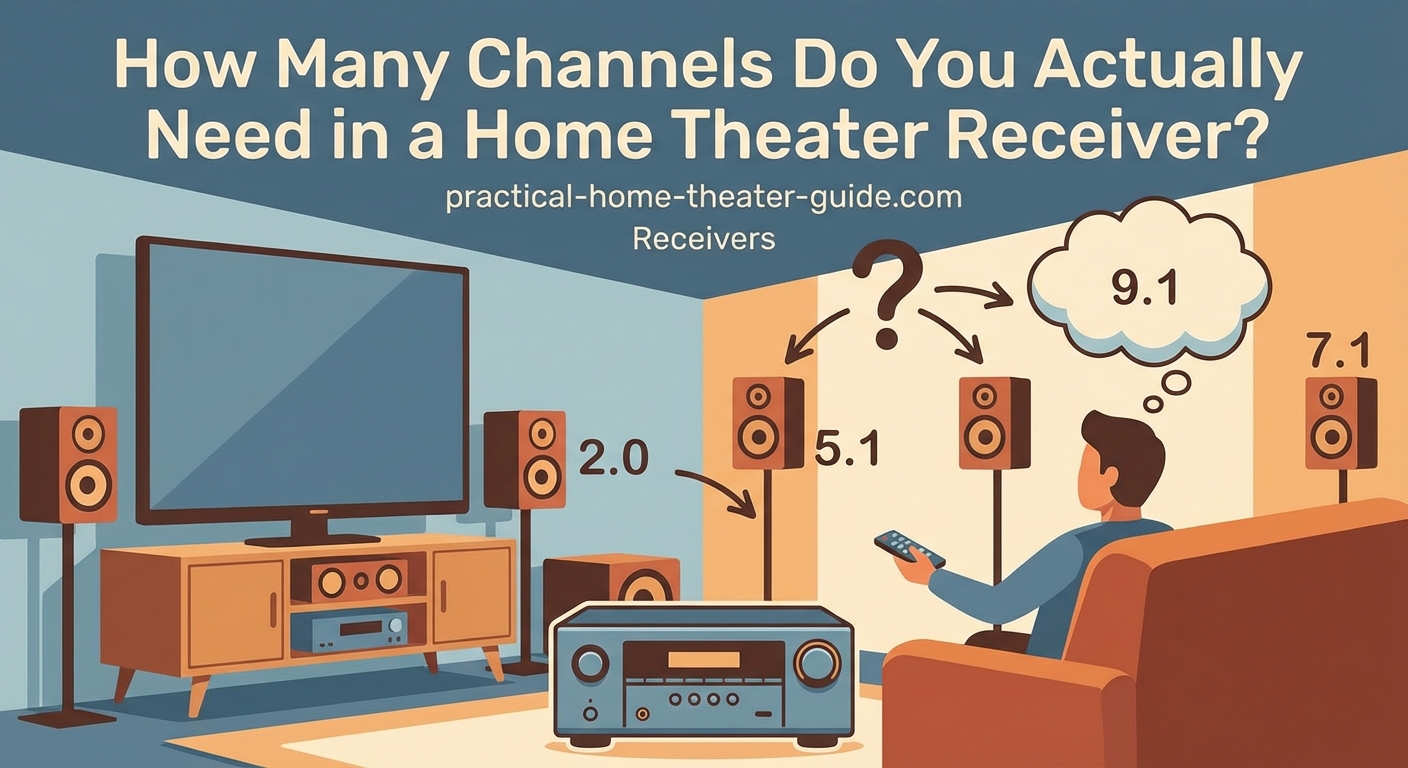
Room dimensions dictate how many channels make sense.
Small rooms under 150 square feet work perfectly with 5.1. You sit close enough to the surround speakers that adding more creates clutter without improving the experience. The sound wraps around you just fine with five speakers placed correctly.
Medium rooms between 150 and 300 square feet benefit from 7.1. The extra rear surrounds fill the gap that appears when you sit farther from the side surrounds. You get smoother panning effects when helicopters fly overhead or cars race past.
Large rooms over 300 square feet can justify 9 or more channels, but only if you’re serious about home theater. Most people find 7.1 plenty even in bigger spaces. The jump to 9 channels usually means adding height speakers for Dolby Atmos, not just more surrounds.
Your seating arrangement matters too. Multiple rows of seating benefit from extra surround speakers. A single couch against the back wall doesn’t.
The real difference between 5.1 and 7.1 setups
I’ve tested both configurations in the same room, and the difference is real but not massive.
With 5.1, the surround speakers sit to your sides, slightly behind you. Sound moves from front to back convincingly. Explosions boom, dialogue stays centered, and ambient effects fill the room. You feel immersed in the action.
With 7.1, the side surrounds move forward a bit, and two new rear surrounds appear behind you. Now sound can travel in a complete circle. Panning effects get smoother. Ambient sounds like rain or crowd noise feel more natural because they come from more directions.
The improvement is most noticeable in large rooms where you sit far from the walls. In small rooms, 7.1 can actually sound worse because speakers end up too close together or in awkward positions.
Here’s a practical test: if your couch sits more than 10 feet from your side walls, consider 7.1. If it’s closer, stick with 5.1.
When height channels actually matter
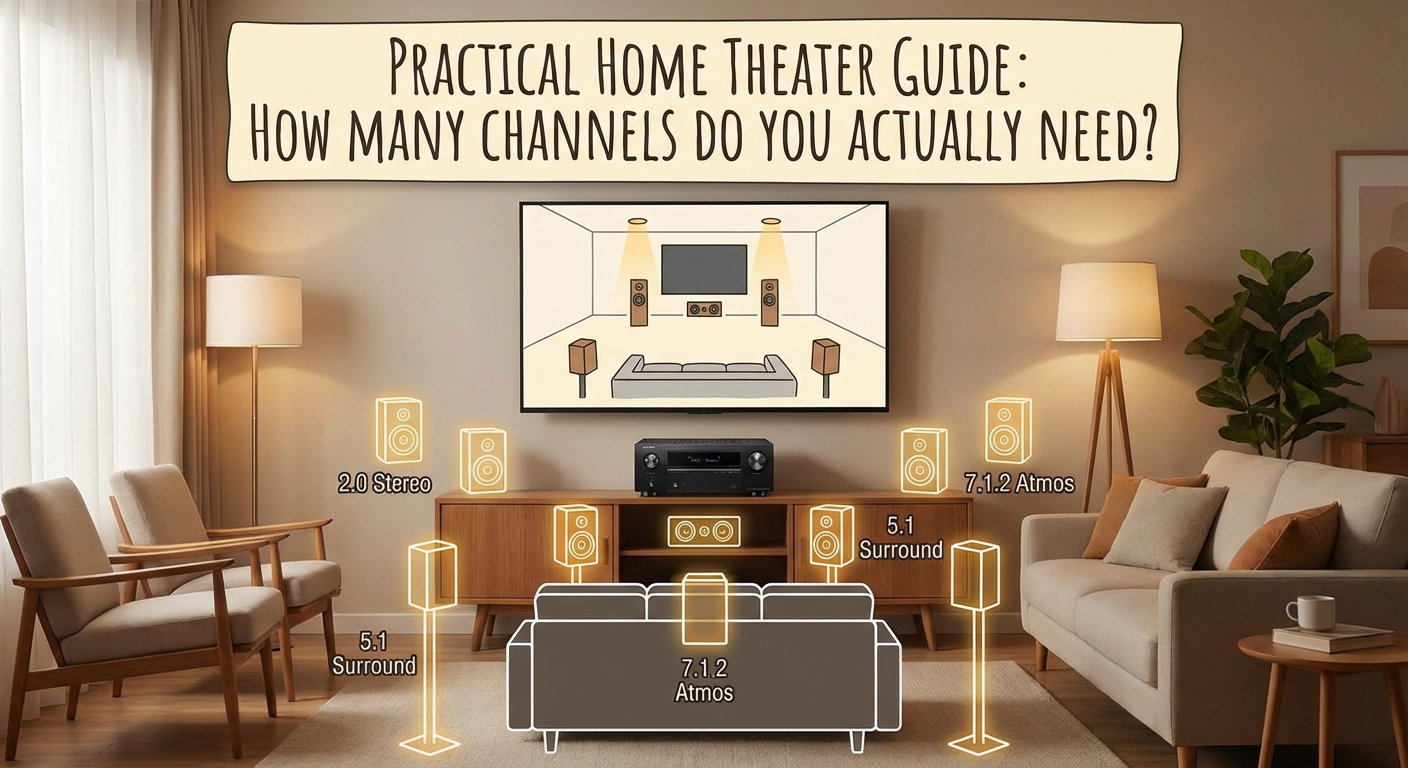
Height channels mount on or in your ceiling to create overhead sound effects. Dolby Atmos and DTS:X formats use these channels to make helicopters fly over your head or rain fall from above.
A 5.1.2 system adds two height speakers to a standard 5.1 setup. The .2 at the end refers to height channels, not subwoofers. A 7.1.4 system has seven ear-level speakers, one subwoofer, and four height speakers.
Height speakers transform the experience, but only with the right content. Atmos mixes exist for most new movies and many streaming shows. Older content won’t use those speakers at all.
Budget for height channels only after you’ve nailed your ear-level setup. A great 5.1 system beats a mediocre 5.1.2 system every time. Height effects impress visitors, but solid surround sound carries the experience.
If you do add height speakers, four work better than two. Two height speakers in front create a small bubble of overhead sound. Four speakers create a full dome. The jump from 0 to 2 height channels matters more than the jump from 2 to 4, though.
Channel configurations that make sense for different budgets
| Budget Level | Recommended Config | What You Get | What You Skip |
|---|---|---|---|
| Under $500 | 5.1 | Full surround sound, one subwoofer | Rear surrounds, height channels |
| $500 to $1000 | 7.1 or 5.1.2 | Better surround or basic height | Can’t do both well |
| $1000 to $2000 | 7.1.2 or 7.1.4 | Full surround plus overhead | Multiple subwoofers |
| Over $2000 | 7.2.4 or 9.2.4 | Everything, dual subs | Nothing major |
Start with 5.1 unless you have a specific reason to go bigger. You can always add speakers later if your receiver supports more channels than you’re using.
Receivers often include more channels than you need right away. A 7.2 receiver running a 5.1 setup gives you room to grow. That’s smart. Buying an 11.4 receiver for a 5.1 setup is overkill unless you have concrete plans to expand.
Processing channels versus amplified channels
This distinction trips up more buyers than anything else.
A receiver might process 11 channels but only amplify 7. That means it can decode an 11-channel audio track and send signals to 11 speakers, but it only has built-in amps for 7 of them. You need an external amplifier for the other 4.
Check the spec sheet carefully. Look for “channels of amplification” or “amplified channels,” not just “channels.” Marketing materials love to advertise the higher processing number.
External amps add cost and complexity. They also improve sound quality because they take the load off the receiver. But for most people, they’re an unnecessary complication.
If you want 7 speakers, buy a receiver that amplifies 7 channels. Don’t buy one that processes 9 but only amplifies 5 unless you’re ready to add an external amp immediately.
The multi-zone trap
Many receivers advertise extra channels for multi-zone audio. You can play different music in your living room and patio simultaneously.
Sounds great until you realize those zones steal channels from your home theater. A 7.2 receiver with two-zone capability might only drive 5.1 in your theater when you’re using the second zone.
Most people set up multi-zone once, use it twice, and forget about it. Don’t pay extra for this feature unless you have a specific plan for it.
If you do want whole-home audio, dedicated multi-zone systems work better than receiver-based solutions. They’re designed for it, and they don’t compromise your theater setup.
Future-proofing without overspending
Buy one step above what you need today, not three steps.
If you’re happy with 5.1 now, a 7.2 receiver gives you room to add two more speakers later. That’s reasonable. Buying an 11.4 receiver “just in case” wastes money on amplifiers you’ll never use.
Audio formats change, but speaker configurations stay relatively stable. We’ve had 5.1 since the 1990s and 7.1 since the 2000s. Atmos added height channels in 2012, and nothing major has changed since.
The next big thing will probably involve wireless speakers or object-based audio improvements, not more channels. Don’t future-proof for a scenario that might never arrive.
Focus your budget on speaker quality and room acoustics before adding channels. A 5.1 system with great speakers in a treated room beats a 9.2.4 system with mediocre speakers in a bare room. More channels can’t fix bad sound.
Common mistakes when choosing channel count
People buy too many channels far more often than too few.
The biggest mistake is matching channel count to the highest number you see in a movie’s audio track. Yes, some Atmos mixes support up to 24 channels. No, you don’t need 24 speakers. The format scales down beautifully to whatever you have.
Another mistake is assuming more channels always sound better. They don’t. Seven speakers placed poorly sound worse than five speakers placed correctly. Channel count is just one variable in a complex equation.
Room shape matters more than most people think. A rectangular room suits surround sound perfectly. An open-concept space with the kitchen flowing into the living room? That’s tough for any channel configuration. You might be better off with a high-quality soundbar than a compromised surround system.
Don’t forget about the subwoofer number either. That second digit matters. Two subwoofers smooth out bass response far better than one, especially in larger rooms. If you’re choosing between 7.1 and 5.2, the 5.2 might sound better overall.
Setting up what you actually need
Here’s a practical approach to choosing your channel count:
- Measure your room and note where you can realistically place speakers
- Decide whether you want height channels based on your content viewing habits
- Choose the smallest channel count that fits your room and preferences
- Verify the receiver amplifies all those channels internally
- Leave one or two channels of headroom for future expansion
Start with the speakers you’ll install in the first month. Don’t plan around hypothetical upgrades that might never happen. If you’re not sure whether you want rear surrounds, start with 5.1. Adding them later is easier than you think.
Wire your room for more speakers than you’ll use initially. Running speaker wire during a remodel costs almost nothing. Adding it later means tearing into walls. Wire for 7.1.4 even if you’re starting with 5.1. The wire sits there harmlessly until you need it.
Getting the most from fewer channels
You don’t need 11 channels to get great sound. You need the right channels in the right places.
Speaker placement matters more than count. A center channel at ear height, angled toward your seat, does more for dialogue clarity than adding four height speakers. Surround speakers at the correct angle create better immersion than adding rear surrounds in the wrong spot.
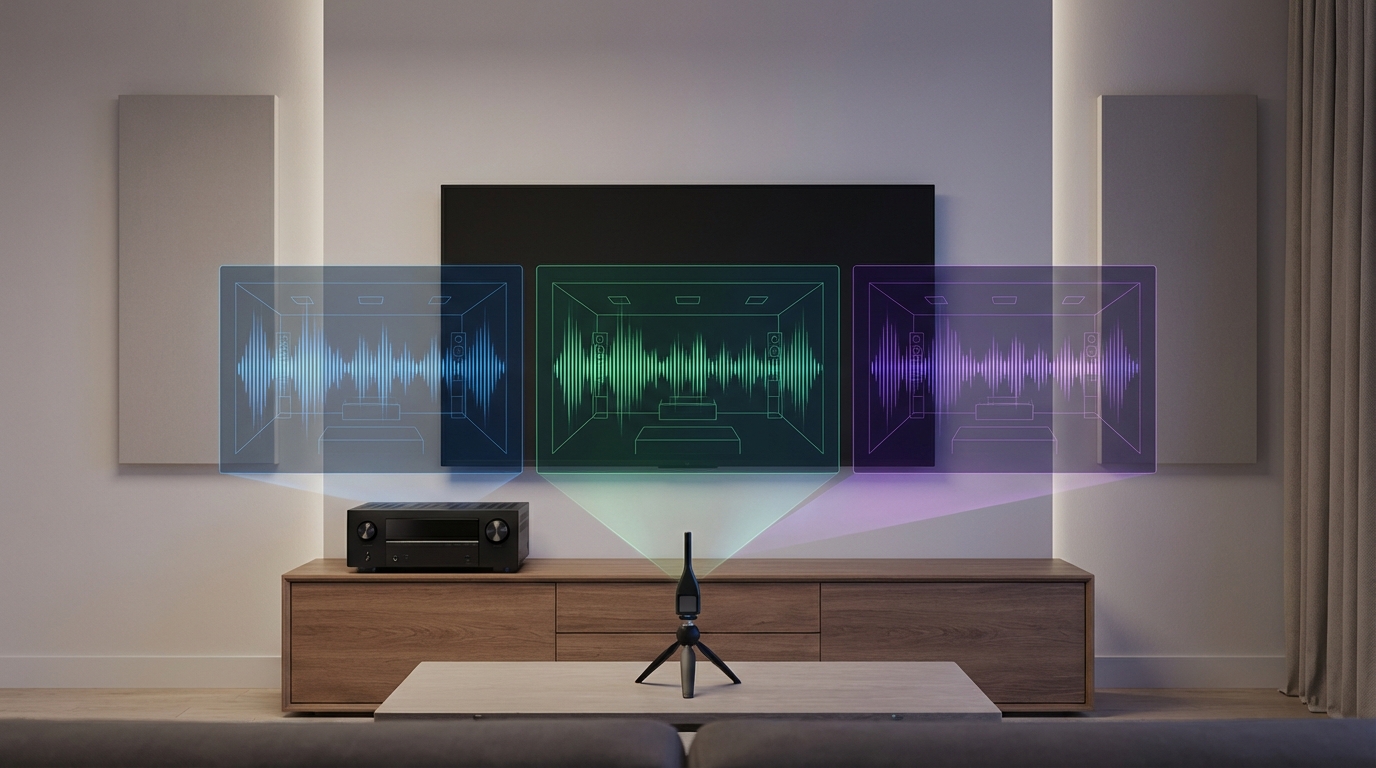
Calibration transforms mediocre systems into great ones. Run your receiver’s automatic setup multiple times and average the results. Tweak the distances and levels manually if something sounds off. A well-calibrated 5.1 system beats a poorly calibrated 7.2.4 system.
Room treatment costs less than extra channels and improves sound more. A few acoustic panels on your walls and ceiling tame reflections that muddy dialogue and blur effects. Bass traps in the corners smooth out the low end better than a second subwoofer.
- Focus on speaker quality before quantity
- Place surrounds at ear height, not on the ceiling
- Angle speakers toward your main seating position
- Calibrate your system with multiple measurements
- Add room treatment before adding channels
Picking the right number for your situation
Most people land on 5.1 or 7.1 after considering their room, budget, and upgrade plans.
Choose 5.1 if your room is small, your budget is tight, or you’re new to home theater. It’s the sweet spot for price, performance, and simplicity. Every receiver supports it, every movie includes a 5.1 mix, and speaker placement is straightforward.
Choose 7.1 if you have a larger room, a bigger budget, and you’re committed to home theater. The extra surrounds improve immersion noticeably, and most modern receivers handle 7 channels easily.
Choose 5.1.2 or 5.1.4 if height effects excite you more than rear surrounds. You get the Atmos experience without filling your room with ear-level speakers. This works great in rooms where rear surrounds would end up in awkward positions.
Choose 7.2.4 or higher only if you’re building a dedicated theater room, you have the budget for it, and you’ve already maxed out speaker quality and room treatment. This is enthusiast territory, not mainstream home theater.
Making your decision stick
The right channel count depends on your room, your budget, and your honest assessment of future upgrades.
Start with what you’ll use in the first year. If that’s 5.1, great. Buy a 7.2 receiver if you want upgrade flexibility, but install 5.1 speakers first. Test that setup for a few months. You might find it’s perfect as-is.
Don’t let receiver specs intimidate you. Manufacturers want you to think you need the maximum everything. You don’t. Focus on the experience you want, not the numbers on the box.
Your ears tell you what’s working. If you sit down to watch a movie and forget about your speaker setup because you’re absorbed in the story, you’ve got enough channels. If you’re constantly aware of where sounds are coming from or where they’re not, something needs adjustment, but it’s probably placement or calibration, not channel count.







Leave a Reply