Home Theater Guide editors
The Home Theater Guide editorial team maintains this independent reference against named primary sources.
Editorial standards
- No paid placements. We do not accept payment for a placement, a ranking or a favourable review. Where a link earns a commission, the page carrying it says so.
- No untested claims. We do not say we have tried something we have not. Prices and plan details supplied by a provider are labelled as indicative rather than presented as our own findings.
- No page for the sake of a keyword. A destination gets a page when there is something specific to say about it. That is why the site is small.
- Corrections are made in public. A factual fix is applied to the page and the update date changes with it.
31 pages by Home Theater Guide editors
-
 Home Theater Calibration and Troubleshooting Hub
Route to calibration and troubleshooting guides by what you're trying to fix. Reversible checks come first, protecting hearing and equipment is mandatory.
-
 Home Theater Screen Size and Viewing Distance: Field of View Guide
Choose screen size and viewing distance using SMPTE and THX field-of-view guidance, with practical limits from throw ratio and screen gain.
-
 Media Room Light Control: Ambient, Reflected and Task Lighting Guide
Control media room light by separating ambient, reflected, and task lighting to preserve projector ANSI contrast and perceived black level.
-
 How to Calibrate a Home Theater System Safely Step by Step
Factory reset the receiver, run room correction, then verify levels with an SPL meter. The subwoofer distance setting includes DSP latency and should not be overridden.
-
 What Speaker Crossover Frequency Should I Set in My Home Theater
Start at the THX 80Hz crossover and set all speakers to Small regardless of their size. Set the crossover 10-20Hz above the speaker's measured in-room -3dB point.
-
 Why Is Dialogue Hard to Hear in My Home Theater and How to Fix It
Check that the center speaker is not inside a cabinet, the tweeter is at ear level, and the AVR center trim is correct. MTM speakers have off-axis nulls that bury dialogue.
-
 HDMI No Signal Troubleshooting for Home Theater Source Cable Input Chain
Connect the source directly to the display first to isolate the receiver. HDMI fails at a digital cliff with no degradation before dropout, only sparkle or black screen.
-
 How to Fix Audio Delay and Lip Sync Error in a Home Theater System
Disable the TV's motion smoothing first; it is the most common cause of audio delay. eARC includes mandatory lip-sync correction but requires both chipsets to support it.
-
 Home Theater Planning: Room Design, Layout and Light Control
The planning hub for home theater room design: route your decisions by what you are trying to build, from dedicated construction to living-room integration.
-
 Home Theater Displays: Projectors, TVs and Screens Compared by Trade-Off
The displays hub for home theater: compare projectors, TVs, and screens by measurable trade-offs in contrast, brightness, and acoustic transparency.
-
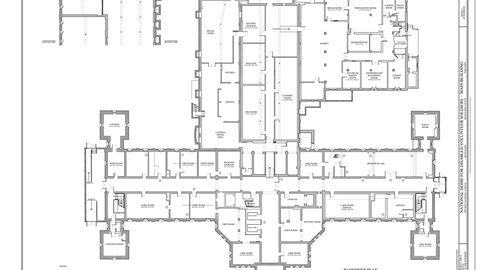 How to Plan a Home Theater: Room Measurement and Budget Workflow
A room-to-budget planning workflow for home theater: measure first, calculate room modes, then allocate budget where the room demands it.
-
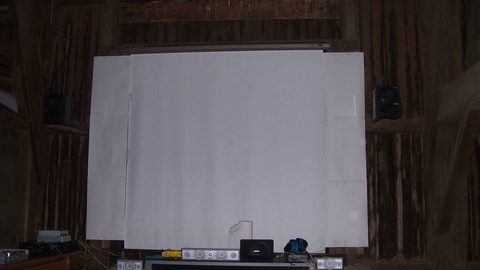 Home Theater Seating Layout: Sightlines, Speaker Geometry and Aisles
Arrange home theater seating for sightlines, ITU-R BS.775 speaker geometry, and aisle clearance, with riser calculations and bass null avoidance.
-
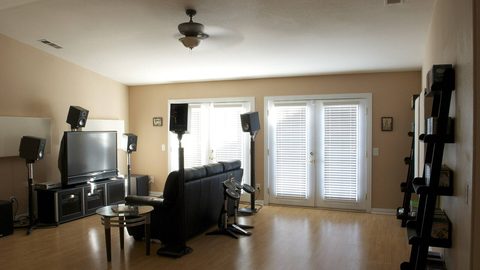 Home Theater Soundproofing: Isolation vs Acoustic Treatment Explained
Soundproof a home theater by distinguishing isolation from acoustic treatment, with structural work flagged before drywall installation.
-
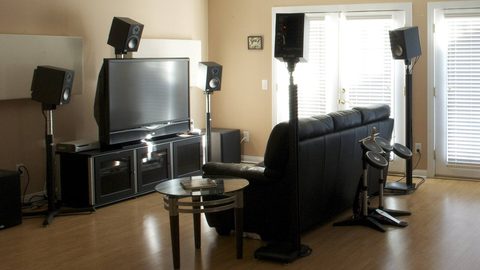 TV vs Projector for a Home Theater: Measurable Trade-Offs Explained
Projectors dominate above 100 inches and in light-controlled rooms, while TVs win in mixed-use spaces. The measurable thresholds that decide the choice.
-
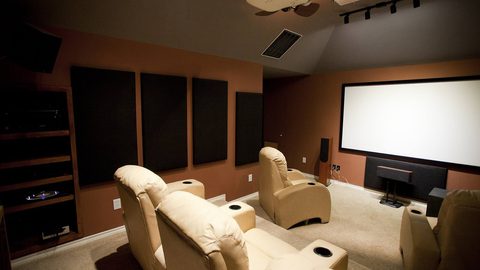 OLED vs Mini-LED vs Projector: Contrast, Brightness and Room Fit
OLED delivers pixel-level black, Mini-LED fights blooming with zone count, and projectors scale largest. How contrast, brightness and room light decide the winner.
-
 Projector Brightness Guide: Lumens, Screen Size, Gain and Ambient Light
Published projector lumens are measured in inaccurate modes. How to calculate the calibrated brightness your screen size, gain and room actually need.
-
 Projector Throw Ratio Formula and Placement Examples for Any Room
A projector with the wrong throw ratio is the most common and unfixable purchase error. The formula, placement examples and why lens shift beats keystone.
-
 HDR for Home Theater Explained: Format Support, Display Capability and Mastering
HDR is three things: the format, the display's PQ curve capability and the content mastering. Why your projector's tone mapping matters more than the HDR logo.
-
 Home Theater Connection Order for Streaming Box, Console and Receiver
Connect sources to the AV receiver first unless a specific HDMI 2.1 feature exceeds the receiver's bandwidth. The chain defaults to the lowest common capability.
-
 Home Theater Speakers and Surround Sound: Layout Standards and Real Rooms
Speaker layout standards, surround format decoding and room correction platforms. Route to the guide that answers your specific audio planning question.
-
 Home Theater Receivers and Connections Hub
Route to guides on AV receivers, HDMI eARC, cable behavior, and HDMI 2.1 features. This section names versions and optional features precisely, never equating a connector shape with guaranteed capability.
-
 What 5.1, 7.1 and 5.1.2 Mean: Decoding Surround Sound Channel Numbers
The numbers decode into bed layer, LFE subwoofer and height channels. How 5.1, 7.1 and 5.1.2 map to Dolby Atmos, DTS:X and Auro-3D speaker layouts.
-
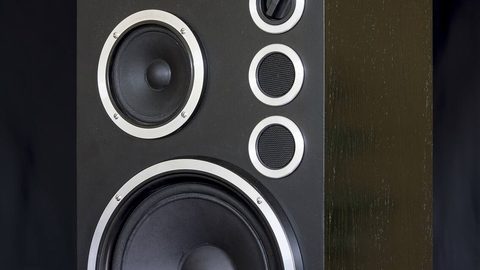 Surround Speaker Placement: Angles, Height, and Real-Room Compromises
ITU-R BS.775 defines the angles, Dolby Atmos adds the height layer. Standard placement, real-room compromises and why the center channel must aim at ears.
-
 One Subwoofer or Two for a Home Theater
Dual subwoofers solve seat-to-seat bass consistency by smoothing room modes, not by adding volume. One subwoofer cannot fix a null caused by destructive boundary interference.
-
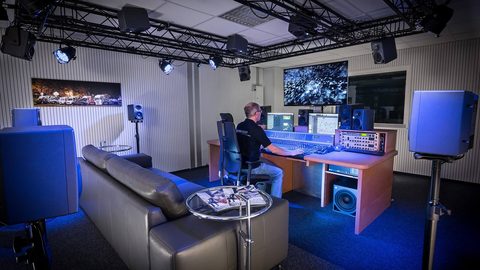 What Is Dolby Atmos in a Home Theater
Dolby Atmos adds object-based metadata to a Dolby TrueHD or DD+ carrier, letting a renderer scale height and surround effects to your specific speaker layout.
-
 How to Choose a Home Theater Center Speaker
A center speaker's job is dialogue clarity. Choose a 3-way or coaxial design to avoid off-axis lobing, place it at ear level, and timbre-match it to your left and right speakers.
-
 How to Choose an AV Receiver for a Home Theater
Choose an AV receiver by channel count first, then room correction platform. Published power ratings drop 30-50% with all channels driven, and an HDMI 2.1 label does not guarantee specific features.
-
 What Is HDMI eARC for Home Theater Audio
eARC carries lossless Dolby TrueHD/Atmos where ARC is limited to compressed surround. Both use the same HDMI connector but require different chipsets at both ends.
-
 Do HDMI Cables Change Picture Quality
HDMI cables pass a digital signal that either arrives intact or fails with sparkles, dropouts, or a black screen. A cable cannot improve sharpness, color, or contrast.
-
 What HDMI 2.1 Means for Home Theater
An HDMI 2.1 port label is a certification, not a feature guarantee. FRL bandwidth, VRR, and ALLM are all optional—check the manufacturer's specific feature list.
-
 Practical Home Theater Guide: Room-First Planning and Setup
A room-first home theater reference that turns specifications and standards into practical setup decisions, starting with the room before the equipment.