Home Theater Displays: TVs, Projectors and Screens Compared by Measurable Trade-Off
The displays hub for home theater: compare projectors, TVs, and screens by measurable trade-offs in contrast, brightness, and acoustic transparency.
Begin with the room. Treat the walls, control the light, and measure the throw distance before you look at a single projection specification. A light controlled, acoustically treated room with a midrange model will outperform a flagship unit in a bare white room every time. The room is the display. What you mount on the wall or hang from the ceiling is the final lens on that room, not the starting point. The sections below route you through the measurable trade-offs between projectors, screens, and flat panels so you can match the technology to the room you actually have.
Start with the main guide or open a TVs, projectors and screens question:
- Practical Home Theater Guide
- TV or projector for a home theater?
- OLED, Mini-LED or projector?
- What projector brightness do I need?
- What is projector throw ratio?
- What does HDR add to movies?
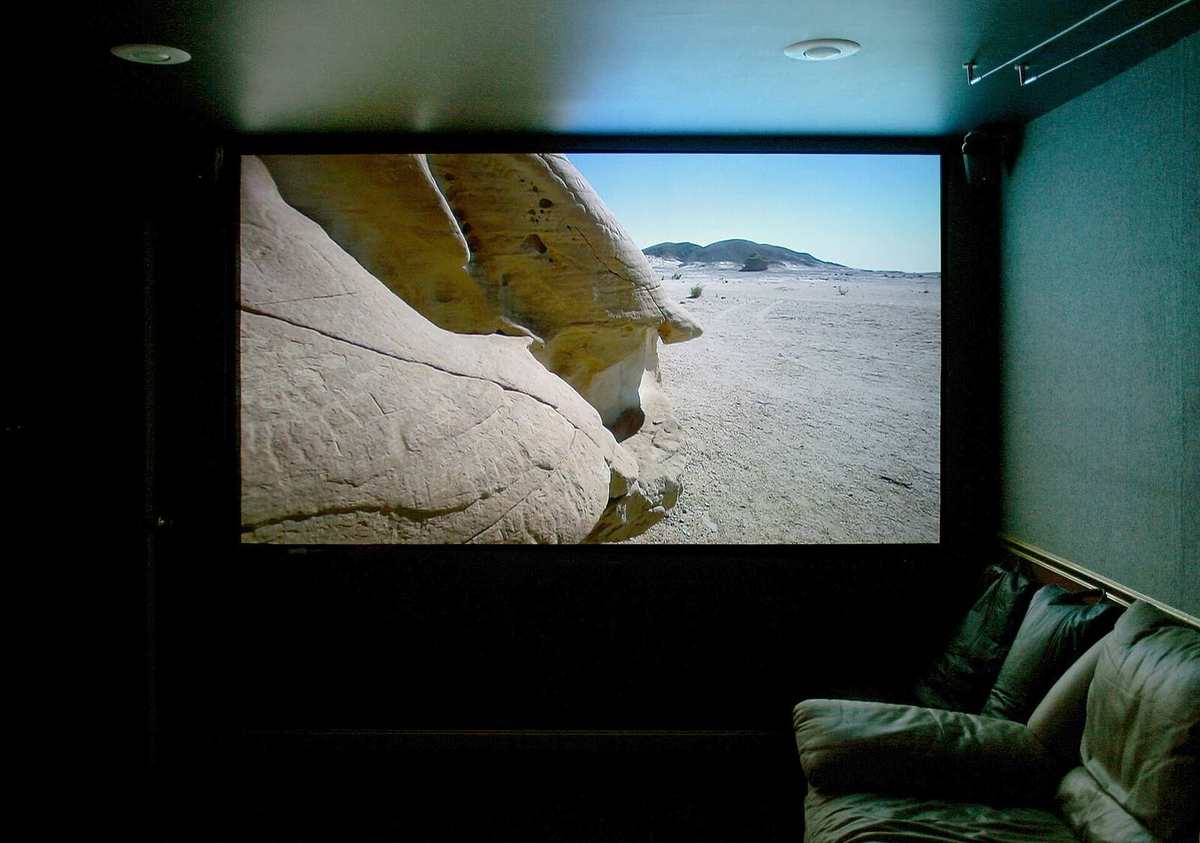

Home Theater Displays: Route by What You Are Trying to Do
A projector creates an image by throwing light onto a reflective surface. A screen shapes that light, controlling its direction and spectral return. A flat panel emits its own light and fights the room rather than relying on it. Each one has a measurable signature. Treat any comparison that conflates these as noise.
Your first job is to decide which problem you are solving. Are you maximizing black level in a fully light controlled dedicated room? You need a projector with high native contrast ratio and a screen with unity gain or lower. Are you fighting ambient light in a living room that cannot be darkened? A high brightness projector with a positive gain screen or a large panel becomes the correct compromise. Do you need to place three identical speakers behind an acoustically transparent screen? That decision eliminates standard screens and most flat panels immediately. The sections below route you by these use cases rather than by product category.
- Native contrast ratio: On/off measurement; 20,000:1 is a strong starting point for a dedicated room projector, but ANSI contrast matters more for real scene depth.
- Black level: Absolute luminance, not a ratio. A JVC D-ILA projector can hit 0.001 ft-L in a dark room; a living room panel cannot approach this.
- Screen gain: Unity gain is the reference. Above 1.3, viewing cone narrows and hotspotting becomes visible. Below 0.9 sacrifices peak luminance.
- ANSI contrast ratio: Checkerboard measurement that reveals intra-scene contrast. A projector with 200:1 ANSI can look more dimensional than one with 50,000:1 native.
- Foot-lamberts at screen: Target 14-16 ft-L for SDR, 30+ ft-L for convincing HDR on a projector. Any less and specular highlights lose pop.
- Throw ratio: The single most common projector purchase error. Measure your throw distance and desired image width before you look at any model.
Home Theater Projector Comparison: The Three Technologies That Define the Market
A projector comparison that starts with resolution has already failed. The visible differences between technologies show up in native contrast ratio, ANSI contrast, and black level first. These three attributes are not the same thing. Native contrast is the ratio of a full white field to a full black field. It tells you how dark the projector can go when nothing is on screen. ANSI contrast uses a checkerboard pattern to measure how well the projector holds black next to white in the same frame. Black level is the absolute luminance of black, measured in foot-lamberts or candelas per square meter. A projector can have high native contrast but a raised black floor if peak luminance is also high. That projector will look washed out in a dark scene regardless of what the spec sheet says.
JVC D-ILA: The Black Level Reference
JVC D-ILA is an LCoS technology that owns the dedicated room discussion. Its native contrast ratio routinely exceeds 40,000:1 without a dynamic iris, and its black level can drop below 0.001 foot-lamberts in a properly treated room. The trade-off is peak luminance. A JVC calibrated for color accuracy will output less light than an Epson UB series projector at the same price. For a room with complete light control and a screen under 120 inches diagonal, JVC D-ILA is the reference. For a larger screen or any ambient light, the luminance ceiling becomes the limiting factor.
Sony SXRD: Motion and Processing Strength
Sony SXRD is the other LCoS contender. Its native contrast trails JVC D-ILA in the same price band, but its motion handling and Reality Creation processing give it an edge with fast content and lower resolution sources. The black level is still excellent, just not class leading. Sony SXRD makes more sense when you watch a mix of 4K Blu-ray, streaming, and broadcast rather than purely film content in a bat cave.
Epson UB Series: The Lumen Play
Epson UB series projectors use pixel shifting LCD panels. They accept a 4K signal but image a 1080p panel twice. The native contrast ratio is lower than LCoS, and black level is higher. What Epson delivers is calibrated peak luminance that can push past 2,000 lumens, enough to drive a 150 inch screen or fight some ambient light. Pixel shift versus native 4K is visible on single pixel test patterns and mostly invisible on motion content at normal viewing distances. If your room has light walls or you cannot achieve full light control, the Epson UB series is the correct compromise.
LCoS vs LCD Projector: Where the Visible Gap Actually Lives
The LCoS vs LCD decision is not about resolution. It is about native contrast versus calibrated brightness. LCoS projectors from JVC and Sony use a reflective liquid crystal on silicon panel that blocks light more completely, yielding deeper black level and higher native contrast. LCD projectors use transmissive panels that leak more light in the off state, raising the black floor. The visible gap is starkest in a fade to black scene. On an LCoS projector, the screen disappears. On an LCD projector, there is a faint glow. In a mixed brightness scene, the ANSI contrast ratio closes the gap somewhat because room reflections and the lens itself scatter light.
Where LCD wins is color volume at high luminance. An Epson UB series projector can deliver saturated color at brightness levels where an LCoS projector has already rolled off. This matters for HDR tone mapping. A projector with limited peak luminance must compress the HDR signal more aggressively, which crushes specular highlight detail. The MadVR Envy and similar external video processors exist to solve this exact problem by performing dynamic tone mapping scene by scene, but they add cost and complexity. When you choose LCoS, budget for a tone mapping solution. When you choose LCD, you can often rely on the internal processing.
Dedicated Theater Screen Selection: Gain, Fabric, and the Viewing Cone
Screen selection starts with one number: gain. Screen gain is a unitless multiplier measured on axis perpendicular to the screen. A gain of 1.0 returns the same luminance as a reference white board. A gain of 1.3 returns 30% more light to the center seat but narrows the viewing cone. Off axis seats see brightness falloff, and high gain materials introduce hotspotting, a visible bright center that shifts as you move. Stewart Filmscreen defines the top of the market here with materials like StudioTek 130 that balance gain and uniformity better than most, but the physics are the physics. Above 1.3 gain, every seat that is not dead center gets a dimmer image.
For a dedicated room with controlled lighting and dark surfaces, unity gain or slightly below is the correct target. It preserves black level, widens the viewing cone, and lets the projector's native contrast do the work. For a room with ambient light, a positive gain screen can reclaim some perceived contrast by directing more light back to the seating area. The trade-off is that the room's walls and ceiling must still be dark, or the reflected light will wash out the image regardless of screen gain.
| Room condition | Projector calibrated lumens | Recommended gain | Screen size limit | Example material |
|---|---|---|---|---|
| Full light control, dark surfaces | 1,200-1,800 | 0.9-1.0 | 150 inches | Stewart StudioTek 100 |
| Full light control, dark surfaces | 800-1,200 | 1.0-1.1 | 130 inches | Seymour-Screen Excellence XD |
| Some ambient light, light walls | 1,800-2,500 | 1.1-1.3 | 135 inches | Stewart StudioTek 130 |
| Living room, uncontrolled light | 2,500+ | 1.3+ | 120 inches | High gain ALR material |
| Dedicated room, AT required | 1,500-2,200 | 0.9-1.0 | 140 inches | Seymour-Screen Excellence Enlightor 4K |
Acoustically Transparent Screen Guide: Behind the Fabric
An acoustically transparent screen is not about visual performance alone. The decision to place speakers behind the screen changes the entire front stage geometry. It lets you use three identical vertically oriented speakers at the same height, which locks dialogue to the actors on screen. A standard screen forces the center speaker below or above the image, creating a disconnect between dialogue position and the picture. The cost of this improvement is insertion loss: the attenuation of high frequencies as sound passes through the screen fabric. The best woven fabrics, such as Seymour-Screen Excellence Enlightor 4K, lose under 1dB at 20kHz. Cheaper fabrics can drop 3dB or more in the top octave, dulling dialogue intelligibility.
Weave vs Microperforation
Weave pattern matters for video. A woven acoustically transparent screen has a spatial frequency that can align with the projector's pixel grid, creating a moiré pattern. Fix it by adjusting throw distance or defocusing the lens slightly. Microperforated screens avoid moiré but introduce a different problem: the perforations scatter light backward, reducing ANSI contrast. For most dedicated rooms, a high quality woven AT screen with a properly positioned projector is the right choice. Budget for the fabric, not just the frame. The Enlightor 4K fabric from Seymour-Screen Excellence represents the current reference for minimal insertion loss and weave invisibility at normal seating distances.
Panel Displays in a Home Theater: When a Projector Is the Wrong Tool
A flat panel belongs in a home theater discussion when the room cannot be light controlled. A large OLED or mini-LED LCD delivers black level and ANSI contrast that no projector can match in a bright room. The trade-off is size. A 98 inch panel is the upper limit of consumer availability and cost, while a projector can fill a 150 inch screen for a fraction of the price. If your seating distance is under 12 feet and your screen size target is under 100 inches, a flat panel will outperform any projector at the same price in every measurable attribute except immersion. The image is brighter, black level is lower, and color volume at high luminance is superior.
OLED vs Mini-LED: The Blooming Divide
The panel failure mode in a home theater is edge lit LCD blooming. Bright objects bleed light into dark areas because the local dimming algorithm and zone count cannot isolate the highlight. OLED avoids this completely with per pixel control, but peak luminance is lower, and HDR specular highlights lose impact above 10% window size. The correct panel for a dedicated theater is an OLED if size and budget permit, or a high zone count mini-LED LCD if you need more brightness for HDR. Avoid edge lit panels entirely. The zone count matters more than the marketing name of the dimming technology.
The Three Attributes No Spec Sheet Compares Correctly
You cannot choose a display by reading a manufacturer contrast ratio. Native contrast ratio, ANSI contrast ratio, and black level each describe a different physical phenomenon, and the industry has settled on publishing only the one that looks best in a brochure. The black level number is almost never published. You must find third party measurements, and you must know which number applies to your room. A projector with a high native contrast ratio and a poor ANSI contrast ratio will look spectacular in fade to black transitions and flat in any scene with both bright and dark elements. A projector with excellent ANSI contrast and moderate native contrast will look dimensional and punchy in mixed scenes but never truly disappear on a blackout. Choose based on the content you watch most, not the spec that sounds best.
Throw Ratio: The Error That Wrecks a Build Before It Starts
Throw ratio is the distance from the lens to the screen divided by the screen width. A projector with a throw ratio of 1.5 needs to be 15 feet from the screen to fill a 10 foot wide image. Get this wrong and your image will not fit the screen. No amount of keystone correction fixes a throw ratio mismatch without degrading resolution and adding latency. Measure your room before you shop. The distance from the lens mounting point to the screen surface, minus the projector depth and cable clearance, is your throw distance. Divide by your desired image width to find the required throw ratio. Buy a projector whose lens shift and zoom range cover that ratio with 10% margin on each end. This single measurement prevents more returns than any other specification.
Where You Should Start
Begin with the room. Treat the walls, control the light, and measure the throw distance before you look at a single projector specification. If you cannot darken the room, your options narrow to high brightness projectors with positive gain screens or large flat panels. If you can achieve full light control, a JVC D-ILA projector on a unity gain Stewart Filmscreen or Seymour-Screen Excellence fabric is the reference configuration for image quality, and the only remaining decision is whether you need acoustic transparency to place speakers behind the screen. That decision routes you to the dedicated screen and projector guides that follow.
More in this guide
TV or projector for a home theater?What does HDR add to movies?What is projector throw ratio?.
More in TVs, projectors and screens
-
 OLED, Mini-LED or projector?
OLED delivers pixel-level black, Mini-LED fights blooming with zone count, and projectors scale largest. How contrast, brightness and room light decide the winner.
OLED, Mini-LED or projector?
OLED delivers pixel-level black, Mini-LED fights blooming with zone count, and projectors scale largest. How contrast, brightness and room light decide the winner.
-
 TV or projector for a home theater?
Projectors dominate above 100 inches and in light-controlled rooms, while TVs win in mixed-use spaces. The measurable thresholds that decide the choice.
TV or projector for a home theater?
Projectors dominate above 100 inches and in light-controlled rooms, while TVs win in mixed-use spaces. The measurable thresholds that decide the choice.
-
 What does HDR add to movies?
HDR is three things: the format, the display's PQ curve capability and the content mastering. Why your projector's tone mapping matters more than the HDR logo.
What does HDR add to movies?
HDR is three things: the format, the display's PQ curve capability and the content mastering. Why your projector's tone mapping matters more than the HDR logo.
-
 What is projector throw ratio?
A projector with the wrong throw ratio is the most common and unfixable purchase error. The formula, placement examples and why lens shift beats keystone.
What is projector throw ratio?
A projector with the wrong throw ratio is the most common and unfixable purchase error. The formula, placement examples and why lens shift beats keystone.
-
 What projector brightness do I need?
Published projector lumens are measured in inaccurate modes. How to calculate the calibrated brightness your screen size, gain and room actually need.
What projector brightness do I need?
Published projector lumens are measured in inaccurate modes. How to calculate the calibrated brightness your screen size, gain and room actually need.
Common Questions
What is the difference between native contrast ratio and ANSI contrast ratio?
Native contrast is measured with a full white field and a full black field, giving an on/off ratio. ANSI contrast uses a 16 rectangle checkerboard pattern to measure how well the projector holds black next to white in the same frame. ANSI contrast better predicts real scene depth perception because most content does not consist of full field black or white.
How much screen gain do I need for a dedicated light controlled room?
Unity gain or slightly below, between 0.9 and 1.0. Higher gain materials narrow the viewing cone and can introduce hotspotting. In a dark room with controlled reflections, the projector's native contrast does the work. Gain above 1.1 is for rooms with ambient light.
Can I place speakers behind any screen?
No. Only acoustically transparent screens are designed for this. Standard screens reflect sound and will muffle and distort the audio. Woven AT fabrics like Seymour-Screen Excellence Enlightor 4K have the lowest insertion loss. Microperforated screens are an alternative but scatter light and reduce ANSI contrast.
Is native 4K projection visibly better than pixel shift?
On single pixel test patterns, yes. On motion content at normal viewing distances, the difference is often invisible. The threshold depends on screen size and seating distance. A 120 inch screen viewed from 10 feet may reveal the difference; a 100 inch screen from 13 feet likely will not.
Why does my projector look washed out even though the contrast spec is high?
The room is the likely cause. Light reflected from the screen bounces off walls, ceiling, and floor, then back onto the screen, raising the black level. No projector can overcome a white room. Dark, non reflective surfaces are the prerequisite for any high contrast projector to perform.
What is the correct foot-lambert target for HDR on a projector?
30 foot-lamberts or higher at the screen. Most projectors cannot achieve this on large screens without sacrificing black level. This is why external video processors like the MadVR Envy exist: they perform dynamic HDR tone mapping to fit the HDR signal into the projector's actual luminance capability.
Should I buy a projector or a large TV for my basement theater?
If you can fully control the light and want a screen larger than 100 inches, buy a projector. If the room has windows or light walls you cannot change, or your screen size target is under 100 inches, a large OLED or mini-LED panel will deliver better black level and contrast.
Read next
-
TV or projector for a home theater?
Projectors dominate above 100 inches and in light-controlled rooms, while TVs win in mixed-use spaces. The measurable thresholds that decide the choice.
-
What does HDR add to movies?
HDR is three things: the format, the display's PQ curve capability and the content mastering. Why your projector's tone mapping matters more than the HDR logo.
-
What is projector throw ratio?
A projector with the wrong throw ratio is the most common and unfixable purchase error. The formula, placement examples and why lens shift beats keystone.
-
OLED, Mini-LED or projector?
OLED delivers pixel-level black, Mini-LED fights blooming with zone count, and projectors scale largest. How contrast, brightness and room light decide the winner.
-
What projector brightness do I need?
Published projector lumens are measured in inaccurate modes. How to calculate the calibrated brightness your screen size, gain and room actually need.