Comparing OLED, Mini-LED and Projector Display Technologies for Home Theater
OLED delivers pixel-level black, Mini-LED fights blooming with zone count, and projectors scale largest. How contrast, brightness and room light decide the winner.
Comparing OLED, Mini-LED and Projector Display Technologies for Home Theater
Native contrast ratio, not peak brightness, determines the perceived depth of your image in a light-controlled room. A display delivering 100 nits with a 20,000:1 on/off contrast ratio will look more three-dimensional than one hitting 1,500 nits at 1,000:1. This is the anchor for every choice that follows. The screen technology you pick dictates the maximum image size, the room treatment you need, and how HDR content is mapped from the SMPTE ST 2084 PQ curve to what your eyes actually see.
Continue with the section overview or a closely related question:
Mini-LED Blooming Vs OLED Black Level
Per-Pixel Black And The Size Ceiling
OLED’s party trick is per-pixel illumination. Every one of 8.3 million pixels in a 4K panel turns off completely, producing a native contrast ratio that is effectively infinite. The black level floor is zero. No light means no haloing around a bright object on a dark background. The trade is absolute screen size. Consumer OLED panels top out at 97 inches, and the luminance of a full white field is limited by the power delivery to the organic material. In a dark room this size limit is the dealbreaker, not the picture quality.
Mini-LED is an LCD backlight technology that swaps a few hundred LEDs for tens of thousands. A panel with 2,000 dimming zones can push a 100% window to over 1,000 nits, crushing OLED on full-field brightness. The cost is a blooming artifact. When a bright HDR subtitle sits on a black letterbox bar, the light spills across the dimming zones behind it, creating a visible halo. The higher the zone count, the smaller the halo, but it never disappears. In a room with ambient light the blooming is masked. In a pitch-black theater it is the first thing you notice.
Which Panel For Which Room
For critical viewing of starfields or films with deep shadows, OLED’s pixel-level black wins. For sports in a living room with windows, Mini-LED’s brightness and zero burn-in risk make it the safer pick. OLED burn-in risk is real but cumulative. Static elements like a news ticker or a game HUD left on screen for thousands of hours will eventually leave a ghost image. For a mixed-use family room the Mini-LED panel ages without memory of its past content.
Projector Native Contrast Vs Mini-LED Local Dimming
Why Panel Technology Beats Zone Counts
A projector’s native contrast ratio is a function of its panel technology, not an algorithm. JVC D-ILA projectors measure 20,000:1 to 80,000:1 natively, without a dynamic iris. Sony SXRD motion handling is the best in projection, but its native contrast sits a tier below JVC in the same price band. Both outperform Mini-LED local dimming zone counts in intra-scene depth because a projector does not divide the screen into zones at all. Every pixel in a dark corner is genuinely dark, not a calculation of how many LEDs to dim behind it.
Mini-LED local dimming is a spatial compromise. The algorithm must balance zone luminance against the content. A checkerboard pattern of black and white squares is the torture test. An ANSI contrast ratio measurement uses exactly this pattern. A Mini-LED panel with 2,000 zones might deliver 5,000:1 ANSI contrast. A JVC D-ILA projector on a unity-gain Stewart Filmscreen hits 300:1 ANSI contrast in the same test, but its on/off native contrast is two orders of magnitude higher. The numbers look contradictory because they measure different things. On/off contrast governs the black level floor in dark scenes. ANSI contrast governs how much a bright object pollutes an adjacent dark one. Projectors lose the ANSI battle to light scatter in the lens and the room itself.
Treat The Room Or Lose The Contrast
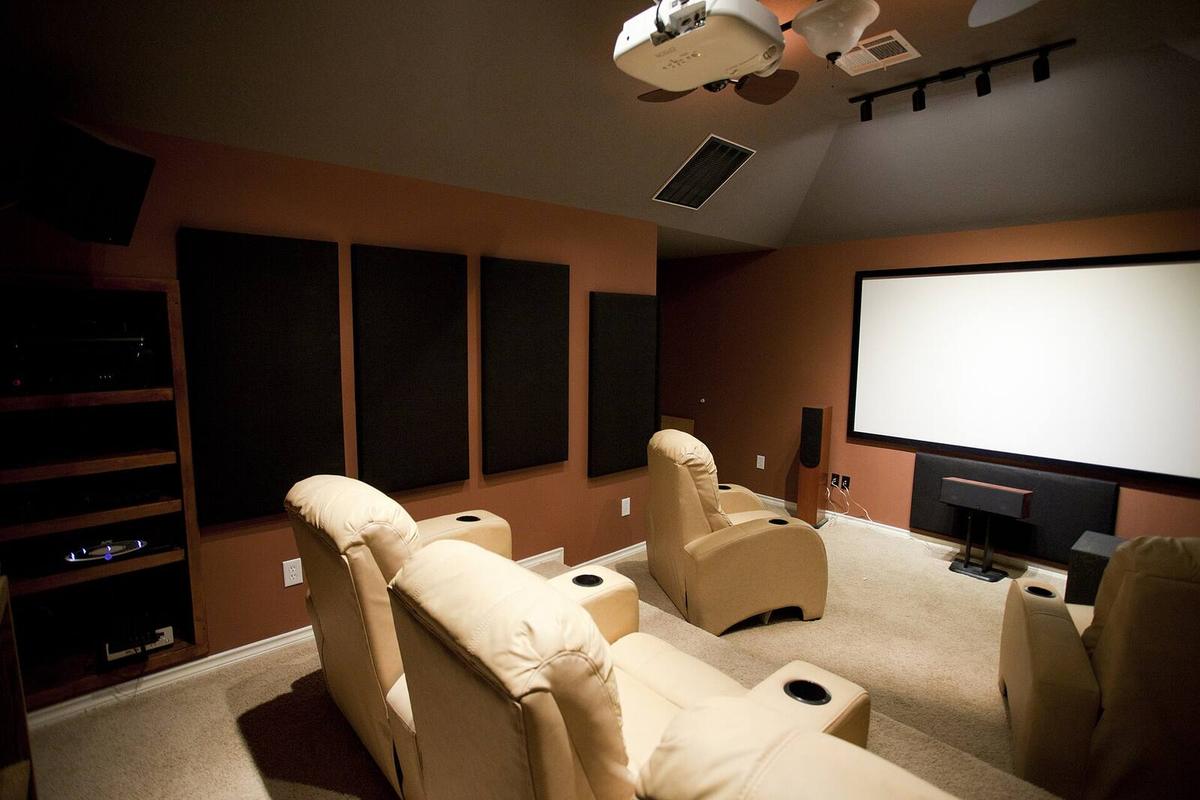
A projector’s real-world contrast collapses the moment light hits a non-black surface. A white ceiling, a light-coloured wall, or a screen with gain above 1.0 will reflect light back onto the screen and raise the black floor. The projector’s native contrast advantage only survives in a room with dark, non-reflective surfaces. Paint the walls matte black or use black velvet treatment within six feet of the screen. Without that, a Mini-LED panel in a bright room will show deeper blacks than a projector in a poorly controlled one.
Display Technology Room Light Requirements
Room light is the variable that nullifies specification sheets. An emissive display like OLED or Mini-LED fights ambient light with raw luminance. A projector fights it with physics. Light from the projector travels to the screen and back to your eyes. Any other light in the room takes the same trip, adding illumination to the black parts of the image. The black level you see is the projector’s black floor plus the ambient light reflected off the screen. In a room with 10 lux of stray light, a projector with a true 0.001 foot-lambert black level will show a black of 0.04 foot-lamberts. That is the difference between a letterbox bar that disappears and one that glows grey.
Foot-Lamberts, Screen Size And Light Control
Foot-lamberts calibrated output at D65 white point is the only luminance number that matters. A projector in an accurate cinema mode may deliver 14 foot-lamberts on a large screen. A Mini-LED panel in the same mode on the same content might hit 100 foot-lamberts. That gap means the panel works in a room with daylight. The projector requires light control to the level where you cannot read a printed page. Epson UB series pixel-shift projectors push higher lumen output for living rooms, but their native contrast is the cost. They light up a room with image spill, which then reflects back and eats the black level further.
Screen gain viewing cone complicates the equation. A positive-gain screen directs more light to the center seat but less to off-axis seats. A 1.3 gain screen on a projector doubles down on the hotspot when you sit to the side. For an emissive display the viewing cone is a non-issue at normal seating angles, because the panel is flat and the light is Lambertian. In a room with multiple rows of seating, a projector on a unity-gain screen delivers equal brightness to every seat. That uniformity is worth more than a handful of nits on a spec sheet.
HDR Tone Mapping Display Comparison
Why Tone Mapping Makes Or Breaks HDR
HDR content is mastered on a reference monitor hitting 1,000 nits or more. A projector peaks at roughly 100 nits on screen. The difference between what was mastered and what you can display is handled by tone mapping, and it is the single largest source of visible difference between the technologies. OLED and Mini-LED panels have dynamic tone mapping baked into their processors. They read the HDR10 metadata and compress the range into the panel’s capability scene by scene. The specular highlight on a car bumper at a mastering level far above the panel’s peak is mapped down and still looks like a highlight relative to the 10-nit background.
A projector cannot do this with brightness headroom. It must compress the entire range of the SMPTE ST 2084 PQ curve into a 0.1-to-100-nit window. Static metadata tone mapping on a projector results in a dim, flat image because the curve is averaged for the whole film. A dark film with one bright scene gets the same compression as a bright film throughout. The fix is an external processor like the MadVR Envy dynamic tone mapping engine. It analyzes the video frame by frame and remaps the luminance on the fly to match the projector’s real output. The difference is night and day. Without it, HDR on a projector is worse than SDR. With it, the projector produces a cinematic image that rivals OLED in perceived depth.
Color Volume And The Creative Intent
Color volume is where the panel technologies diverge further. A Mini-LED panel can produce 90% of DCI-P3 at high luminance. A projector produces the same gamut at a fraction of that light output. The intersection of luminance and color saturation means a projector’s visible color volume is a fraction of an emissive display’s. HDR tone mapping display comparison is not about which technology is better. It is about which technology can render the content close to the creative intent without the image falling apart. In a dark room, a projector with a MadVR Envy gets closer than a Mini-LED panel with poor local dimming. In a living room, the Mini-LED panel leaves the projector behind.
Calibrated Luminance And Screen Size Trade-Offs
What Calibrated Brightness Actually Delivers
Calibrated peak luminance in foot-lamberts at D65 white point is what you get after you turn off Dynamic mode and set the white balance correctly. A Mini-LED panel might deliver 85 foot-lamberts calibrated. An OLED panel in the same mode might deliver 35 foot-lamberts on a full screen. A JVC D-ILA projector on a large screen delivers 12 foot-lamberts. The numbers shrink as the image grows. The human visual system perceives brightness logarithmically. The jump from 12 to 35 foot-lamberts is significant. The jump from 35 to 85 is less dramatic. The jump from a 77-inch panel to a 130-inch image is transformative.
The decision tree starts with screen size. If your viewing distance is 10 feet and you want a 65-inch screen, buy an OLED. The image quality is the reference. If you want 100 inches or more, you are in projector territory. A 98-inch Mini-LED panel exists but costs more than a JVC projector and a Stewart Filmscreen combined and weighs over 200 pounds. It cannot be moved by one person and often cannot fit through a standard doorframe. The projector in a dedicated room with light control delivers a larger, more cinematic experience for less money.
The Gaming Filter
HDMI 2.1 VRR ALLM and input lag Game mode are the final filter. If the room doubles as a gaming theater, an OLED or Mini-LED panel with 5ms input lag in Game mode is the natural fit. A projector’s input lag sits at 25ms to 45ms in its fastest mode, and that mode disables the dynamic tone mapping that makes HDR watchable. The projector is a cinema tool first. The panel is a jack of all trades. Choose based on the room’s primary job.
More in this guide
Home Theater Displays: Projectors, TVs and Screens Compared by Trade-OffHow Much Projector Brightness You Need for Your Screen Size and RoomWhat HDR Adds to Movies and How Display Capability Limits What You See.
Common Questions
Does OLED burn-in still happen on current panels?
Yes. Cumulative wear on organic pixels from static elements like game HUDs or news tickers will eventually leave a ghost image. Expect visible degradation after roughly 5,000 hours of the same static content. Avoid OLED for a room that runs cable news all day.
How many Mini-LED dimming zones are enough to hide blooming?
No zone count eliminates blooming entirely. At 1,000 zones the halo is obvious on subtitles. At higher counts it is faint. At the highest counts available it is hard to spot in motion content. In a bright room you will not notice it at any zone count.
Can a projector look as good as an OLED in a dark room?
On native contrast alone, a JVC D-ILA projector in a fully treated black room comes close on black level but loses on ANSI contrast and color volume. Add a MadVR Envy dynamic tone mapping processor and the HDR image rivals the depth of an OLED at a larger size.
What screen gain should I use for a projector in a living room?
A 1.0 to 1.1 gain white screen. Positive gain above 1.3 narrows the viewing cone and creates a hotspot in the center. In a room with light walls the reflected light will wash out the black level regardless of gain. Fix the room before chasing screen gain.