How to Reduce TV Glare and Reflections in Your Home Theater Room
Reduce TV glare with smarter lamp placement, better curtains, and careful screen adjustments. Find reflections from your seat and test what actually works.
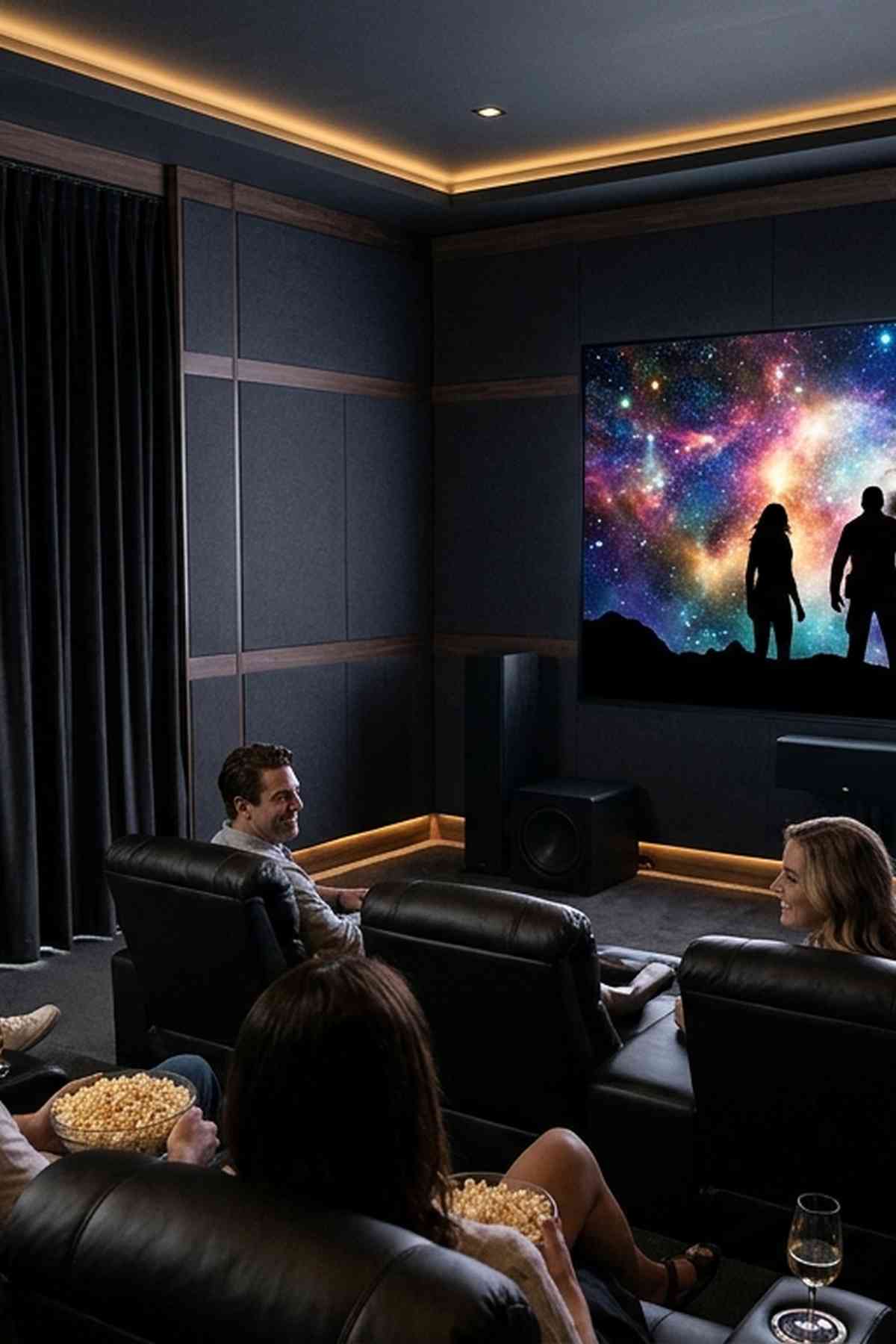
The movie reaches a dark scene, and suddenly you are watching a window reflected across the actor’s face. A lamp floats above the subtitles. Your own silhouette sits in the middle of the screen. These distractions can make a great TV feel disappointing, especially after you have spent an evening getting everything connected.
You can often make a noticeable improvement without replacing your television or turning your living room into a windowless theater. Start by checking what reflects from your usual seat. Then change the light sources, window coverings, or screen position responsible. A few careful adjustments can make movie night much easier on your eyes.
Your Reflection Reduction Plan
- Check reflections from your normal viewing seat.
- Move or block the light sources you can see.
- Compare each change during familiar movie scenes.
Find the Reflections From Your Actual Viewing Seat
Start where you normally watch television. Sit at your usual height, with the recliner or couch positioned as it would be during a movie. A reflection that disappears when you stand up may still land directly in your sightline when you sit down.
Check the screen during the hours you actually use it. Afternoon sunlight creates different problems from evening lamps. If your room serves both weekend sports and nighttime movies, examine both conditions before deciding what needs fixing.
Turn the TV off for an initial inspection. Look for recognizable shapes across its surface. A bright rectangle usually points to a window. A small, concentrated spot may come from an exposed bulb. A broad pale patch could be a brightly lit wall reflected in the panel.
Have someone turn individual lamps off while you stay seated. If you are working alone, change one light at a time and return to your seat. This takes a little patience, but it prevents you from buying curtains when a nearby reading lamp is causing most of the trouble.
Separate Reflections From General Room Brightness
A visible image of a window or lamp is a reflection. General room light can also make dark parts of the picture appear gray, even when you cannot identify a clear reflected object. Some screen finishes spread incoming light into a wider haze instead of producing a sharp reflection.
Both problems respond to better light control, but they may need different fixes. Moving one lamp can remove a distinct bright spot. Reducing a broad wash of daylight may require covering a window or changing the viewing schedule.
Move Lamps Before Buying Anything
Portable lamps are usually the easiest place to start. If a bulb appears in the screen, shift the lamp sideways or farther from the seating area. Check again from your normal position after each move. A change of a foot or two may move its reflection beyond the screen’s edge.
Pay particular attention to lamps behind the couch. Their light may feel comfortable while reading, yet the TV can reflect them straight back toward you. A lamp beside the seating area may work better, provided its bulb remains hidden from the screen.
A shaded lamp gives you more control than an exposed bulb. Aim adjustable reading lights down at the book or task area instead of across the room. Keep concentrated light away from the panel itself.
Keep Useful Light Without Lighting the Screen
You do not need complete darkness to enjoy a film. Try leaving a low light near a doorway or placing a modest light behind the television. Light behind the TV can provide background illumination without putting a bright fixture directly in front of the screen.
Keep that light subdued. Avoid visible LEDs, bright strips around the panel’s edges, or light that shines directly toward your seat. For movie viewing, a steady neutral white is less distracting than changing colors.
Dimmers and lower-output bulbs can help when the lamp is already in a sensible position. Reduce its brightness until you can move around comfortably without seeing a strong reflected patch during dark scenes.
Use Window Coverings That Address the Brightest Areas
Windows often create the largest reflections because they occupy much more space than a lamp. Close your existing curtains or blinds and inspect the result before shopping. You may find that changing the angle of blind slats is enough for casual daytime viewing.
If light still spills around the edges, the covering may need more overlap. Curtains that extend past both sides of the window can block more stray light than panels that barely cover the glass. Adequate fabric width also helps the panels meet without leaving a bright opening in the center.
Light-filtering curtains soften daylight, but they may leave a bright window shape visible in the TV. Opaque curtains or blackout-lined panels are better suited to rooms where that reflection remains distracting. You can open them again when the film ends.
Renters can consider removable coverings or a tension rod where the window recess permits one. Check weight limits and fit before hanging heavy fabric. Keep curtains clear of heaters, vents, and walking routes.
Match the Fix to Your Viewing Hours
A room that works beautifully after sunset may struggle with direct afternoon sun. Before committing to new window treatments, check whether the troublesome light appears for most of the day or only for a short period.
If direct sunlight reaches the screen, use a covering to block it. Trying to overpower sunlight with picture settings is a frustrating approach. It also leaves the reflected window visible whenever the program cuts to a dark scene.
Use a Black Backdrop to Check Your Progress
Once you have identified the likely sources, a plain black screen can provide a consistent backdrop that makes room reflections easier to spot. Display it on the TV using an available browser or connected device, then return to your usual seat. Hide browser controls if possible, since bright menus can distract from the inspection.
Treat this as a diagnostic step. An almost empty black display makes reflections especially obvious. It does not tell you, by itself, how distracting those reflections will be during a football game, a bright comedy, or a dimly lit thriller.
- Sit in your normal position and identify the brightest reflected shape.
- Change one item, such as a lamp position or curtain opening.
- Check the black backdrop again from the same seat.
- Play a familiar dark scene and a brighter scene to judge the result.
Keep the TV’s picture settings unchanged during this comparison. Otherwise, a brightness adjustment can make it harder to tell whether the room change helped. A brief inspection is enough. Return to normal content once you have checked the reflection.
Adjust the TV’s Angle With Small, Careful Changes
If light control leaves one stubborn reflection, a slight change in screen direction may help. A reflection depends on the relationship between the light source, the panel, and your eyes. Rotating the TV a little can shift a reflected lamp or window away from your seat.
Try a small horizontal adjustment first if your stand or mount supports it. Check the center seat, then check the other places people watch. Removing a reflection for one viewer can put it directly in front of someone else.
A small tilt can also change where a reflection appears. Its effect depends on the room and the light source, so inspect the result instead of assuming that tilting downward will always help. Excessive tilt can make viewing uncomfortable and may affect how the picture looks from some seats.
Work Within the Stand or Mount’s Limits
Use only adjustments that your stand or wall mount is designed to provide. Follow its instructions, and get another person to help with a large panel. Avoid improvised wedges under the TV’s feet or attempts to force a fixed mount to move.
If you are considering a different screen location, test the viewing position before drilling new holes. A wall at a right angle to the main window can be a useful starting point, but room geometry varies. Check daylight, lamps, seating comfort, and cable reach before committing.
Make Picture Adjustments After Controlling the Room
Once you have reduced the reflected light, check whether the picture still feels too dim for daytime viewing. Depending on the television, a control labeled backlight, panel brightness, or OLED pixel brightness may adjust overall light output. Names vary between models.
Do not assume that every setting called brightness does the same job. Some controls affect black level rather than overall screen output. Raising the wrong one can make dark scenes look washed out without solving the reflection.
A separate daytime picture preset can be convenient if your TV supports it. Keep a comfortable setting for evening films and use a brighter option when daylight fills the room. Judge both with familiar content rather than menus alone.
Avoid using extreme settings to compensate for an exposed bulb or uncovered window. More screen output may help bright scenes remain visible, but it cannot remove the reflected object.
Keep the Changes That Make Movie Night Easier
Finish with an ordinary viewing session. Sit where you always sit. Leave enough light for anyone moving through the room. Watch a mix of bright and dark scenes, and ask other viewers whether a reflection has shifted into their seats.
The best result may come from several modest changes: a shaded lamp beside the couch, curtains closed across one window, and a slight turn of the television. Each change should solve a reflection you actually noticed.
Keep the routine simple enough to repeat. If preparing the room means closing two curtains and dimming one lamp, you are likely to do it. Once the window stops competing with the actors, your attention can stay on the film.
More in this guide
The Practical Home Theater Guide: A Room-First Reference for Cinematic SetupSetting the Speaker Crossover Frequency for Bass Management in a Home Theater.