
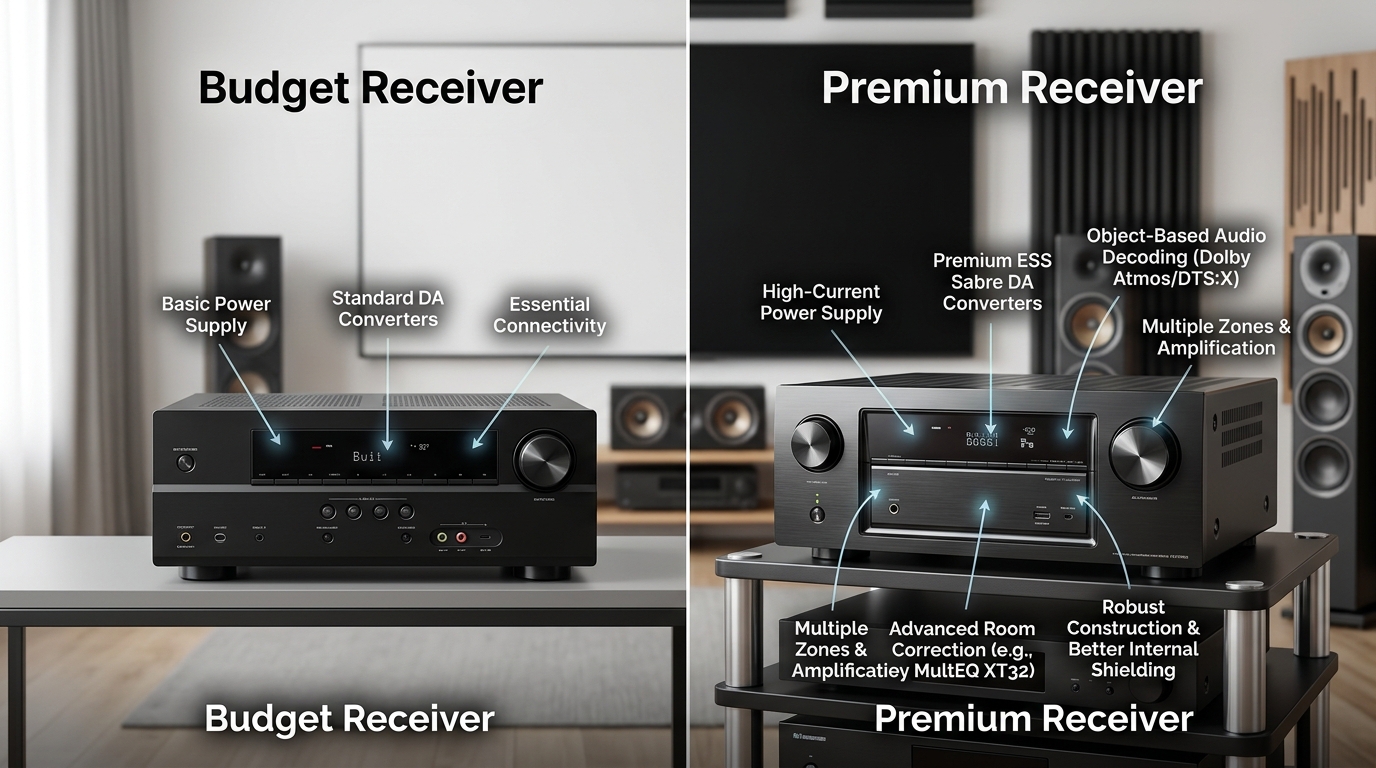
You’re standing in front of two AV receivers. One costs $400, the other $1,800. They both have seven channels. They both promise surround sound. They look almost identical from the front.
What are you actually paying for?
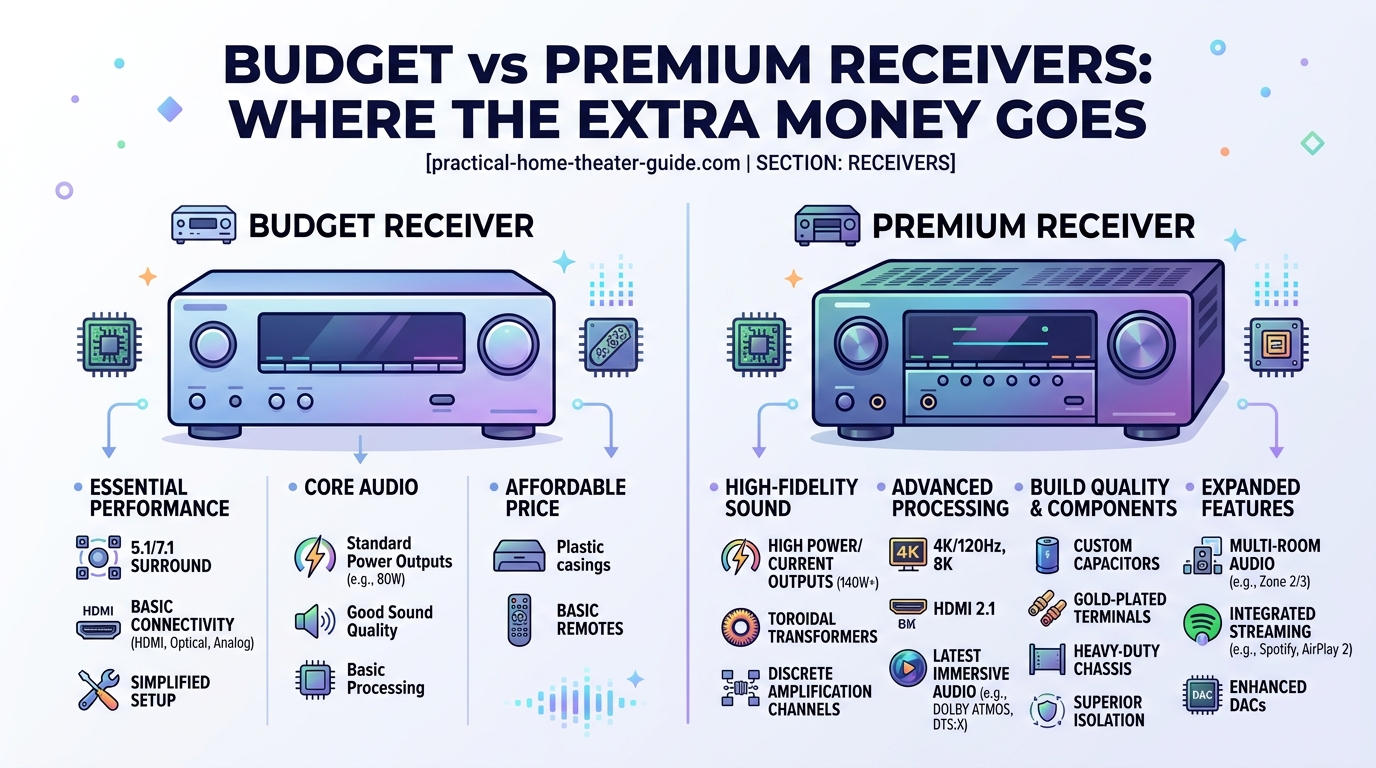
Premium receivers deliver better amplification quality, advanced room correction, superior HDMI capabilities, and more processing power. Budget models handle basic surround sound fine but compromise on power output, calibration tools, and future-proofing features. Most home theaters under 2,000 cubic feet perform well with mid-range models around $600 to $900.
Power output differences you can actually hear
Budget receivers advertise impressive wattage numbers. You’ll see specs like “100 watts per channel” printed right on the box.
Here’s what they don’t tell you. That rating usually applies to just two channels driven, not all seven at once. Run a full 5.1 or 7.1 setup and the actual power drops to 60 or 70 watts per channel.
Premium receivers deliver their rated power across all channels simultaneously. A $1,500 model rated at 110 watts per channel actually delivers that power when you’re running your entire speaker system.
Does this matter for your room? It depends on three factors:
- Your room size (volume in cubic feet, not just floor space)
- Your speaker efficiency ratings (measured in dB)
- How loud you actually listen
A 12×15 foot room with efficient speakers (90 dB or higher) works fine with budget receiver power. A 20×25 foot room with bookshelf speakers rated at 86 dB needs more muscle.
Most people overestimate the power they need. A receiver pushing 75 clean watts per channel into reasonably efficient speakers gets louder than your neighbors will tolerate. Focus on power quality, not just quantity.
Room correction systems separate the price tiers
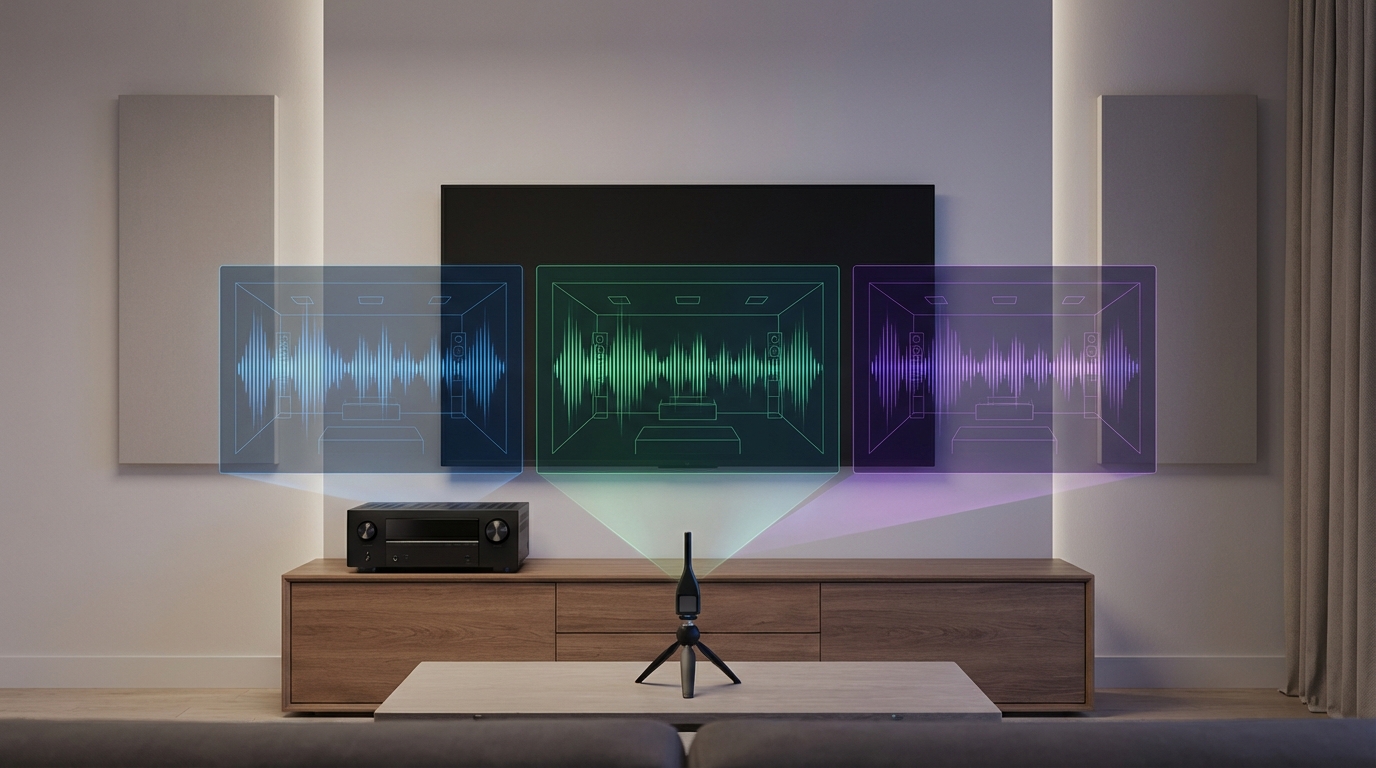
Budget receivers include basic room correction. Denon uses a simplified version of Audyssey. Yamaha includes YPAO. These systems measure your room with a microphone and adjust the sound.
They work. Sort of.
Basic room correction fixes obvious problems. It balances speaker levels. It sets distances. It applies a broad EQ curve to compensate for your room’s acoustic signature.
Premium receivers include advanced versions of these systems. Audyssey MultEQ XT32 (found in higher-end Denon and Marantz models) takes 8 to 10 measurements instead of 3 to 6. It corrects more frequency points. It handles each speaker independently instead of applying one-size-fits-all adjustments.
Dirac Live, available on some premium receivers, goes further. It corrects both frequency response and time-domain issues. Your speakers sound more coherent. Dialogue clarity improves noticeably.
The difference shows up most in difficult rooms. Rectangular rooms with good proportions and some soft furnishings sound decent with basic correction. L-shaped rooms, rooms with vaulted ceilings, or spaces with lots of hard surfaces benefit dramatically from premium correction systems.
If you want to understand more about how room correction systems compared perform in real-world setups, the differences become clear when you measure before and after results.
HDMI capabilities and future-proofing
Budget receivers support the basics. HDMI 2.0 handles 4K video at 60Hz. HDR10 passes through. ARC (Audio Return Channel) works for getting sound back from your TV.
Premium receivers include HDMI 2.1. This matters for three reasons:
- 4K at 120Hz support for gaming
- eARC for lossless audio formats from streaming apps
- Variable Refresh Rate and Auto Low Latency Mode for smoother gaming
The HDMI 2.1 specification also increases bandwidth from 18 Gbps to 48 Gbps. More bandwidth means better handling of high-quality video signals without compression artifacts.
Here’s the practical impact. If you own a PlayStation 5 or Xbox Series X, budget receivers force you to choose between 4K/120Hz gaming and surround sound. You can’t have both simultaneously without HDMI 2.1.
Streaming services increasingly offer Dolby Atmos through their apps. Your TV needs to send that audio to your receiver. Basic ARC compresses Atmos to lossy Dolby Digital Plus. eARC preserves the full TrueHD stream.
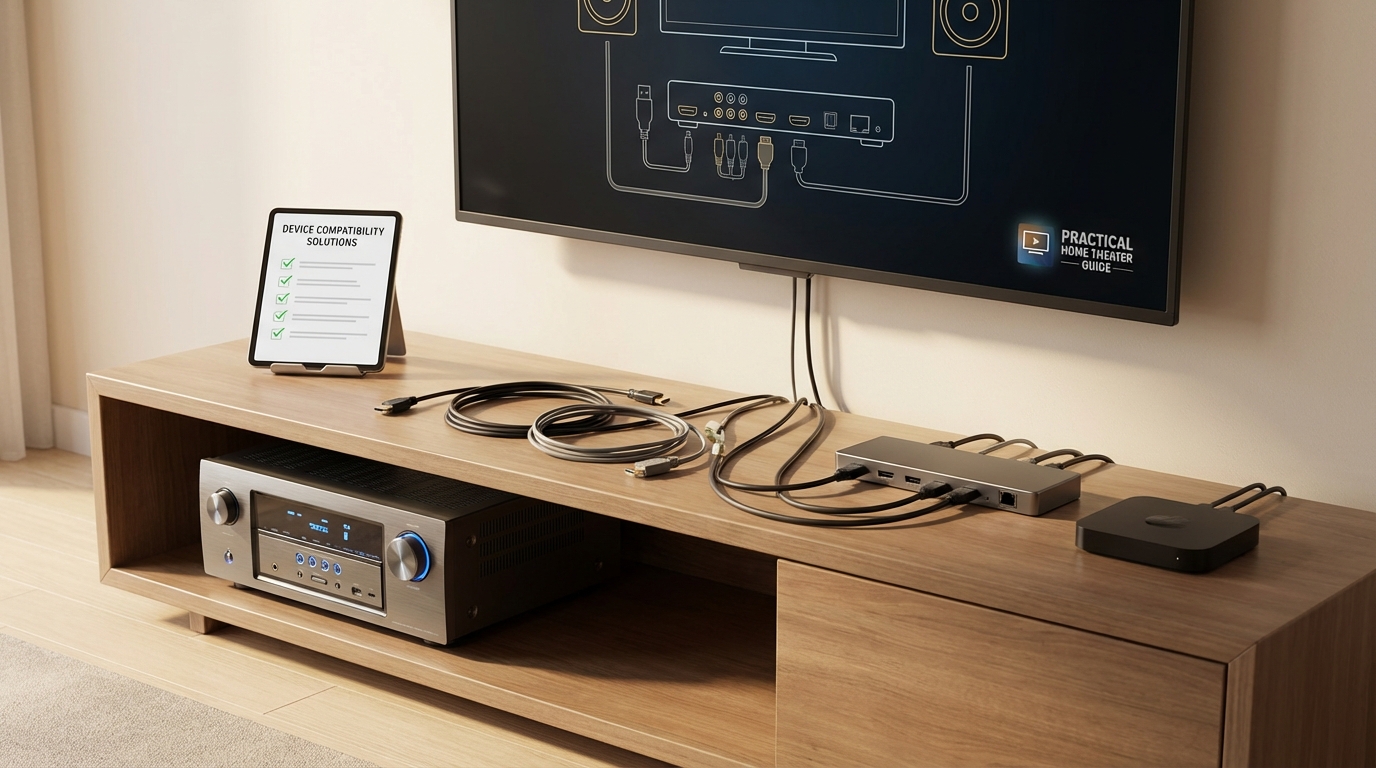
The number of HDMI inputs matters too. Budget receivers typically include 4 to 5 HDMI inputs. Premium models offer 7 to 8. Add up your devices: streaming box, game console, Blu-ray player, cable box, PC. You run out of ports faster than you think.
When you need to connect multiple HDMI devices after running out of inputs, you’ll either buy an HDMI switcher or wish you’d bought more ports upfront.
Build quality and component selection
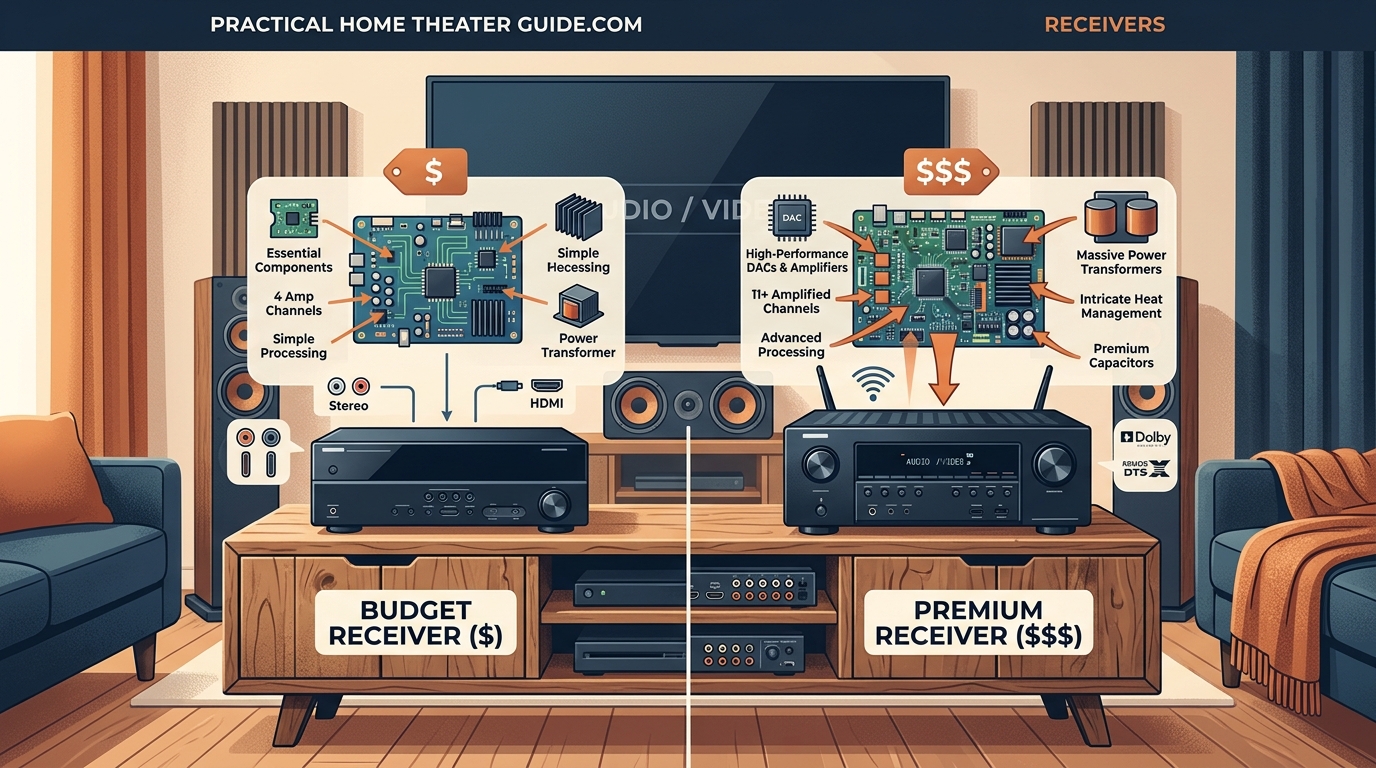
Open up a budget receiver and you’ll find a switching power supply. These are efficient and lightweight. They keep costs down.
Premium receivers use linear power supplies or toroidal transformers. These weigh significantly more. They also deliver cleaner, more stable power to the amplification stages.
The difference shows up as lower distortion and better dynamic range. Quiet movie scenes stay clean. Loud explosions don’t muddy the midrange.
Capacitor quality varies between price points too. Budget models use adequate capacitors that meet specifications. Premium models use higher-grade capacitors with better tolerances and longer lifespans.
Heat management improves as you move up the price ladder. Budget receivers rely on passive cooling with small heat sinks. They run hot. Premium models include larger heat sinks, better ventilation design, and sometimes cooling fans.
Running hot shortens component life. A budget receiver might last 5 to 7 years before capacitors degrade. A premium receiver often runs 10 to 15 years without issues.
Channel processing and Atmos capabilities
Budget receivers decode basic surround formats. Dolby Digital, DTS, Dolby TrueHD, and DTS-HD Master Audio all work fine.
Dolby Atmos and DTS:X support appears on both budget and premium models now. But the implementation differs.
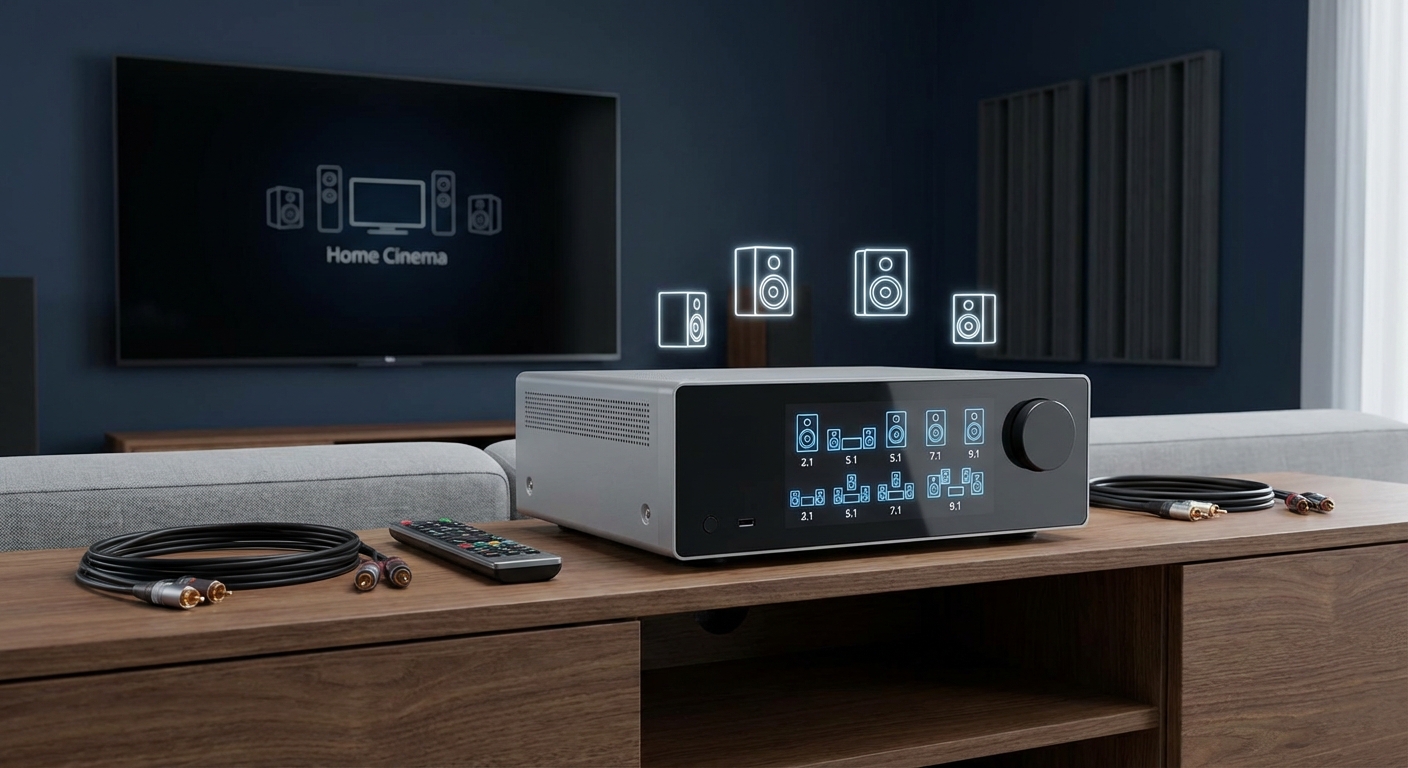
Budget receivers typically offer 5.1.2 Atmos configurations. That’s five main speakers, one subwoofer, and two height channels. You can use ceiling speakers or upfiring modules.
Premium receivers support 7.1.4, 5.1.4, or even 9.1.6 configurations. More height channels create better overhead sound localization. A helicopter panning across the ceiling sounds more realistic with four height speakers than two.
Processing power matters here. Rendering object-based audio in real-time requires computational muscle. Budget processors handle basic Atmos but sometimes struggle with complex soundtracks that have dozens of simultaneous audio objects.
Premium receivers include more powerful DSP chips. They handle complex soundtracks without breaking a sweat. The difference becomes obvious during action sequences with lots of simultaneous sounds.
If you’re trying to decide on how many channels you actually need for your setup, your room size and speaker placement options matter more than the format specifications.
Pre-outs and expansion options
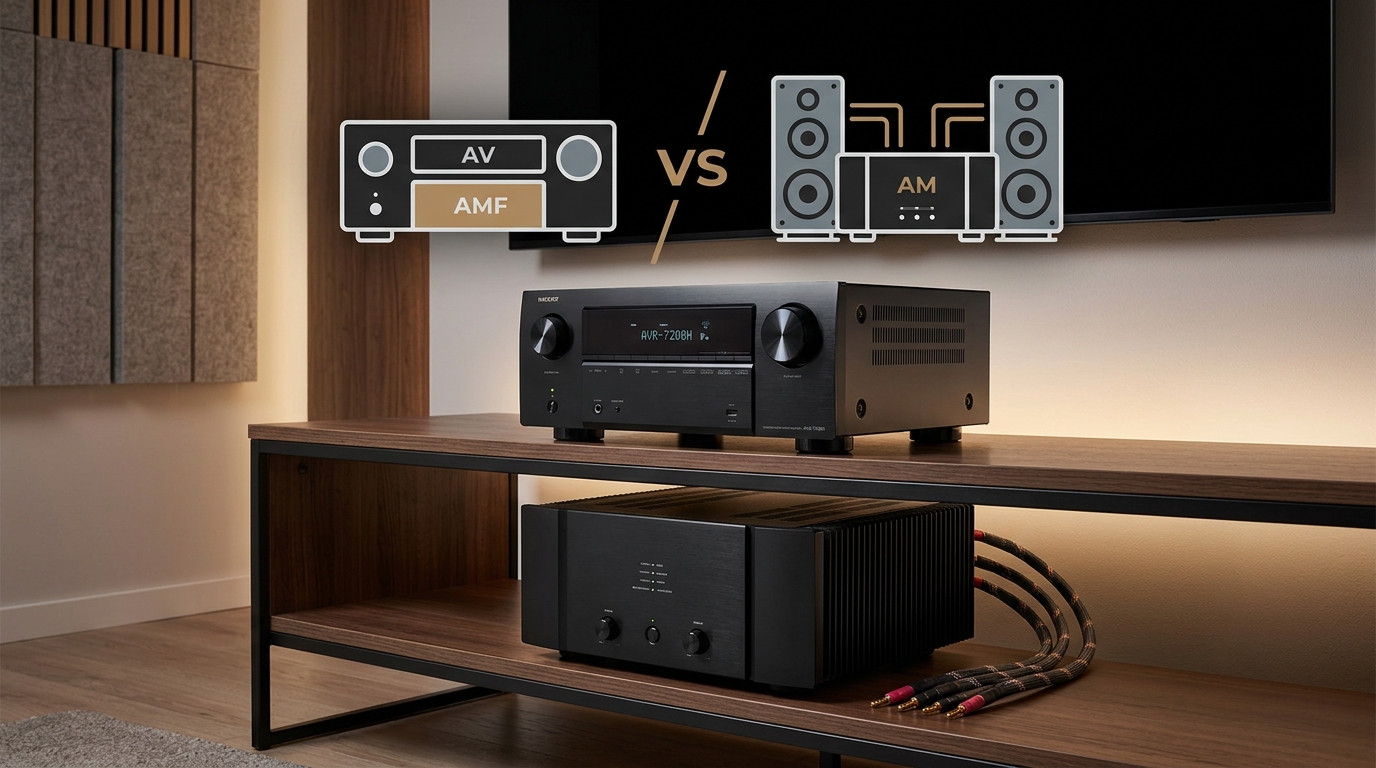
Budget receivers rarely include pre-amp outputs. Everything runs through the internal amplifiers.
This limits your upgrade path. Want to add a more powerful amplifier for your front speakers later? You can’t without replacing the entire receiver.
Premium receivers include pre-outs for all channels or at least the front channels. This flexibility matters for two scenarios:
- You want to add a separate power amplifier for better sound quality
- Your speakers need more power than the receiver’s internal amps provide
Pre-outs also enable zone 2 or zone 3 configurations more easily. You can send audio to other rooms without buying additional equipment.
Some premium receivers include balanced XLR outputs for the front channels. These provide better noise rejection over long cable runs and slightly lower distortion.
Network features and streaming quality
Both budget and premium receivers include network connectivity now. Spotify, Tidal, and other streaming services work on both.
The difference lies in implementation quality. Budget receivers sometimes suffer from flaky WiFi connections. Firmware updates arrive slowly or not at all. The control app crashes frequently.
Premium receivers typically include better network hardware. Dual-band WiFi with stronger antennas. Gigabit Ethernet instead of 100 Mbps. More responsive control apps with better interfaces.
Some premium models include Roon Ready certification. If you use Roon for music management, this integration provides a significantly better experience than basic streaming.
High-resolution audio support varies too. Budget models often top out at 24-bit/96kHz. Premium receivers handle 24-bit/192kHz or even DSD files for the audiophile crowd.
Video processing and upscaling
Budget receivers pass video through without processing. Your source device or TV handles any upscaling or enhancement.
Premium receivers include video processing chips from companies like Anchor Bay or Marvell. These can upscale 1080p content to 4K, apply noise reduction, and enhance edge sharpness.
Does this matter? Less than it used to. Modern TVs include excellent upscaling. Your streaming device probably handles it well too.
Video processing becomes useful in specific situations:
- You have older DVD or Blu-ray content you watch regularly
- Your TV’s upscaling produces artifacts or over-sharpens
- You want to apply consistent processing to all sources
Most people can skip dedicated video processing. Your TV already does this job well enough.
Where budget models actually make sense
Budget receivers work great for specific use cases. You don’t always need premium features.
Choose a budget model if:
- Your room measures under 2,000 cubic feet
- You’re using efficient speakers (88 dB or higher)
- You primarily watch streaming content, not physical media
- You don’t game at 4K/120Hz
- You’re happy with basic room correction
- You plan to upgrade in 3 to 5 years anyway
A $400 to $600 receiver from Denon, Yamaha, or Sony delivers satisfying surround sound for most living rooms. You get all the essential formats. You get enough power for reasonable listening levels. You get HDMI switching and basic calibration.
Budget models also make sense for secondary systems. A basement setup or bedroom system doesn’t need flagship features.
When premium features justify the cost
Premium receivers make sense when you’re building a dedicated home theater or when your room presents challenges.
Choose a premium model if:
- Your room exceeds 2,500 cubic feet
- You’re using inefficient speakers (under 87 dB)
- You want the best possible room correction
- You need HDMI 2.1 for gaming
- You plan to keep the receiver for 10+ years
- You might add external amplification later
- You have difficult room acoustics
The $1,200 to $2,000 price range offers the best value in premium receivers. You get advanced room correction, solid build quality, comprehensive HDMI support, and pre-outs for expansion.
Flagship models above $2,000 target enthusiasts chasing the last few percentage points of performance. Most people won’t hear the difference between a $1,500 receiver and a $3,000 receiver in a blind test.
Common mistakes when comparing receivers
People focus on the wrong specifications when shopping. Here’s what actually matters versus what marketing emphasizes.
| Marketing Emphasis | Actual Importance | What to Check Instead |
|---|---|---|
| Total wattage | Low | All channels driven spec |
| Number of HDMI inputs | Medium | HDMI version (2.0 vs 2.1) |
| Supported audio formats | Low (all decode the same) | Room correction quality |
| THD specifications | Very Low | Real-world reviews |
| Feature count | Low | Build quality and reliability |
Total Harmonic Distortion (THD) specs look impressive on paper. One receiver claims 0.08% THD, another claims 0.05%. You can’t hear this difference. Both are below audibility thresholds.
The number of supported streaming services matters less than network reliability. A receiver that supports 15 streaming services but drops WiFi constantly frustrates you more than a rock-solid receiver with 8 services.
Don’t get distracted by flashy features you’ll never use. Voice control through Alexa sounds cool. How often will you actually use it instead of the remote?
The mid-range sweet spot
Most people should aim for the $600 to $900 price range. This bracket offers the best performance-per-dollar ratio.
You get:
- Adequate power for most rooms (80 to 100 watts all channels driven)
- Intermediate room correction (Audyssey MultEQ or YPAO R.S.C.)
- HDMI 2.1 on newer models
- Decent build quality that lasts 7 to 10 years
- Some pre-outs for future expansion
Denon’s X-series around $700, Yamaha’s Aventage line at $800, and Marantz’s SR series at $900 all compete in this space. They sound similar. Choose based on room correction preference and interface design.
This price point gives you room to grow. You can add better speakers later. You can incorporate external amplification if needed. You’re not locked into a dead-end platform.
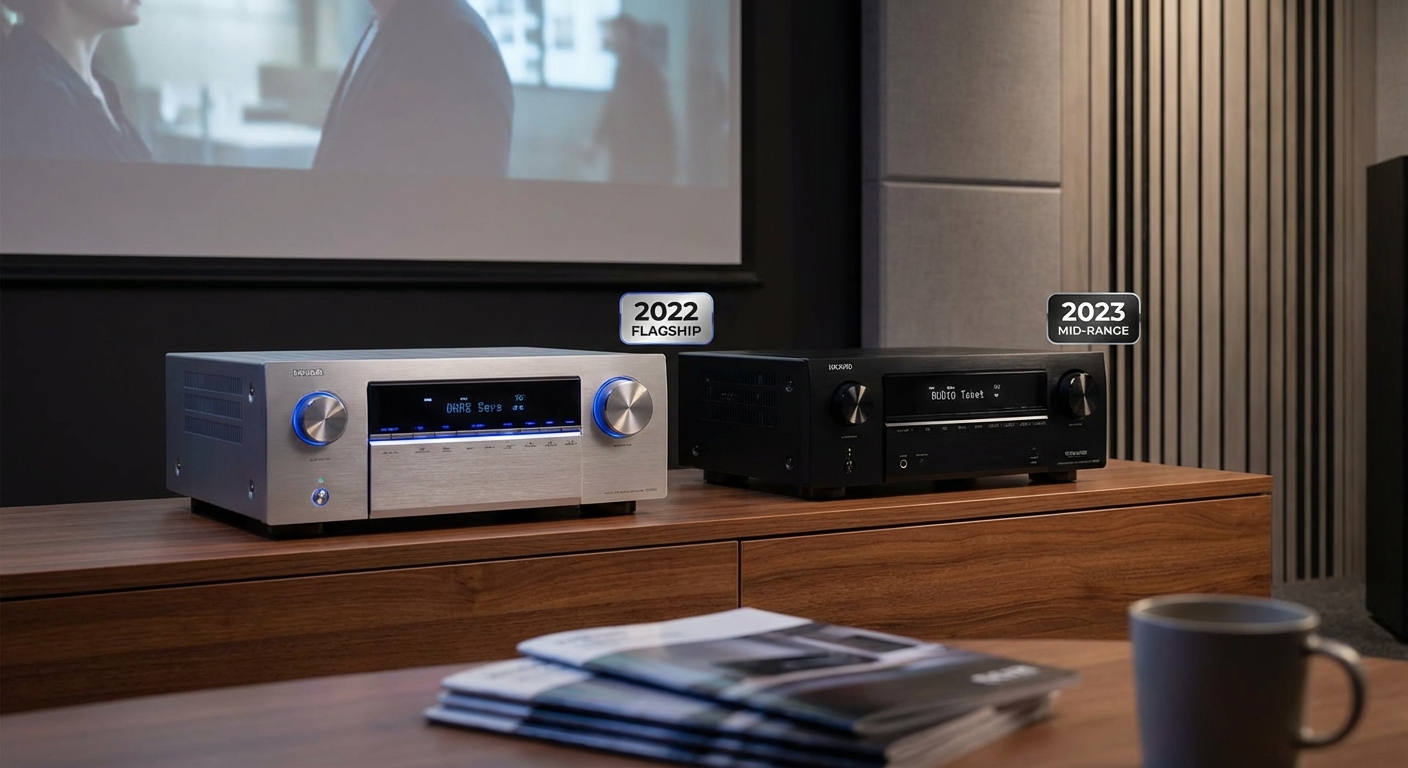
If you’re wondering whether to buy last year’s flagship or this year’s mid-range receiver, the answer usually favors the newer mid-range model for better HDMI support and longer relevance.
Real-world performance differences
Let’s talk about what you actually hear and see at different price points.
In a properly set up room with matched speakers, a $500 receiver and a $1,500 receiver sound similar at moderate volumes. The source material matters more than the receiver at this point.
Push the volume to reference levels (around 85 dB average with 105 dB peaks). The differences emerge. Budget receivers start to strain. You hear compression in complex passages. Dialogue loses clarity during action scenes.
Premium receivers maintain composure. Dynamics stay intact. The soundstage remains stable. Individual sounds stay separated instead of blurring together.
Room correction reveals bigger differences. Run Audyssey MultEQ XT32 in a difficult room and compare it to basic MultEQ. The advanced version removes resonances the basic version misses. Bass response smooths out noticeably. Imaging improves.
These differences matter most to critical listeners in dedicated theater rooms. Casual viewers watching TV in a living room might not notice or care.
Reliability and warranty considerations
Budget receivers carry 1 to 2 year warranties. Premium models often include 3 years. This reflects manufacturer confidence in component quality.
Failure rates tell a story. Budget receivers fail more frequently after 3 to 5 years. Capacitors dry out. Power supplies degrade. HDMI boards stop working.
Premium receivers typically last longer before needing repair. Better components and better cooling extend lifespan.
Repair costs often exceed the value of budget receivers. A $400 receiver that needs a $250 repair gets replaced, not fixed. A $1,500 receiver justifies the repair cost.
Factor this into your total cost of ownership. A $600 receiver that lasts 8 years costs $75 per year. A $400 receiver that lasts 4 years costs $100 per year. The more expensive option actually costs less over time.
Matching receivers to speaker quality
Your speakers matter more than your receiver. A $1,500 receiver paired with $300 speakers sounds worse than a $600 receiver with $1,000 speakers.
Budget receivers pair well with:
- Entry-level tower speakers
- Budget bookshelf speakers
- Powered subwoofers under $500
- Efficiency ratings above 88 dB
Premium receivers make sense with:
- High-end tower speakers costing $1,000+ per pair
- Audiophile bookshelf speakers
- Multiple subwoofers or high-end single subs
- Inefficient speakers under 87 dB
Match your receiver quality to your speaker quality. Don’t create an imbalanced system. Your weakest link determines overall performance.
When you’re ready to set everything up, learning how to position your center channel speaker properly matters as much as the gear you choose.
How to test receivers before buying
Specifications don’t tell the whole story. If possible, audition receivers before buying.
Bring your own test material. Use content you know well. Listen for:
- Dialogue clarity in the center channel
- Bass control and definition
- Separation between simultaneous sounds
- Smoothness at high volumes
- Heat buildup after 30 minutes of operation
Most stores won’t let you test with your exact speakers. That’s fine. Focus on how the receiver handles complex material and whether the interface makes sense to you.
Pay attention to the remote control and on-screen menus. You’ll interact with these daily. Confusing menus and poorly designed remotes cause frustration regardless of sound quality.
Test the room correction process if possible. Some systems require 30 minutes of microphone placement and measurement. Others finish in 10 minutes. Consider whether you’ll actually use a complicated system.
The setup and calibration difference
Premium receivers often include better calibration microphones. Audyssey’s higher-end mic captures more accurate measurements than the basic version.
The calibration process differs too. Advanced systems guide you through optimal microphone placement. They explain what they’re measuring and why. Basic systems just tell you to put the mic at the listening position.
Post-calibration adjustments matter. Premium systems let you fine-tune the correction curves. You can limit how much bass correction gets applied. You can adjust the target curve to match your preferences.
Budget systems offer limited adjustments. You get basic tone controls and that’s it.
If your home theater sounds worse after auto-calibration, knowing how to manually adjust the results becomes important regardless of receiver price.
Making the decision for your situation
Start by defining your actual needs, not your aspirational ones.
Ask yourself:
- What’s my room size in cubic feet?
- What speakers do I own or plan to buy?
- Do I game at high frame rates?
- Will I keep this receiver for 5 years or 10 years?
- Do I have acoustic challenges in my room?
Answer these honestly. Don’t plan for a theoretical future setup. Buy for the system you’re building now with maybe one upgrade cycle in mind.
If your answers point to a $600 receiver but you can afford $1,200, consider putting that extra $600 into better speakers or a quality subwoofer instead. You’ll hear more improvement from better speakers than from receiver upgrades.
If your answers point to a $1,500 receiver and that stretches your budget, consider waiting and saving. A compromised premium receiver (last year’s model on clearance) often beats a new budget model.
Finding the right receiver for your home theater
The gap between budget and premium receivers matters less than it used to. Modern budget receivers deliver satisfying surround sound for most rooms. You don’t need flagship features to enjoy movies and music.
But premium receivers earn their cost in specific situations. Difficult rooms benefit from better correction. Large spaces need more power. Gamers require HDMI 2.1. Enthusiasts planning to keep equipment for a decade want better build quality.
Most people land somewhere in the middle. A $700 receiver handles typical living room setups beautifully. It provides room to grow without wasting money on features you’ll never use.
Choose based on your actual needs, not marketing hype. Test if possible. Read reviews from real users, not just professional reviewers. And remember that proper setup and calibration matter more than the receiver model you choose.
Your room acoustics, speaker placement, and calibration quality impact sound more than whether you spent $500 or $1,500 on the receiver. Get those fundamentals right first. Then the receiver choice becomes simpler.






Leave a Reply