
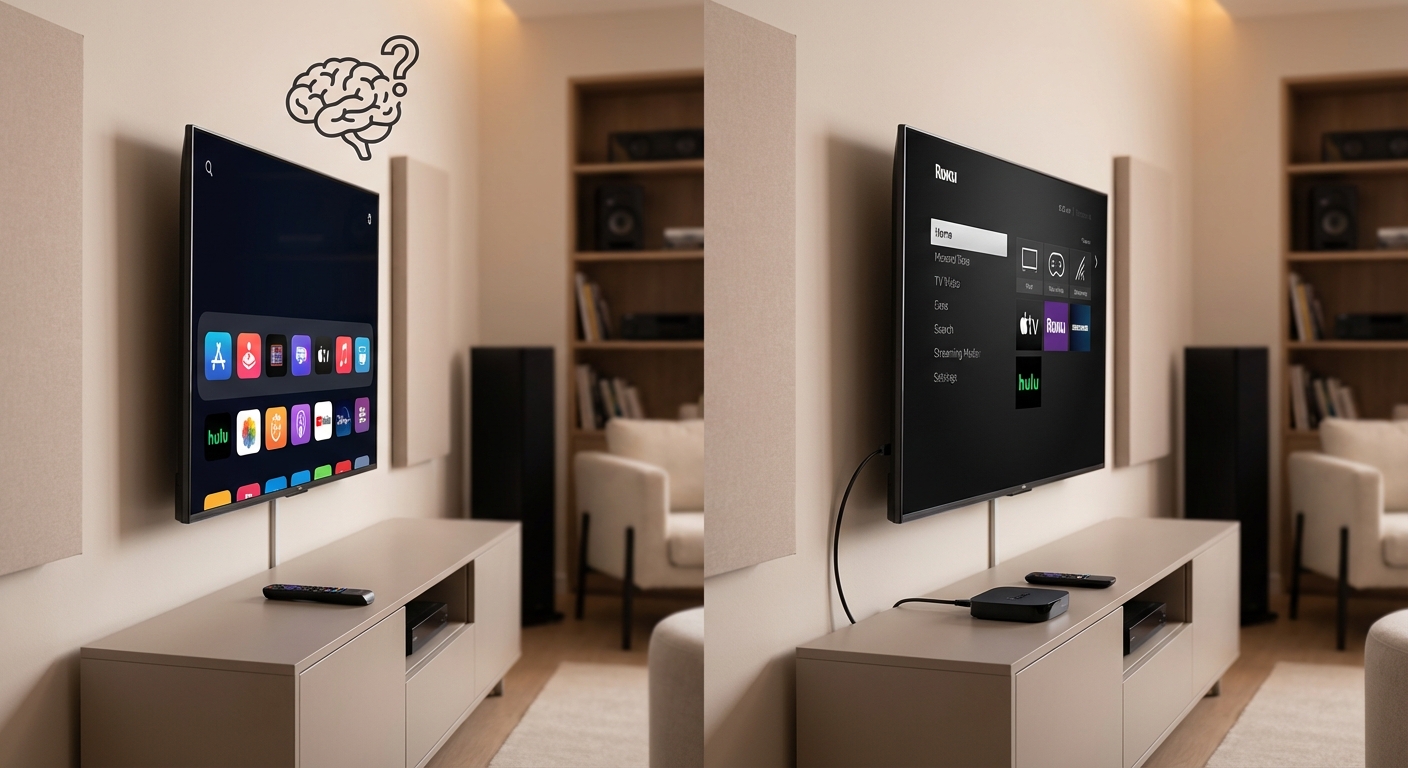
You just spent a thousand dollars on a new TV. The salesperson promised it does everything. Netflix, Hulu, Disney Plus, all built right in.
So why are people still buying Roku boxes and Apple TVs?
Because your TV’s brain gets old faster than its screen does. That shiny new smart TV interface you’re using today will feel sluggish in two years. The apps will crash more often. New streaming services might not even bother making apps for your TV’s platform.
Built-in smart TV apps work fine initially but age poorly due to slow processors and infrequent updates. External streaming devices like Roku, Fire TV, and Apple TV offer faster performance, regular updates, better app selection, and cost $30 to $150. Replace them every three to five years instead of replacing your entire TV when software becomes outdated.
Why your TV’s built-in apps slow down over time
TV manufacturers design gorgeous screens. They’re brilliant at display technology.
But they’re not software companies.
Your TV’s processor was chosen to hit a price point, not to run smoothly for a decade. The chipset inside a $800 TV often matches what you’d find in a $50 smartphone from three years ago.
That processor handles everything. The interface, the apps, upscaling lower resolution content, and processing HDR signals. It’s doing a lot with limited resources.
Streaming apps get more demanding every year. They add features, improve video quality, and pack in more content. Your TV’s processor stays exactly the same.
By year three, opening Netflix takes eight seconds instead of two. Apps crash back to the home screen. The interface stutters when you scroll through menus.
TV manufacturers release firmware updates for maybe two years. After that, you’re stuck with whatever bugs and performance issues remain. New streaming services might never come to your platform at all.
How external streaming devices solve the performance problem
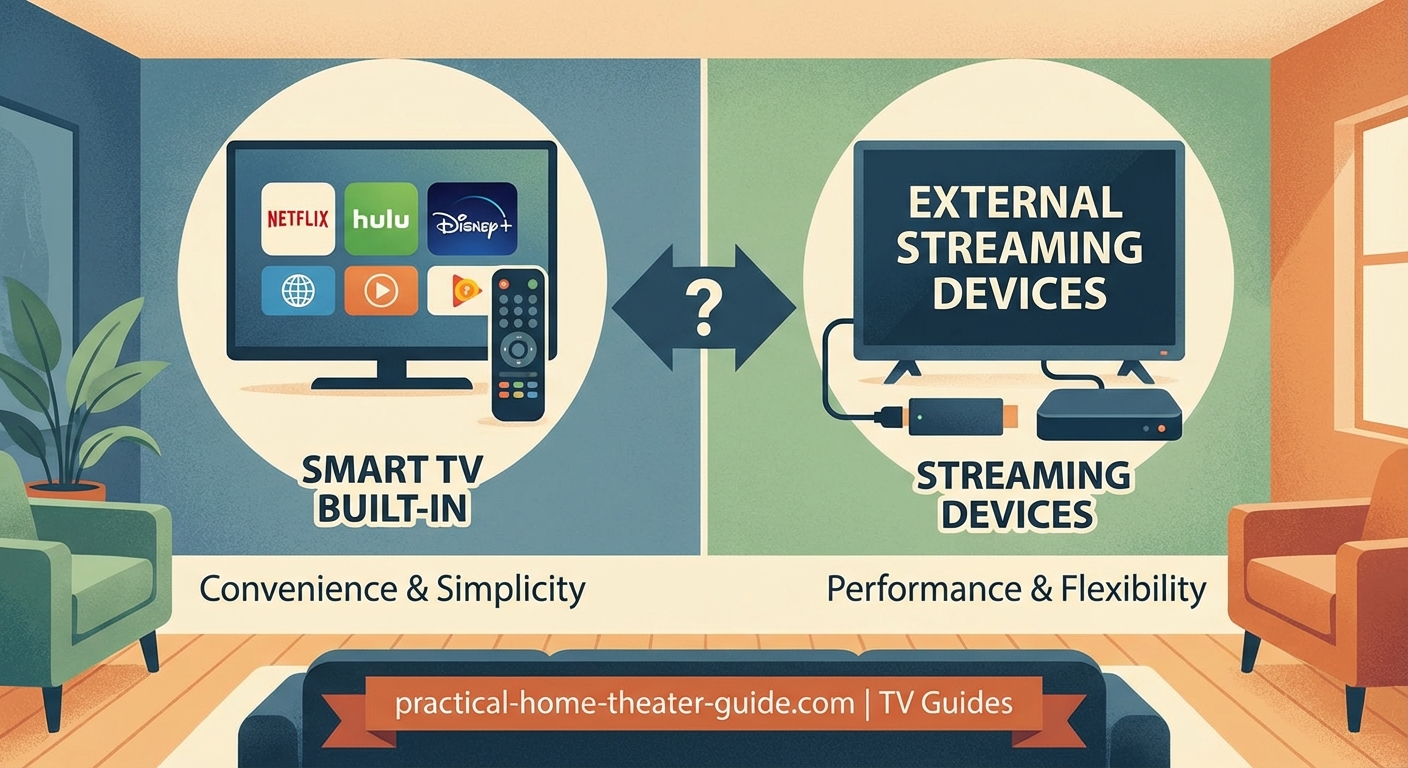
A dedicated streaming box has one job. Stream content smoothly.
These devices use processors designed specifically for video streaming. They decode 4K HDR video without breaking a sweat. The interface stays responsive because it’s not also trying to manage your TV’s display settings and input switching.
Roku, Amazon, Apple, and Google update their devices for four to six years. Sometimes longer. You get new features, security patches, and performance improvements automatically.
The device costs $30 to $150. When it eventually gets old, you replace just the box. Your TV keeps working perfectly for its actual job, displaying the picture.
Here’s what changes when you switch from built-in apps to an external device:
- Apps open in under two seconds
- Searching across multiple services happens instantly
- Voice commands actually work reliably
- New streaming services appear on launch day
- Your TV’s processor focuses only on picture quality
Comparing smart TV platforms against streaming devices
Not all smart TV platforms perform equally. Some age better than others.
| Platform | Update Frequency | App Selection | Performance After 3 Years | Best For |
|---|---|---|---|---|
| LG webOS | 2-3 years | Good | Moderate slowdown | Casual viewers with newer models |
| Samsung Tizen | 2-3 years | Excellent | Noticeable slowdown | Users who replace TVs often |
| Google TV (built-in) | 3-4 years | Excellent | Mild slowdown | Budget-conscious buyers |
| Roku TV | 4-5 years | Excellent | Minimal slowdown | Best built-in option overall |
| Amazon Fire TV (built-in) | 3-4 years | Good | Moderate slowdown | Prime members only |
| Vizio SmartCast | 1-2 years | Poor | Significant slowdown | Avoid for streaming |
Roku TVs come closest to matching external devices. They get longer software support because Roku’s entire business depends on streaming. TCL and Hisense TVs with Roku built in often perform well for four to five years.
But even the best built-in platform eventually falls behind. You can’t upgrade your TV’s processor. You can upgrade a $40 streaming stick.
When built-in apps actually make sense
You don’t always need an external device.
If you bought your TV within the last year and it runs Roku, Google TV, or recent Samsung Tizen, the built-in apps probably work fine. Use them. Save your money.
Budget TVs under $400 often come with decent smart platforms now. A 2024 TCL Roku TV performs better than a 2019 high-end Samsung for streaming. The display quality differs, but the streaming experience doesn’t.
Built-in apps also make sense for:
- Guest bedrooms that get occasional use
- Kitchen TVs that only play YouTube
- Situations where you want one less remote control
- Rental properties where devices might walk away
Try your TV’s apps first. If they work smoothly and have the services you need, you’re done. Only add a streaming device when you notice problems.
Just know that problems will eventually appear. It’s not if, it’s when.
Choosing the right streaming device for your setup
Four major platforms dominate the streaming device market. Each has specific strengths.
Roku offers the most neutral platform. It doesn’t favor any particular streaming service. The interface is simple. Your parents can figure it out in five minutes. Models range from the $30 Roku Express to the $100 Roku Ultra.
Get the Ultra if you have a high-end home theater. It supports Dolby Vision, Dolby Atmos, and has an ethernet port for reliable 4K streaming. The cheaper models work fine for 1080p TVs or casual viewing.
Amazon Fire TV costs less but pushes Prime Video content aggressively. The interface is cluttered with ads and recommendations. Performance is solid though. The Fire TV Stick 4K Max handles everything smoothly for $55.
Choose Fire TV if you’re already deep in the Amazon ecosystem and don’t mind the promotional content.
Apple TV 4K costs $130 to $150 but offers the best overall performance. The processor is absurdly overpowered for streaming. Apps open instantly. The interface never stutters. It integrates beautifully with iPhones and iPads.
The price makes sense if you use Apple devices, buy movies from iTunes, or use Apple Fitness Plus. Otherwise, it’s overkill for most people.
Google Chromecast with Google TV sits in the middle at $50. Good performance, clean interface, excellent voice search. It integrates with Google services and smart home devices.
The 4K model works well for most setups. Just avoid the cheaper HD-only version unless your TV is ancient.
Setting up a streaming device the right way
Getting optimal performance requires more than plugging in the device.
-
Connect to ethernet if possible. WiFi works, but wired connections eliminate buffering during 4K streams. Run a cable or use powerline adapters if your router is far away.
-
Disable your TV’s built-in smart features. Turn off automatic content recognition, viewing data collection, and any processing that runs in the background. Let your TV just display the picture.
-
Set your streaming device to match your TV’s capabilities. If you have a 4K HDR TV, enable those settings in the device menu. If your TV only does 1080p, force the device to output 1080p instead of letting it upscale.
-
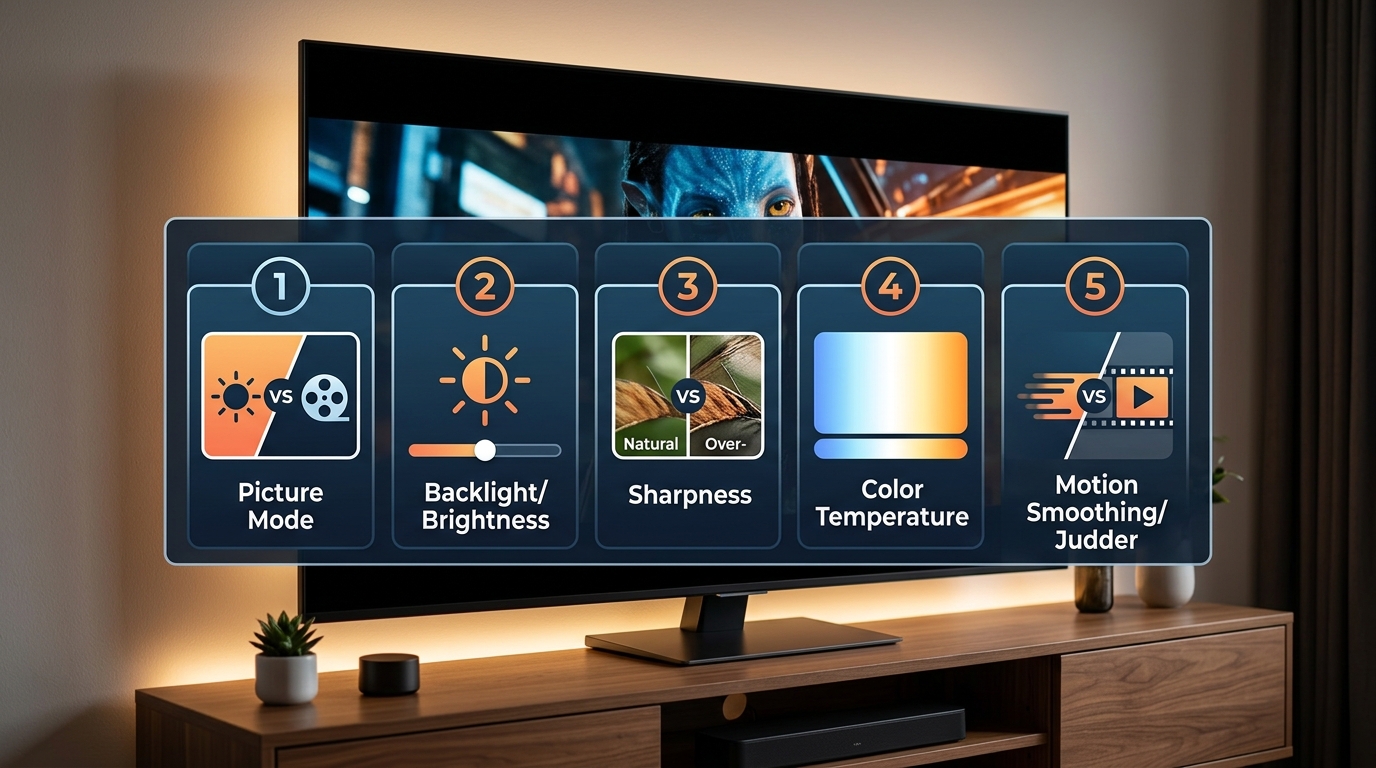
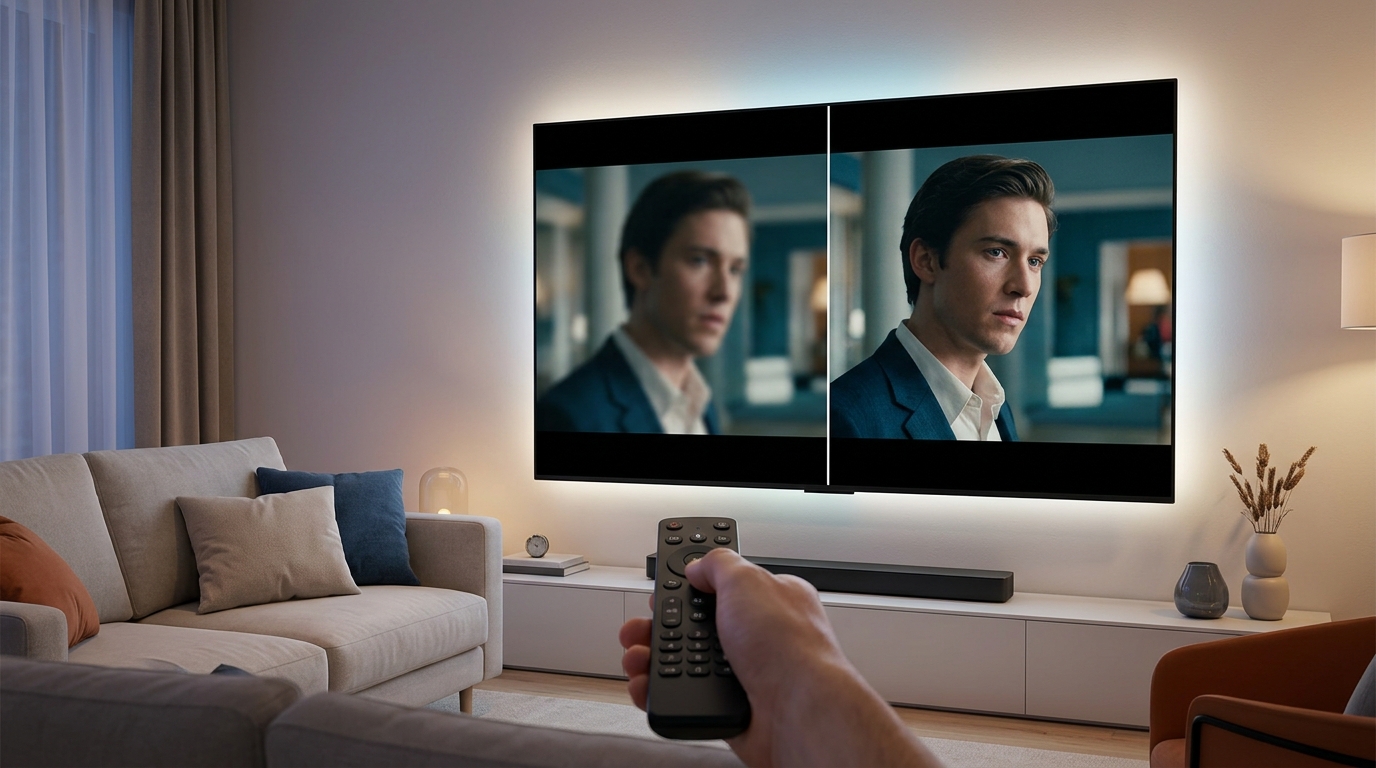
Adjust motion smoothing and picture processing on your TV. Many TVs add soap opera effect that makes movies look weird. Turn off motion interpolation, noise reduction, and dynamic contrast. Your streaming device handles video processing better than your TV does.
-
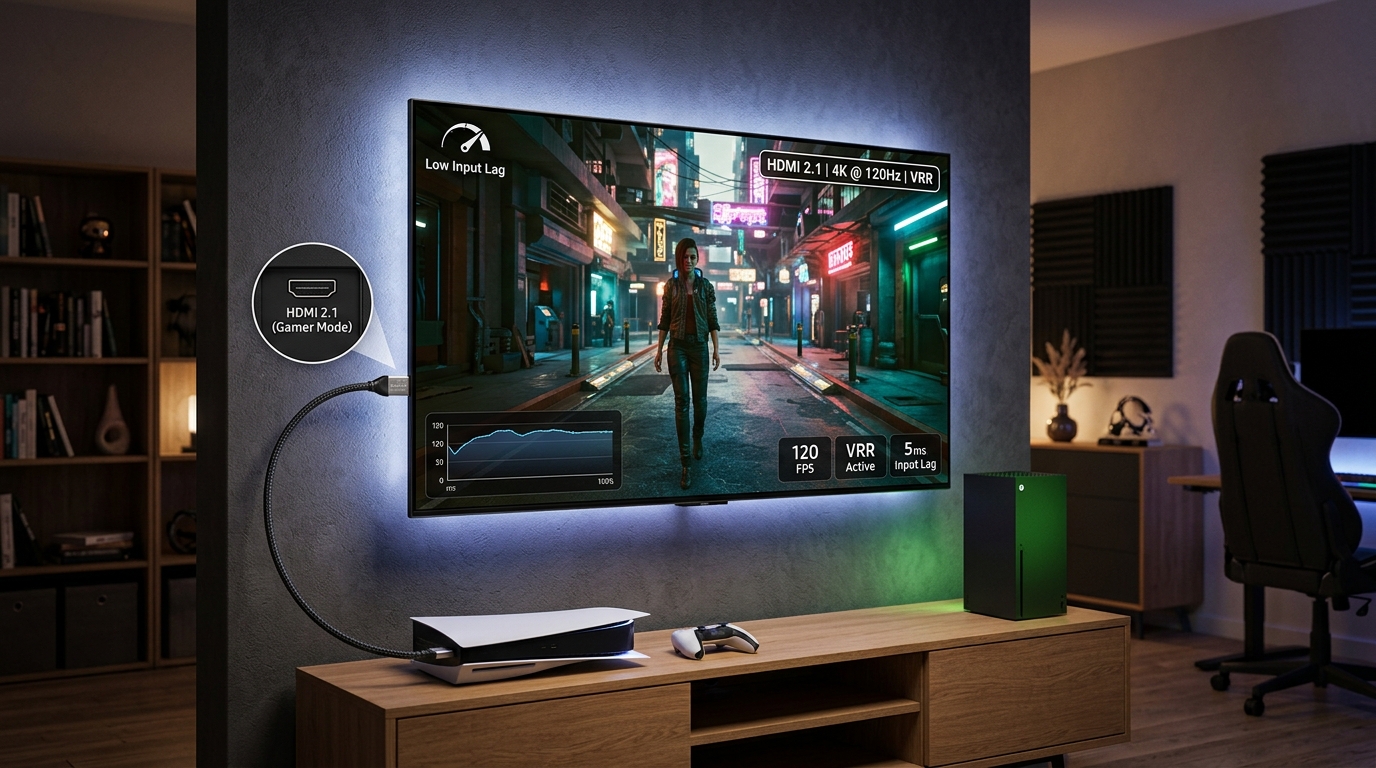
Use your TV’s game mode or PC mode for the HDMI input connected to your streaming device. This disables unnecessary processing and reduces input lag. The picture often looks better too.
Connect your streaming device to an HDMI port labeled “eARC” or “ARC” if you use a soundbar. This allows the TV to pass audio back to the soundbar properly. Otherwise you might lose Dolby Atmos or get sync issues between video and audio.
The real cost difference over five years
Let’s compare actual expenses.
You buy a $700 TV with built-in apps. It works great for two years. Year three, apps start lagging. Year four, Netflix crashes regularly. Year five, a new streaming service you want doesn’t support your TV’s platform.
You either live with frustration or buy a new TV.
Alternative scenario: same $700 TV, but you add a $50 Chromecast immediately. You disable the TV’s smart features. Three years later, the Chromecast feels slow. You replace it with whatever new model exists. Another $50.
After five years, you’ve spent $800 total. Your TV still looks perfect. The streaming experience stayed smooth the entire time. You’ll probably get another five years from the TV before the panel itself degrades.
The streaming device approach costs less and performs better. The only downside is one extra remote on your coffee table.
Most streaming devices now control TV power and volume anyway. You can often get away with using just the streaming device remote for everything.
Audio quality differences you might not expect
Here’s something most people miss. Built-in TV apps sometimes compress audio more than external devices do.
Your TV’s processor has limited bandwidth. It prioritizes video decoding. Audio gets whatever resources remain. This means the Dolby Atmos track you’re technically receiving might be more compressed than the same track through an Apple TV.
The difference is subtle on TV speakers. It becomes obvious with a good soundbar or receiver.
External streaming devices dedicate more processing power to audio. They support more audio formats. They handle passthrough to receivers more reliably.
If you invested in quality audio equipment, an external streaming device ensures you actually hear what you paid for. The same movie sounds noticeably better through a dedicated device compared to your TV’s Netflix app.
This matters even more if you calibrated your display properly but ignored the audio side of your setup.
Interface speed affects how much you actually watch
A slow interface changes your viewing habits without you realizing it.
You want to watch something. You turn on the TV. The home screen takes six seconds to load. You scroll through Netflix. It stutters. You try searching. The keyboard lags behind your typing.
You get frustrated and just pick whatever’s already on the screen. Or you give up and watch YouTube instead because that app crashes less.
A fast streaming device removes that friction. You think of a show, you’re watching it 15 seconds later. The interface responds instantly. Search actually works.
You end up watching what you actually want instead of settling for what’s convenient. That sounds minor, but it’s why people who switch to external devices rarely go back.
The experience should be invisible. Technology works best when you don’t think about it.
Future-proofing your setup for new formats
New video and audio formats appear every few years.
HDR10 became standard. Then Dolby Vision. Then HDR10 Plus. Now we’re seeing Dolby Vision IQ that adjusts based on room lighting.
Audio went from basic 5.1 to Dolby Atmos to DTS:X to spatial audio formats.
Your TV’s hardware determines what formats it can display. But your streaming source determines what formats it can send.
A five-year-old TV might support Dolby Vision, but its built-in apps might not send Dolby Vision signals properly. The hardware can handle it, but the software can’t.
An external streaming device gets software updates that enable new formats. Your 2020 Roku Ultra got Dolby Vision support in 2021 through a free update. Your 2020 TV’s built-in apps might never get that update.
This extends your TV’s useful life significantly. The panel stays relevant longer because the streaming device keeps feeding it current formats.
Privacy and data collection differences
Smart TVs collect absurd amounts of data about your viewing habits.
They track what you watch, when you watch it, how long you watch it, and what you skip. They monitor which apps you use. Some even analyze the actual content using automatic content recognition that identifies shows by their audio fingerprint.
This data gets sold to advertisers. It’s how TV manufacturers subsidize the cost of the hardware.
External streaming devices also collect data, but usually less of it. You can disable more tracking features. The devices don’t have access to everything happening on your TV, only what happens within their own apps.
Apple TV collects the least data by far. Their business model doesn’t depend on advertising. Roku and Google collect more but still less than most smart TV platforms.
If privacy matters to you, using an external device and disabling your TV’s internet connection entirely gives you the most control. Update the streaming device over WiFi, keep the TV offline.
Making the decision for your situation
Here’s how to decide what makes sense for you right now.
Start by testing your TV’s built-in apps for two weeks. Use them normally. Notice when they feel slow. Count how many times apps crash. Check if all your streaming services are available.
If everything works smoothly, stick with built-in apps. Save your money. Revisit this decision in a year.
If you notice regular frustration, buy a mid-range streaming device. The $50 to $70 range offers the best value. You get good performance without overpaying for features you might not use.
Only spend $100 or more if you have specific needs. High-end audio equipment, large local media libraries, or deep integration with a particular ecosystem.
The streaming device market moves fast. The best model today might be outdated next year. Don’t overthink it. Buy something well-reviewed in your price range. Use it until it feels slow. Replace it. Repeat.
Your TV should last eight to ten years if you take care of it. You’ll probably go through three streaming devices in that time. That’s normal and expected.
Getting the most from whichever option you choose
Whether you use built-in apps or an external device, optimize the basics.
Update everything regularly. Enable automatic updates if available. Old software has security holes and performance bugs.
Restart your TV and streaming devices monthly. Power cycling clears memory leaks and temporary glitches. It takes 30 seconds and prevents most common problems.
Check your internet speed. 4K streaming needs 25 Mbps minimum. Test your speed at the TV’s location, not just at your router. WiFi signal drops significantly through walls.
Clean up unused apps. Every installed app takes up storage and memory. Remove services you don’t use.
Adjust your router’s WiFi channel if you have interference. Your neighbors’ routers all compete for the same channels. Switching to a less crowded channel can double your streaming reliability.
These steps help regardless of your setup. They cost nothing and take ten minutes total.
Why this choice matters for your overall home theater
Your streaming source is the foundation of your entire setup.
You can have the best TV technology available, perfectly sized for your viewing distance, with excellent speakers and proper acoustic treatment. But if your streaming device struggles to deliver clean 4K video, you’re not seeing what your display can actually do.
The streaming source determines the quality of everything downstream. Garbage in, garbage out.
A reliable streaming setup also affects how often you actually use your home theater. If turning on the TV and finding something to watch feels like a chore, you’ll use it less. The whole investment sits idle.
Make the streaming experience smooth and your theater gets used more. That’s the entire point of building one.
Your TV is smarter with a dedicated brain
Built-in smart TV features made sense ten years ago. Streaming was new. Having apps built in seemed convenient.
Now we know better. TV manufacturers are great at making panels. They’re mediocre at software. Their business incentives don’t align with giving you the best streaming experience long-term.
A $50 streaming device from a company that specializes in streaming will always outperform built-in apps after the first year or two. Always.
Try your TV’s apps if you want. Many work fine initially. But keep a streaming device in mind for when the slowdowns start. Because they will start.
Your TV’s gorgeous display deserves a streaming source that can keep up with it. Give it one.





Leave a Reply