
Setting up a home theater means making dozens of choices. One of the most important decisions is pairing your AV receiver with the right speakers. Get it wrong and you might blow a driver, waste money on overpowered gear, or end up with disappointing sound. Get it right and you’ll enjoy clean, powerful audio without breaking the bank.
Matching speakers to your receiver means checking three specs: impedance (measured in ohms), power handling (measured in watts), and sensitivity (measured in dB). Your receiver must support your speaker’s impedance rating, deliver adequate power for your listening volume, and account for speaker efficiency. This prevents equipment damage and ensures optimal performance without overspending on unnecessary wattage.
Understanding the three critical specs
Every speaker and receiver lists specifications that determine compatibility. Three numbers matter most.
Impedance is measured in ohms and represents the electrical resistance your speakers present to the receiver. Most home theater speakers are rated at 4, 6, or 8 ohms. Your receiver must be able to handle your speaker’s impedance rating. Using 4-ohm speakers with a receiver rated only for 8 ohms can cause overheating or shutdown.
Power handling tells you how many watts your speakers can accept. Manufacturers list this as RMS (continuous power) or peak power. Always use the RMS number. A speaker rated for 100 watts RMS can handle that amount continuously without damage.
Sensitivity measures how loud your speaker gets with one watt of power at one meter distance. It’s expressed in decibels (dB). A speaker rated at 90 dB sensitivity will play louder than one rated at 85 dB when fed the same power.
These three specs work together to determine if your gear will play nicely.
Matching impedance comes first
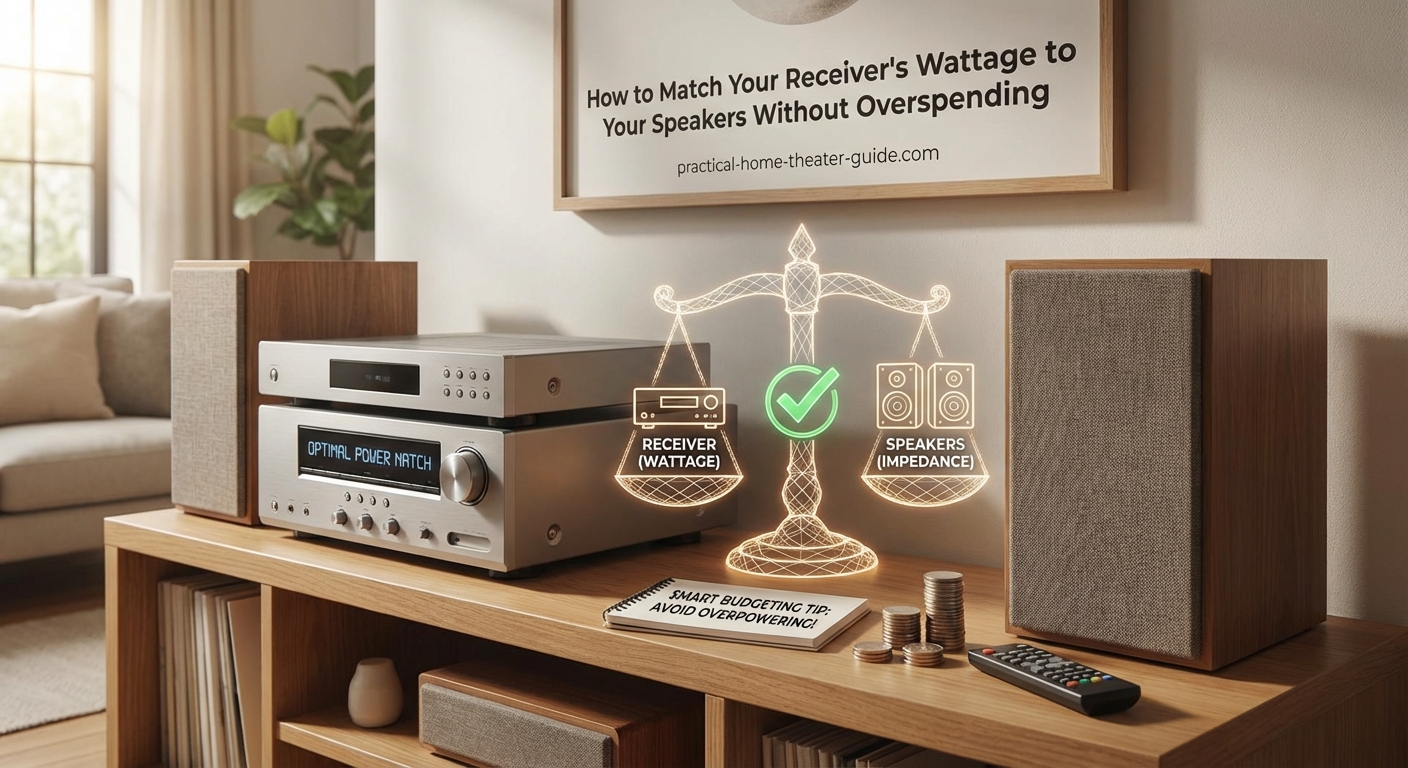
Start by checking your receiver’s impedance rating. Most modern AV receivers support 6 to 8 ohms. Some can handle 4 ohms, but not all.
Check your receiver’s manual or back panel. Look for phrases like “4-8 ohms” or “6 ohms minimum.” If your receiver only supports 8 ohms, stick with 8-ohm speakers. Using lower impedance speakers forces your receiver to work harder, generating more heat.
Here’s what happens when impedance doesn’t match:
- Too low: Your receiver overheats, triggers protection mode, or fails prematurely
- Too high: Your speakers won’t get enough power and will sound weak
- Just right: Your receiver operates efficiently and your speakers perform as designed
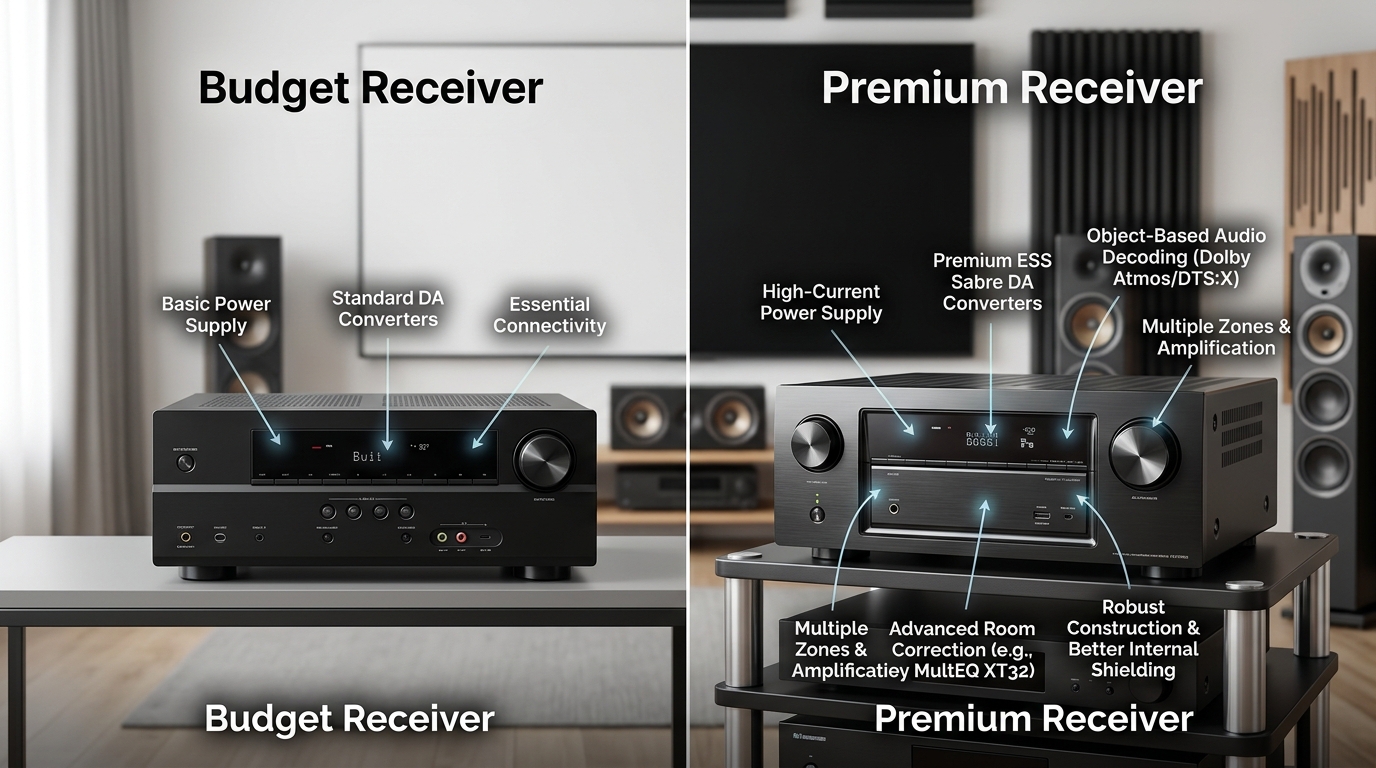
Most budget receivers support 8 ohms only. Mid-range models handle 6 to 8 ohms. Higher-end receivers can drive 4-ohm loads safely.
If your receiver supports multiple impedance ratings, match the lowest rating your speakers require. A receiver rated for 4-8 ohms will work perfectly with 8-ohm speakers but also handle 4-ohm models if you upgrade later.
Calculating the power you actually need
Wattage ratings confuse most people. Manufacturers love advertising huge numbers, but you rarely need 200 watts per channel for a living room.
Power requirements depend on three factors: room size, listening volume, and speaker sensitivity.
Room size determines how much power you need to fill the space. A 150-square-foot bedroom needs far less power than a 400-square-foot basement theater.
Listening volume matters more than most people realize. Comfortable listening levels sit around 75-85 dB. Reference movie levels hit 105 dB for brief peaks. Most people never approach reference levels at home.
Speaker sensitivity changes everything. A speaker rated at 90 dB sensitivity needs only 1 watt to produce 90 dB at one meter. To reach 93 dB, you need 2 watts. To hit 96 dB, you need 4 watts. Power requirements double with every 3 dB increase.
Let’s work through a real example. You have speakers rated at 88 dB sensitivity and want to reach 94 dB in your listening position 10 feet away.
- Calculate the power needed for 94 dB at one meter: 88 dB + 6 dB = 94 dB, which requires 4 watts (doubling power twice)
- Account for distance: Sound drops 6 dB when you double the distance, so 10 feet requires roughly 16 watts
- Add headroom: Multiply by 2 for dynamic peaks, giving you 32 watts minimum
A receiver rated at 50-75 watts per channel would work perfectly for this setup. You don’t need a 150-watt beast.
Using sensitivity ratings to save money
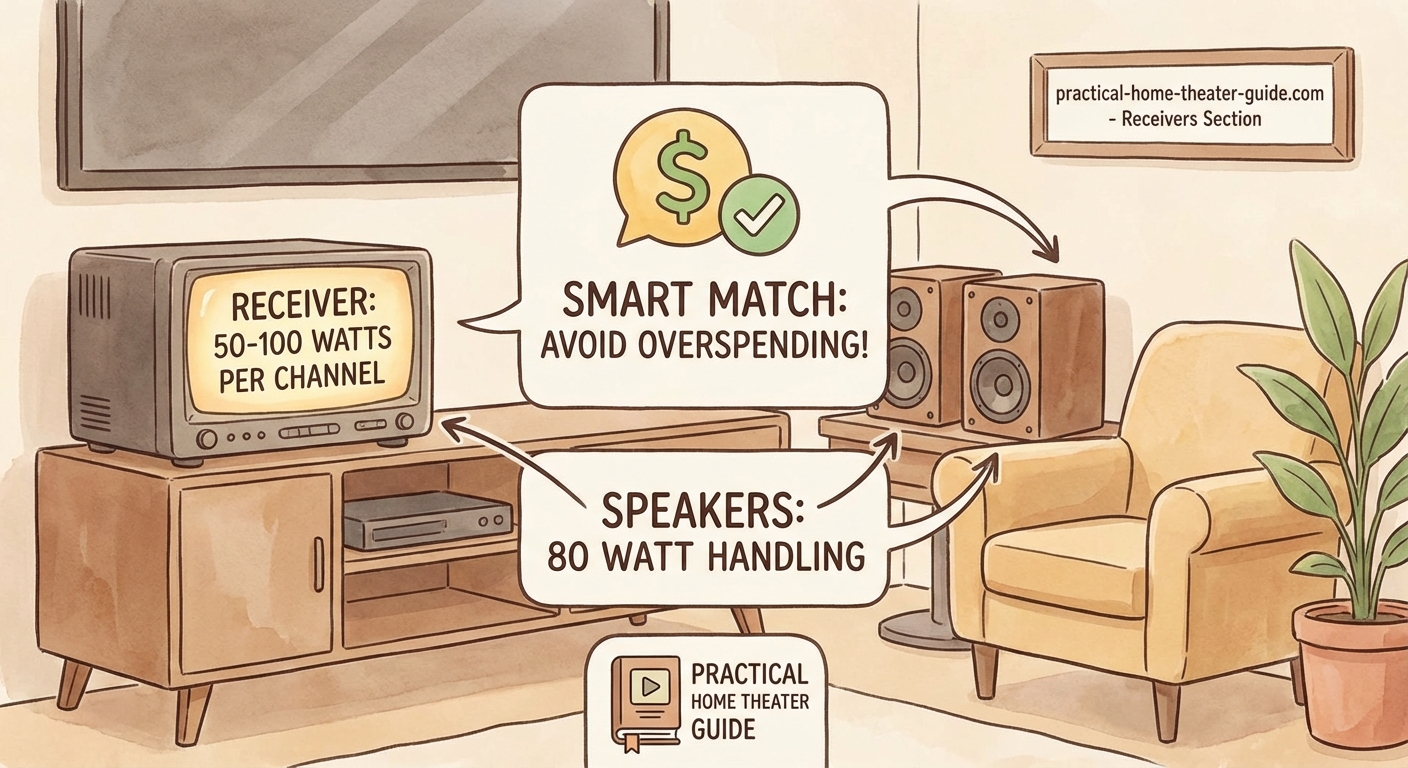
Speaker sensitivity is your secret weapon for matching gear efficiently. High-sensitivity speakers need less power to reach the same volume as low-sensitivity models.
Speakers rated above 90 dB are considered sensitive. They work beautifully with modest receivers. Speakers rated below 86 dB are inefficient and demand more power.
Here’s a practical comparison:
| Speaker Sensitivity | Power for 95 dB | Power for 100 dB | Best Receiver Match |
|---|---|---|---|
| 85 dB | 10 watts | 32 watts | 75-100 watts/channel |
| 88 dB | 5 watts | 16 watts | 50-75 watts/channel |
| 91 dB | 2.5 watts | 8 watts | 30-50 watts/channel |
| 94 dB | 1.25 watts | 4 watts | 20-40 watts/channel |
If you’re shopping for speakers and already own a receiver, check your receiver’s wattage rating. Then pick speakers with sensitivity ratings that match your power output.
Got a receiver rated at 50 watts per channel? Look for speakers rated at 88-90 dB or higher. You’ll get plenty of volume without strain.
Planning to buy both receiver and speakers? Choose high-sensitivity speakers and save money on the receiver. A 50-watt receiver costs hundreds less than a 150-watt model.
Following the matching process step by step
Here’s how to match speakers and receiver without guessing.
-
Check your receiver’s impedance rating. Find the spec sheet or look at the back panel. Note the supported impedance range (typically 6-8 ohms or 4-8 ohms).
-
Identify your speaker’s impedance. Look at the speaker’s manual or the back of the cabinet. Make sure it falls within your receiver’s supported range.
-
Calculate your power needs. Measure your room, estimate your typical listening volume, and note your speaker’s sensitivity rating. Use the doubling rule: every 3 dB increase requires double the power.
-
Compare receiver wattage to speaker power handling. Your receiver’s output should fall between 50% and 100% of your speaker’s RMS rating. This gives you headroom without risk of damage.
-
Verify all channels. If you’re building a 5.1 or 7.1 system, make sure your receiver can power all speakers simultaneously at the rated wattage. Some receivers only achieve their maximum power output with two channels driven.
-
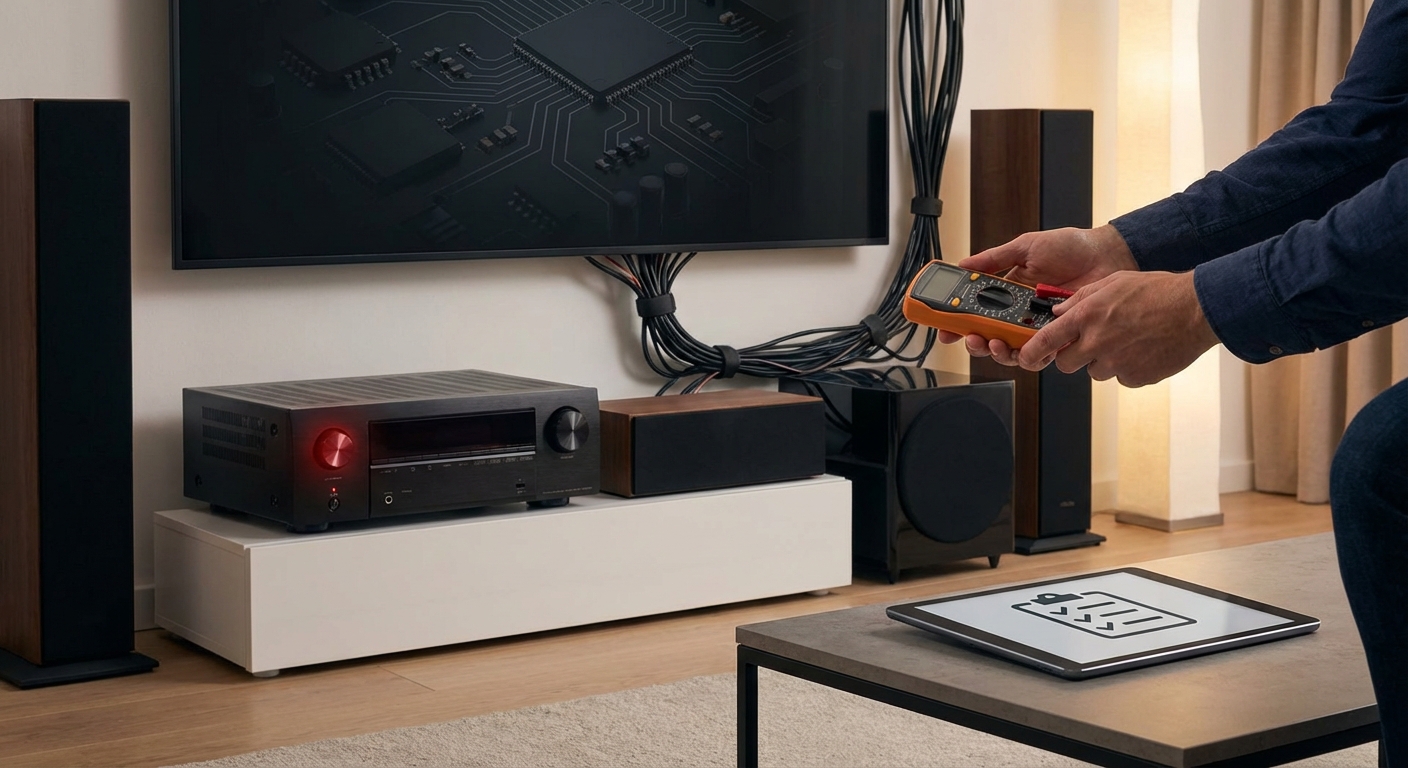
Test before you commit. If possible, connect your gear and play content at your normal volume. Listen for distortion, check if the receiver gets excessively hot, and make sure protection circuits don’t trigger.
This process works whether you’re matching new gear or checking compatibility with existing equipment.
Avoiding common matching mistakes
Even experienced builders make these errors.
Trusting peak power ratings leads to disappointment. Manufacturers love listing peak power because the numbers look impressive. A speaker rated for 200 watts peak might only handle 75 watts RMS. Always use RMS ratings for both speakers and receivers.
Ignoring impedance switching causes problems with some receivers. Older models have a physical switch on the back panel for 4-ohm or 8-ohm operation. If you forget to flip the switch, you’ll either underdrive your speakers or overheat your receiver.
Assuming bigger is better wastes money. A 150-watt receiver doesn’t sound twice as loud as a 75-watt model. Remember, doubling perceived loudness requires ten times the power. That 150-watt receiver only gives you 3 dB more headroom.
Mixing impedances randomly stresses your receiver. If you’re running a 5.1 system, try to keep all speakers at the same impedance. Mixing 4-ohm and 8-ohm speakers in the same system forces your receiver to work harder on some channels.
Forgetting about efficiency means overspending. Low-sensitivity speakers (below 86 dB) demand powerful receivers. High-sensitivity speakers (above 90 dB) work great with modest power. Choose efficient speakers and save money on amplification.
Skipping the manual causes confusion. Every receiver handles impedance differently. Some automatically detect speaker impedance. Others require menu settings. Read your manual to understand your specific model’s requirements.
Checking compatibility with real-world scenarios
Let’s look at three common setups and how to match them properly.
Budget 5.1 system for a small room: You’ve got a 12×15 foot living room and want surround sound without spending a fortune. Choose speakers rated at 8 ohms with 89-91 dB sensitivity. Pair them with a receiver rated at 50-75 watts per channel at 8 ohms. This combination delivers clean sound at normal listening levels and costs hundreds less than overpowered alternatives.
Mid-range stereo setup for music: You’re building a dedicated two-channel system for a 15×20 foot room. Pick speakers rated at 6-8 ohms with 87-89 dB sensitivity. Match them with a receiver or integrated amp rated at 75-100 watts per channel. This gives you enough headroom for dynamic music without clipping.
High-end home theater: You’ve got a 20×25 foot dedicated theater room and want reference-level sound. Select speakers rated at 4-8 ohms with 90+ dB sensitivity. Pair them with a receiver rated at 100-150 watts per channel with all channels driven. This ensures you can hit 105 dB peaks without strain.
Notice how speaker sensitivity determines receiver requirements in each case. Higher sensitivity always means lower power demands.
Reading spec sheets like a pro
Manufacturer spec sheets hide important details in fine print.
Look for “all channels driven” ratings. Some receivers advertise 100 watts per channel but only achieve that with two channels playing. When you run a 7.1 system, power drops to 70 watts per channel. This isn’t dishonest, just physics. Driving more speakers simultaneously requires more current.
Check for impedance conditions. A receiver might claim 100 watts at 8 ohms but jump to 150 watts at 6 ohms. Lower impedance lets more current flow, increasing power output. Make sure your receiver can safely handle the impedance your speakers present.
Watch for THD (total harmonic distortion) ratings. Power specs mean nothing if distortion is high. Look for THD below 0.1% at rated power. Some manufacturers list impressive wattage but achieve it with 1% or higher distortion, which sounds terrible.
Note the frequency range for power specs. A receiver might deliver 100 watts from 100 Hz to 10 kHz but drop to 70 watts when reproducing deep bass at 40 Hz. Full-range power ratings matter more than cherry-picked numbers.
Setting up your matched system correctly
Proper setup ensures your matched gear performs as designed.
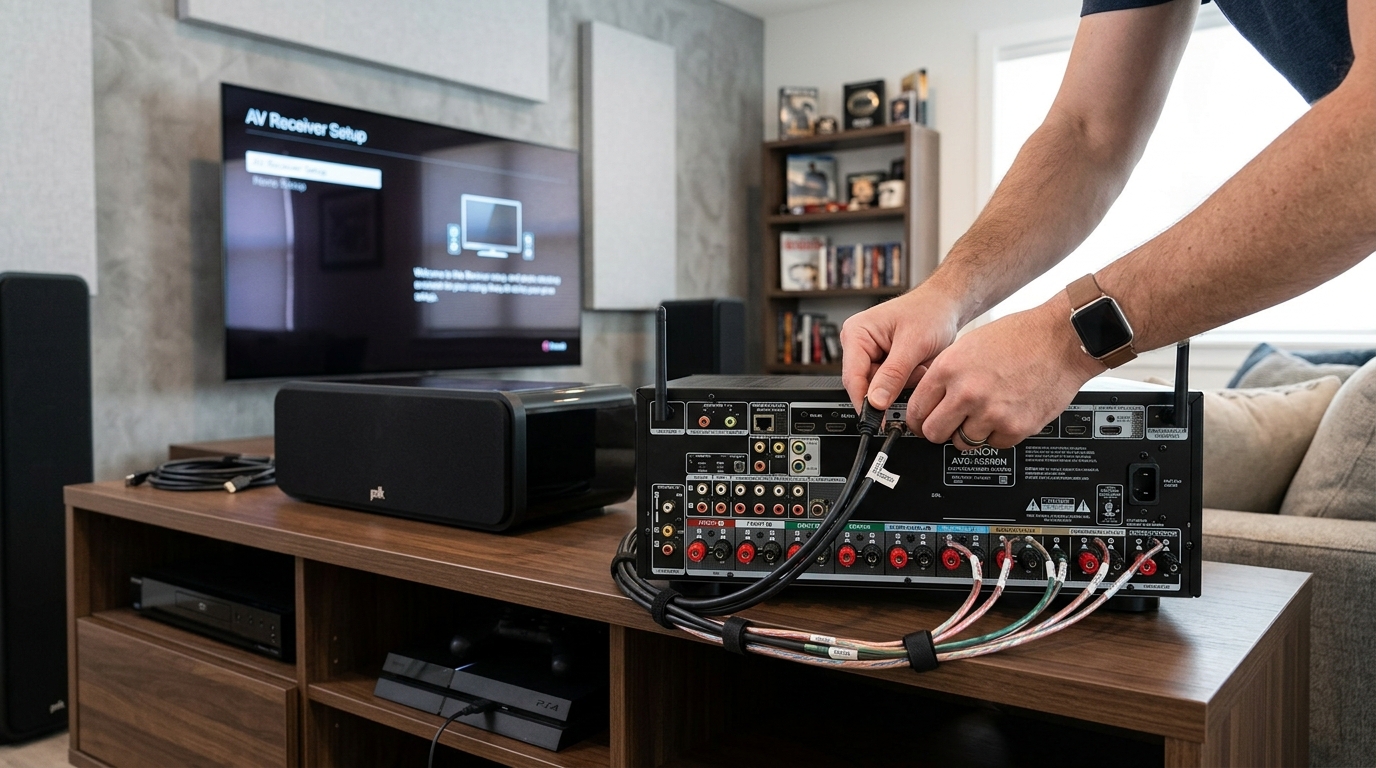
Connect speakers to the correct terminals. Most receivers label speaker outputs clearly. Match left to left, right to right, center to center. Reversed polarity causes phase issues and weak bass.
Configure your receiver’s speaker settings. Modern AV receivers include setup menus where you specify speaker size, distance, and impedance. Enter accurate information. Setting bookshelf speakers to “large” forces them to reproduce bass they can’t handle.
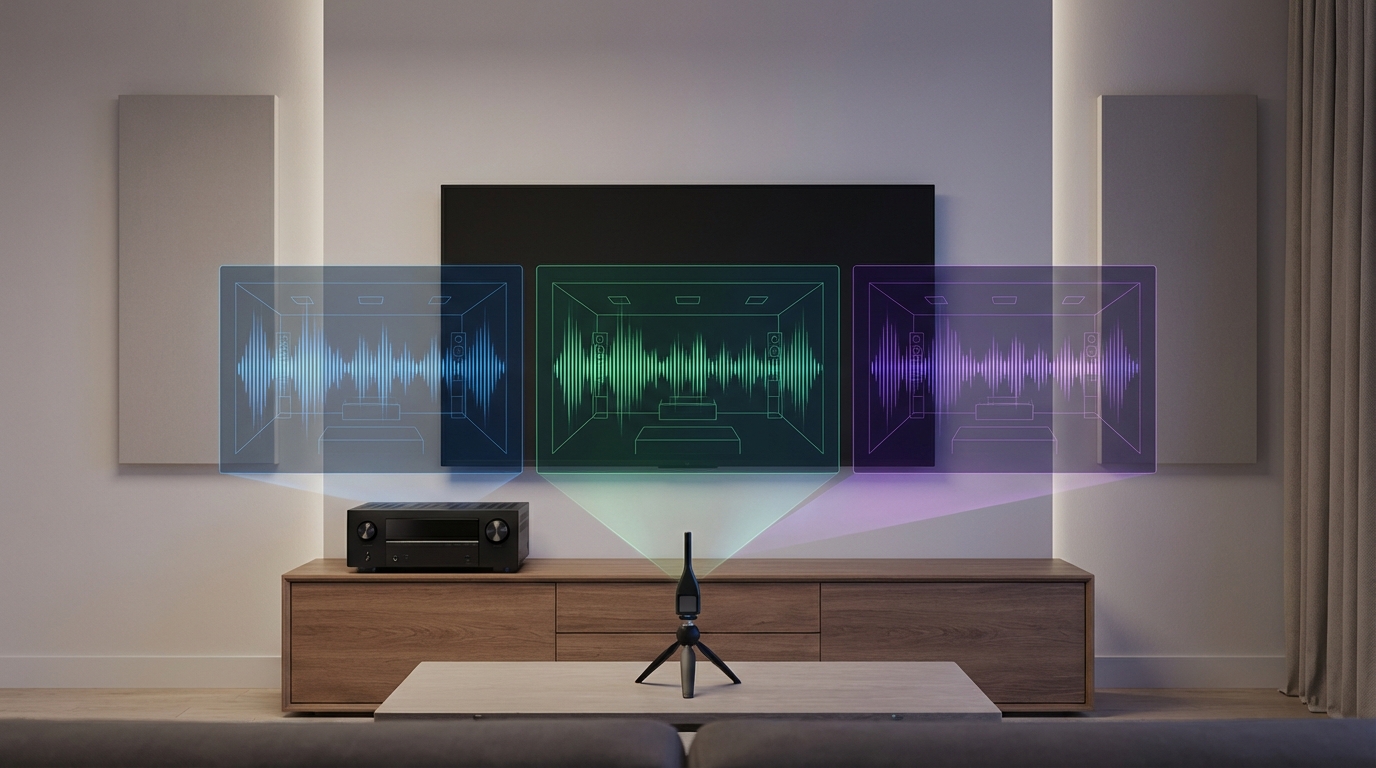
Run room correction if available. Many receivers include automatic calibration systems like Audyssey, YPAO, or Dirac. These measure your room and adjust settings for optimal performance. Let the system run its measurements, then fine-tune manually if needed.
Set appropriate volume levels. Your receiver’s volume control doesn’t directly correlate to wattage. The -20 dB setting on one receiver might equal -30 dB on another. Start low and increase gradually until you reach comfortable listening levels.
Monitor for signs of trouble. If your receiver shuts down randomly, feels excessively hot, or triggers protection mode, you’ve got a mismatch. Either your speakers present too low an impedance or you’re pushing the system too hard.
After everything is connected and configured, play familiar content at your normal volume. The sound should be clean, dynamic, and effortless. If you hear distortion or strain, recheck your matching calculations.
Knowing when to upgrade
Sometimes your current gear just won’t work together. Here’s when to upgrade instead of forcing a mismatch.
Your receiver repeatedly triggers protection mode even at moderate volumes. This means your speakers demand more current than your receiver can safely provide. Either upgrade to a more powerful receiver or switch to higher-impedance speakers.
Your speakers sound weak and lifeless despite proper setup. Low-sensitivity speakers paired with an underpowered receiver never reach their potential. You need either a more powerful amp or more efficient speakers.
You’re planning to add more speakers to your system. If your 5.1 receiver barely handles your current load, adding height channels for Atmos will overload it. Upgrade to a receiver with adequate power for all channels driven simultaneously.
You want to fill a larger room. Moving from a 150-square-foot bedroom to a 400-square-foot basement changes power requirements dramatically. Your existing 50-watt receiver might need an upgrade to 100 watts or more.
Consider your budget and priorities. Sometimes upgrading speakers makes more sense than buying a bigger receiver. High-sensitivity speakers can transform an underpowered system without spending a fortune on amplification.
If you’re setting up your space properly, you might also want to check out how to run speaker wire through walls without damaging your home for a clean installation. Poor wire routing can introduce noise and degrade the performance you worked hard to achieve through proper matching.
Making it all work together
Matching speakers and receiver doesn’t require an engineering degree. Check impedance compatibility first. Calculate your power needs based on room size, listening habits, and speaker sensitivity. Verify all specs using RMS ratings, not peak numbers. Set up your system correctly and monitor for problems.
You’ll end up with clean, powerful sound that fits your space and budget. No wasted money on unnecessary wattage. No blown speakers from impedance mismatches. Just great audio that makes movies and music come alive.
Start with the numbers, trust the process, and enjoy the results.






Leave a Reply