
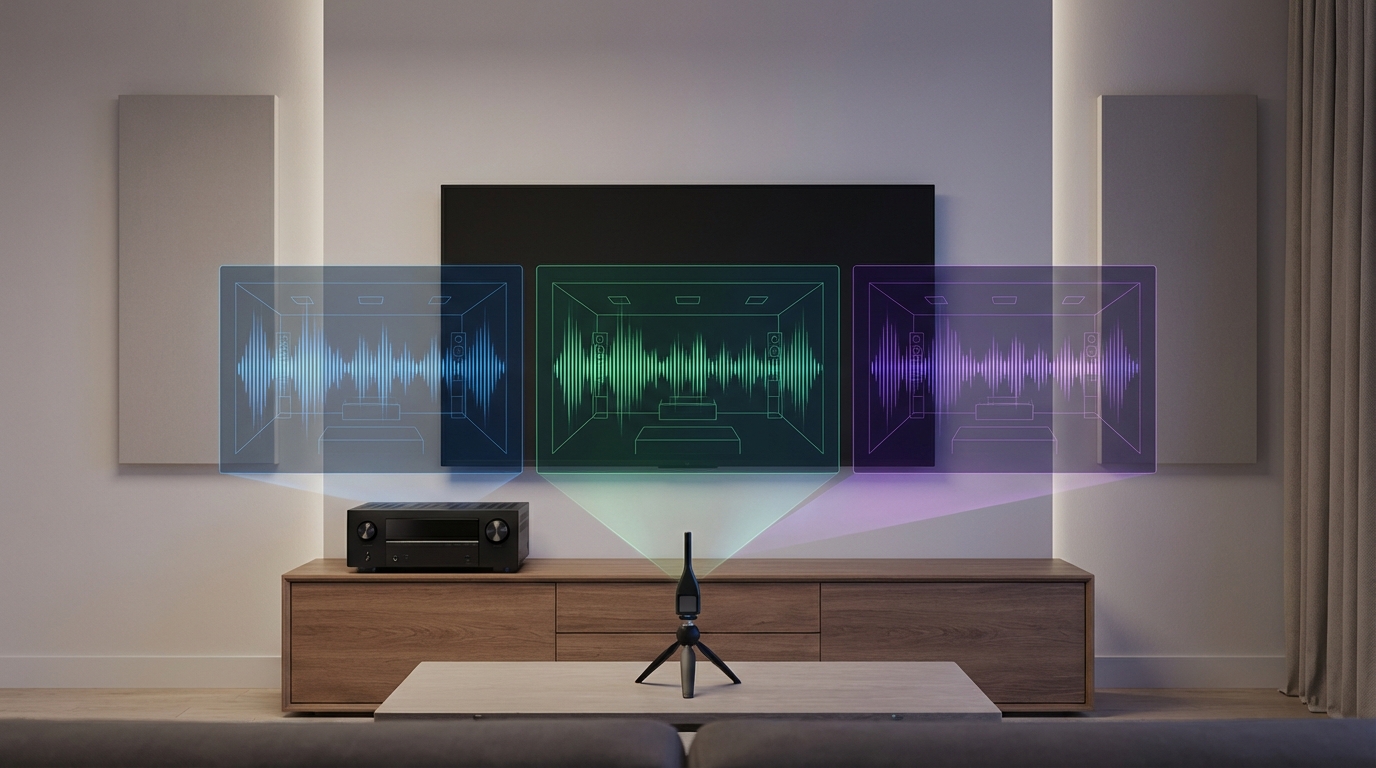
Room correction technology transforms mediocre home theater sound into something genuinely impressive. But choosing between Audyssey, Dirac Live, and YPAO feels like picking a favorite child when you’ve never met any of them. Each system promises to fix acoustic problems in your listening space, but they work differently and cost different amounts of money.
Audyssey offers solid correction on Denon and Marantz receivers, YPAO comes standard on Yamaha units with decent results, and Dirac Live delivers premium accuracy but costs extra. Your choice depends on your receiver brand, budget, and how much control you want over the calibration process. Most listeners notice clear improvements with any of these three systems.
Understanding What Room Correction Actually Does
Your listening room creates acoustic problems that no speaker can overcome alone. Sound waves bounce off walls, ceilings, and furniture. Some frequencies get louder. Others disappear completely.
Room correction systems measure these problems and apply digital filters to compensate. They send test tones through your speakers, capture the response with a microphone, then calculate corrections.
The process sounds simple. The execution varies wildly between systems.
Each platform uses different measurement techniques, applies different correction philosophies, and gives you different amounts of control. Some work automatically. Others let you tweak every detail.
How Audyssey Approaches Room Calibration
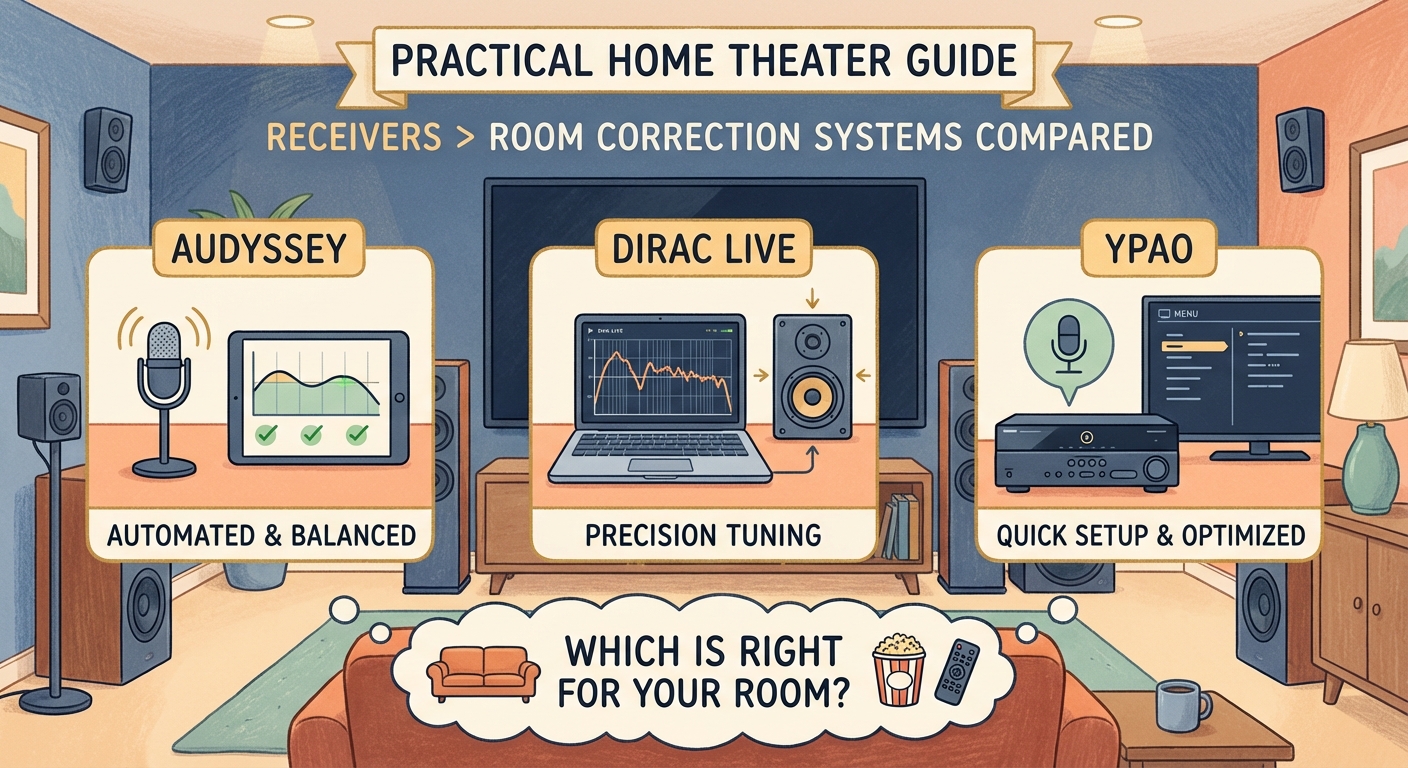
Audyssey appears in Denon and Marantz AV receivers. The system comes in three versions: standard Audyssey, MultEQ XT, and MultEQ XT32.
The basic version uses six measurement positions and 512 filter points. XT bumps that to eight positions and more resolution. XT32 offers the full treatment with 32,000 filter points and more precise corrections.
You place the included microphone at your main listening position first. Then you measure from five to seven additional spots around your seating area. The receiver plays test tones that sound like static bursts.
Audyssey analyzes all measurements together to create a correction profile. The system corrects both frequency response and time alignment. It also sets speaker levels, distances, and crossover points automatically.
The MultEQ Editor app costs $20 but adds valuable control. You can see the before and after frequency response curves. You can limit correction to lower frequencies only, which many enthusiasts prefer. You can also adjust the target curve to match your taste.
Audyssey works best when you limit high frequency correction and use the app to customize the target curve. The automatic settings often sound too bright or too dull depending on your speakers.
Standard Audyssey tends to sound overly smoothed out. XT32 with the app sounds significantly better and gives you room to experiment.
What Makes Dirac Live Different
Dirac Live takes a more scientific approach to room correction. The system started in professional audio and automotive applications before reaching home theater.
You need a computer to run Dirac Live. The software works with compatible AV receivers, processors, and some powered speakers. Many brands now license Dirac, including Arcam, Emotiva, NAD, and StormAudio.
Dirac measures from up to nine positions using a calibrated USB microphone. The measurement process takes longer than Audyssey because Dirac captures more data per position.
The software shows you detailed before and after measurements. You see impulse response, frequency response, and phase information. You can adjust the target curve by dragging points on a graph.
Dirac Live comes in two versions. The standard version corrects up to 500 Hz. Dirac Live Bass Control extends correction across the full frequency range and includes advanced subwoofer management.
Bass Control costs extra but delivers noticeable improvements. The system optimizes multiple subwoofers together and reduces room mode problems that cause boomy bass.
Dirac applies gentler corrections than Audyssey in most cases. The sound stays more natural while still fixing major problems. The visual feedback helps you understand what the system is doing.
Many users report that Dirac Live sounds more transparent than other room correction systems. Instruments maintain their character. Vocals sound clear without artificial sharpness.
The downside is cost. Receivers with Dirac Live typically cost more than equivalent Audyssey models. Bass Control adds another $99 to $499 depending on channel count.
YPAO Strengths and Limitations
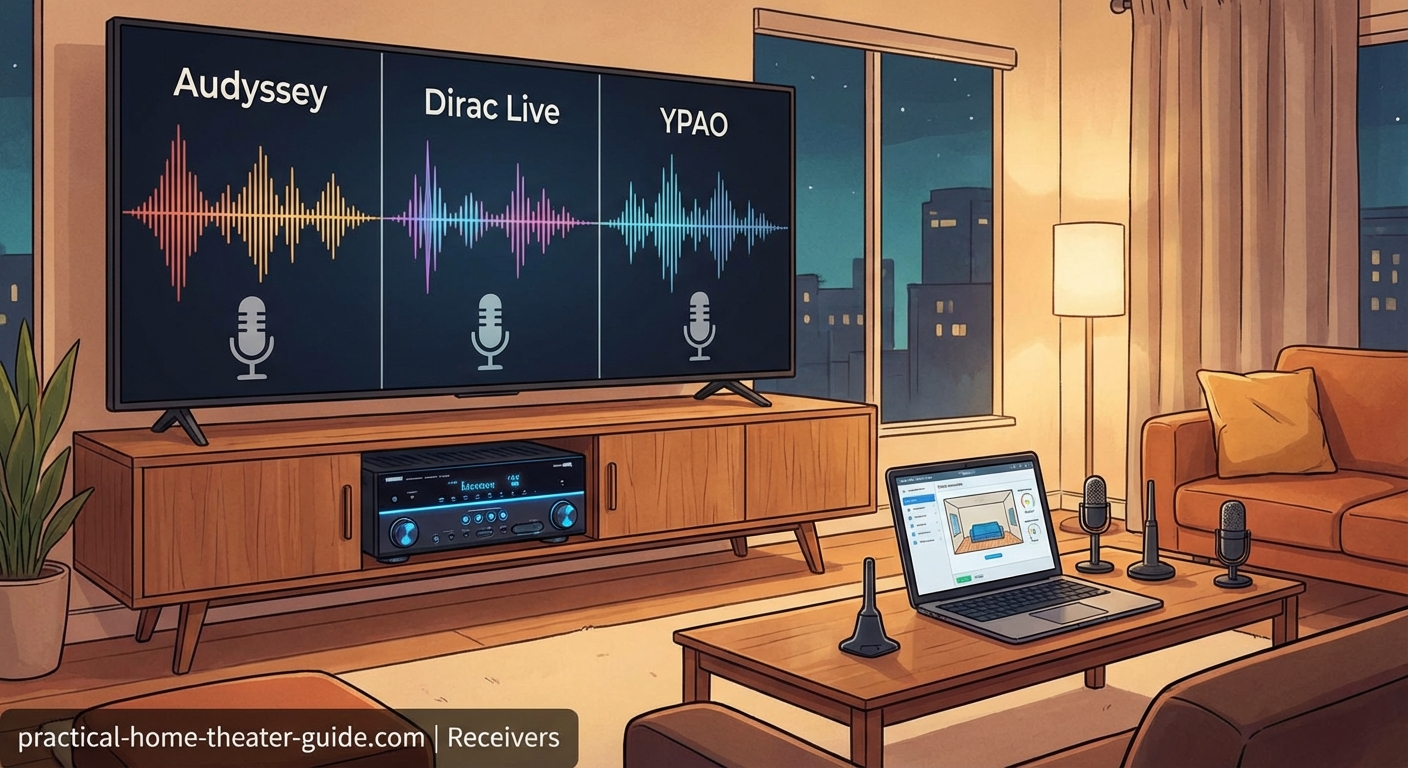
YPAO (Yamaha Parametric room Acoustic Optimizer) ships with Yamaha AV receivers. Like Audyssey, it comes in multiple versions with different capabilities.
Basic YPAO measures from one position. YPAO R.S.C. (Reflected Sound Control) adds multi-position measurement. YPAO R.S.C. with angle measurement includes a gyroscope in the microphone to optimize surround channels.
The measurement process resembles Audyssey. You place the microphone at listening positions and let the receiver play test tones. Yamaha’s tones sound slightly different but serve the same purpose.
YPAO corrects frequency response, sets levels and distances, and adjusts phase. The R.S.C. version also analyzes early reflections and adjusts processing to reduce their impact.
Yamaha receivers let you save multiple YPAO profiles. You can create one for movies and another for music. Switching between them takes seconds.
The system works well but offers less customization than Audyssey with the app or Dirac Live. You get basic control over correction strength and frequency range, but you cannot see detailed measurements or adjust target curves.
YPAO tends to produce a slightly warmer sound signature than Audyssey. Some listeners prefer this. Others find it lacks detail in the upper frequencies.
The biggest advantage is value. YPAO R.S.C. comes standard on mid-range Yamaha receivers that cost less than comparable Denon or Marantz models with XT32.
Comparing Measurement and Correction Methods
The three systems measure rooms differently and apply corrections based on different philosophies.
| System | Measurement Positions | Filter Resolution | Correction Philosophy | Visual Feedback |
|---|---|---|---|---|
| Audyssey MultEQ XT32 | 8 positions | 32,000 points | Aggressive smoothing across full range | With app only |
| Dirac Live | Up to 9 positions | High resolution | Gentle correction preserving character | Detailed graphs included |
| YPAO R.S.C. | 8 positions | Medium resolution | Balanced approach with reflection control | Limited on-screen display |
Audyssey averages all measurement positions to find a compromise that works across the seating area. This approach helps multiple listeners but might not optimize for a single sweet spot.
Dirac Live weighs the first measurement position more heavily. The system prioritizes the main listening position while still considering other seats. This produces better results for critical listening but might create more variation across seats.
YPAO falls somewhere between. The system balances multiple positions but also analyzes reflection patterns to reduce early reflections that muddy sound.
Setting Up Each System for Best Results
Getting good results from any room correction system requires careful measurement technique. Small mistakes during setup create problems no algorithm can fix.
Audyssey Setup Steps
- Place the microphone at ear height using a camera tripod or microphone stand
- Measure the main listening position first, centered in your primary seat
- Space remaining measurements throughout the listening area, varying height by 12 to 18 inches
- Keep the room quiet during measurement (turn off HVAC if possible)
- Purchase the MultEQ Editor app and limit correction to 500 Hz or less
- Adjust the target curve to taste, typically reducing the high frequency tilt by 2 to 3 dB
Dirac Live Setup Steps
- Download the Dirac Live software and connect your receiver to your computer network
- Use the supplied calibrated microphone or purchase an upgraded model
- Measure the main listening position first at exact ear height
- Add measurements in a circular pattern around the listening area
- Review the measurements and delete any that show obvious errors
- Adjust the target curve, starting with the default and making small changes
- Export the filter and load it into your receiver
YPAO Setup Steps
- Connect the YPAO microphone to the receiver front panel
- Place the microphone at ear height in your main seat
- Follow the on-screen prompts to measure additional positions
- Review the results and save the profile
- Test the sound and adjust the correction strength if needed
Common Mistakes That Ruin Room Correction Results
People make predictable errors when running room correction. These mistakes waste time and produce worse sound than no correction at all.
Holding the microphone by hand during measurement introduces noise and inconsistency. Your body absorbs and reflects sound differently than furniture. Use a proper stand.
Measuring only in a tight cluster around one seat limits the system’s ability to optimize the broader listening area. Spread measurements across the seating zone.
Accepting default settings without listening critically leaves performance on the table. Every room sounds different. The automatic settings represent a starting point, not a finish line.
Correcting the full frequency range often makes speakers sound unnatural. Most speakers measure accurately above 500 Hz in typical rooms. Limiting correction to bass frequencies preserves speaker character while fixing the biggest problems.
Running calibration with the room in an unusual state creates problems. If you measure with all doors closed but listen with them open, the correction won’t match actual listening conditions.
Which System Sounds Best in Real Rooms
Sound quality comparisons get subjective fast. Personal preference plays a huge role. But patterns emerge from user experiences and professional reviews.
Dirac Live consistently ranks highest for transparency and natural sound. The system fixes problems without calling attention to itself. Instruments sound like instruments. Voices sound like voices.
Audyssey XT32 with the app and custom settings comes close to Dirac. Without the app, standard Audyssey settings often sound processed. The difference between default Audyssey and optimized Audyssey is dramatic.
YPAO produces pleasant results that work well for casual listening. The system rarely offends but also rarely impresses audiophiles. For movies and background music, YPAO performs admirably.
Bass performance varies by system and implementation. Dirac Live Bass Control handles multiple subwoofers better than competitors. Audyssey XT32 does well with proper setup. YPAO works fine with single subwoofers but struggles with complex multi-sub configurations.
All three systems improve sound compared to no correction in typical rooms. The difference between good room correction and no correction exceeds the difference between the correction systems themselves.
Cost Considerations Beyond the Receiver Price
Room correction cost extends beyond the receiver purchase price. Understanding total investment helps with decision making.
Audyssey comes included with Denon and Marantz receivers. The MultEQ Editor app costs $20. Total additional cost is minimal.
Dirac Live requires a compatible receiver that typically costs $100 to $500 more than equivalent models with Audyssey. Dirac Live Bass Control adds $99 to $499 depending on your processor. A quality calibrated microphone costs $75 to $200 if you want better results than the included mic provides.
YPAO includes everything you need in the box. Yamaha receivers with YPAO R.S.C. often cost less than Denon models at similar feature levels.
For budget-conscious buyers, YPAO offers the best value. For those wanting maximum performance, Dirac Live justifies the extra cost. Audyssey with the app splits the difference.
Receiver Compatibility Limits Your Choices
You cannot choose room correction independently from receiver brand. Each manufacturer licenses specific systems.
Denon and Marantz use Audyssey exclusively. Yamaha uses YPAO exclusively. Arcam, NAD, Emotiva, and some other brands offer Dirac Live.
This brand lock-in matters more than the correction system itself for many buyers. If you prefer Denon’s interface and features, you get Audyssey whether you want it or not.
Some processors and receivers offer no room correction at all. High-end models sometimes skip it, assuming users will apply correction through external processors or use acoustic treatments to control room problems.
A few brands license multiple systems. Some Onkyo and Pioneer models offered both AccuEQ and Dirac Live. This flexibility remains rare.
Choose your receiver based on the complete package. Room correction matters, but so do power output, connectivity, user interface, and reliability.
Manual Tweaking After Automatic Calibration
Automatic calibration provides a foundation. Manual adjustment optimizes results for your preferences and content.
Most systems set subwoofer levels too low during calibration. Boosting the sub by 3 to 5 dB after running room correction often sounds better, especially for movies.
Speaker distance settings sometimes need adjustment. If voices sound disconnected from the screen, small distance tweaks can improve synchronization.
Crossover frequencies deserve attention. Automatic settings sometimes set small speakers to full range or cross over large speakers too high. Verify that crossovers match speaker capabilities.
Dynamic range compression and other processing features work independently from room correction. Adjust these based on content and listening time. Late night listening benefits from compression. Critical listening demands it turned off.
Some receivers let you disable room correction for specific inputs. You might want correction for movies but prefer direct mode for music from high-quality sources.
Room Treatment Still Matters
Room correction fixes frequency response problems. It cannot eliminate echoes, fix first reflections, or stop sound from traveling through walls.
Physical acoustic treatment complements room correction. Absorption panels reduce reflections that cause comb filtering. Bass traps control low frequency room modes that correction struggles to fix completely.
The combination of treatment and correction produces better results than either alone. Treatment reduces the amount of correction needed. Less correction means more natural sound.
You don’t need to turn your room into a recording studio. Strategic placement of a few absorption panels and bass traps makes a noticeable difference.
Even simple changes help. Thick curtains reduce window reflections. Bookshelves break up wall reflections. Area rugs control floor bounce.
Upgrading Between Systems
Switching room correction systems means changing receivers or processors. This represents a significant investment.
Moving from YPAO to Audyssey requires buying a Denon or Marantz receiver. Moving to Dirac Live means choosing from a smaller selection of brands.
The sonic improvement from upgrading correction systems alone rarely justifies replacing a working receiver. Other upgrades deliver more noticeable improvements for less money.
Better speakers, room treatment, or adding subwoofers typically provide bigger performance gains than switching from one good room correction system to another.
Consider room correction as one factor when your receiver needs replacement for other reasons. Don’t replace a functioning receiver just to change correction systems unless you’re chasing the absolute best performance.
Making the Right Choice for Your Situation
Your ideal room correction system depends on factors beyond pure sound quality.
Choose YPAO if you want good results without fussing with apps or software. Yamaha receivers offer solid performance at reasonable prices. The system works well for movies and casual music listening.
Choose Audyssey if you like Denon or Marantz receivers and don’t mind spending $20 on the app. Take time to learn the app and customize settings. The results rival more expensive systems.
Choose Dirac Live if you want maximum control and transparency. Budget for the higher receiver cost and potential Bass Control upgrade. The investment pays off in sound quality.
All three systems improve your home theater audio significantly. None of them sound bad when set up properly. The differences matter most to critical listeners in treated rooms with high-quality speakers.
For most people, choosing a receiver based on features, connectivity, and price makes more sense than obsessing over room correction alone. Any modern room correction system delivers major improvements over no correction.
Getting the Sound You Actually Want
Room correction technology has matured to the point where all major systems work well. Audyssey, Dirac Live, and YPAO each bring different strengths to your listening room.
The best system is the one you’ll actually use and optimize. An expensive system left on default settings underperforms a budget system that’s been carefully calibrated and adjusted.
Take time to learn your chosen system. Run calibration carefully. Listen critically. Make adjustments. The difference between good and great room correction comes down to the effort you invest in setup and optimization.
Your ears are the final judge. Trust measurements to guide you, but trust your ears to confirm that changes actually improve your enjoyment. Room correction serves the music and movies, not the other way around.






Leave a Reply