
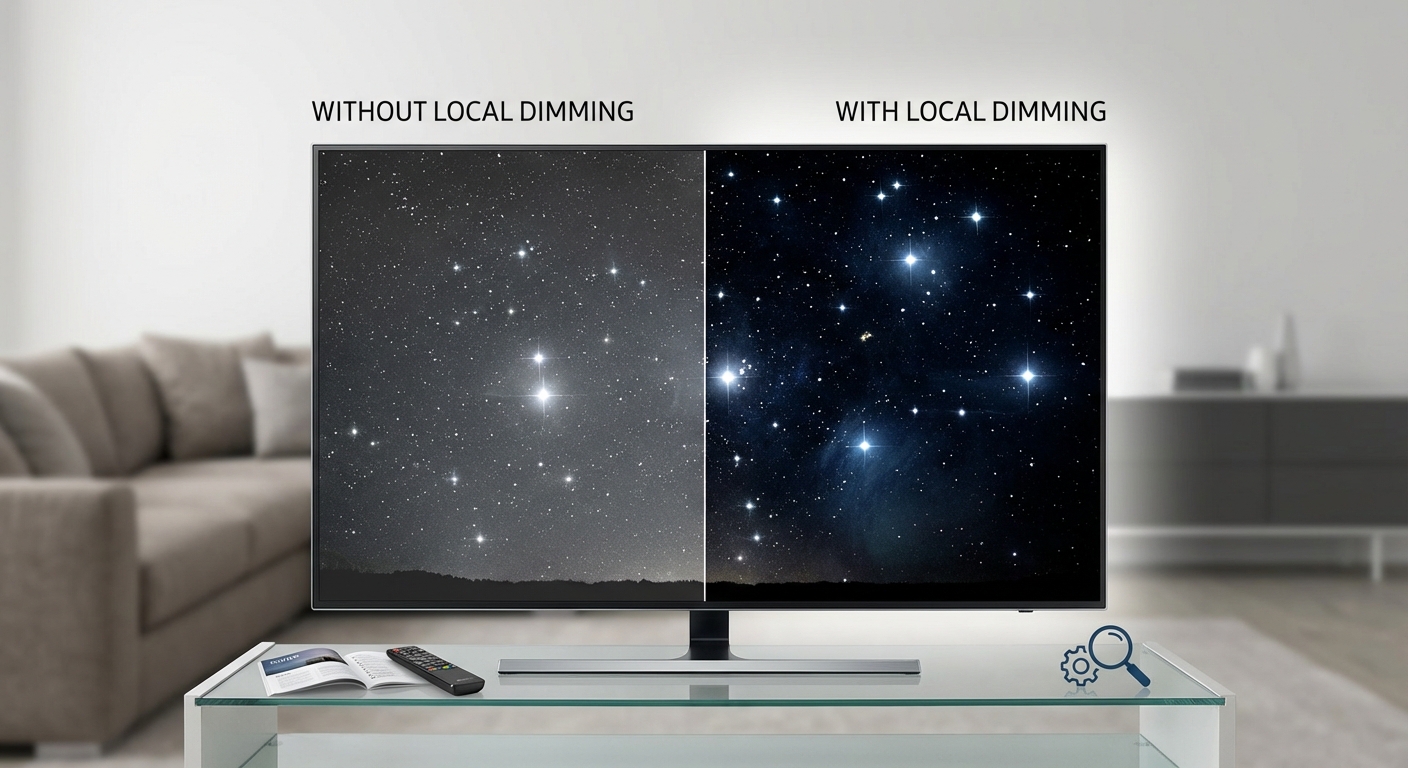
You’re standing in a big box store, staring at two TVs showing the same movie scene. One displays deep, inky blacks in the night sky. The other looks washed out, more dark gray than true black. The price tags differ by $500. The salesperson mentions “local dimming zones” and you nod, pretending to understand.
Most TV shoppers face this exact moment. You know picture quality matters, but the technical jargon makes it hard to know what you’re actually paying for.
Local dimming is a backlight control technology that dims specific zones of an LED TV screen independently, creating deeper blacks and better contrast. Full-array models with hundreds of zones deliver the best results, while edge-lit versions offer minimal improvement. For dark room viewing and HDR content, local dimming makes a noticeable difference worth the investment.
Understanding how TV backlights actually work
Traditional LED TVs use a single backlight that illuminates the entire screen at once. Think of it like a giant light panel behind your display.
When the TV needs to show a dark scene, it can’t turn off individual areas. The whole backlight stays on, just dimmed down. This creates a fundamental problem.
Dark areas never look truly dark. They appear grayish because light bleeds through from the backlight. Bright stars against a night sky glow with halos. Black bars in movies look more like charcoal.
Your TV is basically trying to paint darkness using light. That’s a losing battle without better control.
The core concept behind local dimming
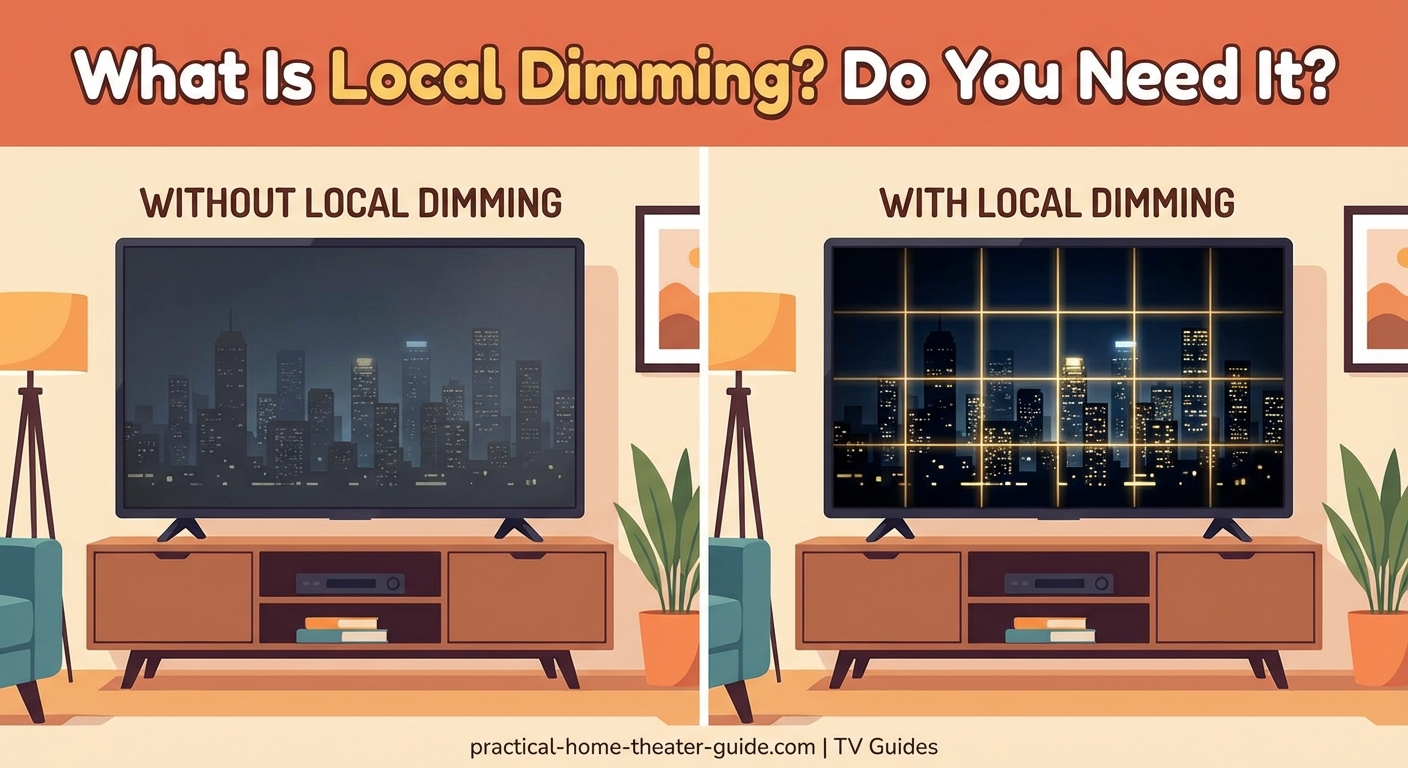
Local dimming splits that single backlight into multiple zones that can brighten or dim independently.
Instead of one light switch for the whole screen, you get dozens or hundreds of smaller switches. Each zone responds to what’s happening in that specific area of the image.
When a scene shows a bright moon in a dark sky, the TV brightens only the zone containing the moon. The surrounding zones dim down to near black. The result looks dramatically better than a single backlight struggling to do both jobs at once.
The technology sounds simple, but implementation varies wildly between TV models. Not all local dimming delivers the same results.
Three types of local dimming explained
The backlight placement and number of zones determine how well local dimming actually works.
Full-array local dimming (FALD)
LEDs sit directly behind the screen in a grid pattern. The TV divides this grid into dimming zones.
Budget models might have 32 zones. Mid-range TVs often feature 100 to 200 zones. Premium sets pack in 500 or more zones, with mini-LED TVs reaching into the thousands.
More zones mean finer control. A 500-zone TV can isolate bright objects much better than a 32-zone model, reducing the halo effect around bright objects on dark backgrounds.
Full-array is the gold standard. It’s what you want if local dimming matters to you.
Edge-lit local dimming
LEDs line the edges of the screen, usually along the sides or bottom. Light spreads across the panel using a diffuser.
The TV can only dim vertical or horizontal strips, not specific areas. If you have 16 edge-lit zones, you’re really just getting 16 vertical columns that dim together.
This creates obvious problems. A bright object on one side of the screen forces the entire vertical strip to stay bright, washing out dark areas elsewhere in that column.
Edge-lit local dimming is better than nothing, but barely. Don’t pay a significant premium for it.
Direct-lit without local dimming
Some TVs place LEDs behind the screen but lack zone control. The entire backlight dims or brightens as one unit.
This is basically the old single-backlight approach, just with the lights positioned differently. You get no local dimming benefit.
Manufacturers sometimes advertise “direct-lit LED” to sound premium. Without actual zone control, it doesn’t help contrast.
How local dimming zones affect picture quality
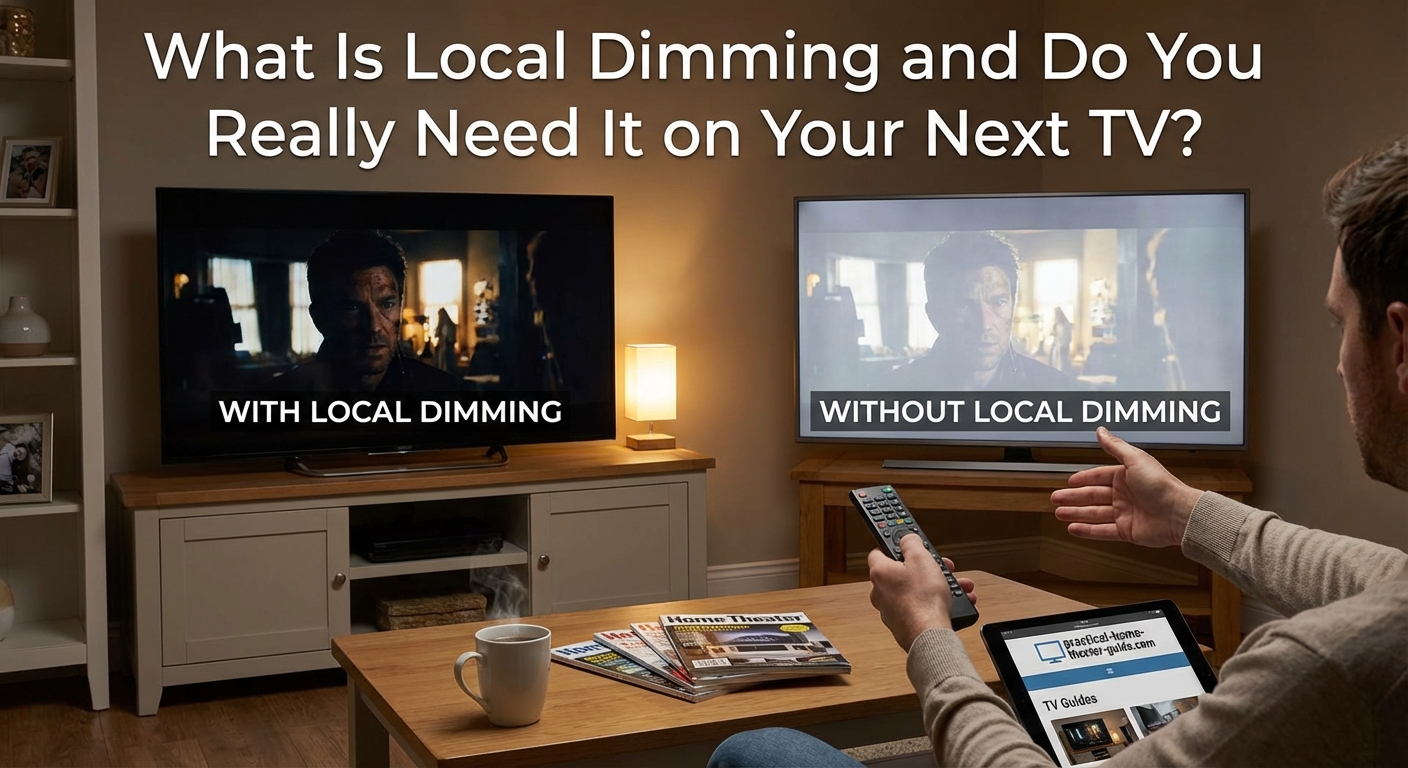
The number of zones directly impacts what you see on screen.
| Zone Count | Performance Level | Best For |
|---|---|---|
| 0-32 zones | Minimal improvement | Bright rooms, daytime viewing |
| 50-100 zones | Noticeable contrast boost | Mixed content, casual viewing |
| 200-500 zones | Excellent black levels | Movies, HDR content |
| 1000+ zones (mini-LED) | Near-OLED performance | Enthusiasts, dark rooms |
A 32-zone TV trying to display a starfield looks messy. Large zones around each star stay bright, creating visible blooming. The effect breaks immersion.
A 500-zone model tightens those halos significantly. Stars look more like pinpoints. Black space looks genuinely dark.
Mini-LED technology takes this further by using thousands of tiny LEDs. The zones become so small that blooming nearly disappears. You get contrast rivaling OLED screens without the burn-in risk.
When local dimming makes the biggest difference
Certain content and viewing conditions amplify the benefits.
Dark room viewing: Local dimming shines brightest when ambient light isn’t washing out the screen. Movie nights with the lights off showcase deep blacks that cheap TVs can’t touch.
HDR content: High dynamic range video demands bright highlights and dark shadows simultaneously. Local dimming handles this contrast range far better than single-backlight displays.
Movies with letterbox bars: Those black bars above and below widescreen movies should look completely black. Without local dimming, they glow gray and distract from the image.
Space scenes and night photography: Any content with bright objects against dark backgrounds benefits dramatically. Think starfields, cityscapes at night, or campfire scenes.
Daytime TV watching in a bright room? Local dimming matters less. Ambient light raises the black level anyway, masking the technology’s advantages.
Comparing local dimming to OLED technology
OLED TVs don’t need local dimming because each pixel produces its own light.
Turn off a pixel, and you get perfect black. No backlight bleed. No blooming. No zones to manage.
This gives OLED displays the best contrast and black levels available. But OLED costs more and carries burn-in risks for static content like news tickers or video game HUDs.
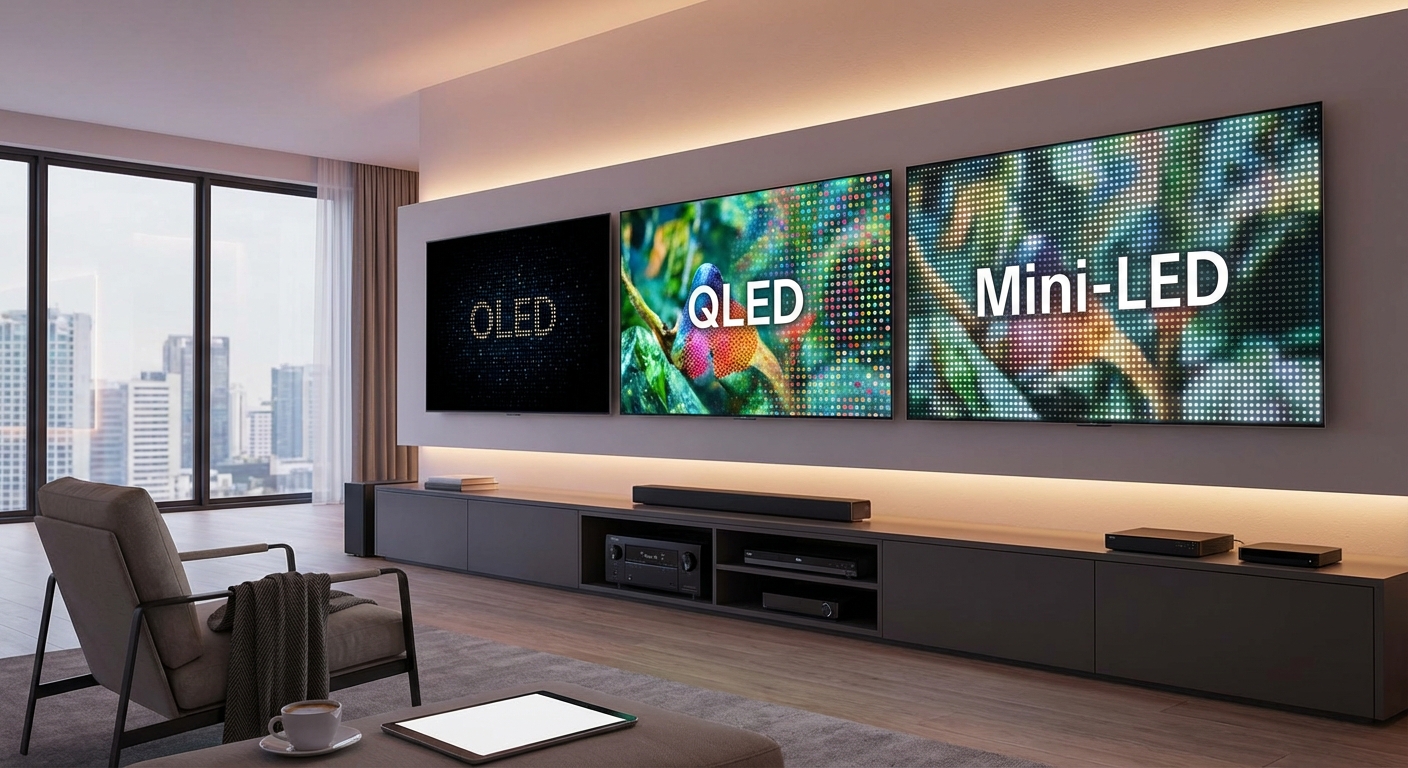
High-end mini-LED TVs with thousands of dimming zones now compete with OLED on picture quality. They get brighter too, which helps in rooms with windows. OLED vs QLED vs Mini-LED: Which TV Technology Should You Buy in 2026? breaks down these trade-offs in detail.
For most buyers, a good mini-LED TV with robust local dimming offers the best value. You get excellent contrast without OLED’s premium pricing or potential drawbacks.
Evaluating local dimming performance in stores
Retailers rarely make this easy, but you can test it yourself.
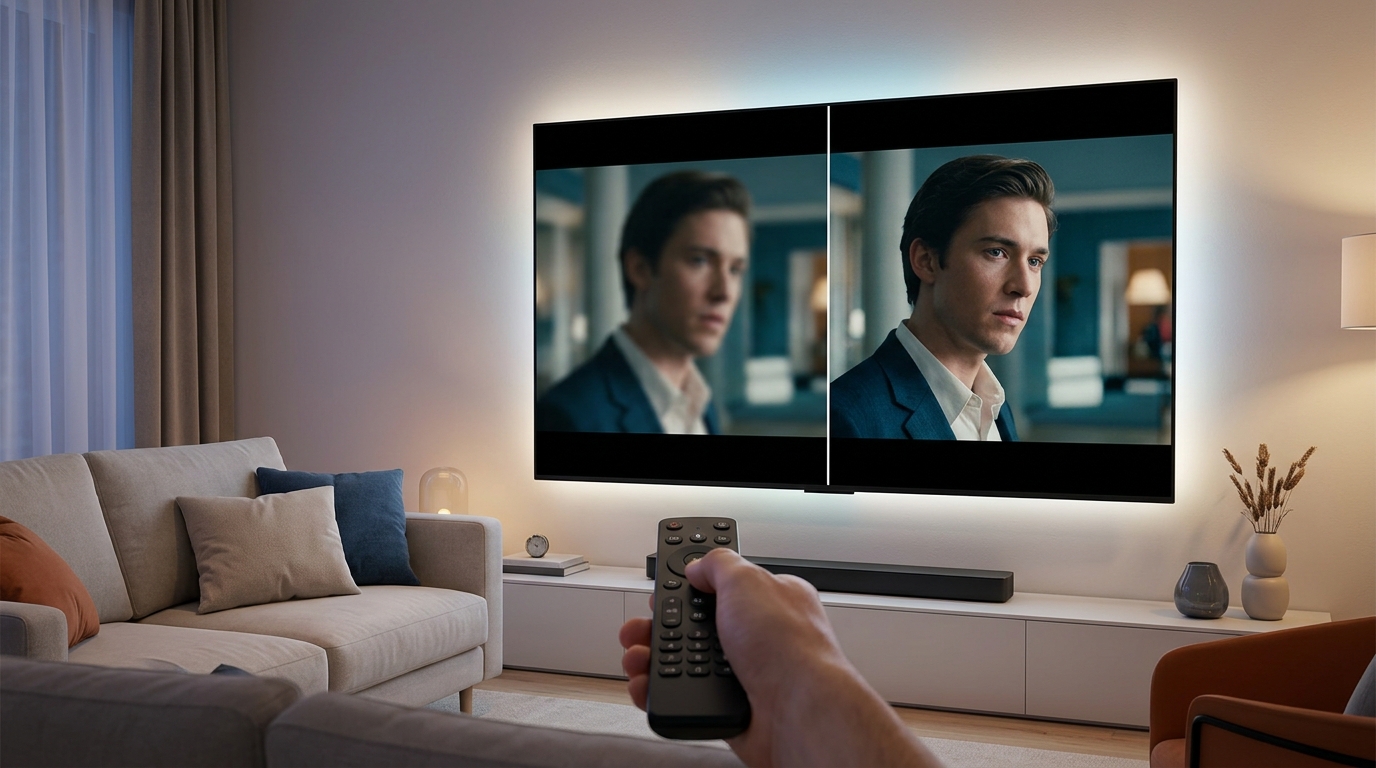
- Find the TV’s picture settings and disable local dimming completely (often called “backlight control” or “contrast enhancement”).
- Play a dark scene with some bright elements, like a night sky with stars or a dark movie with credits.
- Watch for how gray the black areas look and how much bright objects glow.
- Turn local dimming back on and compare the same scene.
- Check whether the blooming effect around bright objects bothers you at normal viewing distance.
The difference should be obvious on any TV with decent local dimming. If you can’t see much change, the implementation is probably weak.
Pay attention to how the TV handles moving bright objects. Some sets show visible lag as dimming zones turn on and off. This trailing effect can be distracting.
The best local dimming systems are invisible. You should notice better contrast and deeper blacks without seeing the technology working. If you can spot individual zones turning on and off, the algorithm needs work.
Common local dimming problems to watch for
Even good implementations have quirks.
Blooming: Bright objects create a visible halo in the surrounding dark area. This happens when dimming zones are too large to isolate the bright element precisely.
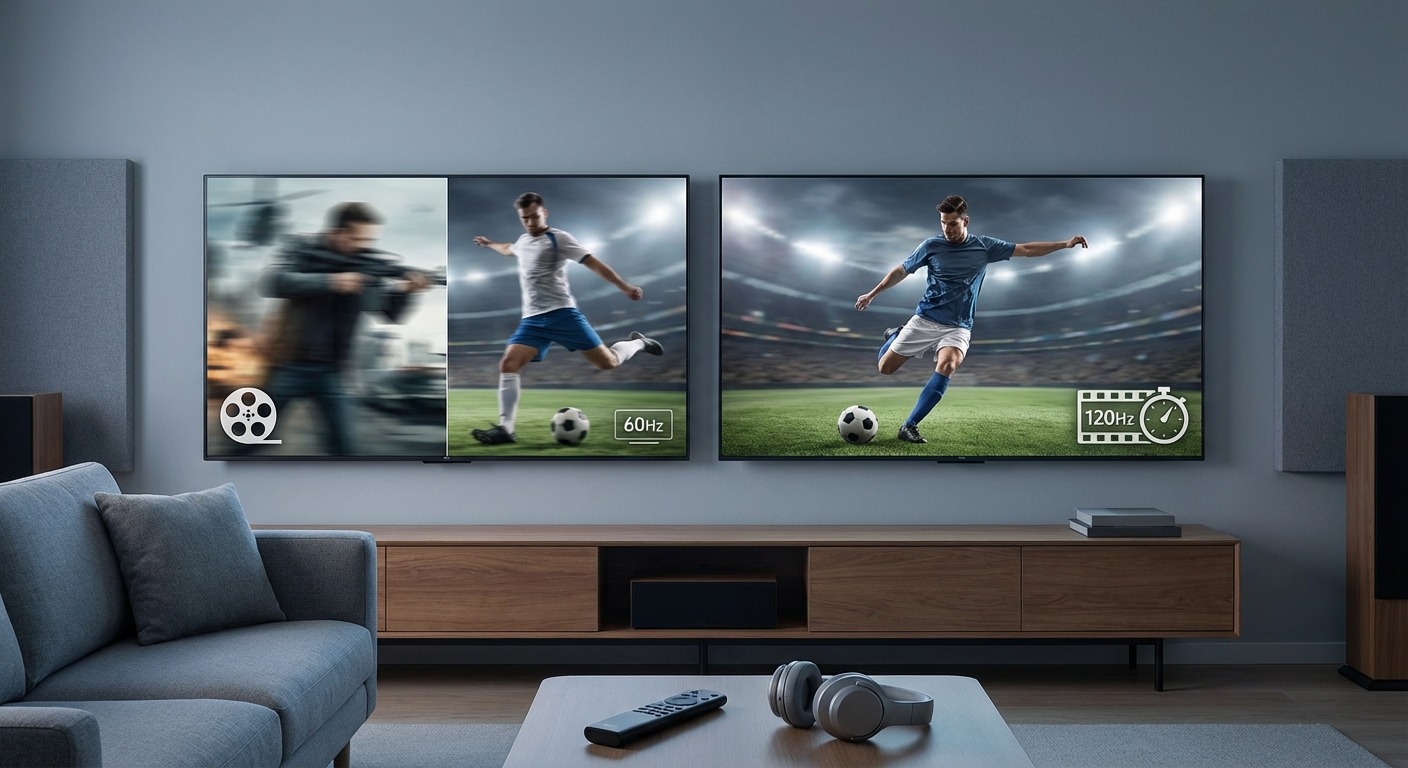
Zone lag: Dimming zones react slowly to changing content, creating a trailing glow behind moving objects. Fast-paced action scenes make this more noticeable.
Black crush: Overly aggressive dimming can hide shadow detail in dark scenes. You lose texture in dark clothing or barely-lit backgrounds.
Flickering: Some TVs adjust zones too frequently, causing subtle brightness changes that catch your eye.
Premium TVs handle these issues better through faster processors and smarter algorithms. Budget models with local dimming often suffer from multiple problems.
A cheap TV with poor local dimming can look worse than a decent TV without it. The technology only helps when implemented well.
Deciding whether local dimming justifies the cost
Start by considering how you actually use your TV.
You probably want local dimming if you:
– Watch movies in a darkened room regularly
– Care about HDR content looking its best
– Notice washed-out blacks on your current TV
– Plan to keep this TV for 5+ years
– Have the budget for at least a mid-range model
You can probably skip it if you:
– Watch mostly in bright rooms during daytime
– Stick to standard definition or basic HD content
– Need to stay within a tight budget
– Primarily use the TV for news and sports
The price premium for good local dimming (200+ zones) typically runs $300 to $800 depending on screen size. Mini-LED models with thousands of zones add another $500 to $1500.
That’s real money. Make sure the viewing conditions and content justify it.
For most home theater enthusiasts, full-array local dimming with at least 100 zones represents the minimum worth paying for. Anything less delivers marginal benefits.
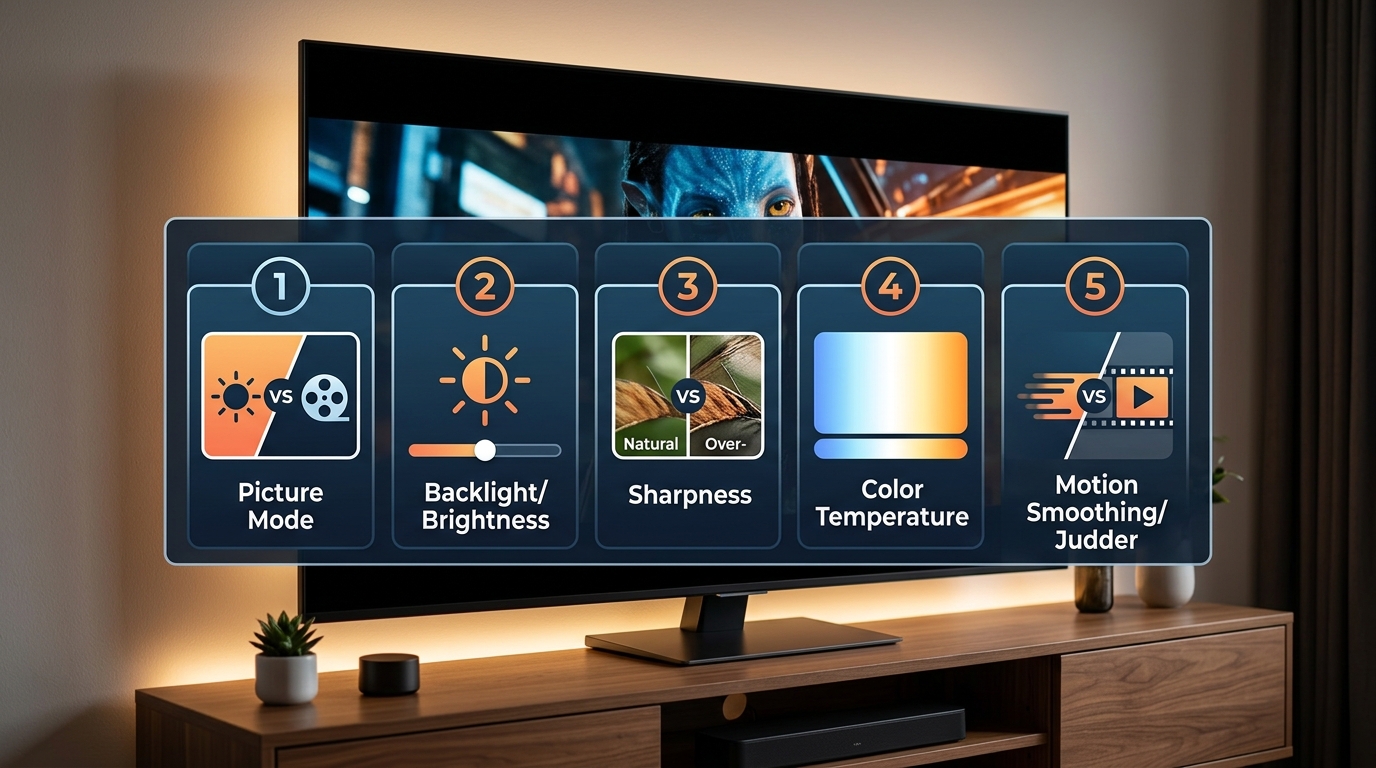
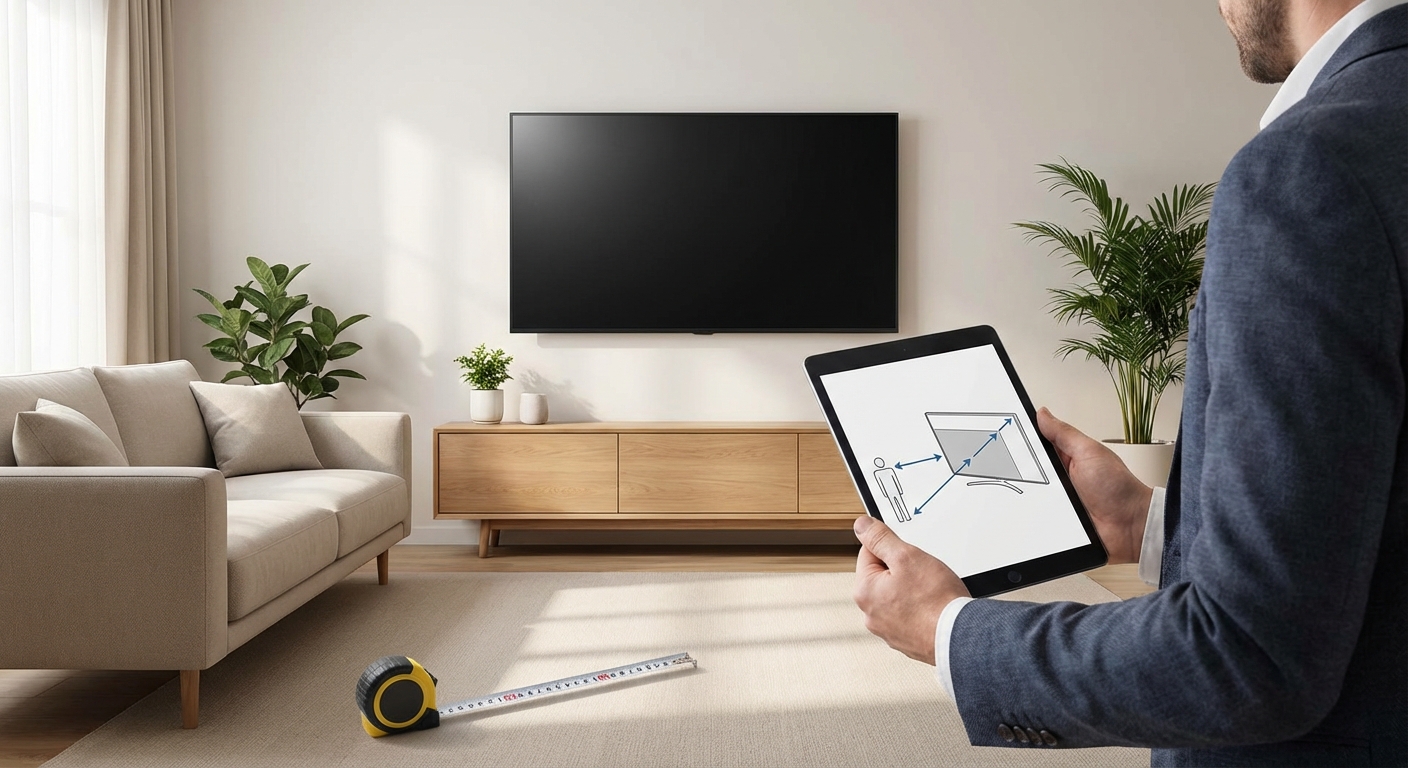
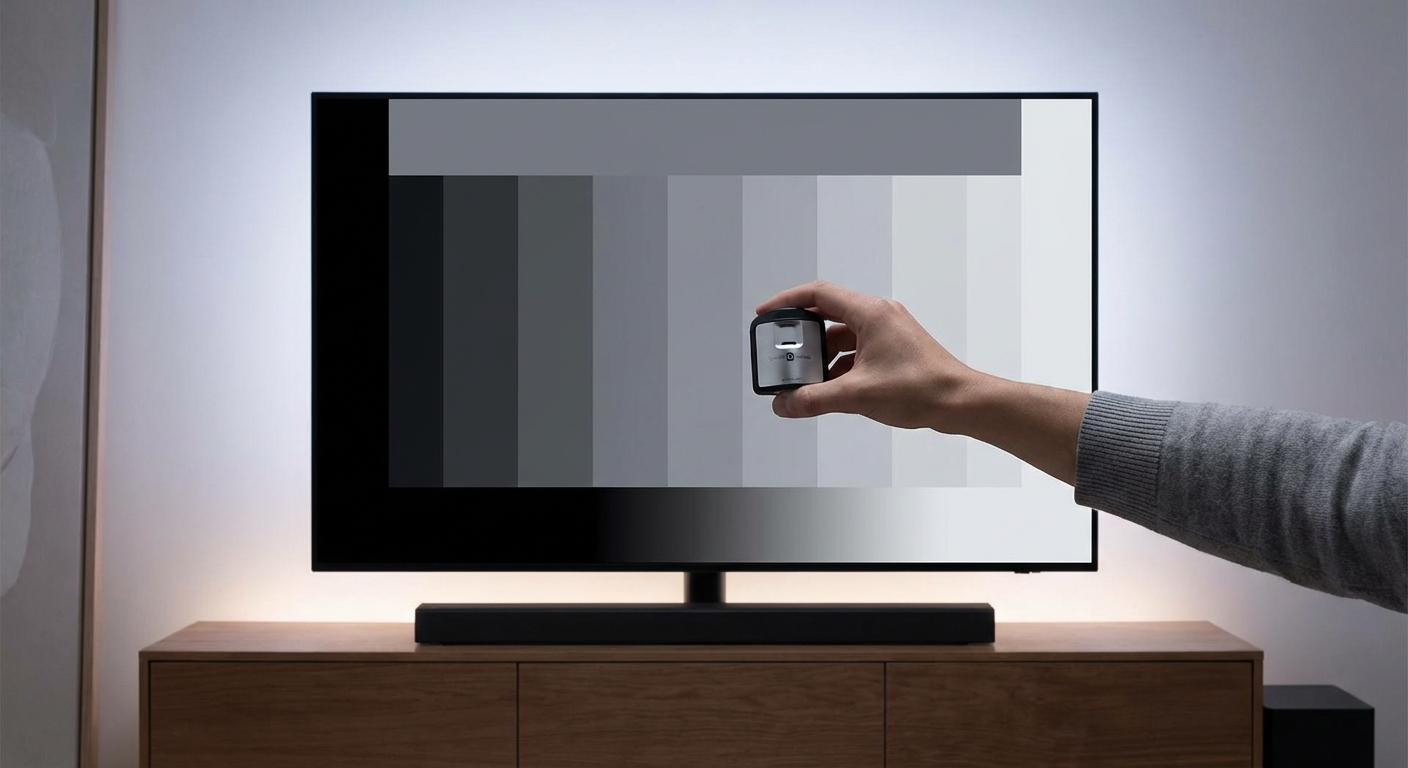
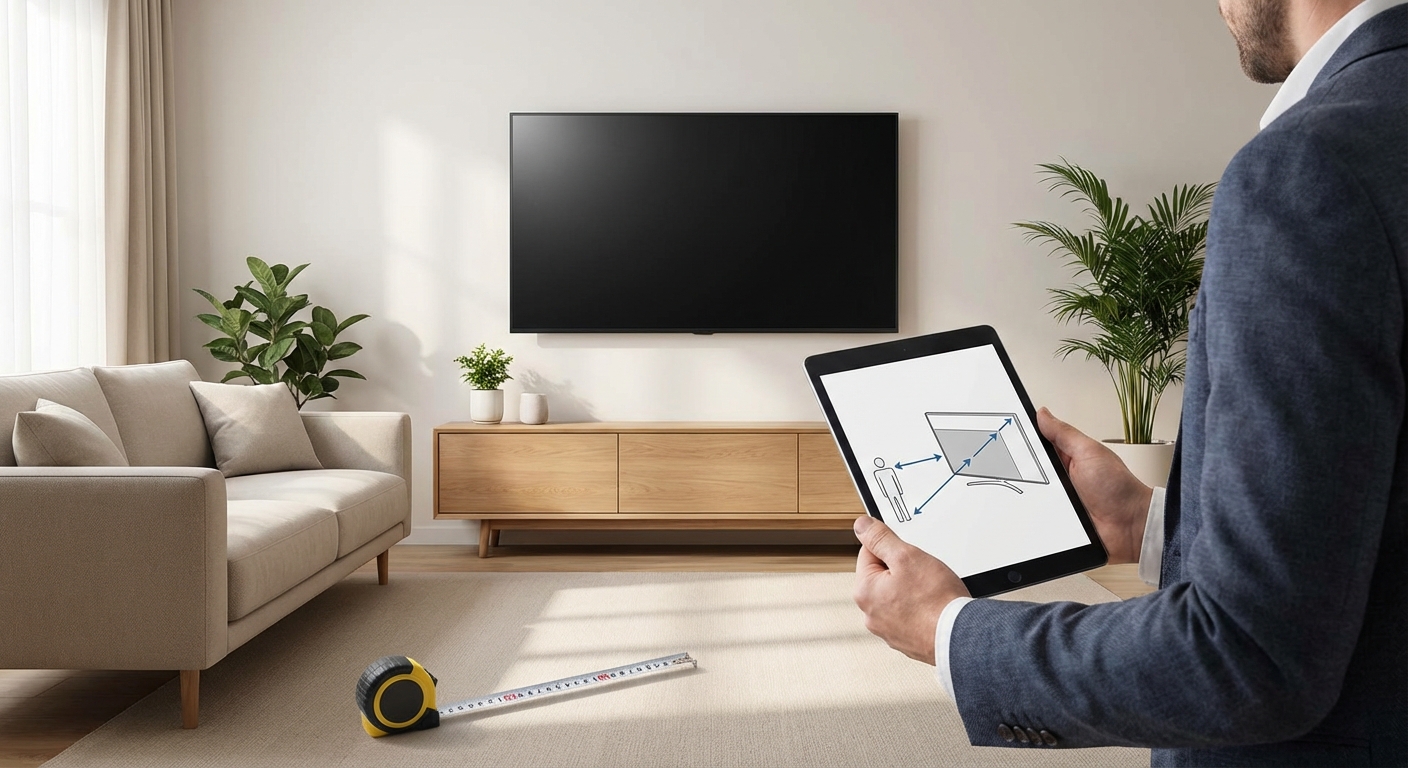
If you’re already investing in choosing the right TV size for your room distance and calibrating your display properly, local dimming completes the picture quality equation.
Adjusting local dimming settings after purchase
Most TVs let you control how aggressively local dimming works.
Settings typically include options like “Off,” “Low,” “Medium,” and “High.” Some manufacturers use different names like “Backlight Control” or “Precision Dimming.”
Start with the medium setting. This balances contrast improvement against potential side effects like blooming.
If you notice distracting halos around bright objects, lower the setting one step. If blacks still look too gray, increase it.
Different content types might need different settings. A bright animated movie tolerates aggressive dimming better than a dark drama with subtle shadow detail.
Some TVs also offer zone transition speed controls. Faster transitions reduce trailing but can cause flickering. Slower transitions feel smoother but create more visible lag.
Spend 20 minutes testing various settings with your favorite dark scenes. The right balance depends on your specific TV model and personal preferences.
Checking specifications before you buy
Manufacturers love to advertise “local dimming” without providing useful details.
Look for these specifics:
– Exact number of dimming zones (not just “local dimming enabled”)
– Full-array versus edge-lit implementation
– Peak brightness in nits (higher is better for HDR)
– Whether it uses mini-LED technology
If the spec sheet doesn’t list zone count, that’s a red flag. Companies with impressive numbers advertise them proudly.
Professional reviews from sites that actually measure performance tell you what marketing materials won’t. They test blooming, black levels, and zone transition behavior with real content.
Don’t trust in-store displays completely. Retailers often run TVs in overly bright “vivid” modes that hide contrast limitations. The picture at home will look different.
Maintaining realistic expectations
Local dimming improves LED TV performance significantly, but it’s not magic.
Even the best mini-LED sets with thousands of zones can’t match OLED’s pixel-level control. You’ll still see some blooming on high-contrast content if you look for it.
The technology works best when you stop analyzing and just watch. Sit at a normal viewing distance and enjoy the improved picture rather than hunting for imperfections.
Most people notice better contrast and deeper blacks immediately. The subtle technical limitations fade into the background during actual viewing.
Think of local dimming as closing the gap between budget LED and premium OLED. It doesn’t eliminate the gap entirely, but it makes LED TVs far more competitive than they’d be otherwise.
Making local dimming work with your setup
Picture quality depends on more than just the TV.
Room lighting dramatically affects how much local dimming helps. Even the best implementation can’t overcome bright overhead lights reflecting off the screen.
Consider blackout curtains for dedicated viewing spaces. Control lamp placement to avoid direct screen reflections. Stopping echo and reverb in your home theater often involves similar room treatment that also improves picture quality.
Source quality matters too. Streaming services compress video, which can create artifacts that local dimming algorithms struggle with. Physical media and high-bitrate streams show off the technology better.
Proper calibration ensures local dimming works with accurate colors and brightness levels. Out-of-box settings rarely optimize the feature correctly.
Getting the most from your investment
You’ve spent extra money on local dimming. Make sure you’re actually using it.
Check that the feature is enabled in your TV’s picture settings. Some sets ship with it turned off or set to minimal levels.
Update your TV’s firmware regularly. Manufacturers often improve local dimming algorithms through software updates, fixing blooming issues and zone transition problems.
Feed your TV high-quality content. Local dimming shines with 4K HDR movies, not compressed cable broadcasts.
Take time to adjust settings for different viewing scenarios. Create separate picture modes for daytime watching, movie nights, and HDR gaming.
The technology only delivers value when properly configured and used with appropriate content. A misconfigured TV with great specs performs worse than a cheaper model set up correctly.
Why this technology keeps improving
TV manufacturers continue refining local dimming every year.
Mini-LED represents the current cutting edge, packing thousands of tiny LEDs behind the screen. This creates dimming zones so small that blooming becomes nearly undetectable.
Processing power keeps increasing, allowing faster zone transitions and smarter algorithms that predict content changes. The lag and trailing effects plaguing early implementations have largely disappeared on premium models.
Costs keep dropping too. Features that required $3000 flagship TVs five years ago now appear in $1200 mid-range models.
The technology hasn’t peaked yet. Next-generation micro-LED displays promise even finer control with better efficiency. But those screens remain prohibitively expensive for home use.
For now, full-array local dimming with hundreds or thousands of zones represents the best picture quality most buyers can afford. It bridges the gap between basic LED and premium OLED nicely.
Making your final decision
Local dimming isn’t a simple yes or no purchase.
The value depends entirely on implementation quality, your viewing habits, and budget constraints. A poorly executed version with 32 edge-lit zones wastes money. A premium mini-LED with 1000+ zones transforms picture quality.
Focus on these priorities:
- Determine your actual viewing conditions (room brightness, content types, viewing distance).
- Set a realistic budget that accounts for the TV size you need.
- Research specific models to find zone counts and implementation details.
- Read professional reviews that measure real-world performance.
- Test in-store if possible, using dark content to evaluate blooming and black levels.
- Buy the best full-array implementation you can afford, or skip local dimming entirely rather than settling for weak edge-lit versions.
The technology genuinely improves LED TV picture quality when done right. Just make sure you’re paying for meaningful performance, not marketing buzzwords.
Your home theater deserves a display that handles both bright explosions and dark shadows with equal skill. Good local dimming delivers exactly that.





Leave a Reply