
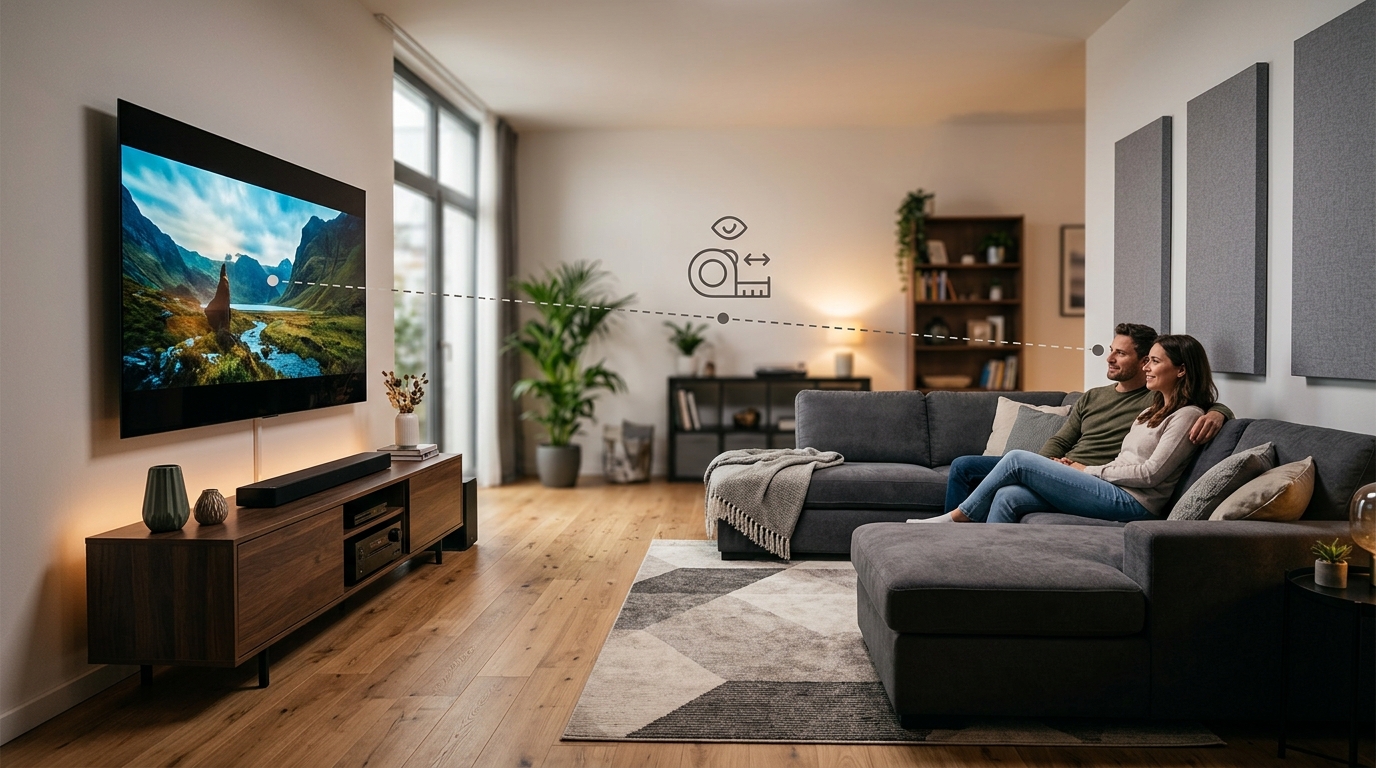
You just bought a new TV. It’s still in the box. You’re staring at your living room wall, trying to figure out where it should go.
Should the couch move closer? Is the current setup too far away? Will you strain your eyes if you sit too close?
Getting your tv viewing distance right isn’t just about comfort. It affects how much detail you see, whether you notice individual pixels, and how immersive your movies feel. Sit too close and you’ll spot every compression artifact. Too far and you’ll miss the fine details that make 4K worth the upgrade.
The ideal TV viewing distance depends on your screen size and resolution. For 4K TVs, multiply your screen diagonal by 1.2 for the minimum distance in inches. For 1080p displays, multiply by 2.5. This ensures you see all the detail without noticing pixels. Adjust based on room layout, content type, and personal preference for field of view.
Understanding the relationship between screen size and viewing distance
Your TV’s size and resolution determine how close you can sit before the picture quality breaks down.
Resolution matters more than most people think. A 65-inch 4K TV can sit much closer to your couch than a 65-inch 1080p model because those extra pixels pack more detail into the same space.
The human eye has limits. At a certain distance, you can’t resolve individual pixels anymore. That’s the sweet spot where the image looks perfectly smooth and detailed.
For 4K TVs, the Society of Motion Picture and Television Engineers recommends a viewing angle of about 30 to 40 degrees. This means the screen should fill roughly one-third of your horizontal field of view.
For 1080p displays, you need more distance to avoid seeing the pixel grid. The recommended viewing angle drops to about 20 degrees.
Here’s what that looks like in practice:
| Screen Size | 4K Minimum Distance | 4K Maximum Distance | 1080p Minimum Distance |
|---|---|---|---|
| 43″ | 3.6 feet | 6.5 feet | 5.4 feet |
| 55″ | 4.6 feet | 8.3 feet | 6.9 feet |
| 65″ | 5.4 feet | 9.8 feet | 8.1 feet |
| 75″ | 6.3 feet | 11.3 feet | 9.4 feet |
| 85″ | 7.1 feet | 12.8 feet | 10.6 feet |
These numbers assume you want an immersive experience without straining your eyes or noticing compression in streaming content.
How to calculate your perfect viewing distance
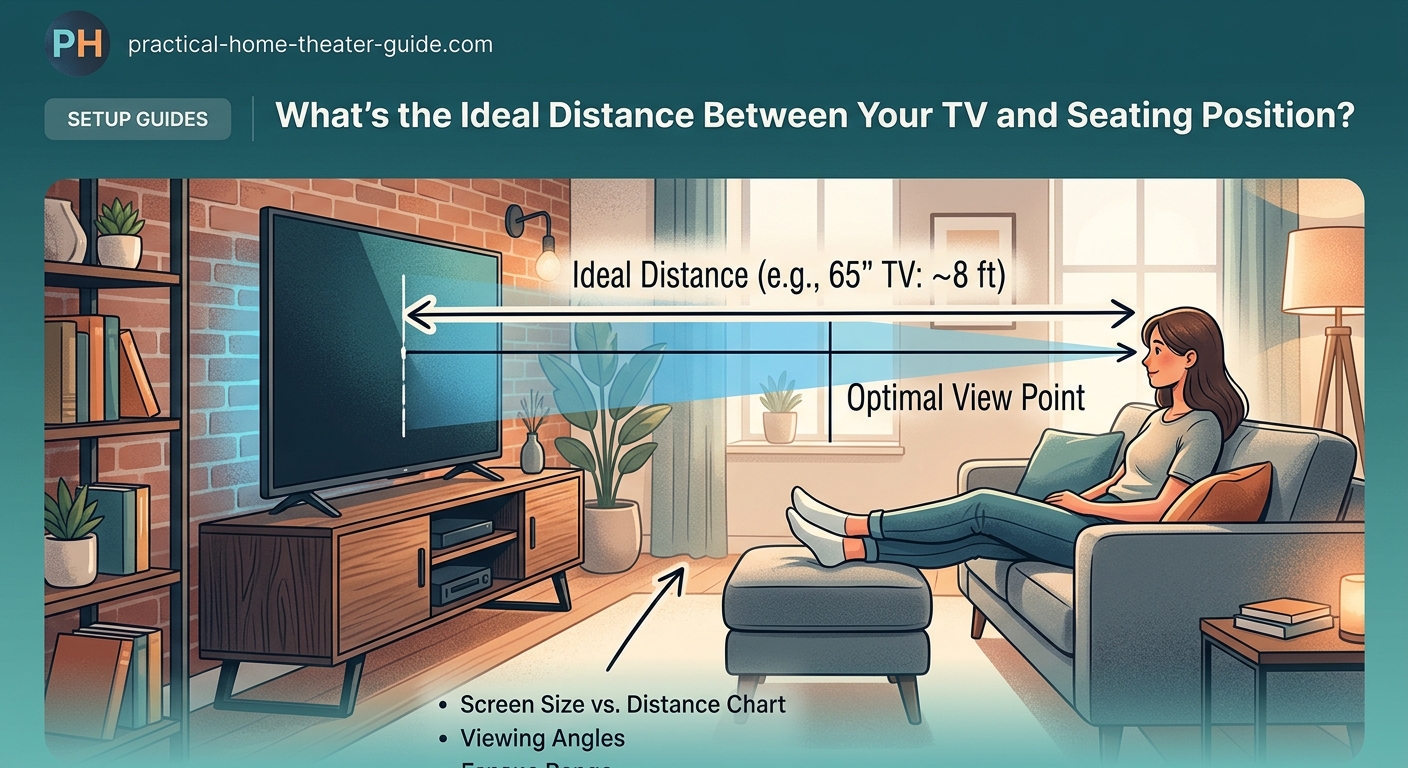
You don’t need complicated math. Two simple formulas cover most situations.
For 4K TVs:
- Measure your screen’s diagonal size in inches.
- Multiply that number by 1.2.
- The result is your minimum viewing distance in inches.
- Divide by 12 to convert to feet.
Example: A 65-inch 4K TV needs at least 78 inches (6.5 feet) of distance.
For 1080p TVs:
- Measure your screen’s diagonal size in inches.
- Multiply that number by 2.5.
- The result is your minimum viewing distance in inches.
- Divide by 12 to convert to feet.
Example: A 65-inch 1080p TV needs at least 162.5 inches (13.5 feet) of distance.
The maximum distance is less critical. You can sit as far back as you want, but you’ll start losing the benefit of higher resolutions and larger screens.
A good maximum for 4K is roughly 1.8 times the screen diagonal. Beyond that, you might as well have bought a smaller TV.
If you’re choosing between screen sizes, how to choose the right TV size for your room distance walks through the decision process with real room examples.
Room layout considerations that affect viewing distance
Your furniture doesn’t always cooperate with ideal viewing distances.
Most living rooms have a fixed couch position. You’re not moving a sectional every time you upgrade your TV. That means you need to pick a screen size that works with your existing setup.
Measure the distance from your primary seating position to where the TV will mount or sit. Add a few inches if you plan to wall mount, since the bracket will push the screen away from the wall.
If your measurement falls between two TV sizes, go smaller if you watch a lot of low-quality streaming content or cable TV. Go larger if you mainly watch 4K movies and high-bitrate streaming services.
Dealing with awkward room shapes
Long, narrow rooms create challenges. You might have 15 feet of space but only 8 feet of width. In that case, viewing distance matters less than viewing angle.
Try to keep your seating within 30 degrees of center. Sitting at extreme angles to the screen causes color shift and reduces contrast, especially on cheaper LCD panels.
OLED vs QLED vs mini-LED displays handle off-angle viewing differently. OLED maintains color accuracy at wider angles than most LCD technologies.
Open floor plans let you position seating more freely. Just remember that secondary viewing positions won’t have the same experience as the main couch.
Content type changes optimal viewing distance
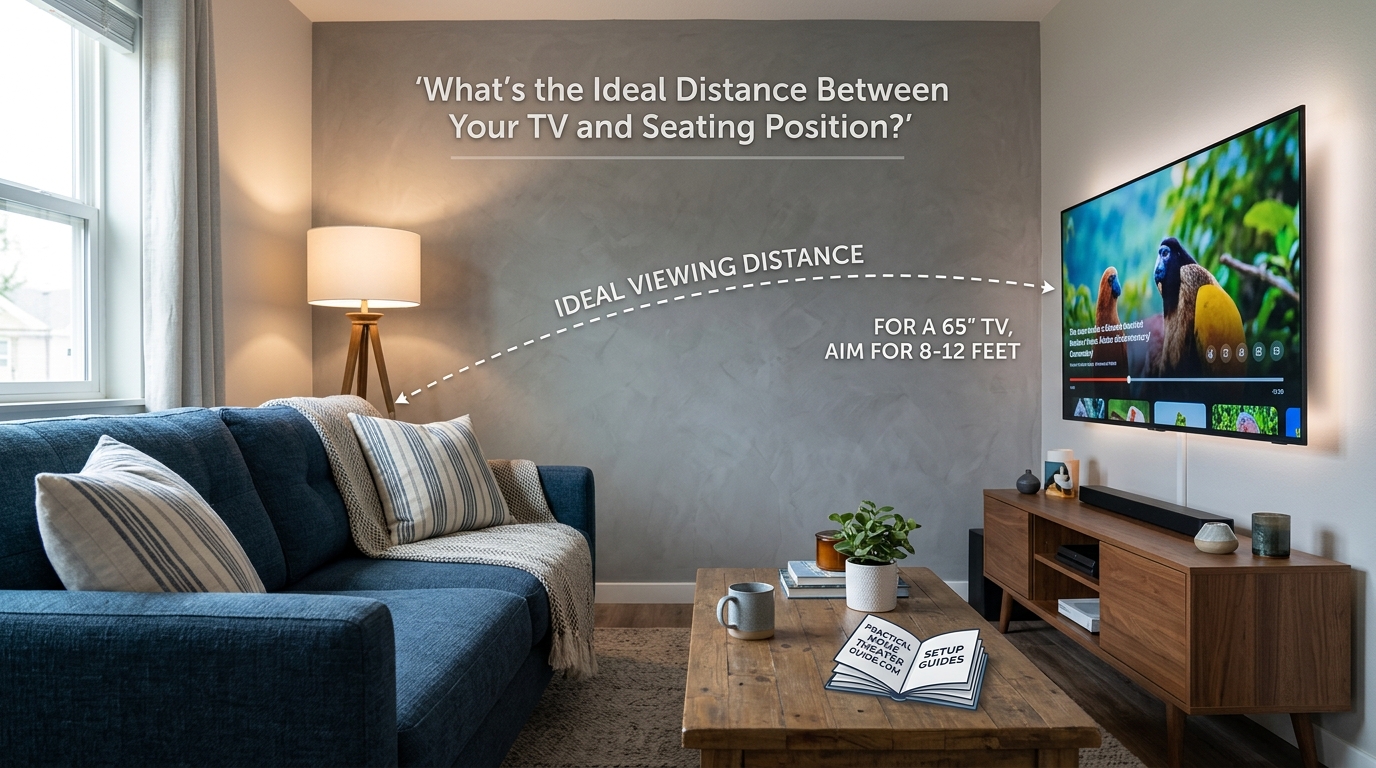
Not all content benefits from the same seating position.
Movies and TV shows
Cinematic content looks best when the screen fills more of your field of view. Sitting at the closer end of the recommended range creates a more theater-like experience.
Film directors compose shots expecting a certain level of immersion. Too far back and you lose the intended impact of wide establishing shots and intimate close-ups.
Sports and news
Fast-moving content with lots of on-screen graphics works better with a bit more distance. You want to see the entire playing field or news ticker without moving your eyes.
Many people find sports more comfortable at the maximum recommended distance rather than the minimum.
Gaming
Video games demand closer attention to on-screen details like UI elements, enemy positions, and environmental clues. Gamers often prefer sitting closer than the minimum recommended distance for movies.
Just be aware that sitting very close to a large screen can cause eye fatigue during long gaming sessions. Take breaks every hour.
Common viewing distance mistakes and how to fix them
People make the same errors when setting up their TVs.
Mistake 1: Buying the biggest TV that fits the wall
Just because a 75-inch TV physically fits doesn’t mean it should go there. If your couch sits 6 feet away, that massive screen will dominate your entire field of view and cause neck strain.
Fix: Measure your viewing distance first, then pick the screen size. Not the other way around.
Mistake 2: Ignoring TV height
Viewing distance gets all the attention, but mounting height matters just as much. Your eye level when seated should align with the center third of the screen.
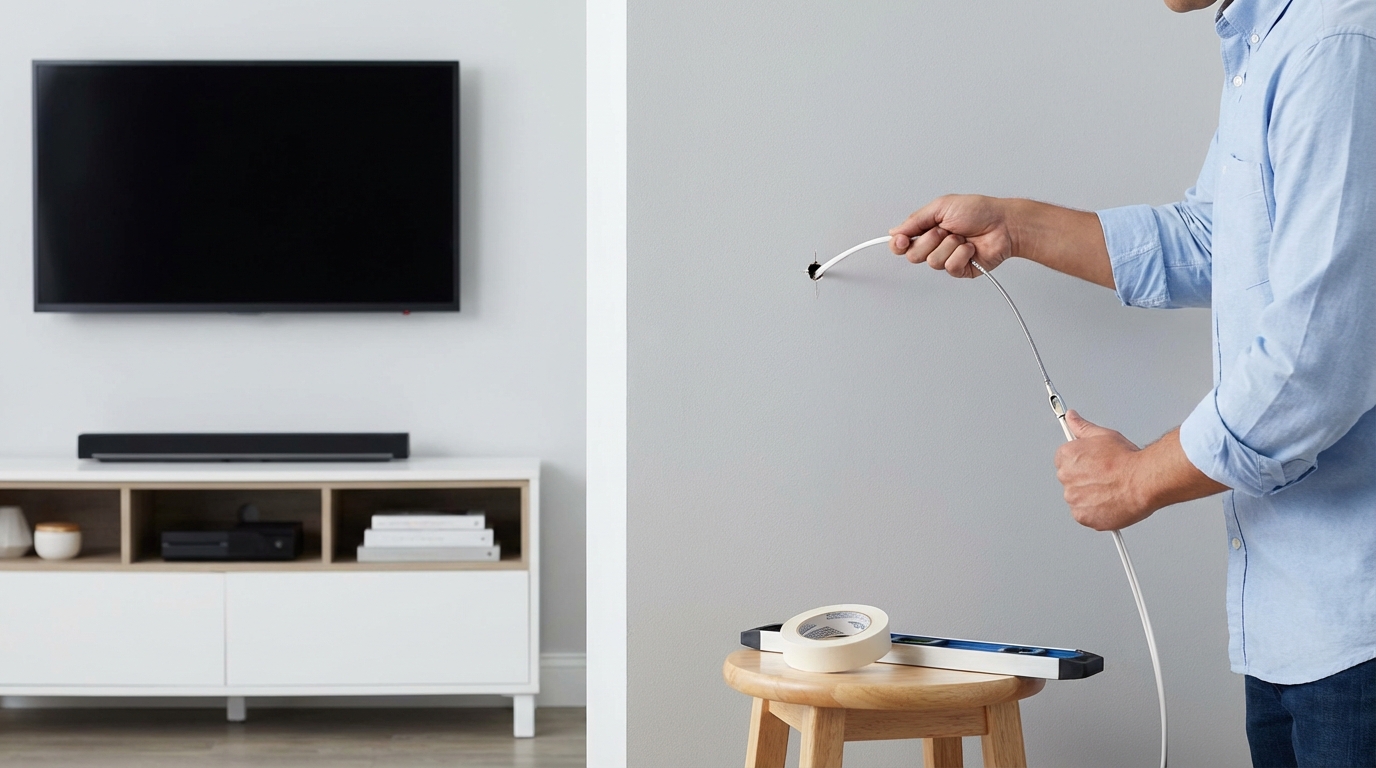
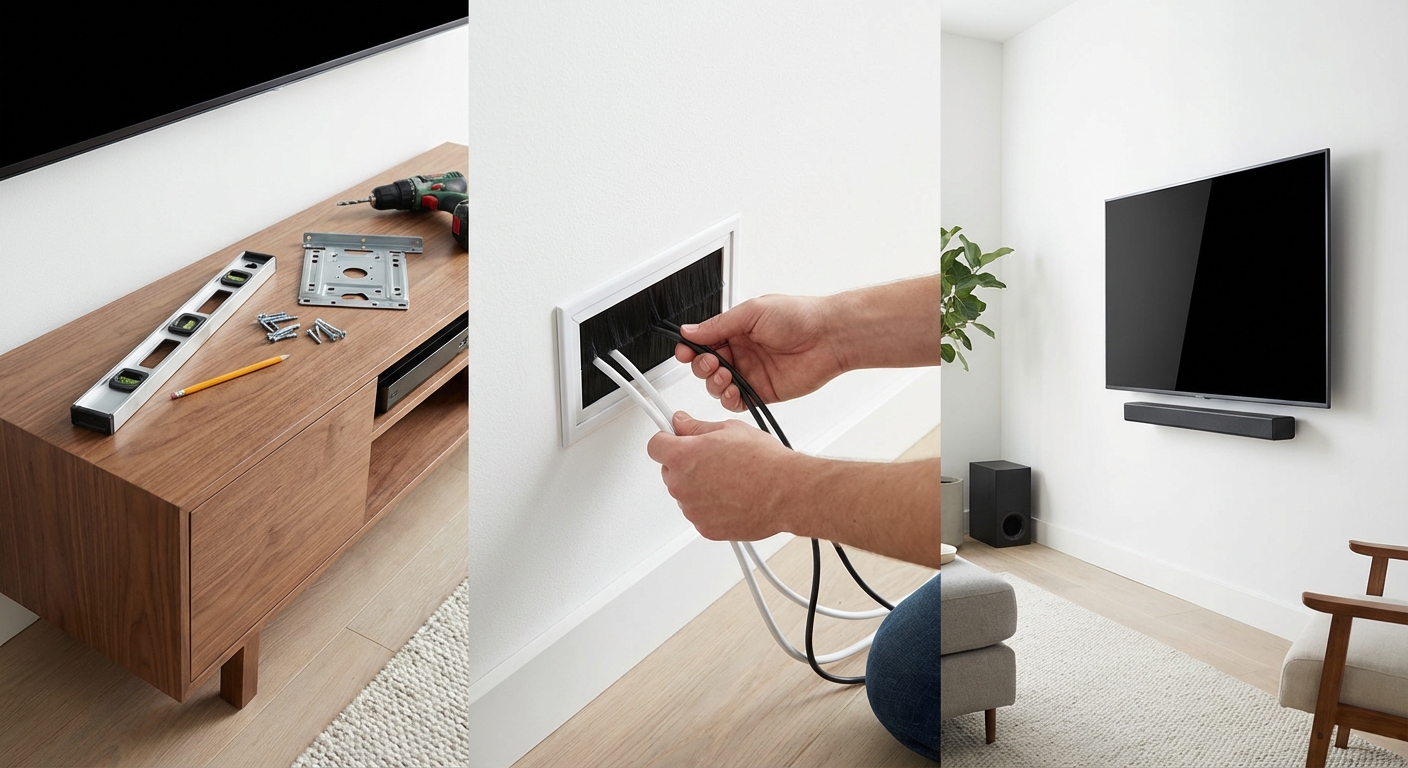
Fix: Measure from the floor to your eye level while sitting. The TV’s center should be at or slightly below that height. Step-by-step guide to mounting your TV and hiding all the cables covers the complete installation process.
Mistake 3: Forgetting about sound
You optimized the picture, but your TV speakers sound terrible from 10 feet away. Built-in speakers rarely project well across a room.
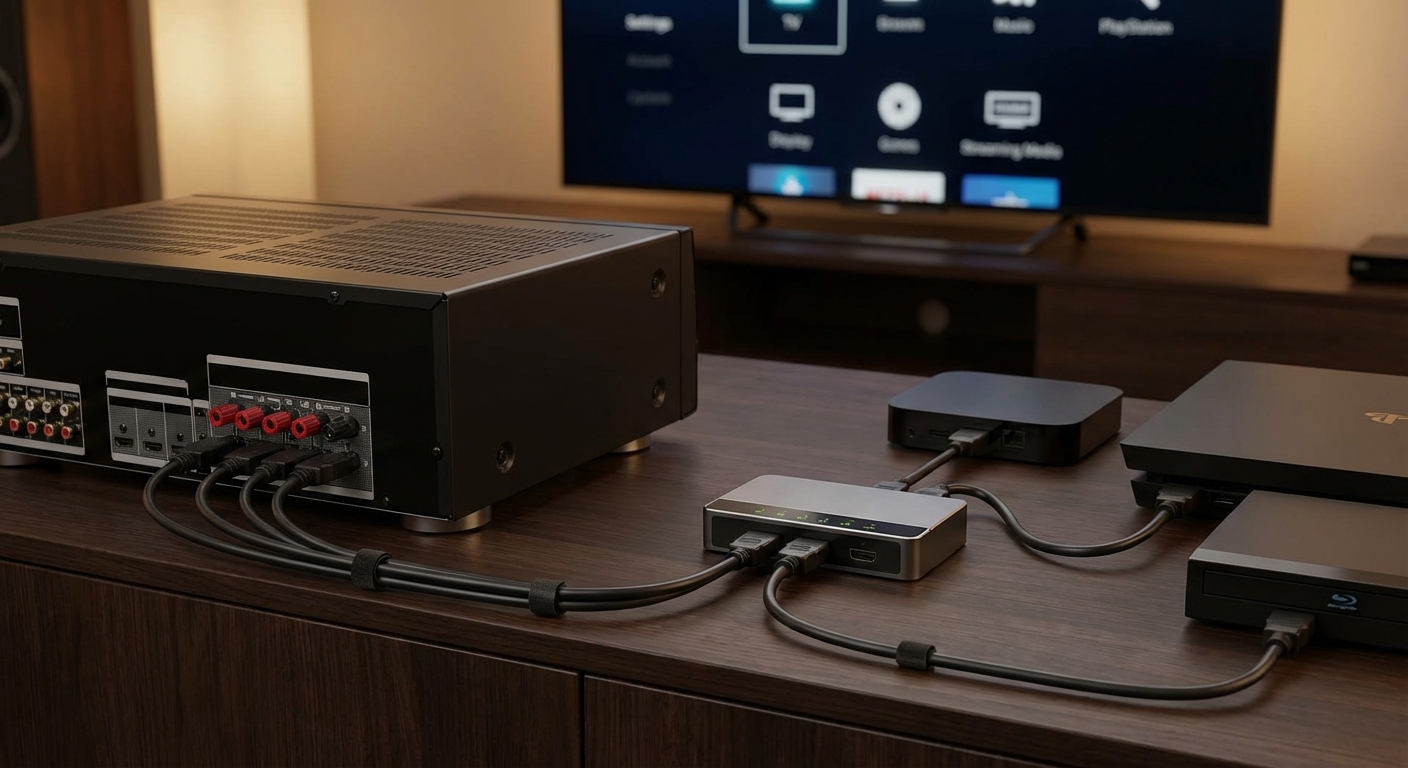
Fix: Plan for external audio at the same time you plan viewing distance. How to position your center channel speaker for crystal clear dialogue helps integrate better sound into your setup.
Adjusting for multiple viewers and seating positions
Most rooms have more than one seat.
Your main viewing position should get priority. That’s where you’ll spend 80% of your TV time.
Secondary seats can be slightly outside the ideal distance range. They’ll still have a good experience, just not the perfect one.
If you regularly have groups watching together, aim for the middle of the recommended distance range. This gives the most flexibility for different seating positions.
Avoid placing seats directly to the side of the TV. Anything beyond 45 degrees off-center will have poor picture quality on most displays.
For rooms with theater-style seating rows, the front row should be at minimum viewing distance and the back row at maximum. This keeps everyone in the acceptable range.
Testing and fine-tuning your setup
Numbers give you a starting point. Your eyes make the final call.
Sit in your normal viewing position and put on familiar content. Something you’ve watched before on a different screen.
Ask yourself:
- Can you see fine details in faces and textures?
- Do you notice individual pixels or a screen door effect?
- Does the image feel immersive without being overwhelming?
- Can you comfortably watch for an hour without eye strain?
If something feels off, try moving your seating position forward or back by one foot. Small adjustments make a bigger difference than you’d expect.
Some people prefer a more immersive experience and like sitting closer. Others want to see the whole screen at a glance and prefer more distance. Neither is wrong.
“The best viewing distance is the one that lets you forget you’re watching a screen. If you’re conscious of pixels, compression, or eye strain, something needs to adjust.” – Home Theater Calibration Handbook
Screen resolution and viewing distance relationship
Resolution determines how much detail your TV can display. Distance determines how much of that detail you can actually see.
8K displays
8K TVs pack four times the pixels of 4K. In theory, you can sit twice as close before seeing individual pixels.
In practice, most people can’t tell the difference between 4K and 8K at normal viewing distances. The content library is also extremely limited.
Unless you’re sitting closer than 4 feet from a 75-inch screen, 8K doesn’t offer visible benefits over 4K.
1080p displays
These older TVs still work fine if you sit at the appropriate distance. The problem is that appropriate distance for a large 1080p screen often exceeds typical room dimensions.
A 65-inch 1080p TV needs about 13.5 feet of viewing distance. Most living rooms can’t accommodate that.
This is why 4K became standard. It lets you buy bigger screens that fit closer viewing distances.
Special considerations for projectors
Projectors follow the same distance principles but with different constraints.
Screen size is variable with a projector. You can throw a 100-inch or 150-inch image from the same device by adjusting the throw distance.
The viewing distance calculation stays the same. A 100-inch 4K image needs a minimum of 10 feet of seating distance.
But projectors add throw distance to the equation. You need space behind the seating area for the projector itself.
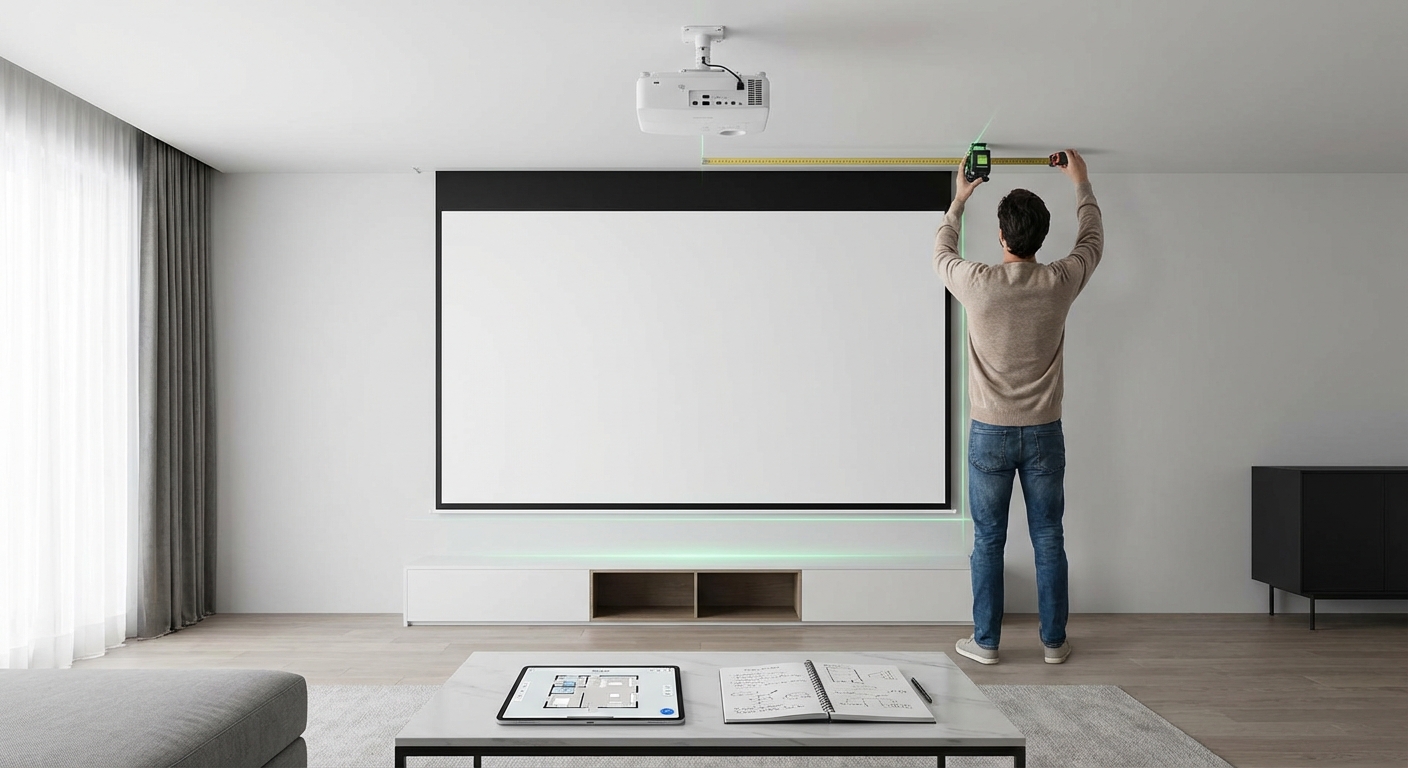
How to calculate projector throw distance for your room size explains how to balance screen size, viewing distance, and projector placement in one calculation.
Short throw projectors can help in smaller rooms where you can’t mount a standard projector far enough back. Short throw vs long throw projectors compares the trade-offs.
Calibration and picture settings at different distances
Your viewing distance should influence how you calibrate your display.
Sitting close means you’ll notice more detail in the image. You’ll also spot calibration problems more easily.
- Sharpness settings become more critical at close distances. Too much artificial sharpening creates halos around objects.
- Brightness and contrast need more precise adjustment when you’re close enough to see subtle gradations.
- Color temperature shifts become more obvious.
How to calibrate your TV in 30 minutes without hiring a professional walks through the basic adjustments that make the biggest difference.
At farther viewing distances, you can get away with less precise calibration. The extra distance masks minor issues.
Motion settings also change with distance. Why does my new TV look too smooth explains how to adjust motion smoothing based on your seating position and content preferences.
Making it work in your actual room
Real rooms have windows, furniture, and other constraints that ideal viewing distance formulas ignore.
Start with the formula. Then adjust for reality.
If the ideal distance puts your couch in the middle of the room, that’s not practical. Move the couch to a functional position and choose a TV size that works with that distance.
If windows create glare at certain times of day, viewing distance becomes less important than screen placement relative to light sources.
Rooms with multiple uses need compromise. A living room that serves as a TV room, play area, and dining space can’t optimize for viewing distance alone.
The formulas give you the ideal. Your room determines what’s possible. Aim for the ideal, but don’t sacrifice functionality to get there.
Getting comfortable with your choice
You’ll second-guess yourself for the first few days. That’s normal.
Your eyes and brain need time to adjust to a new screen size and viewing distance. What feels too close or too far on day one often feels perfect after a week.
Give yourself at least a week of regular viewing before making major changes. If the setup still feels wrong after that, then consider adjustments.
Moving a wall-mounted TV is a pain. But moving a couch or recliner is easy. Try shifting your seating position before you grab the drill.
The right tv viewing distance balances technical recommendations with personal comfort. The numbers give you a starting point. Your experience over time tells you if you nailed it or need to adjust. Take measurements, do the math, set everything up, then watch some content you love. Your eyes will tell you everything you need to know.





Leave a Reply