
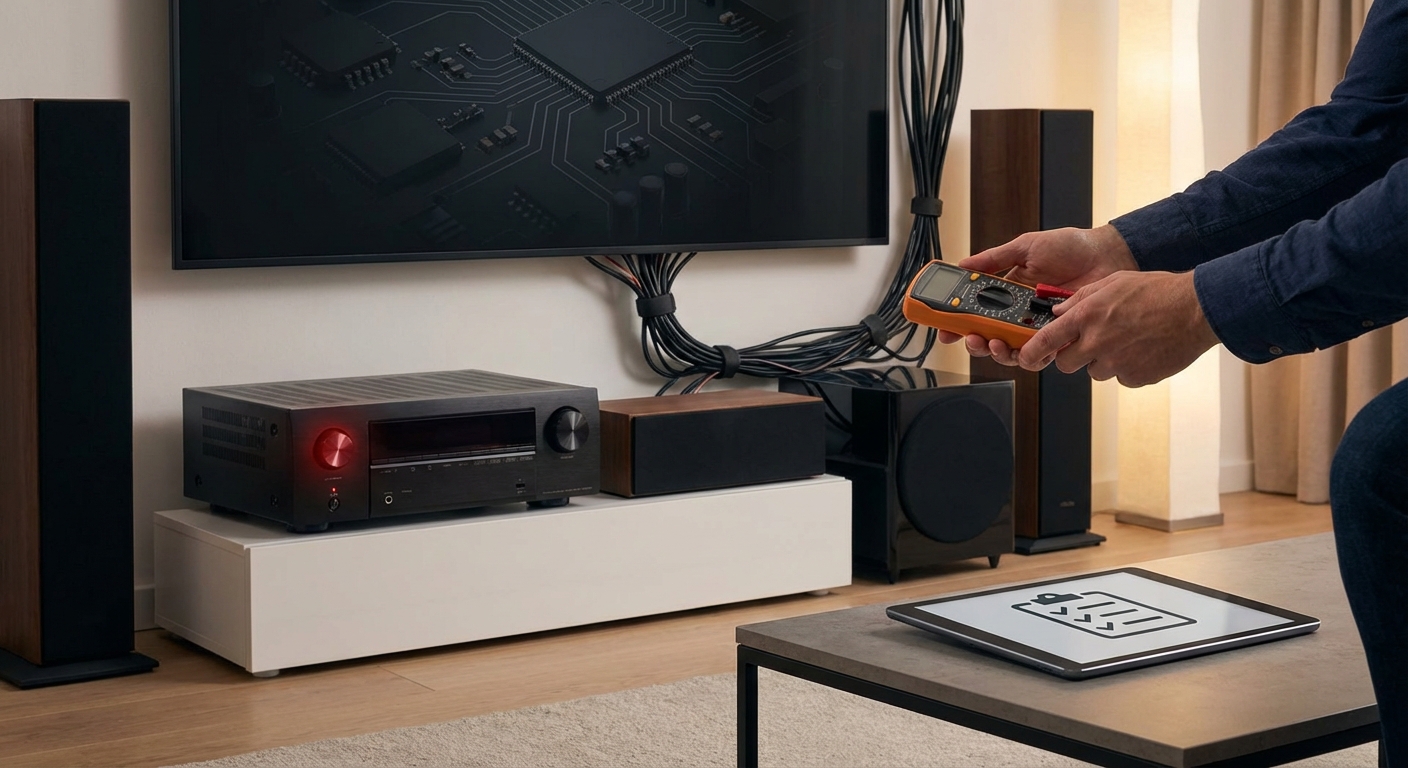
You just settled in for movie night, cranked up the volume, and then it happens. Your AVR shuts down without warning. The screen goes dark, the sound cuts out, and you’re left staring at a blinking standby light. This isn’t a one-time glitch. It keeps happening, and it’s driving you crazy.
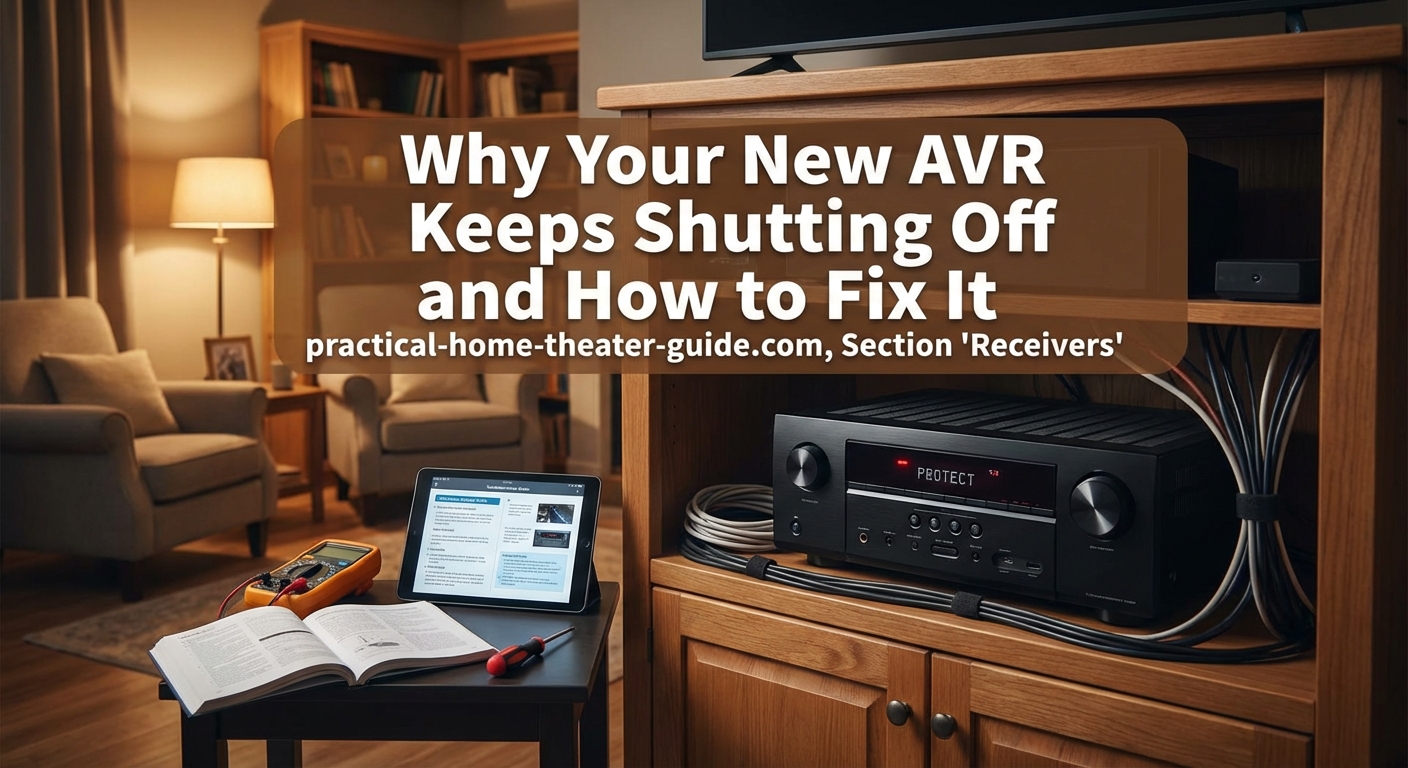
AVR shutdowns usually stem from overheating, impedance mismatches, or ventilation issues. Most problems can be fixed by checking speaker connections, improving airflow, reducing volume levels, and ensuring proper wire gauge. If your AVR keeps shutting off after these fixes, you may have a defective unit or undersized receiver for your speaker setup.
Why Your Receiver Shuts Down
Audio/video receivers have built-in protection circuits. These circuits act like safety valves. When something goes wrong, the receiver shuts itself down to prevent permanent damage to its internal components.
The most common trigger is overheating. Your AVR generates heat when it amplifies audio signals. If that heat can’t escape fast enough, internal temperatures rise beyond safe limits. The protection circuit kicks in and shuts everything down.
Speaker impedance problems cause shutdowns too. When you connect speakers with impedance ratings below what your receiver can handle, it draws too much current. The amplifier section works harder than it should. Protection mode activates.
Short circuits in speaker wiring create instant shutdowns. A single strand of bare wire touching another terminal sends the receiver into protection mode immediately.
Power supply issues can also be the culprit. If your home’s electrical circuit can’t deliver enough current during peak demand, voltage drops. The receiver detects this instability and shuts down.
Check Your Ventilation First
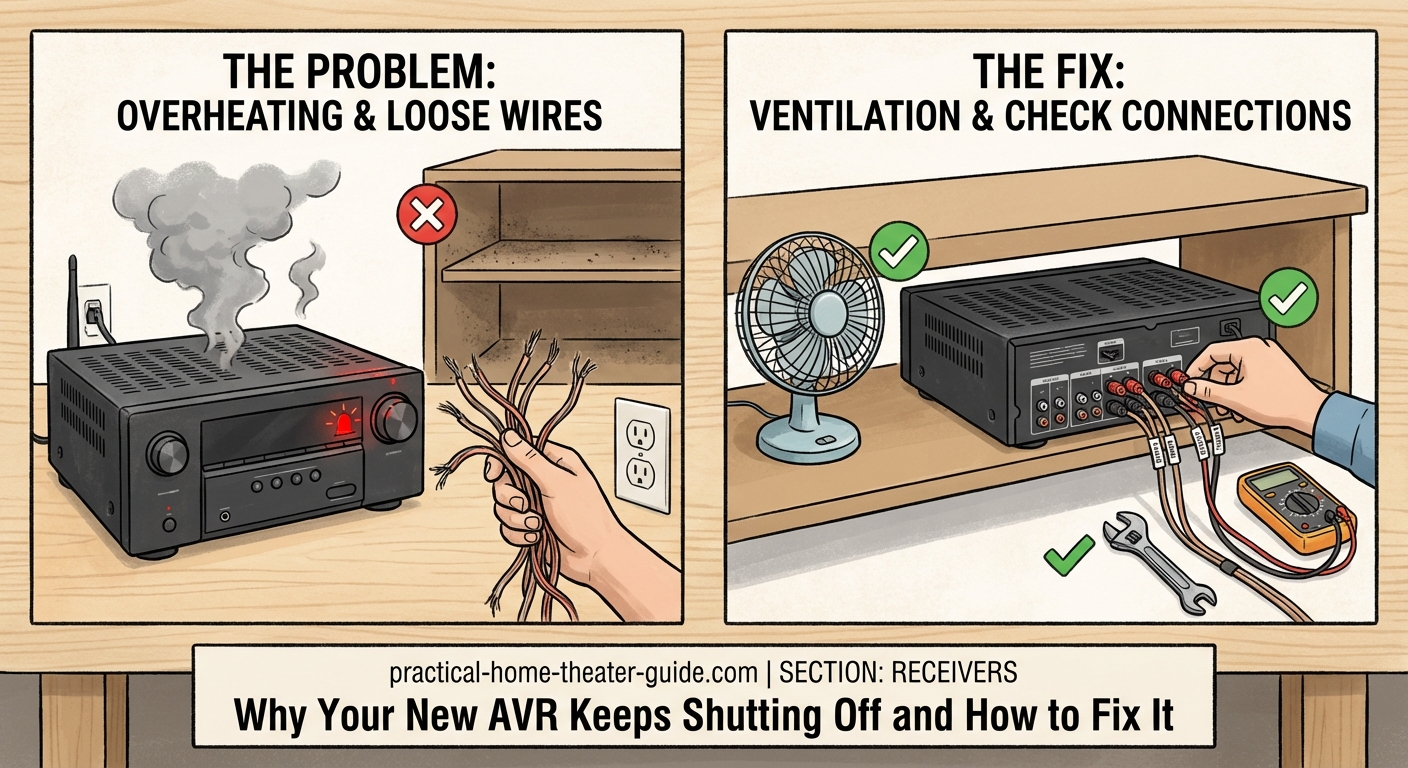
Poor airflow causes more AVR shutdowns than any other single issue. Receivers need space to breathe.
Look at where your AVR sits right now. Is it tucked inside a closed cabinet? Surrounded by other equipment on all sides? Stacked directly under a Blu-ray player or game console?
Each of these situations traps heat. Your receiver pulls in cool air from vents (usually on the sides or bottom) and pushes hot air out the top or back. Block these vents and you create an oven.
Here’s what proper ventilation looks like:
- Three inches of clearance above the receiver
- Two inches on each side
- Four inches behind the unit for rear vents
- No equipment stacked directly on top
- Cabinet doors open during use, or permanent ventilation holes cut in the back panel
Feel the top of your receiver after it shuts down. If it’s too hot to keep your hand there comfortably for more than a few seconds, you have a ventilation problem.
Some receivers run hotter than others by design. Class A/B amplifiers generate more heat than Class D models. Higher wattage units produce more thermal output. But even hot-running receivers shouldn’t trigger protection mode under normal use.
Consider adding a small USB-powered fan if your cabinet has limited airflow. Position it to pull hot air away from the receiver’s exhaust vents. This simple fix has saved countless AVRs from premature failure.
Verify Speaker Connections and Impedance
Incorrect speaker wiring causes immediate shutdowns or recurring protection mode triggers.
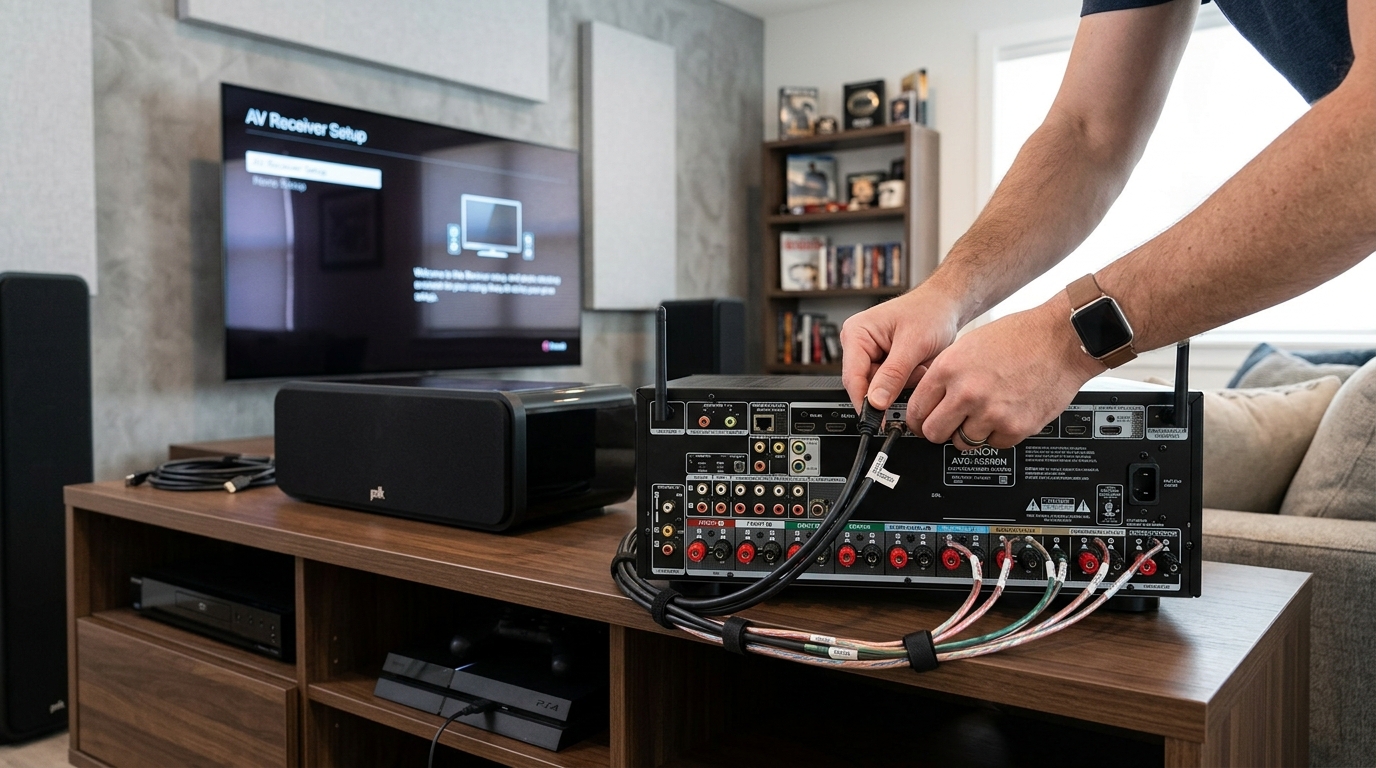
Start by turning off your receiver and unplugging it. Inspect every speaker terminal. Look for:
- Loose connections that might short when the cabinet vibrates
- Frayed wire insulation exposing bare copper strands
- Speaker wire strands bridging positive and negative terminals
- Banana plugs not fully inserted
- Binding posts that have loosened over time
Tighten everything. Trim back any frayed wire ends and re-strip them cleanly. Make sure no stray strands stick out from the terminals.
Now check your speaker impedance ratings. Most home theater speakers are rated at 8 ohms or 6 ohms. Some tower speakers and many bookshelf models dip to 4 ohms.
Your receiver has an impedance rating too. Check the back panel or the manual. You’ll see something like “8 ohms (6 ohms minimum)” or “4-16 ohms.”
If your speakers are rated at 4 ohms but your receiver only supports 6 ohms minimum, you’re asking the amplifier to deliver more current than it was designed to handle. This creates heat and triggers protection mode.
Some receivers have an impedance switch on the back panel. If yours does, make sure it matches your speaker setup. Setting it to 4 ohms when you have 8 ohm speakers won’t hurt anything, but setting it to 8 ohms with 4 ohm speakers will cause problems.
Reduce Volume and Check Wire Gauge
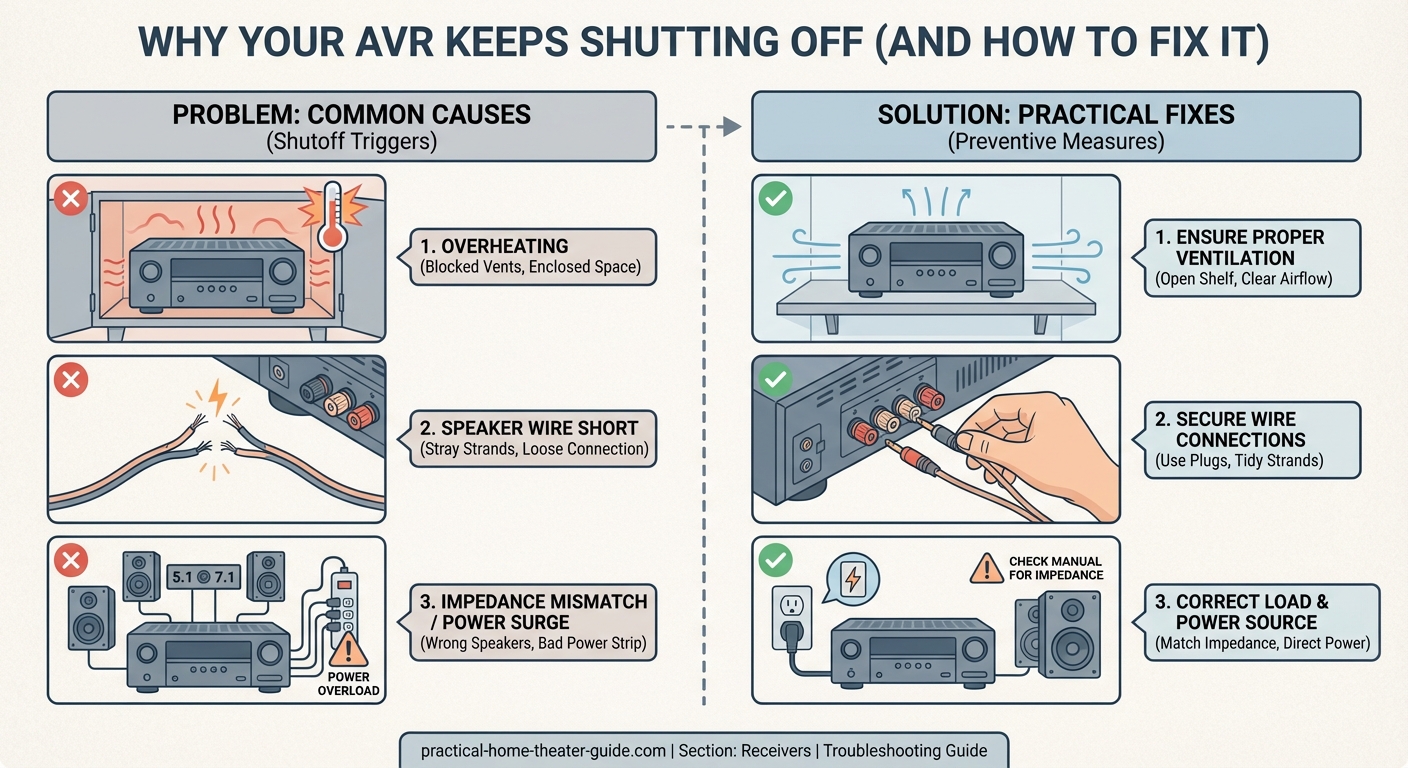
Running your system at high volumes for extended periods pushes your amplifier harder. More power output means more heat. If your receiver keeps shutting off during loud action scenes or concert footage, you’re likely hitting thermal limits.
Try this test. Play the same content at 75% of your normal volume. If the receiver stays on without issues, you’ve confirmed that power demand is the problem.
You have three options:
- Accept a lower maximum volume level
- Add more efficient speakers that require less power to reach the same volume
- Upgrade to a more powerful receiver with better heat management
Speaker wire gauge matters more than most people realize. Thin wire creates resistance. Resistance generates heat and reduces the power that actually reaches your speakers. Your amplifier works harder to compensate.
| Wire Gauge | Maximum Distance | Best For |
|---|---|---|
| 18 AWG | 25 feet | Surround speakers, short runs |
| 16 AWG | 50 feet | Front speakers, most setups |
| 14 AWG | 80 feet | Subwoofers, long runs, high power |
| 12 AWG | 100+ feet | Very long runs, outdoor speakers |
If you’re using 18-gauge wire for a 40-foot run to your front speakers, upgrade to 16-gauge or 14-gauge. The difference in amplifier strain is significant.
Look for Firmware and Settings Issues
Manufacturers release firmware updates to fix bugs, including protection mode problems that trigger too aggressively.
Check your receiver’s current firmware version. The process varies by brand:
- Denon and Marantz: Setup menu, General, Firmware
- Yamaha: Setup menu, System, Version
- Onkyo and Pioneer: Setup menu, Hardware, Version
Visit the manufacturer’s support website and search for your model number. Compare your installed version against the latest available. If an update exists, follow the installation instructions carefully. Never unplug the receiver during a firmware update.
Some receivers have overly sensitive protection settings that can be adjusted. Look in your setup menu for options labeled:
- Eco mode
- Power management
- Amplifier mode
- Speaker configuration
Eco mode reduces power output to save energy. This can cause shutdowns if your speakers need more power than eco mode allows. Turn it off.
Speaker configuration settings tell your receiver what type of speakers you have. If you set large tower speakers to “small” in the configuration menu, the receiver might try to send bass frequencies to speakers that can’t handle them. This creates distortion and excessive power draw. Set your configuration accurately.
Test With One Source at a Time
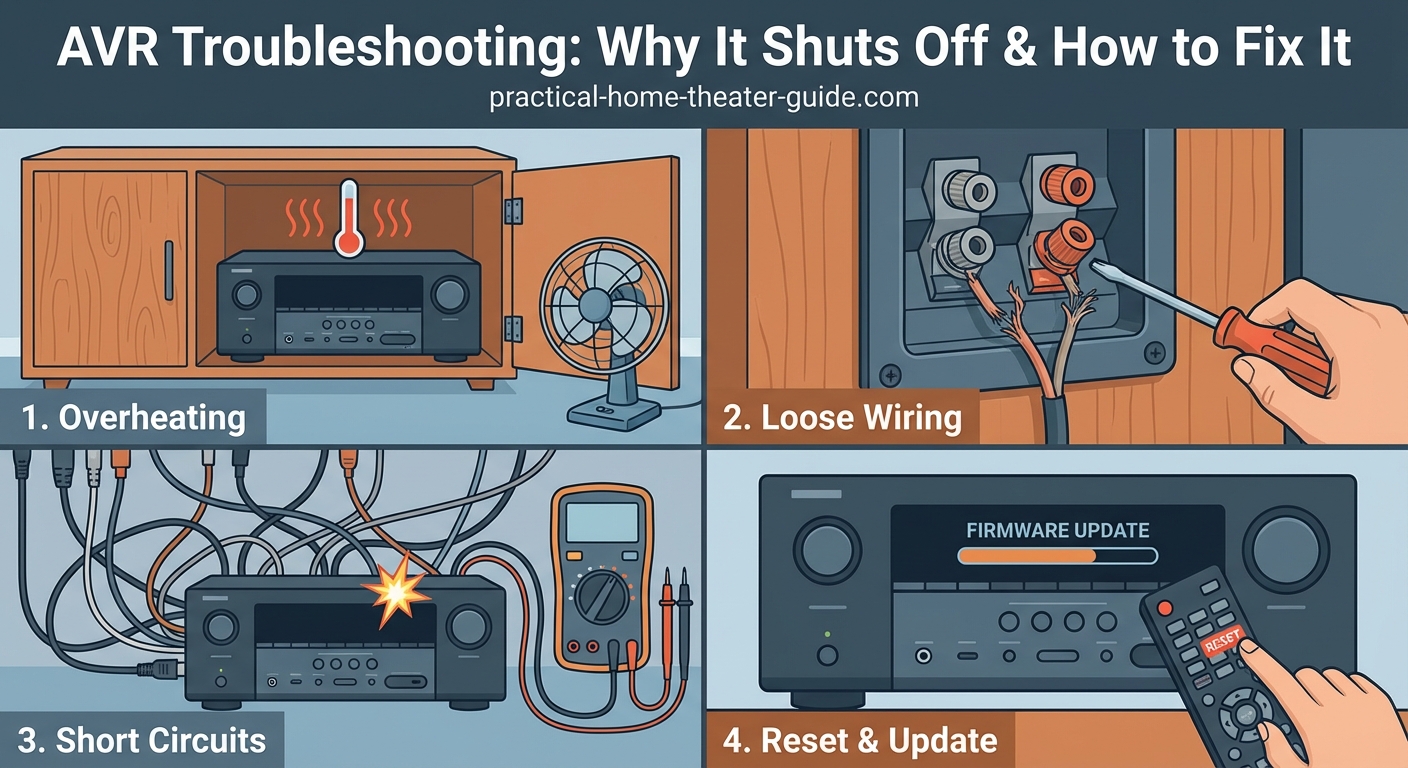
Isolate the problem by disconnecting everything except one input source.
Unplug all HDMI cables except your primary source (like a Blu-ray player or streaming device). Disconnect your subwoofer. If you have a 5.1 or 7.1 system, temporarily disconnect the surround speakers and run just your front left and right speakers.
Power on the receiver and play content. If it runs without shutting down, you’ve narrowed the problem. Add components back one at a time:
- Add the center channel
- Add the subwoofer
- Add surround speakers
- Add additional HDMI sources
When the shutdown returns, you’ve found the component causing the issue. That speaker might have damaged voice coils creating a short. That HDMI cable might have a defect causing electrical interference. That source device might be sending a signal the receiver can’t process properly.
If your receiver shuts down immediately upon powering on, before you even select a source, you likely have a short circuit in your speaker wiring or a failed internal component. This requires professional repair or replacement.
Check Your Electrical Setup
Your home’s electrical system might be the hidden culprit. AVRs draw significant current during peak output. If your circuit can’t deliver it, the receiver shuts down.
Find your electrical panel and check which circuit your home theater equipment uses. Ideally, your AVR should be on a dedicated 15-amp or 20-amp circuit. Sharing a circuit with other high-draw devices like space heaters, hair dryers, or window air conditioners creates problems.
Try this test. Turn off or unplug everything else on the same circuit. Run only your home theater system. If the shutdowns stop, you need to redistribute your electrical load or install a dedicated circuit.
Power strips and surge protectors add another variable. Cheap power strips have thin internal wiring that creates resistance. Some surge protectors limit current flow to protect connected devices.
Plug your receiver directly into a wall outlet and test again. If the problem disappears, your power strip was the issue. Invest in a high-quality surge protector rated for at least 15 amps, or better yet, 20 amps.
Voltage fluctuations also trigger protection modes. If your lights dim when the air conditioner kicks on, or if you live in an area with unstable grid power, your receiver might be responding to voltage drops. A line-interactive UPS (uninterruptible power supply) or voltage regulator can solve this.
Recognize When You Need More Power
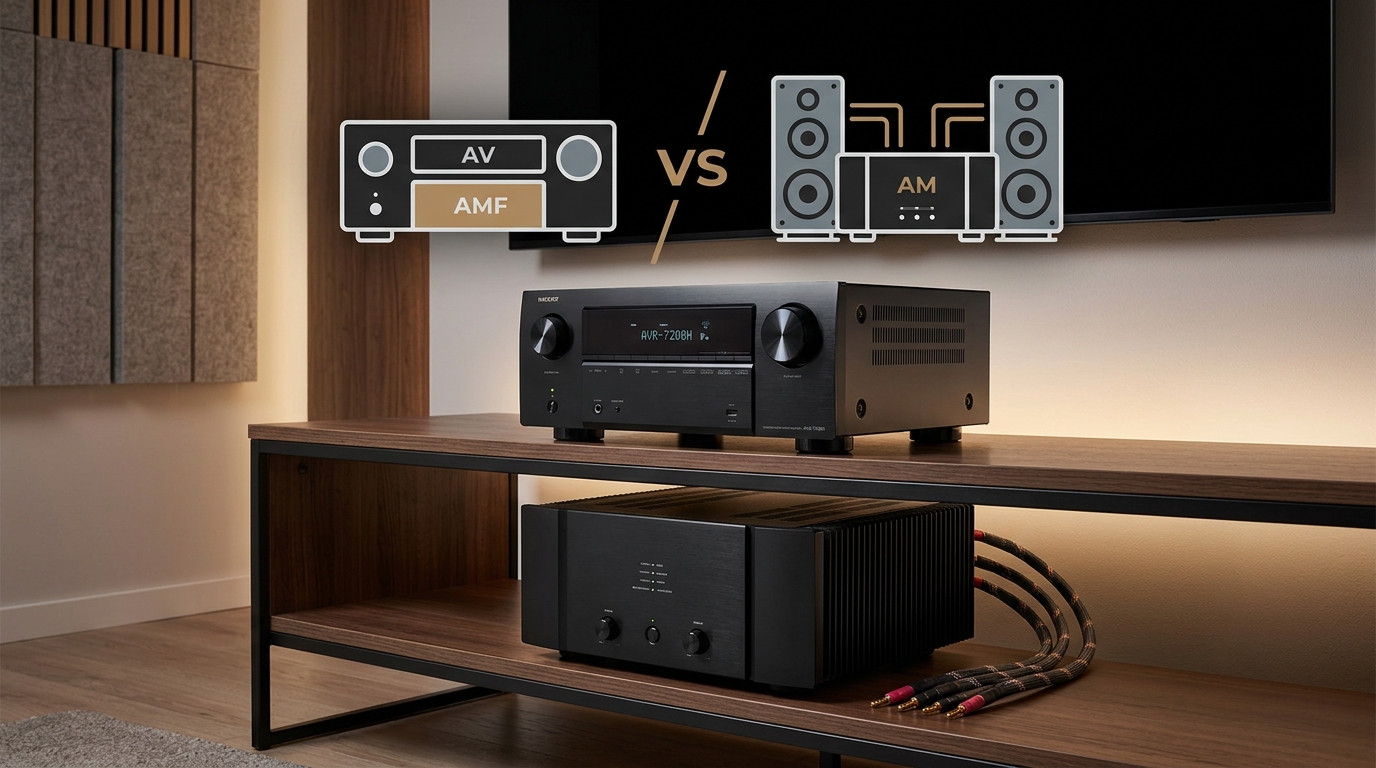
Sometimes your receiver simply isn’t powerful enough for your speaker setup. This is especially common when you upgrade speakers without upgrading your AVR.
Speaker sensitivity ratings tell you how loud a speaker plays with one watt of power. A speaker rated at 90 dB sensitivity produces 90 decibels of sound with one watt. A speaker rated at 85 dB sensitivity needs twice the power (two watts) to reach the same volume.
That five-decibel difference doesn’t sound like much, but it doubles your amplifier’s workload. If you replaced 90 dB speakers with 85 dB speakers, your receiver now works twice as hard to reach the same listening levels.
Large rooms demand more power too. A receiver that handled a 12×14 bedroom perfectly might struggle in a 20×25 living room. Sound energy dissipates over distance. Larger spaces require more output to achieve the same perceived volume.
Count your speakers. A 7.2.4 Dolby Atmos setup with eleven powered channels pushes your receiver much harder than a simple 5.1 system. Each additional speaker channel draws more current and generates more heat.
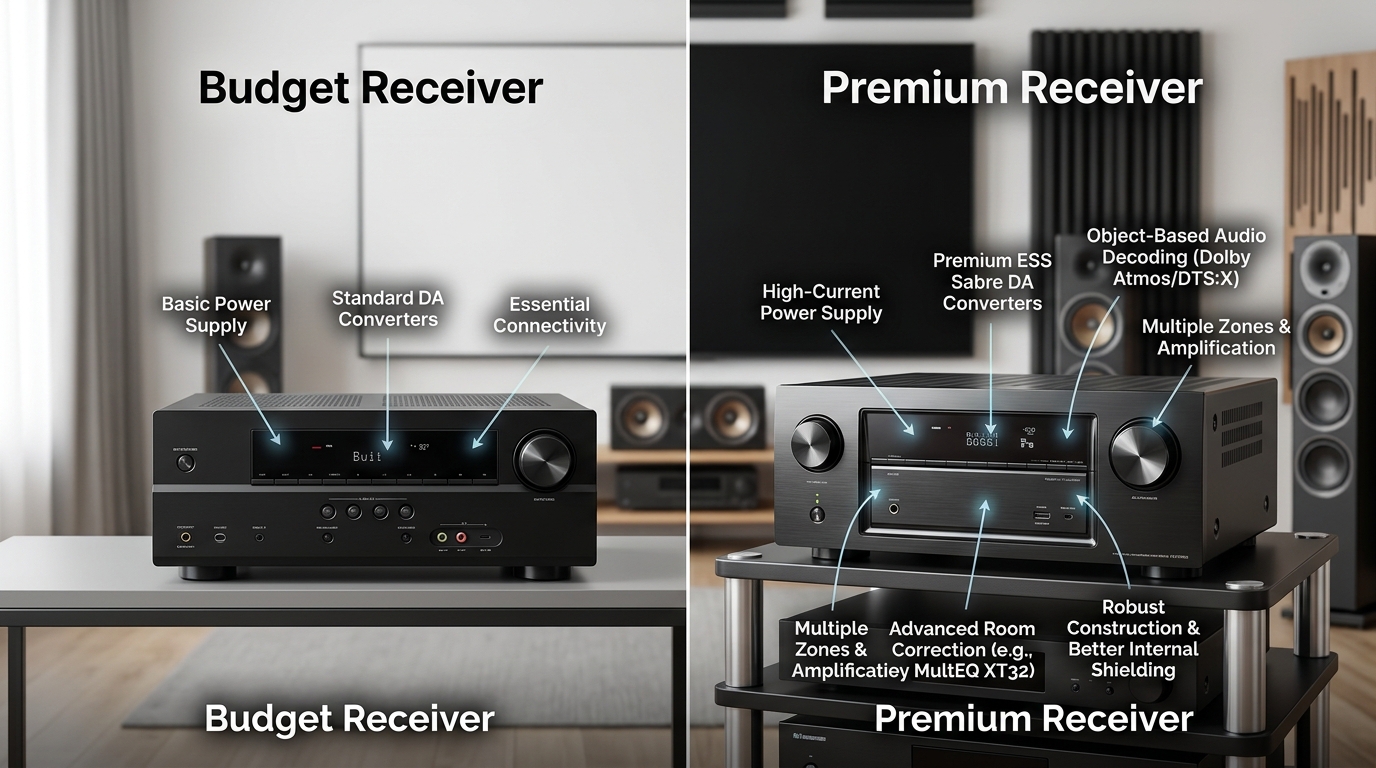
If you’ve verified ventilation, checked all connections, updated firmware, and tested your electrical setup, but your AVR keeps shutting off, you probably need a more powerful unit. Look for receivers with:
- Higher wattage ratings per channel
- Better power supply designs (toroidal transformers)
- More robust cooling systems
- Class D amplification for cooler operation
Specific Troubleshooting Steps
Follow this systematic process to identify and fix your shutdown problem:
- Power off and unplug your receiver for 60 seconds to reset protection circuits
- Verify at least three inches of clearance above the unit and open airflow around all vents
- Inspect every speaker terminal for loose connections, frayed wires, or shorts
- Confirm your speaker impedance matches your receiver’s specifications
- Check speaker wire gauge and upgrade if you’re using runs longer than 25 feet with 18 AWG
- Update receiver firmware to the latest version from the manufacturer’s website
- Disable eco mode and verify speaker configuration settings match your actual speakers
- Test with only front left and right speakers connected, then add components one by one
- Plug the receiver directly into a wall outlet, bypassing any power strips
- Reduce your maximum volume by 25% and test for extended periods
Work through each step methodically. Don’t skip ahead. The solution might be as simple as tightening a loose speaker terminal or moving the receiver out of a closed cabinet.
Getting Back to Movie Night
Your AVR shouldn’t keep shutting off during normal use. The protection circuits exist to prevent damage, not to interrupt your entertainment. Most shutdown problems come down to heat, connections, or power mismatches.
Start with the easiest fixes first. Improve ventilation. Check your speaker wires. Lower your volume slightly. These simple changes solve the majority of recurring shutdown issues without spending a dollar.
If the problem persists after you’ve verified everything, you’re likely dealing with either a defective unit (especially if it’s new) or a receiver that’s undersized for your current setup. Don’t ignore repeated shutdowns. Each protection mode event indicates stress on internal components. Continued operation under these conditions can turn a fixable problem into permanent amplifier damage.
Take the time to work through the troubleshooting steps. Your receiver will thank you with years of reliable, uninterrupted performance.






Leave a Reply