
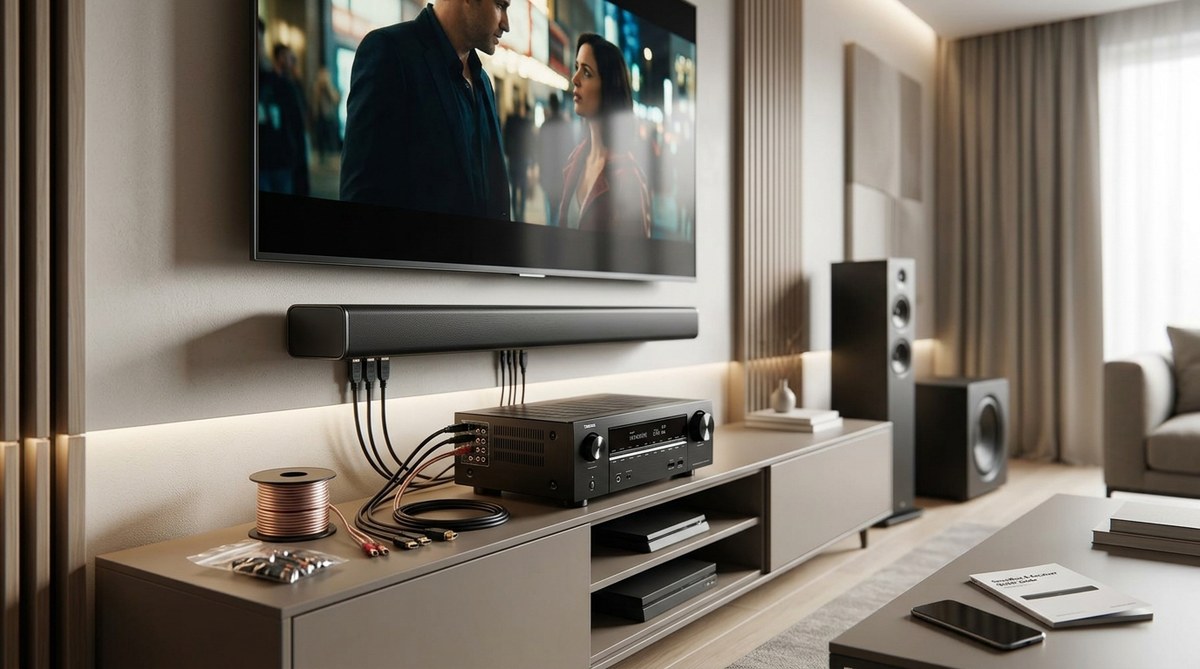
You already own an AV receiver. It powers your speakers and handles all your inputs. But lately, you have been thinking about adding a soundbar. Maybe you want better dialogue for movies. Maybe your living room layout makes traditional surround speakers impractical. Or perhaps you just bought a soundbar and want to keep your receiver in the system. Can these two devices work together? The short answer is yes, but not in the way most people expect. Connecting a soundbar to an AV receiver requires a specific setup, and getting it wrong can lead to audio conflicts or no sound at all. This guide walks you through the options so you can use a soundbar with an AV receiver without frustration.
You can use a soundbar with an AV receiver, but the receiver must have audio passthrough or Zone 2 pre-outs. The most reliable method is HDMI ARC or eARC from the receiver to the soundbar, with the receiver set to output TV audio. Avoid connecting both to the same TV input to prevent double amplification and lip sync issues. Always disable the receiver’s internal speakers for the channels you send to the soundbar.
Why Combine a Soundbar and an AV Receiver?
At first glance, adding a soundbar to a system that already has an AV receiver seems backward. After all, a receiver is designed to drive a full set of speakers. Why would you want a soundbar in the mix? There are a few practical reasons.
Better dialogue clarity – Many soundbars include dedicated center channels and advanced processing. If your receiver drives only left and right fronts in a 2.1 setup, a soundbar can improve speech.
Space constraints – You might not have room for floor-standing speakers or a center channel. A soundbar fits neatly under your TV.
Simplicity for casual listeners – Sometimes the rest of your family just wants to watch Netflix without navigating receiver menus. The soundbar can handle everyday audio, while the receiver remains for movie nights.
Using a soundbar as a center channel – Some soundbars can be configured as a dedicated center speaker for a receiver-based system. This is an advanced use, but it works with the right hardware.
The Core Challenge: Compatibility
An AV receiver expects to handle all audio processing and amplification. A soundbar is a self-contained system with its own amplifiers and processing. When you connect both, you need to decide which device takes charge of sound.
The biggest mistake people make is connecting the soundbar to the TV and the receiver to the TV separately, then expecting both to play together. That usually creates echo, phase cancellation, and delayed audio. Instead, you must route audio through a single chain.
There are three main ways to make this work:
- HDMI ARC or eARC – The receiver sends audio to the soundbar via the HDMI ARC port.
- Optical or coaxial digital – A simple two-channel or 5.1 passthrough without HDMI control.
- Zone 2 pre-outs – The receiver sends an analog signal to the soundbar for a secondary zone.
Each method has trade-offs. The table below breaks them down.
Connection Methods Compared
| Method | Audio Quality | Surround Support | Ease of Setup | Control |
|---|---|---|---|---|
| HDMI eARC | Lossless (Dolby TrueHD, DTS-HD) | Yes (up to 7.1) | Moderate (requires compatible ports) | Single remote (CEC) |
| HDMI ARC | Compressed 5.1 (Dolby Digital Plus) | Yes (basic 5.1) | Easy | Single remote |
| Optical (TOSLINK) | Compressed 5.1 (Dolby Digital) | Yes (5.1) | Very easy | Separate remote needed |
| Zone 2 Pre-outs | Stereo only | No | Moderate (analog cables) | Separate volume management |
If you want the best sound with surround support and one remote, HDMI eARC is the way to go. But your receiver must have an HDMI ARC or eARC port, and your soundbar must support ARC as well. Most receivers from the past five years have this, and nearly all soundbars do.
Step-by-Step Setup with HDMI ARC
Assuming both your receiver and soundbar have HDMI ARC or eARC, here is how to set them up:
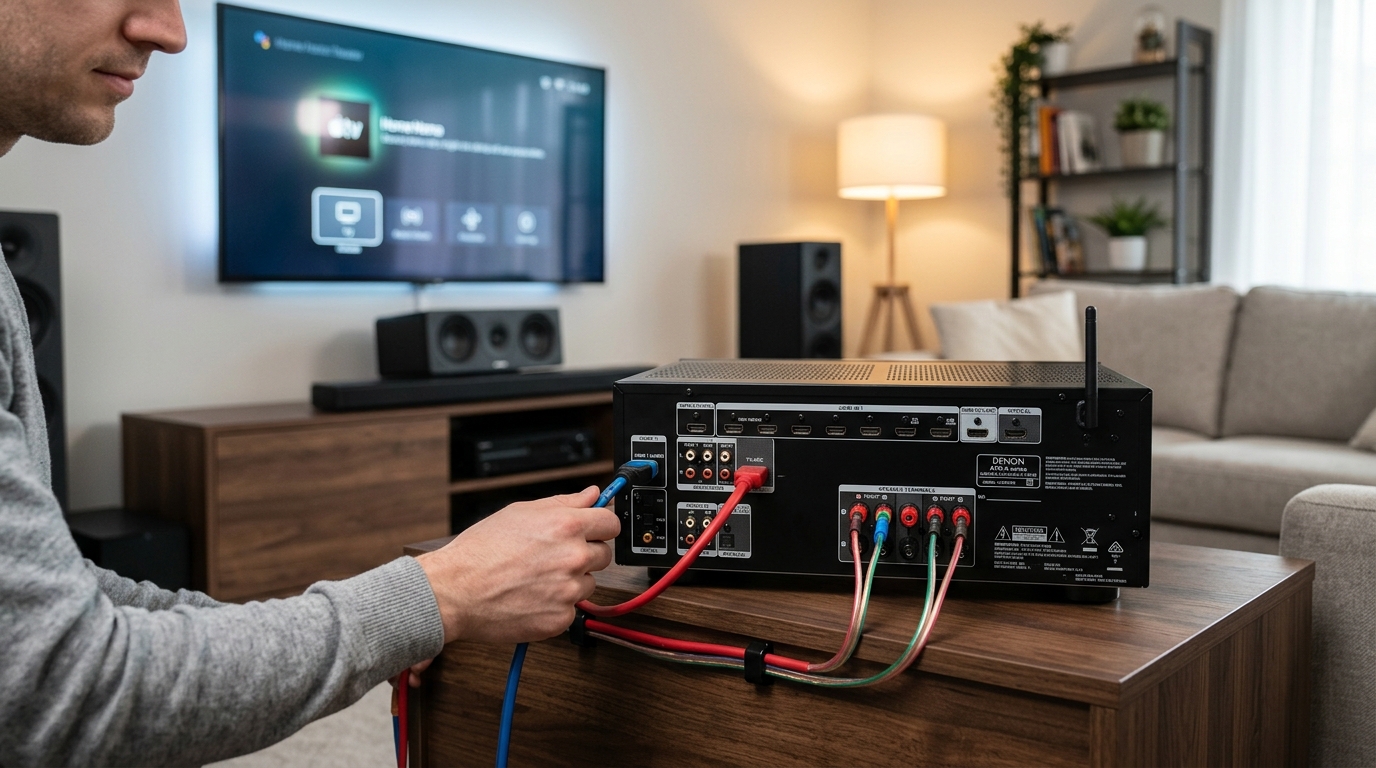
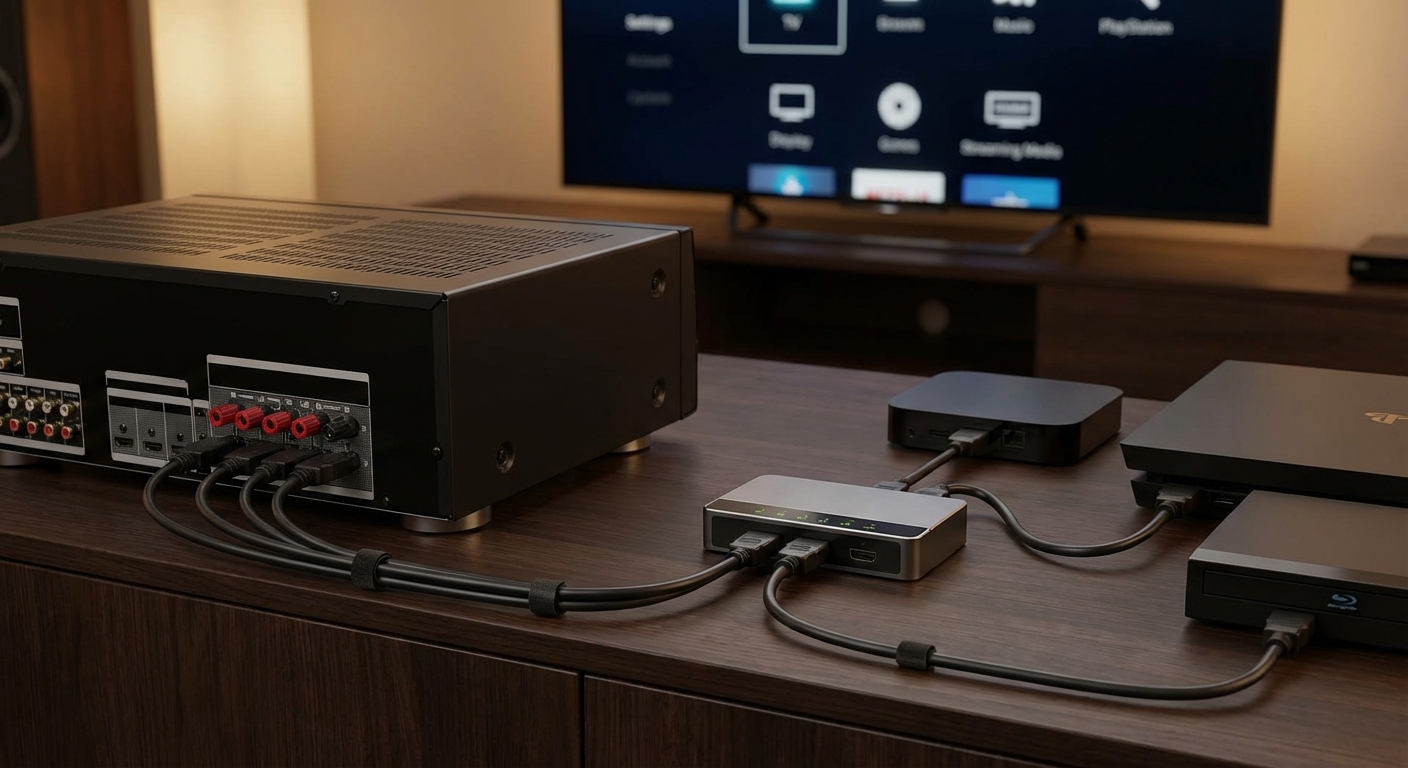
- Connect the soundbar to the receiver using an HDMI cable. Plug it into the HDMI OUT (ARC) port on the receiver and the HDMI IN (ARC) port on the soundbar.
- Turn on HDMI CEC on both devices. On the receiver, this might be called “Control for HDMI” or “HDMI Pass Through”. On the soundbar, enable “ARC” or “CEC”.
- Set the receiver speaker configuration to “TV audio” or “ARC” output. This tells the receiver to send audio from all sources (Blu-ray, game console, streaming) to the soundbar via the HDMI ARC connection.
- Disable the receiver’s internal speakers for the channels the soundbar will reproduce. If you are using the soundbar for front left/right/center, set those speakers to “None” or “Small” with a crossover that routes bass to the subwoofer (if you have one).
- Test audio with a movie that has 5.1 audio. Check for lip sync. If there is a delay, adjust the audio sync setting on the receiver or soundbar.
Important: Do not connect the soundbar directly to the TV and then the receiver to the TV separately. That creates two separate audio paths. Instead, all sources should go into the receiver, and the receiver passes the audio to the soundbar.
Using Optical for Simplicity
If your receiver lacks ARC or you want a dead-simple setup, optical digital works fine. Connect an optical cable from the receiver’s Optical Output to the soundbar’s Optical Input. Then set the receiver’s audio output to “Optical” or “Digital”. You lose the ability to control volume with one remote, but the audio quality is still very good for Dolby Digital 5.1 sources.
When to Use Zone 2 Pre-Outs
Some higher-end receivers have Zone 2 pre-outs. These are analog outputs designed to send audio to another room. You can connect the soundbar to those outputs using RCA cables. This method gives you stereo only and requires you to manage the soundbar’s volume separately. It works best if you want the soundbar as a second zone while the main zone uses the receiver’s speakers. For example, you might have the soundbar in the kitchen while the receiver powers the living room speakers. But that is not really “using the soundbar with the AV receiver” in the same room.
Common Mistakes to Avoid
- Not disabling the receiver’s speakers – If you leave the front speakers enabled, you get audio from both the soundbar and the receiver’s speakers, causing comb filtering and a hollow sound.
- Using two different audio sources – Do not send audio from your TV to the soundbar via optical and also from the receiver to the TV via HDMI. Pick one chain.
- Ignoring lip sync – The soundbar will often add processing latency. Adjust the audio delay in your receiver. Most receivers have a slider under “Audio” or “Lip Sync”.
- Buying a soundbar without ARC – Before purchasing, check that the soundbar has an HDMI input with ARC. Many budget models only have optical. That still works, but you lose single-remote convenience.
Expert Advice on Soundbar Selection
“When adding a soundbar to an existing AV receiver setup, always choose a model with HDMI input and output ports. This allows you to connect the soundbar between the receiver and the TV, which is the cleanest way to integrate both. Avoid soundbars that only have optical or Bluetooth if you plan to use them with your receiver for home theater.” – Practical Home Theater Guide
That advice holds true. A soundbar with HDMI passthrough (one input, one output) lets you insert it between the receiver and the TV. This way, the receiver handles all switching, and the soundbar simply processes the audio.
Configuring Your Receiver After Setup
Once you have the physical cables in place, you need to adjust the receiver’s settings. Here are the crucial steps:
- Set the audio output to “ARC” or “HDMI” rather than “Speakers”.
- Configure speaker channels to match the soundbar (e.g., set front left/right to “None” if the soundbar covers them).
- Enable audio passthrough so that sound from HDMI inputs reaches the ARC output.
- Disable any sound modes that might re-encode or delay audio (like “Multi-Channel Stereo”).
If you have a separate subwoofer connected to the receiver, you can still use it. Set the soundbar to “Subwoofer Off” in its own settings, and let the receiver handle bass management.
When a Soundbar Alone Makes More Sense
Honestly, if you already have a full 5.1 or 7.1 speaker system driven by the receiver, a soundbar is usually a downgrade for movies and games. But if you are in a small room or a rental where you cannot run speaker wire, a soundbar + receiver hybrid can be a smart compromise. It lets you keep your receiver’s processing power and HDMI switching while enjoying the simplicity of a single audio device under your TV.
Make the most of your gear
Combining a soundbar with an AV receiver is not a typical setup, but it can solve real problems. Whether you need better dialogue, want to simplify a multi-purpose room, or just prefer the look of a soundbar, the key is choosing the right connection method and configuring your receiver properly. HDMI ARC or eARC is the gold standard for 2026. Optical works as a fallback. And always disable conflicting speakers.
Take a few minutes to check your receiver’s manual for ARC or Zone 2 support before buying a soundbar. That small step will save you hours of troubleshooting. Once everything is connected, run a quick test with a movie scene that has a lot of dialog and ambient sound. If you hear clear voices and balanced audio, you have succeeded.
For more details on setting up your receiver from scratch, see our Complete Beginner’s Guide to Connecting Your AV Receiver. If you are struggling with surround speaker placement, our guide on Why Your Surround Speakers Sound Weird and How to Fix It might help you decide whether a soundbar is a better fit.
Now go ahead, grab that HDMI cable, and make your soundbar and receiver work together. Your home theater will thank you.






Leave a Reply