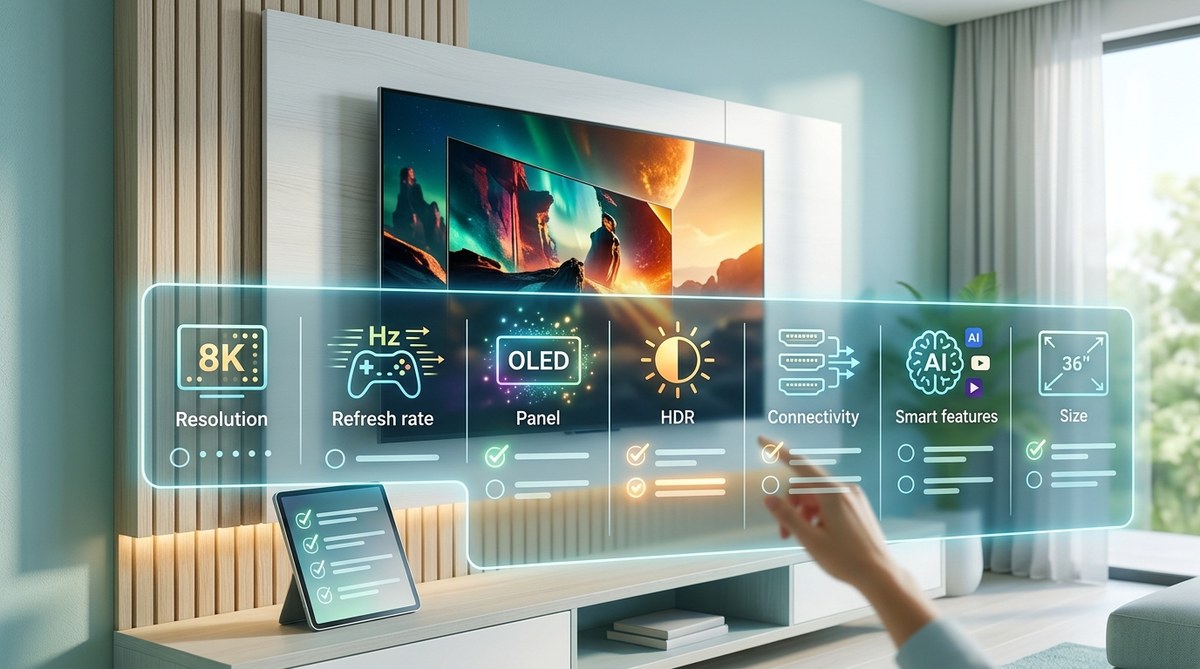
Shopping for a new TV in 2026 means staring at a spec sheet packed with acronyms. You will see HDR10, HDR10+, Dolby Vision, and maybe even Dolby Vision IQ. It is easy to get lost. The good news is you do not need a degree in video engineering to pick the right TV. You just need to know what these formats actually do for the image on your screen. And more importantly, you need to know which one matters most for the way you watch movies, stream shows, and play games.

<div style="border:1px solid #c8b88a; background:#fbf7ea; padding:20px; border-radius:14px; margin-bottom:30px;">
  <div style="font-weight:700; margin-bottom:10px; color:#856404;">Key Takeaway</div>
  <p style="margin:0;">Dolby Vision delivers superior picture quality with 12-bit color depth and scene-by-scene metadata, but HDR10+ offers similar dynamic benefits without licensing fees. For most home theater enthusiasts, a TV that supports both formats is the safest bet. If you must choose one, Dolby Vision has broader content support across streaming services and 4K Blu-rays, making it the practical winner for movie lovers in 2026.</p>
</div>

## What Is HDR and Why Should You Care

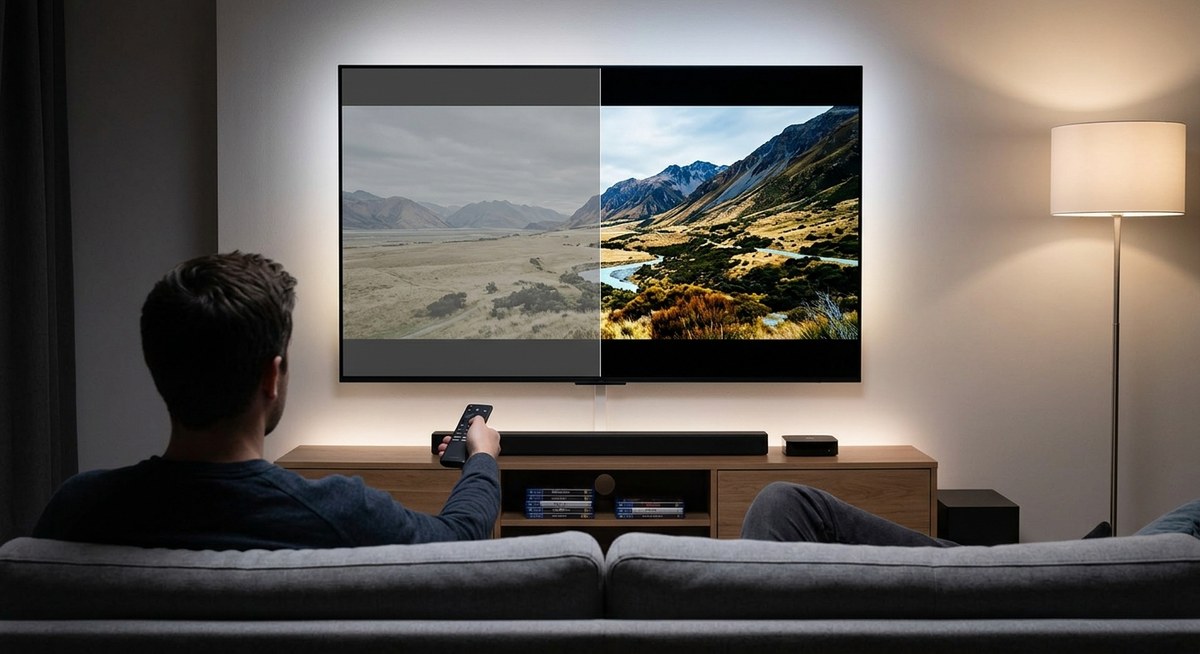
High Dynamic Range (HDR) is not a single technology. It is an umbrella term for several formats that let a TV display a wider range of brightness and color than standard dynamic range (SDR). Think of SDR as a flat photograph taken on an overcast day. HDR is that same scene on a sunny afternoon with deep shadows and bright highlights.

The human eye can perceive a massive range of light levels. Your living room TV, even a good one, can only reproduce a fraction of that. HDR formats try to bridge that gap by telling the TV exactly how to handle bright and dark parts of each frame. The way they deliver those instructions is the main difference between HDR10+, Dolby Vision, and plain HDR10.

## HDR10: The Baseline Everyone Supports

Before we get into the two heavyweights, we need to set a baseline. HDR10 is the minimum standard. Every 4K TV sold today supports it. Every 4K Blu-ray disc includes it. It uses static metadata, which means one set of brightness and color instructions applies to the entire movie.

That works fine for many scenes, but it is a compromise. If a movie has a very bright explosion in one scene and a dark cave in the next, the single set of instructions cannot optimize both perfectly. The TV does its best with tone mapping, but the result is not as precise as what dynamic formats can deliver.

## HDR10+ and Dolby Vision: The Dynamic Duo

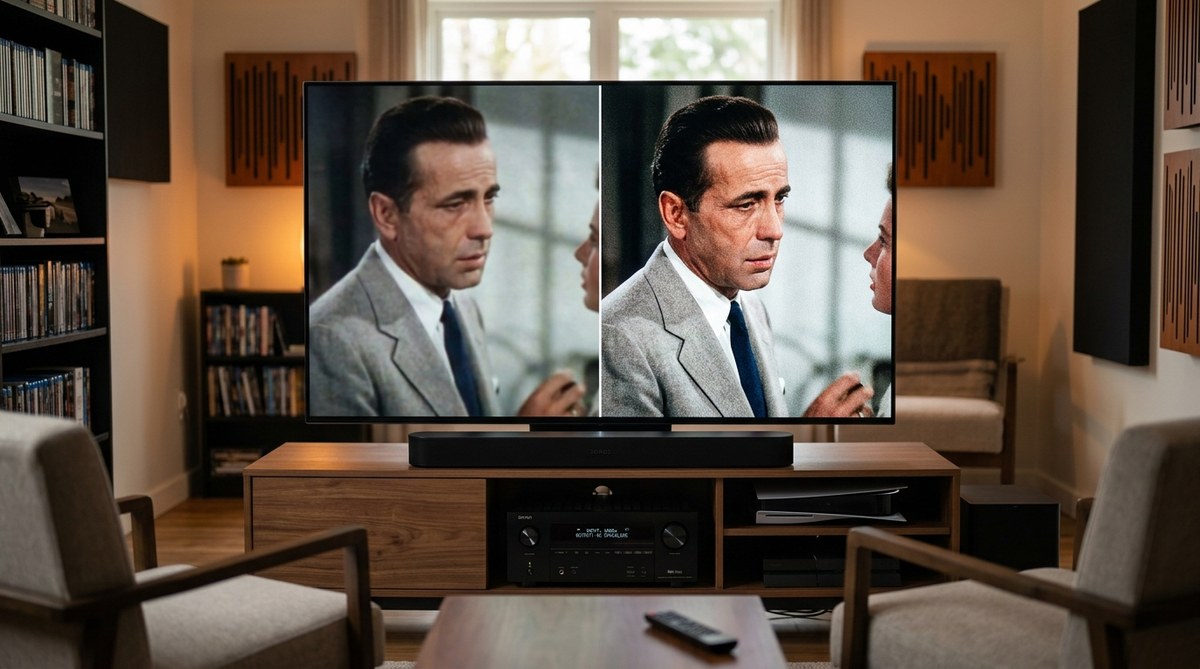
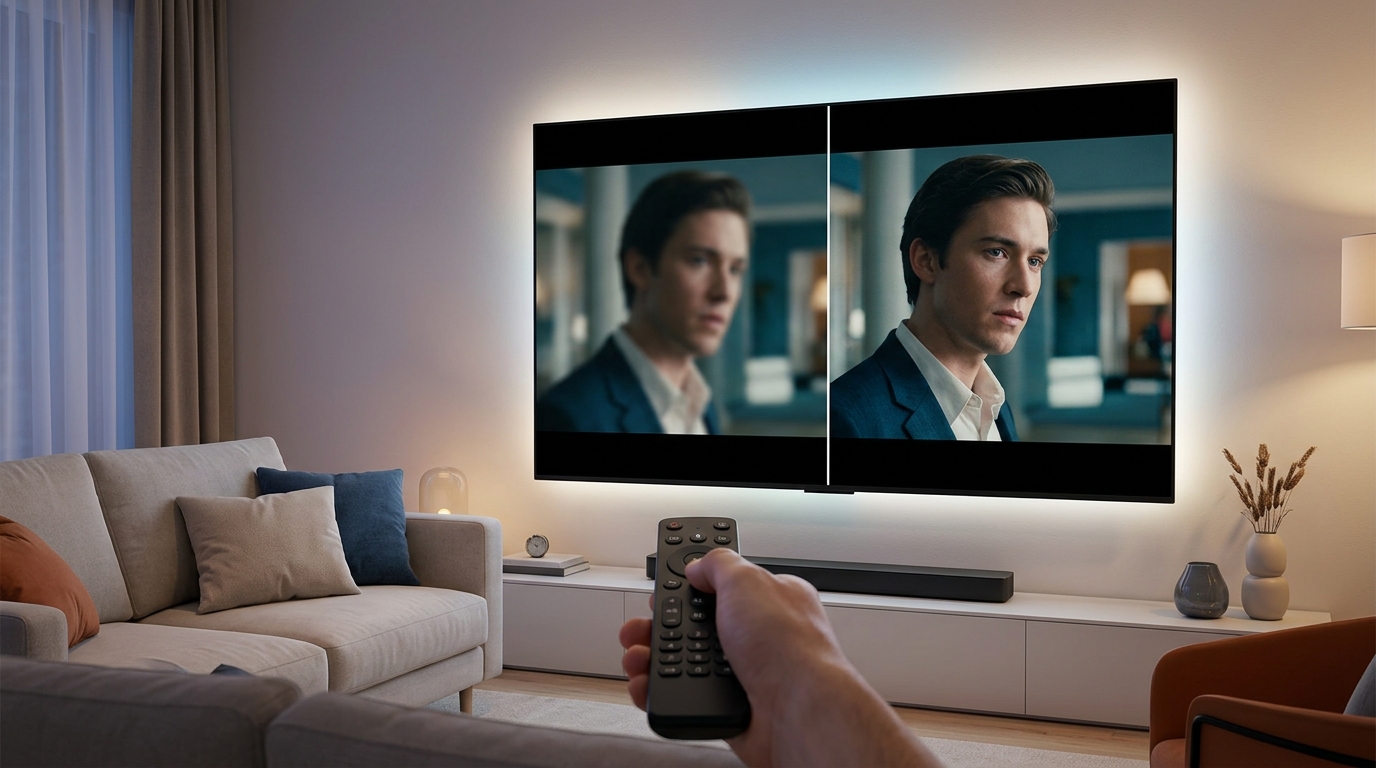
Both HDR10+ and Dolby Vision use dynamic metadata. Instead of one set of instructions for the whole film, they can adjust brightness and color settings scene by scene or even frame by frame. That is a huge leap forward for picture accuracy.

### Dolby Vision: The Premium Standard

Dolby Vision is the oldest of the two dynamic formats. It was designed by Dolby Laboratories and requires a licensing fee from TV manufacturers. That fee covers a lot of engineering support, which is why Dolby Vision tends to look excellent on any TV that supports it. Dolby Vision supports up to 12-bit color depth and a theoretical peak brightness of 10,000 nits. In 2026, no consumer TV hits that peak, but the format gives the display room to grow as panel technology improves.

Dolby Vision also includes an optional profile called Dolby Vision IQ, which uses the TV's ambient light sensor to adjust the HDR presentation based on the brightness of your room. That is a genuinely useful feature if you watch movies in a living room with windows.

### HDR10+: The Open Alternative

HDR10+ was developed by Samsung and later adopted by Amazon, Panasonic, and several others. It does the same basic job as Dolby Vision scene-by-scene metadata but without the licensing fee. That makes it cheaper for manufacturers to implement.

HDR10+ supports up to 10-bit color depth and uses metadata that can change with each scene. In practice, it looks very similar to Dolby Vision in a dark room on a capable display. The main difference is content support. HDR10+ has not been adopted as widely by streaming services or disc publishers.

## Comparing the Formats Side by Side

Here is a table that breaks down the key differences so you can see them at a glance.

| Feature | HDR10 | HDR10+ | Dolby Vision |
|---------|-------|--------|--------------|
| Metadata type | Static (one set per movie) | Dynamic (scene by scene) | Dynamic (scene by scene) |
| Color depth | 10-bit | 10-bit | 12-bit |
| Peak brightness support | Up to 4,000 nits | Up to 10,000 nits | Up to 10,000 nits |
| Licensing cost | Free | Free | Requires fee |
| TV support | Every 4K TV | Mostly Samsung, Panasonic, TCL, Hisense | LG, Sony, TCL, Hisense, Philips, Vizio |
| Streaming support | All services | Amazon Prime Video, some HDR10+ titles on other services | Netflix, Disney+, Apple TV+, HBO Max, Amazon, most major services |
| 4K Blu-ray support | All discs | Very few discs | Hundreds of discs |
| Gaming support | All games with HDR | Xbox Series S/X, some PC titles | Xbox Series S/X, PS5, PC titles |
| Room adaptation | No | No | Optional (Dolby Vision IQ) |

## Content Availability: Where the Battle Is Won

Technical specs are fun to compare, but what matters is what you can actually watch. In 2026, Dolby Vision has a commanding lead.

Streaming services like Netflix, Disney+, Apple TV+, and HBO Max produce most of their original content in Dolby Vision. If you subscribe to any of those services, you are already watching Dolby Vision content on supported TVs. Amazon Prime Video is the major exception. It uses HDR10+ for much of its library, though it also offers Dolby Vision on some titles.

On 4K Blu-ray, the gap is even wider. Hundreds of discs ship with Dolby Vision. HDR10+ discs number in the dozens and are mostly from a few studios like Warner Bros. and Universal.

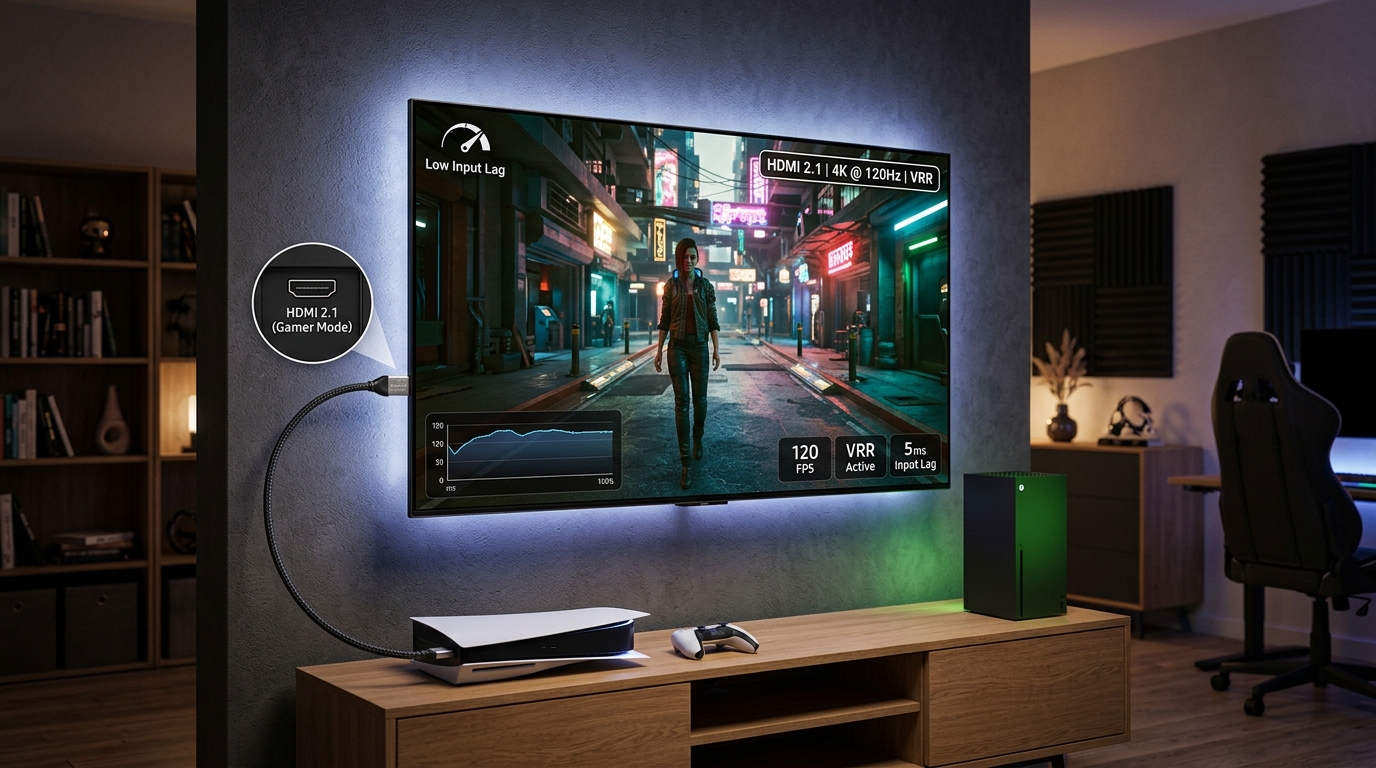
For gaming, both formats are available on Xbox Series X and S. The PS5 supports Dolby Vision for streaming and disc playback, but not for games in 2026. PC gamers can get HDR10+ and Dolby Vision depending on their graphics card and monitor setup.

> **Expert advice:** "Do not buy a TV solely for HDR10+ support in 2026. It is a fine format, but Dolby Vision has the content library that actually gets used. A TV that supports Dolby Vision and has good HDR10 tone mapping is a safer purchase for a home theater enthusiast."

## Hardware Support: Which TVs Support What

This is where the decision gets practical. TV manufacturers tend to pick one side or support both.

LG and Sony focus on Dolby Vision. They do not support HDR10+. Samsung almost exclusively supports HDR10+ and does not support Dolby Vision. TCL and Hisense support both formats on most of their mid-range and premium models.

If you buy a Samsung TV, you will get excellent HDR10+ performance, but you lose Dolby Vision entirely. That means you cannot watch Dolby Vision content from Netflix or Disney+ in its intended format. The TV will fall back to HDR10, which still looks good but misses the dynamic metadata benefits.

If you buy an LG or Sony OLED, you get Dolby Vision plus HDR10. You miss HDR10+, but the content gap is so small that most viewers never notice.

If you buy a TCL or Hisense Mini-LED TV, you likely get both. That is the safest choice if you want to check every box.

## How to Choose the Right Format for Your Setup

Follow this numbered process to match the format to your actual needs.

1. **Check your current devices.** Look up the HDR formats supported by your streaming devices, game consoles, and 4K Blu-ray player. If you already own an Apple TV 4K or a Roku Ultra, you have Dolby Vision support. If you own an older device, it might only do HDR10.

2. **Identify the content you watch most.** Make a mental list of the three streaming services you use the most. If Netflix, Disney+, or Apple TV+ are on that list, Dolby Vision is more valuable to you. If you are an Amazon Prime Video diehard and do not watch much else, HDR10+ might serve you fine.

3. **Decide on disc or streaming.** If you build your home theater around physical media, Dolby Vision is the clear winner because of the much larger disc library. If you stream everything, HDR10+ is more viable but still lags behind Dolby Vision.

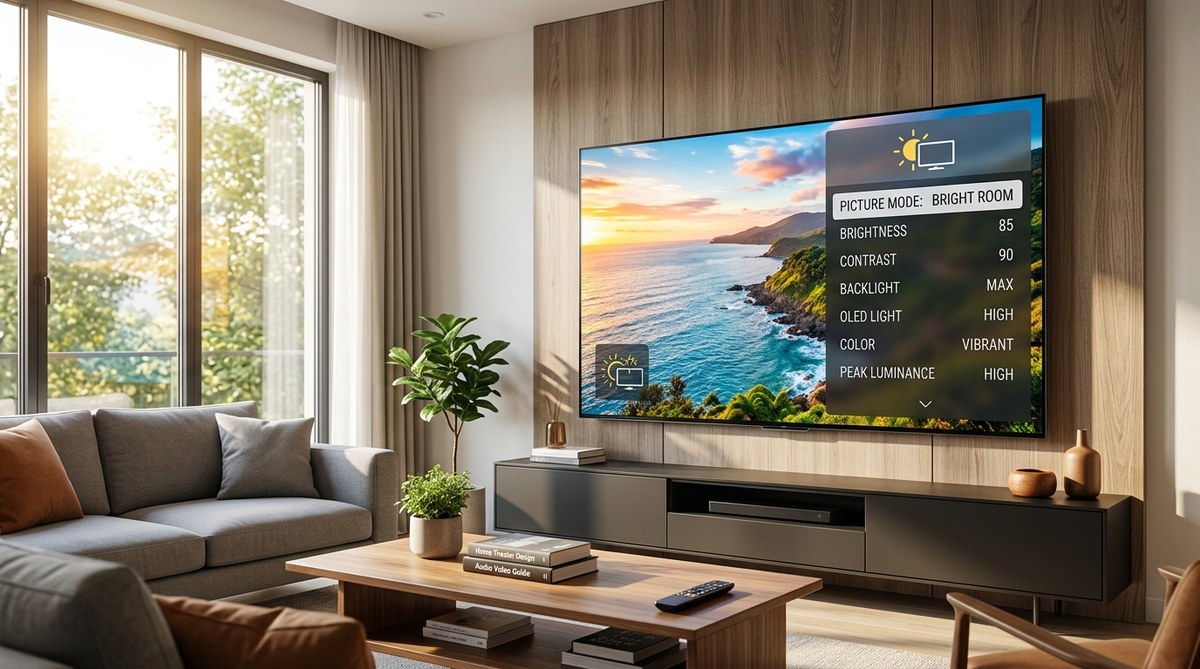
4. **Check the room you watch in.** If your TV is in a bright room with windows, Dolby Vision IQ (available on LG, Sony, and some TCL models) can actively adjust the HDR to fight glare. HDR10+ does not have an equivalent feature.

5. **Look at your budget.** Premium TVs from LG, Sony, and Samsung are expensive regardless of format choice. If you are shopping in the mid-range, TCL and Hisense models that support both formats often deliver the best value per dollar.

## What about Projectors and HDR

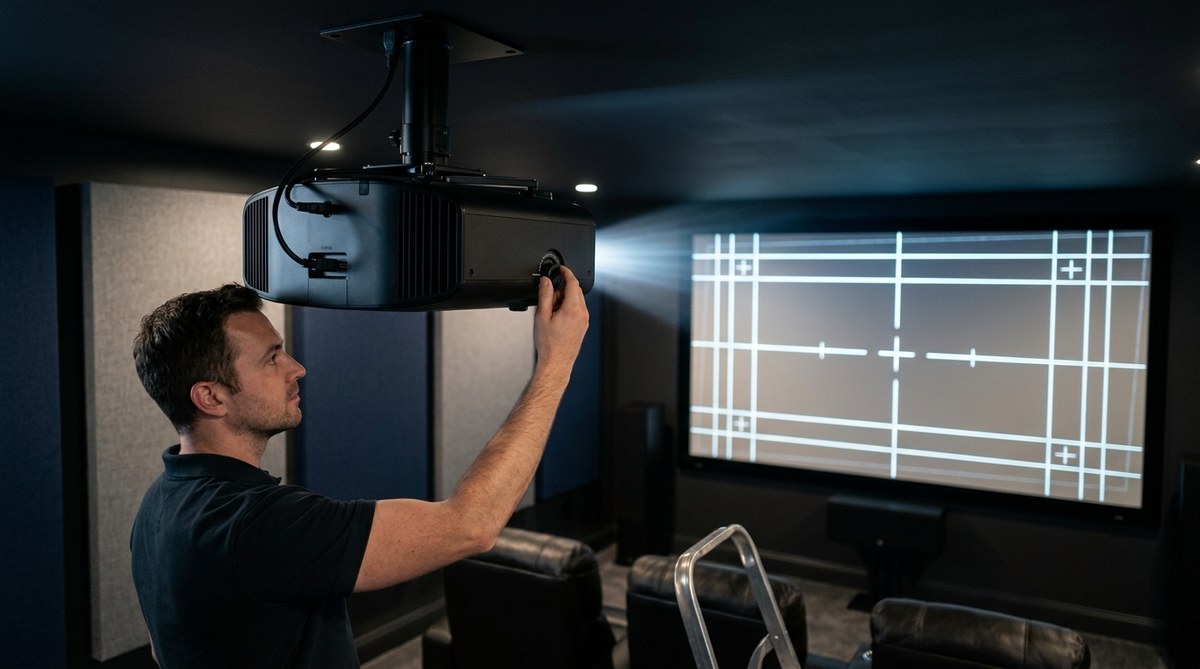
Projectors handle HDR differently than TVs. Most projectors cannot reach the same peak brightness levels as even a mid-range LED TV. That means dynamic metadata is less impactful on a projector because the display cannot fully exploit the extra brightness information.

If you are building a projector-based home theater, HDR10+ and Dolby Vision are nice to have, but the projector's native contrast ratio and brightness matter more. A good projector with HDR10 and strong tone mapping can look better than a weaker projector with Dolby Vision support.

For more on choosing the right display technology for your room, read our guide on [OLED vs QLED vs Mini-LED](https://practical-home-theater-guide.com/oled-vs-qled-vs-mini-led-which-tv-technology-should-you-buy-in-2026/). It walks through how each panel type handles HDR content.

## Your Next Steps for a Great HDR Setup

You do not need to overthink this. The practical reality in 2026 is that Dolby Vision has more content, wider hardware support, and better room-adaptation features. HDR10+ is a capable format that looks great when it is used, but it is a secondary consideration for most buyers.

If you are shopping for a new TV and want to future-proof your setup, look for a model that supports both Dolby Vision and HDR10+. That way you are covered regardless of what format a streaming service or disc uses. If your budget or brand preference limits you to one, choose Dolby Vision.

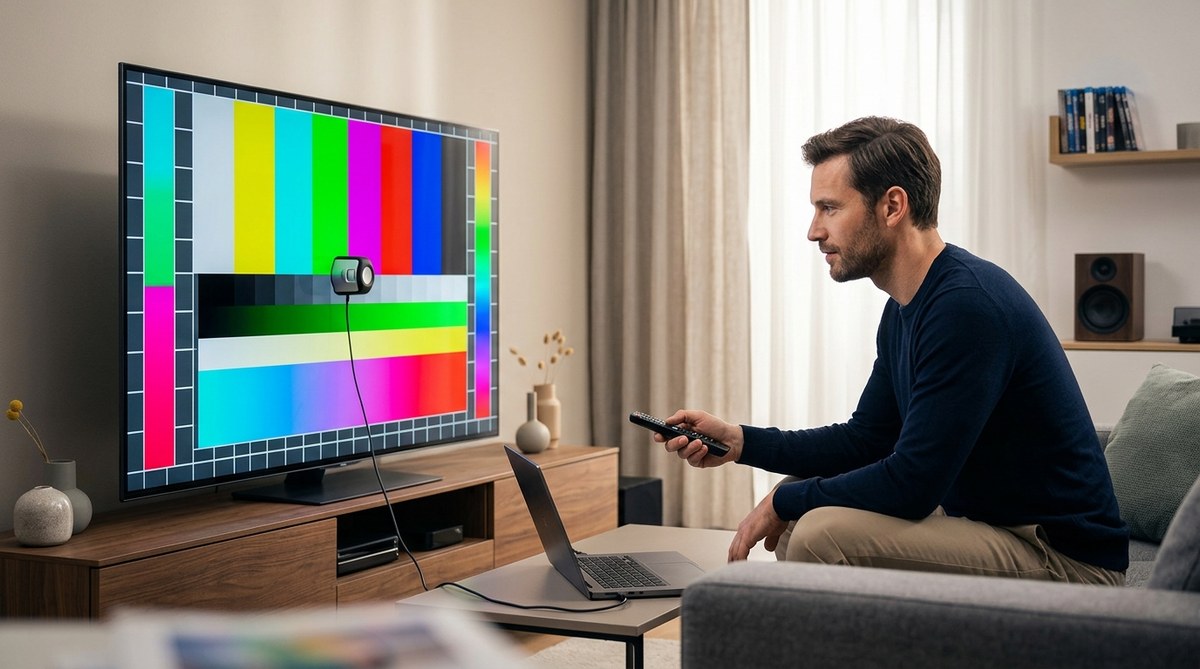
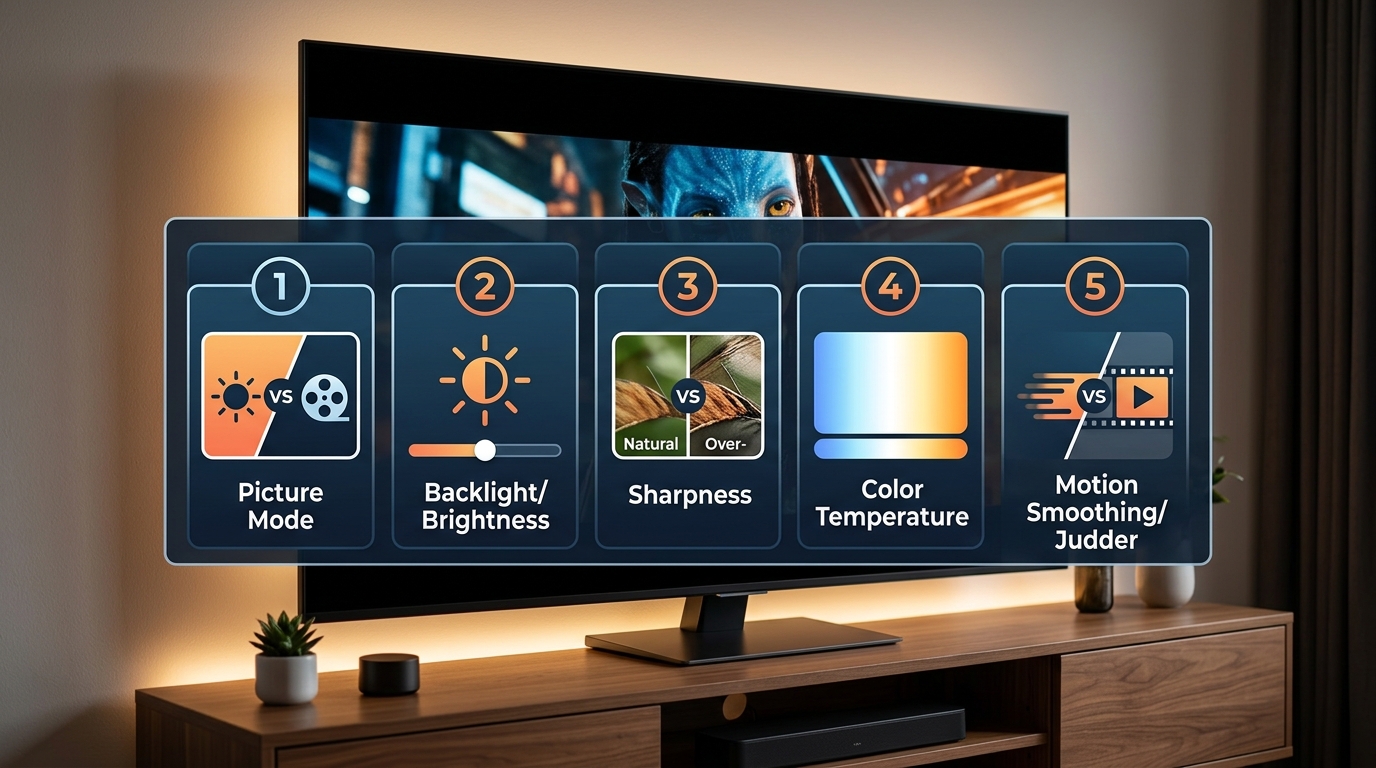
Once you have the right TV, the next step is making sure it is set up properly. Our guide on [5 Essential Picture Settings to Adjust on Your TV Out of the Box](https://practical-home-theater-guide.com/5-essential-picture-settings-to-adjust-on-your-tv-out-of-the-box/) will help you get the best HDR image without expensive calibration tools.

And if you run into issues with HDR content looking too dark or washed out, check [How to Fix HDR Content That Looks Washed Out or Too Dark on Your TV](https://practical-home-theater-guide.com/how-to-fix-hdr-content-that-looks-washed-out-or-too-dark-on-your-tv/). That article covers the common pitfalls and how to solve them in a few minutes.

## Making the Most of Your Chosen Format

Pick a TV that matches your viewing habits and your room. If you watch mostly streaming content in a bright living room, prioritize Dolby Vision with IQ. If you are a Samsung fan who watches Amazon Prime Video and plays on Xbox, HDR10+ will serve you well. If you want to cover all your bases, buy a TV that supports both and stop worrying about formats entirely.

The best home theater is the one you actually use. Do not let spec sheet anxiety stop you from enjoying great content. Pick a good TV, set it up right, and press play.


Leave a Reply