
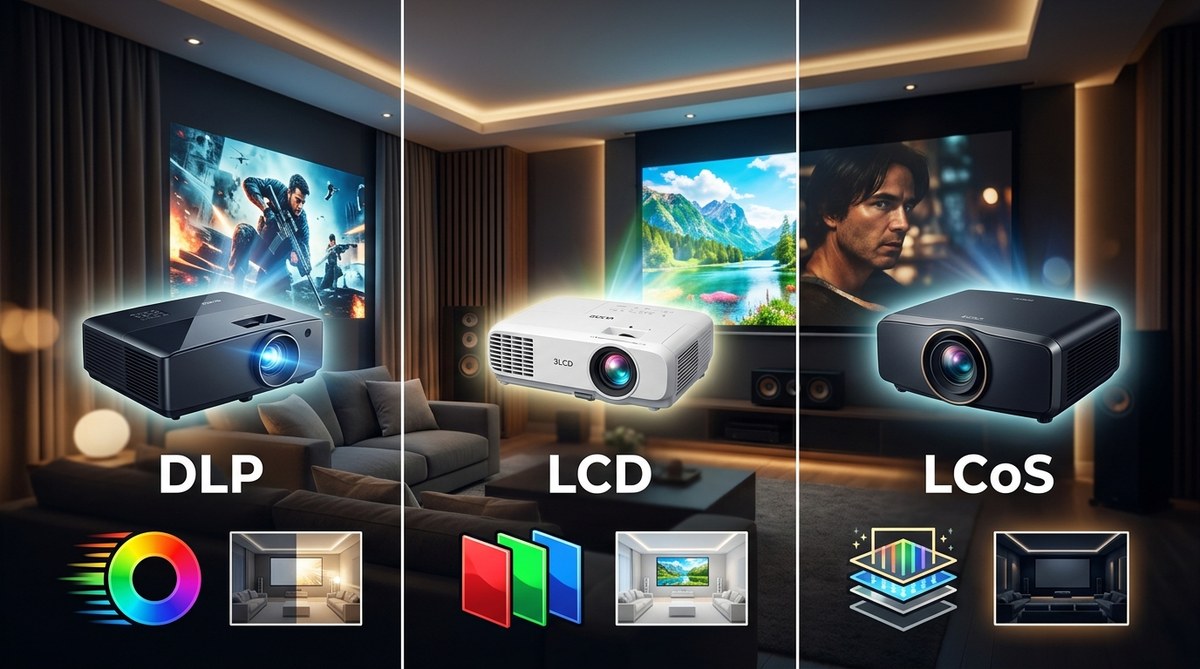
You are standing in the projector aisle (or scrolling through endless tabs) and the acronyms are already making your head spin. DLP, LCD, LCoS. Each one promises the best picture, but they work completely differently. The good news is that with a little clarity, picking the right technology for your home theater becomes a simple checklist. In this guide I will walk you through how each technology actually works, how they perform in real rooms, and exactly which one fits your specific setup. No corporate fluff, just plain talk from someone who has set up dozens of projectors.
The best projector technology for you depends on your room’s light control and what you watch most. DLP delivers sharp motion and low input lag for gaming, but can show rainbow artifacts. LCD offers bright, vibrant images at a lower price. LCoS gives the deepest black levels and best contrast, perfect for dedicated dark rooms with a bigger budget.
Understanding the Three Main Projector Technologies
Every home theater projector uses one of three core technologies to create the image you see on screen. They all take a light source and turn it into a picture, but the method is different. Think of it like three different ways to cook the same steak. Each method has strengths and tradeoffs.
DLP (Digital Light Processing)
DLP uses a chip covered in millions of tiny mirrors. Each mirror tilts toward or away from the light source to create a pixel. Most DLP projectors rely on a spinning color wheel or separate red, green, and blue lasers to add color. DLP is known for smooth motion and sharp detail because the mirrors switch extremely fast. However, a small percentage of viewers see rainbow artifacts (brief flashes of color) on single chip DLP models.
LCD (Liquid Crystal Display)
LCD projectors pass light through three separate liquid crystal panels, one each for red, green, and blue. These panels open and close like tiny shutters to let light through. LCD is often called 3LCD when referring to the three panel design. LCD projectors tend to be very bright and produce vivid colors out of the box. They are also generally more affordable than LCoS. The downside is that contrast and black levels are usually lower, and you may notice a grid pattern called the screen door effect on lower resolution models.
LCoS (Liquid Crystal on Silicon)
LCoS is a hybrid. It reflects light off a silicon backing with a liquid crystal layer on top. This design gives LCoS the best of both worlds: high contrast like DLP and smooth, film like images without visible pixels. LCoS projectors are famous for their deep black levels and rich color accuracy. They are also the most expensive technology and tend to be bulkier than their DLP and LCD counterparts.
Side by Side Comparison: DLP vs LCD vs LCoS
To help you see the differences at a glance, here is a head to head comparison table. Use this as your reference when shopping.
| Feature | DLP | LCD (3LCD) | LCoS |
|---|---|---|---|
| Contrast ratio | Good to very good | Fair | Excellent (deep blacks) |
| Black levels | Solid (with dynamic iris) | Modest | Superior, near OLED like |
| Color accuracy | Very good | Vibrant but can be oversaturated | Best in class, highly accurate |
| Brightness (lumens) | Moderate to high | High (efficient light path) | Moderate |
| Motion handling | Superior (fast mirror switching) | Good (some motion blur) | Excellent (smooth, film like) |
| Input lag | Low (great for gaming) | Moderate | Moderate to low (improving) |
| Screen door effect | Minimal (pixels less visible) | Noticeable on 1080p models | Virtually invisible |
| Rainbow artifacts | Possible on single chip | None | None |
| Lifespan of light source | Depends on lamp or laser | Depends on lamp or laser | Depends on lamp or laser |
| Price range | Budget to premium | Budget to mid range | Mid range to flagship |
This table shows that no single technology wins every category. Your choice will come down to what matters most for your home theater.
How to Choose Based on Your Room and Use Case
The room where you place the projector is the single biggest factor in your decision. A projector that looks amazing in a pitch black basement might look washed out in a living room with big windows. Let’s break it down by room and purpose.
Room Lighting Conditions
If you have a dedicated home theater room with total light control (blackout curtains, no windows, or you watch only at night), you can prioritize contrast and black levels. LCoS or a high end DLP with a dynamic iris will give you the most cinematic image. You do not need extreme brightness because the room is dark.
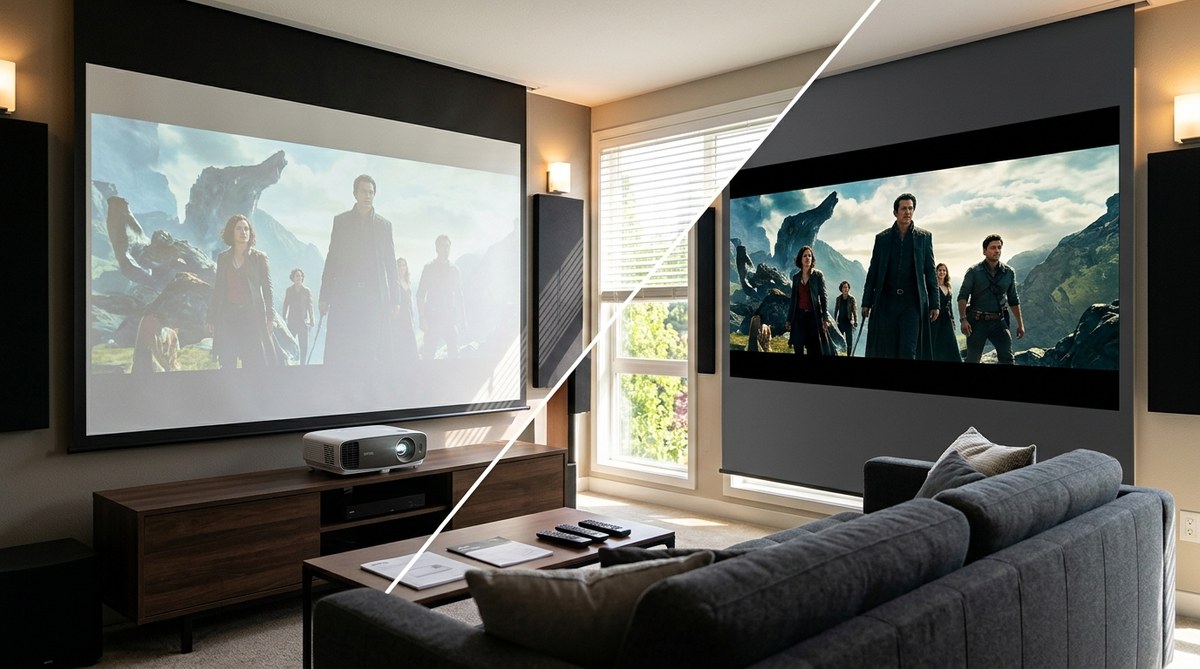
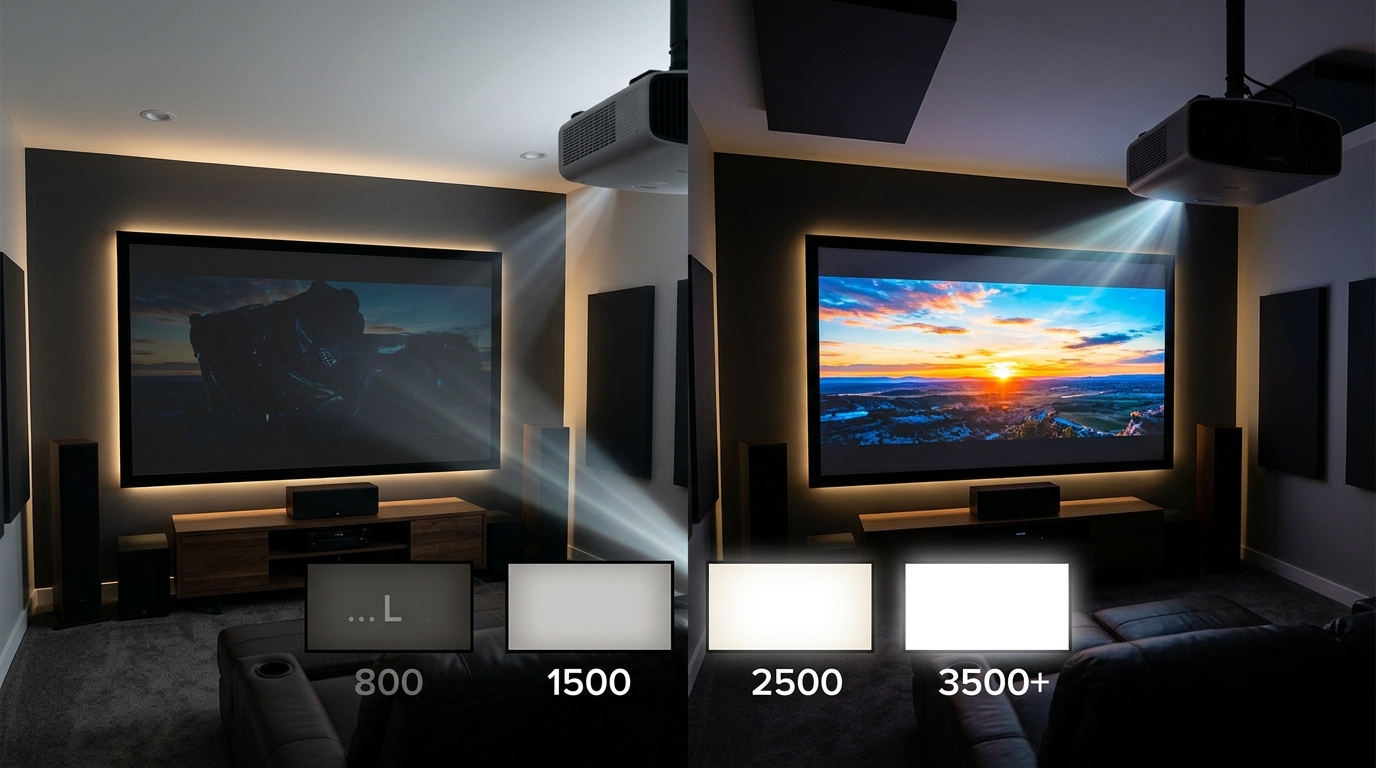
If your projector will live in a family room or living space with ambient light, brightness becomes your friend. LCD projectors generally deliver the most lumens per dollar. DLP with a laser light source can also be very bright. In these rooms, high contrast is less noticeable because ambient light washes out the blacks anyway.
Primary Use: Movies vs Gaming vs Sports
For movie lovers who watch in a dark room and want the deepest blacks and most film like image, LCoS is the gold standard. If you are on a tighter budget, a good DLP projector with a dynamic iris can still give you respectable contrast for movies without breaking the bank.
For gaming, input lag and motion handling matter most. DLP projectors often have the lowest input lag and the fastest response times. Many current DLP models support 120Hz at 1080p and some even at 4K. LCD and LCoS are catching up, but DLP still leads for competitive gamers.
For sports and live events, motion clarity is key. DLP again excels here with its mirror speed. LCD can show a bit of motion blur during fast pans. LCoS handles motion well, but you may pay a premium.
Budget Considerations
Budget usually forces the decision. At the entry level under $1,000, DLP and LCD dominate. LCoS rarely appears below $2,000. If you can only spend $800, look for a DLP or LCD model with a laser light source for longer life. At the mid range ($1,500 to $3,000), DLP and LCoS start to overlap. You can find a solid LCoS like a Sony or JVC on sale, or a premium DLP from BenQ or Optoma. Above $3,000, LCoS is the king, especially for home theater purists.
A Step by Step Process to Decide
Follow these steps to narrow down your choice without getting lost in specs.
-
Assess your room’s light control. Measure how dark you can make the room at your typical viewing time. If you can achieve near total darkness, go for contrast (LCoS or high end DLP). If the room is bright, prioritize brightness (LCD or high lumen DLP).
-
Define your primary use. Write down the three things you watch most. Movies and TV series? Gaming? Sports? A mix? This will guide you toward the technology that best handles your content. For gaming, DLP is usually the safest bet. For movies in a dark room, LCoS wins.
-
Set a realistic budget. Be honest about what you are willing to spend. Remember to leave room for a screen, mount, and cables. If your budget is under $1,500, focus on DLP or LCD. If you can stretch to $2,500, you can start looking at LCoS.
-
Compare short list models within your budget. Use the table above to filter out models that do not meet your minimum requirements. For example, if black levels are critical, skip cheap LCD models.
-
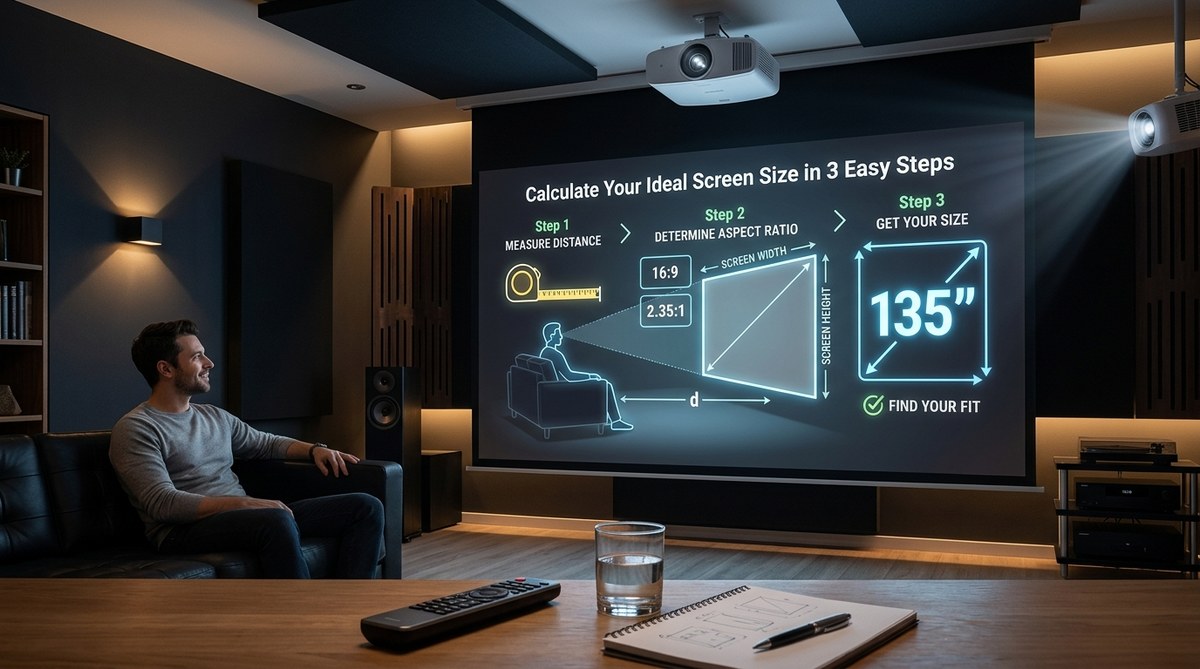
Check the throw distance and lens shift. Even the best technology will look bad if you cannot place the projector correctly. Use a throw distance calculator to verify the projector fits your room. For help, read our guide on how to calculate projector throw distance for your room size.
Expert advice: If you can see the projector in person at a local store, do it. Sit at a normal viewing distance and look for rainbow artifacts on DLP, screen door on LCD, and black levels in a dim room. Your eyes are the best calibration tool.
Common Mistakes to Avoid
Even smart buyers get tripped up by these errors. Here are the ones I see most often.
- Ignoring ambient light. You bought a high contrast LCoS projector but your room has a white ceiling and a sliding glass door. The black levels will look gray. Match the technology to your room first.
- Choosing based on resolution alone. 4K is great, but a 4K LCD projector with low contrast can look worse than a 1080p LCoS in a dark room. Resolution is not everything.
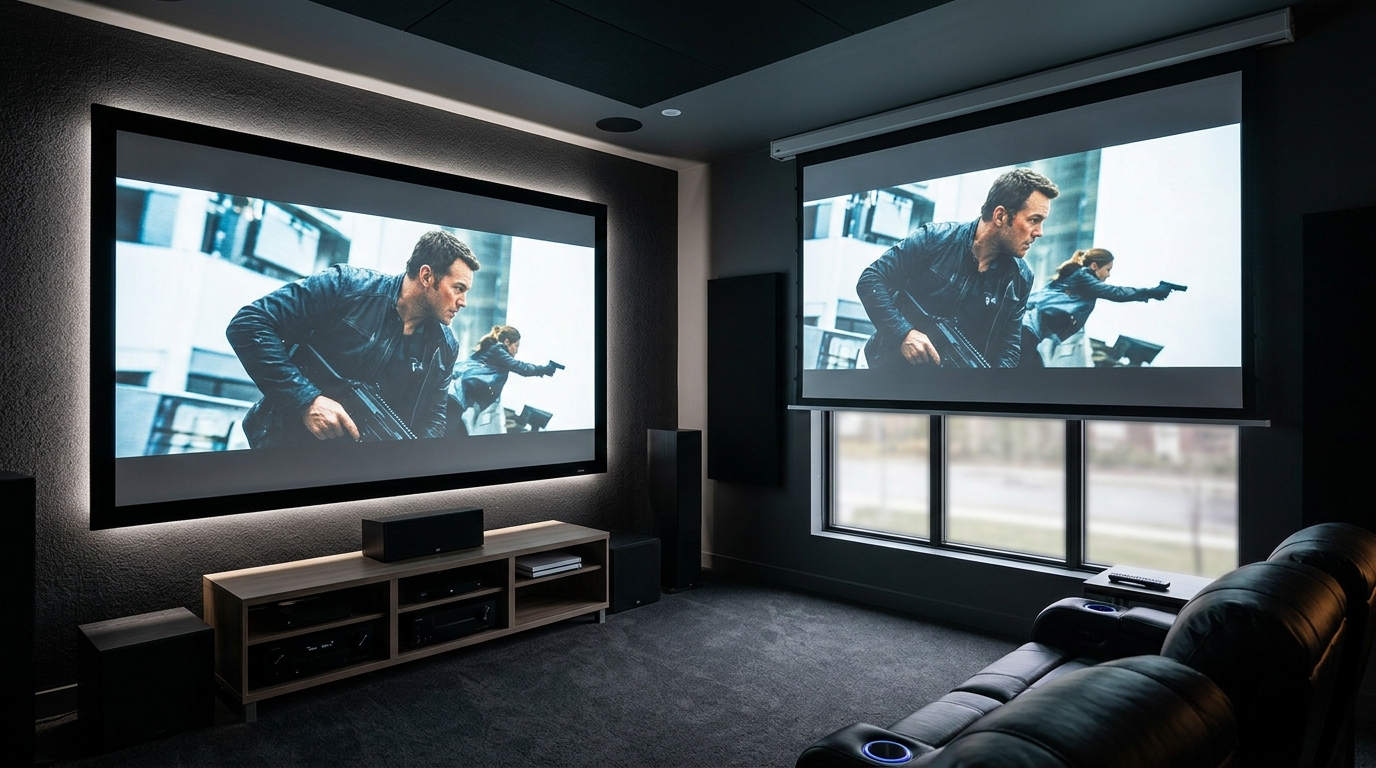
- Forgetting about the screen. A cheap white screen can kill the advantages of an expensive projector. Pair your technology with a proper screen. Check our guide on gray vs white projector screens to see which material suits your room.
- Overlooking noise. DLP and LCD projectors with high brightness often have noisy fans. If the projector will sit near your seating, noise matters. LCoS models tend to be quieter.
- Assuming all DLP projectors have rainbow artifacts. Not everyone sees them. If you are sensitive, look for DLP projectors with a laser light source (they typically have a faster color wheel or no wheel at all) to reduce the chance.
Making Your Final Decision
By now you should have a clear picture of which technology fits your home theater. Let me summarize it in plain language.
If you want the most cinematic experience in a pitch black room and you have a budget above $2,000, buy LCoS. You will get black levels that make movies pop and details that last for years.
If you need a versatile projector for mixed use in a living room or game room, go DLP. You get sharp motion for gaming and sports, decent contrast for movies, and models that are compact and affordable.
If you are on a tight budget or you need maximum brightness for a room with some light, choose LCD. It may not match the black levels of LCoS, but it will give you a big, vibrant picture that feels like a bargain.
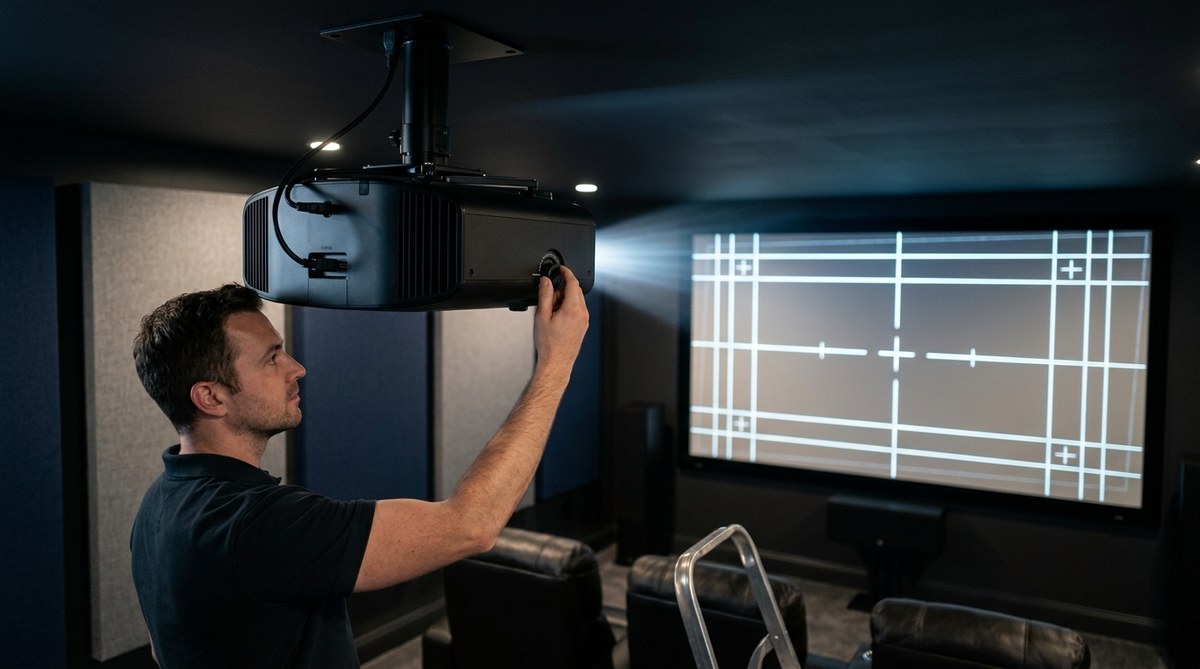
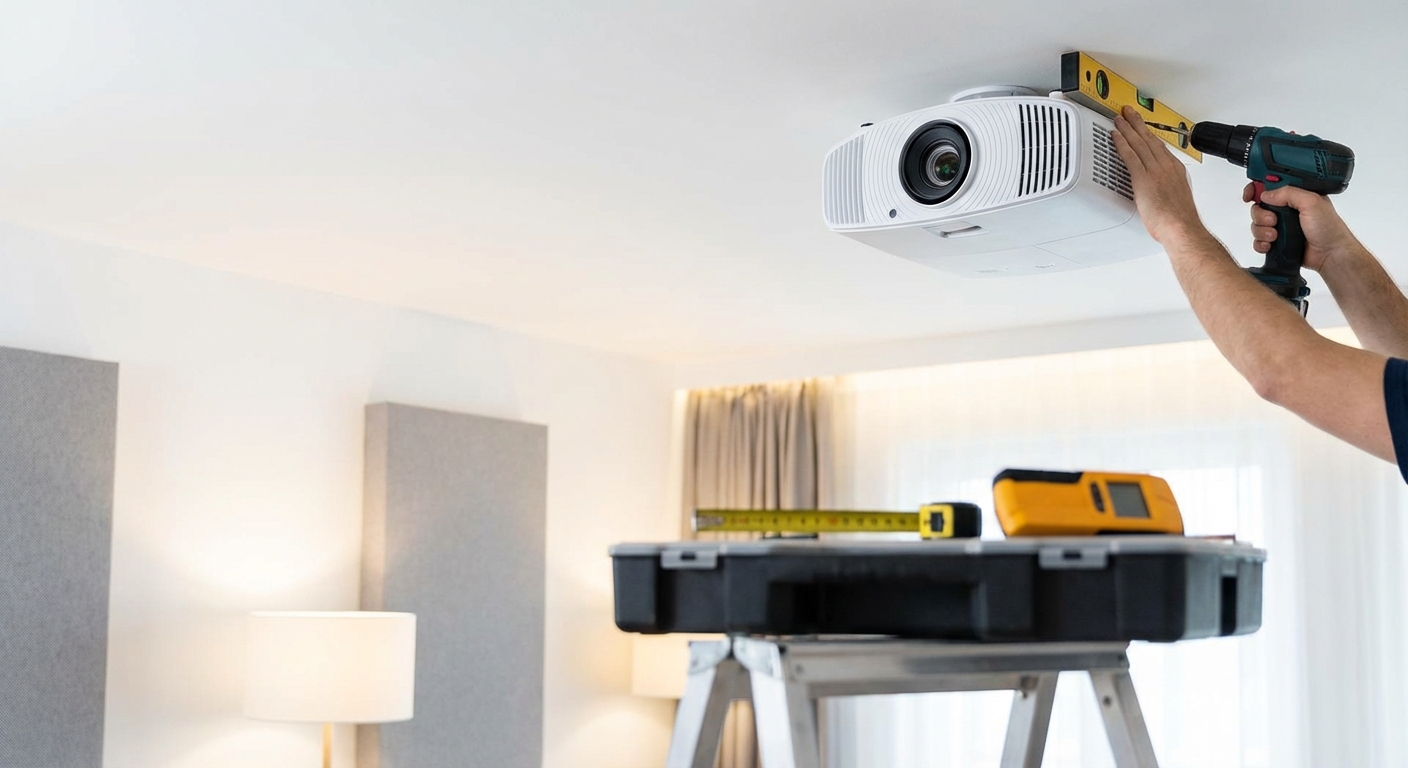
One more thing: do not forget the setup. A great projector technology can be ruined by poor placement or a bad screen. Take the time to mount it correctly and calibrate it. If you run into issues, our guide on 5 common projector setup mistakes that ruin your picture quality can save you from headaches.
Choosing projector technology does not have to be stressful. Think about your room, your viewing habits, and your budget. The right choice will reward you with hundreds of movie nights and gaming sessions that feel like the real thing. Now go pick your projector and start building the home theater you deserve.

Leave a Reply