
Home theater enthusiasts understand that achieving perfect sound requires more than just high-quality speakers and an impressive receiver. Room acoustics and calibration play a crucial role in delivering immersive audio. Modern receiver auto-calibration systems are designed to simplify this process, automatically adjusting your system to suit your unique space. But with several options available, knowing which technology best fits your setup can be confusing. This comparison will help you understand the strengths and limitations of popular room calibration systems like Audyssey, YPAO, and Dirac, guiding you toward making an informed choice for your home theater.
Choosing the right receiver auto-calibration system depends on your room size, sound preferences, and technical expertise. Audyssey offers user-friendly setup, YPAO is Yamaha’s straightforward option, and Dirac provides advanced, precise tuning for audiophiles. Understanding their differences helps you optimize your home theater experience with confidence and ease.
Understanding Room Calibration Technologies
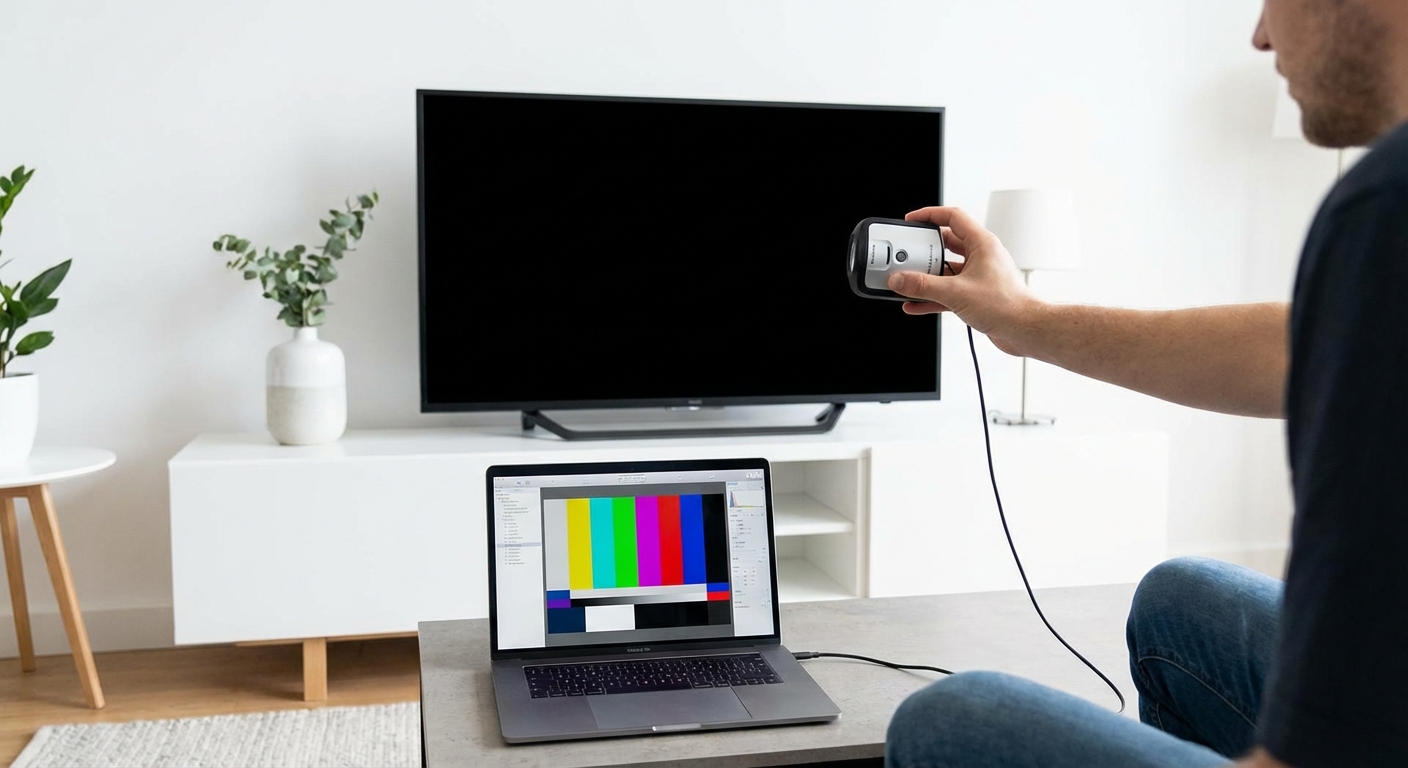
Room calibration systems analyze your space, speakers, and listening position, then automatically adjust settings like speaker levels, delays, and equalization. Their goal is to compensate for room acoustics that often distort sound. Each system has unique features, algorithms, and degrees of sophistication. Here’s a breakdown of the three popular players.
Audyssey: The Veteran of Room Correction
Audyssey has been a staple in home theater calibration for over a decade. Its most common version, Audyssey MultEQ, uses a microphone to measure sound responses from multiple listening positions. It then applies filters and adjustments to ensure balanced sound across your room.
Strengths
– User-friendly setup process
– Works well in most typical rooms
– Provides multiple calibration points for better accuracy
– Widely supported across many AV receivers
Limitations
– Can sometimes overcompensate, leading to unnatural sound
– Less effective in highly reflective or irregular rooms
– Basic versions may lack advanced features like dynamic EQ or low-frequency calibration
Yamaha’s YPAO: The Simplified Solution
YPAO (Yamaha Parametric Room Acoustic Optimizer) is Yamaha’s room calibration system. Like Audyssey, it measures your room with a microphone and makes automatic adjustments. It often integrates seamlessly with Yamaha receivers, making setup straightforward.
Strengths
– Very simple to use, ideal for beginners
– Quick setup process
– Good at balancing levels and delays
– Often includes visual feedback to guide adjustments
Limitations
– Slightly less precise than more advanced systems
– Limited in customization options
– Less effective in complicated room acoustics
Dirac Live: The Precision Tuner
Dirac Live is favored by audiophiles and professionals for its advanced algorithms. It offers detailed equalization and phase correction, resulting in a more natural and transparent sound. Dirac requires a compatible receiver or external processor and often involves a more involved calibration process.
Strengths
– Highly accurate room correction
– Preserves soundstage and detail
– Effective in challenging acoustic environments
– Offers customizable filters and target curves
Limitations
– More complex setup process
– Usually requires a dedicated external module or specialized receiver
– Higher cost and learning curve
Comparing the Technologies
| Feature | Audyssey | YPAO | Dirac Live |
|---|---|---|---|
| Calibration process | Automatic, multiple points | Automatic, simple | Advanced, detailed |
| Ease of use | Very friendly | Very friendly | Moderate, more technical |
| Adjustment depth | Moderate | Basic | Deep and precise |
| Room types | Standard to complex | Standard | Challenging acoustics |
| Customization | Limited | Limited | Extensive |
| Cost | Usually included in receivers | Usually included | Separate purchase or premium receivers |
Common Calibration Mistakes
| Mistake | Impact | Solution |
|---|---|---|
| Using only one microphone position | Inaccurate results | Measure from multiple seats |
| Not following calibration instructions | Poor setup | Read all setup steps carefully |
| Ignoring room reflections | Distorted sound | Add acoustic treatments |
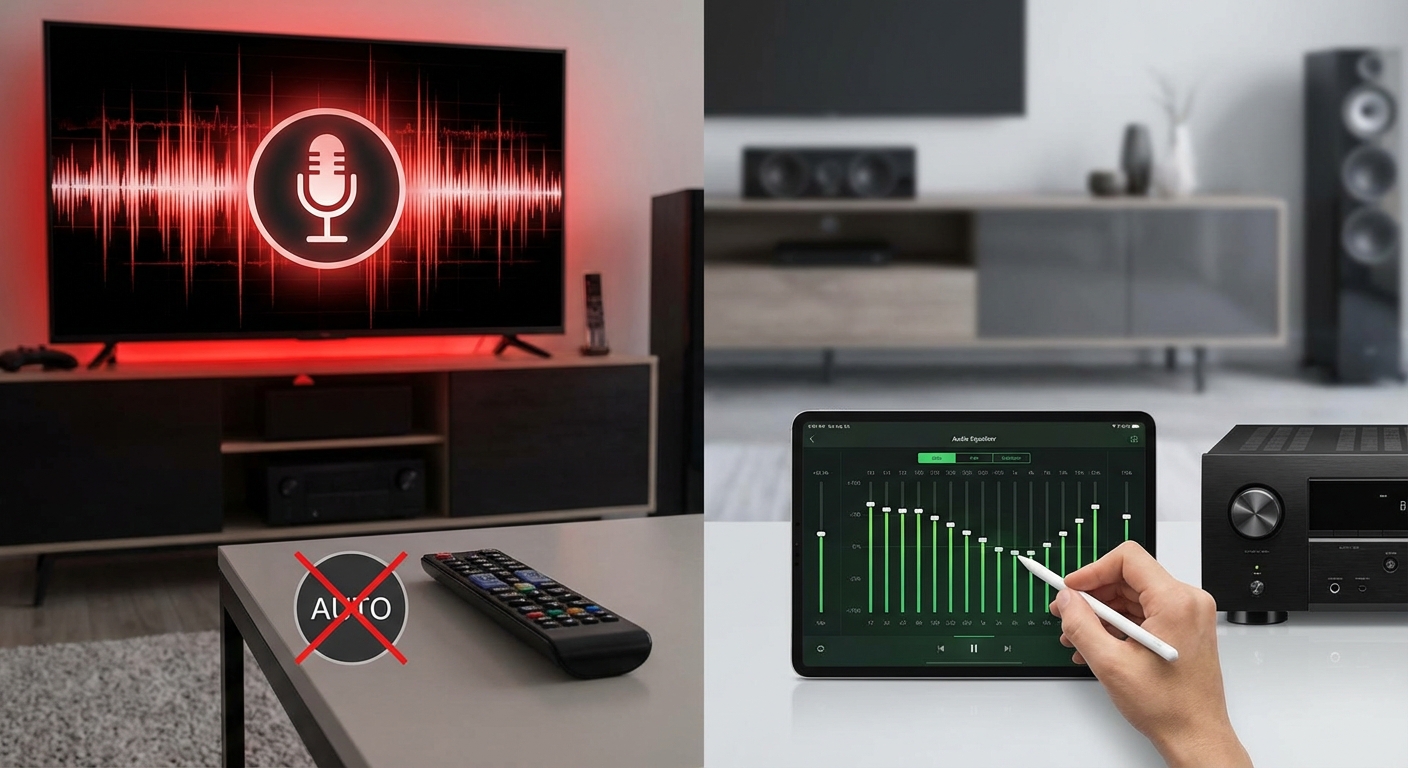
| Over-relying on auto-settings | Unnatural sound | Manually fine-tune after calibration |
Expert tip: Always perform calibration in a typical listening position and avoid moving furniture or speakers afterward. Re-run the calibration after any major room changes for best results.
Choosing The Right System For Your Home Theater
Selecting the best auto-calibration technology hinges on your specific needs and setup complexity. Here are practical guidelines:
-
If you want an easy, fast setup and have a standard room
YPAO or basic Audyssey are excellent choices. They will handle most common issues without fuss. -
If you desire more control and better correction in irregular or challenging rooms
Consider systems with advanced algorithms like Dirac Live, especially if your receiver supports it or if you’re willing to use an external processor. -
For audiophiles who value detailed sound tuning
Dirac’s precise equalization and phase correction make it worth the extra effort. -
If you’re on a budget or prefer simplicity
Many mid-range receivers include Audyssey or YPAO, providing good calibration without additional costs.
Practical Setup Checklist
- Prepare your space
- Remove objects that block speakers or microphones
- Sit in your main listening position
-
Keep the room as typical as possible during calibration
-
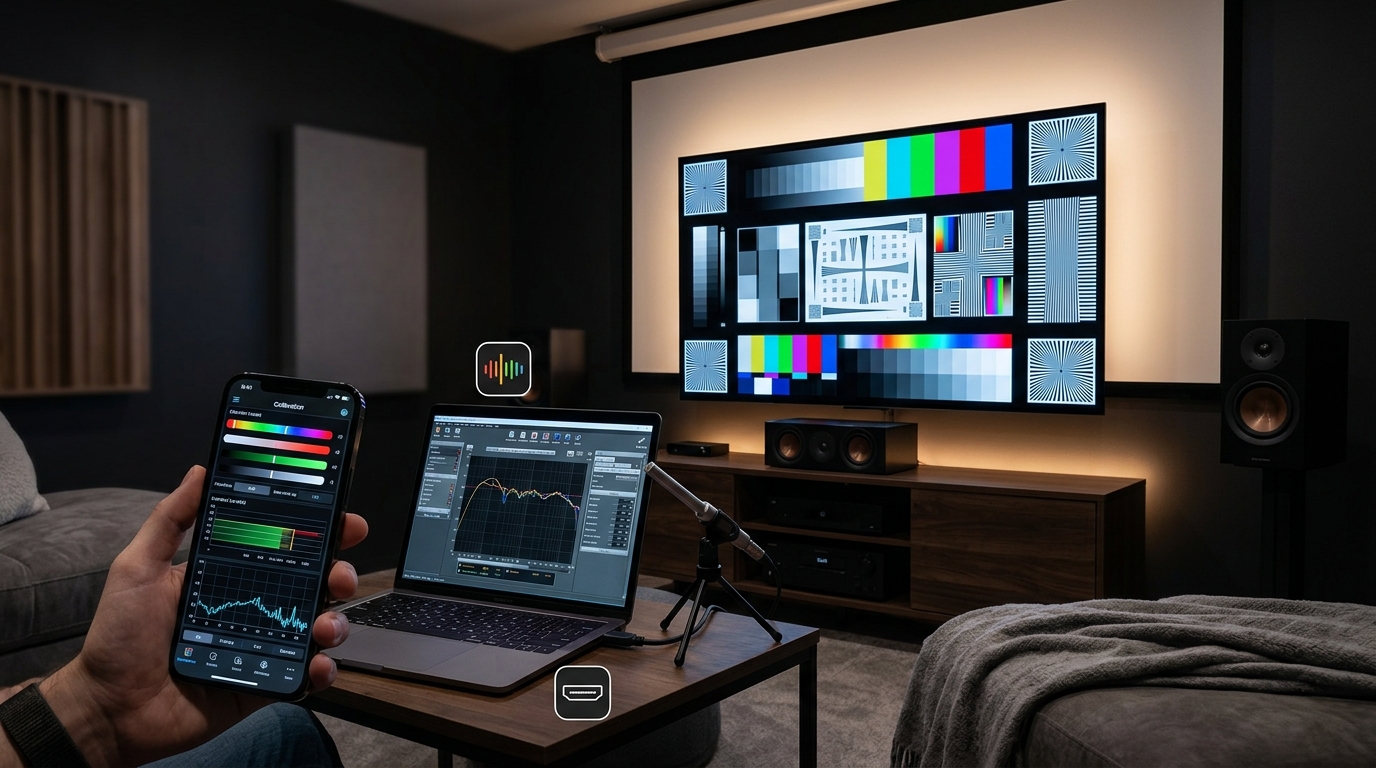
Connect the calibration microphone
- Place it at ear level in your listening position
-
Use multiple positions if your system supports it
-
Run the calibration software
- Follow on-screen instructions carefully
-
Avoid making adjustments during the process
-
Review and fine-tune
- Listen critically after calibration
-
Adjust bass or treble manually if needed
-
Repeat periodically
- Re-calibrate after significant room changes or new equipment
Making the Most of Your Calibration System
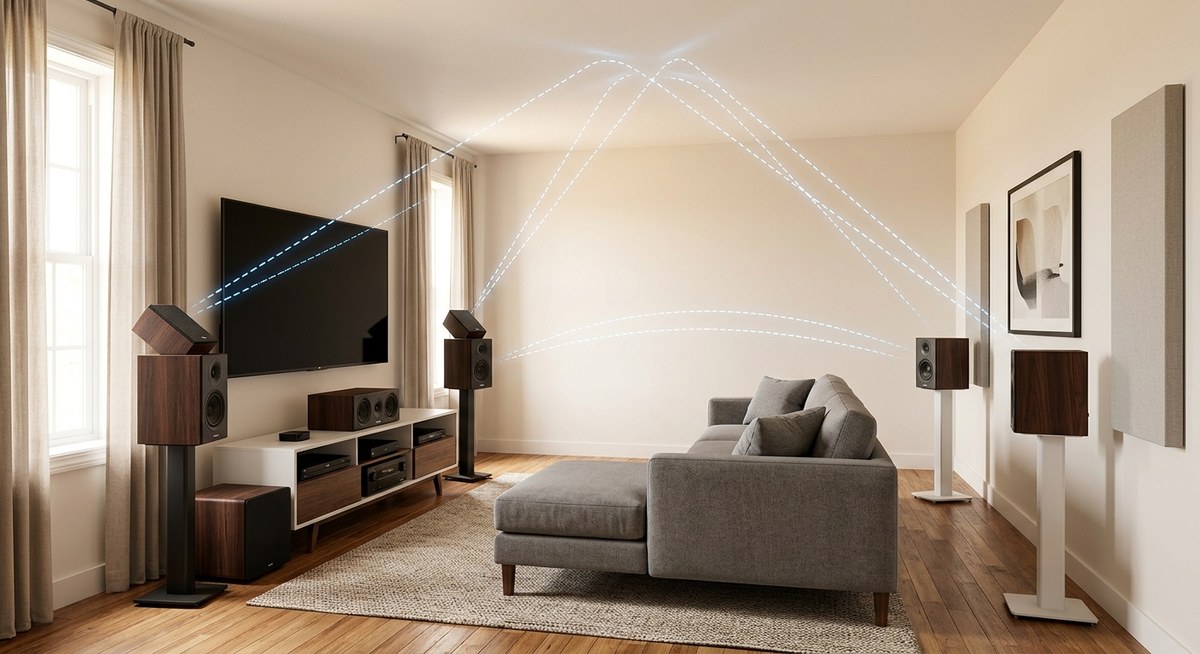
While auto-calibration systems are powerful, they are most effective when complemented by good room acoustics. Consider adding acoustic panels or bass traps to reduce reflections and standing waves. Also, experiment with speaker placement to optimize sound before relying solely on calibration.
Remember, calibration is a tool, not a magic fix. Fine-tuning your system manually after calibration can bring you even closer to perfect sound.
Elevating Your Home Theater Sound
Auto-calibration systems like Audyssey, YPAO, and Dirac Live have revolutionized how enthusiasts set up their home theaters. Understanding their differences ensures you select the technology that aligns with your listening preferences, room characteristics, and technical comfort level. Proper setup combined with thoughtful room treatment can transform your space into a cinematic oasis with immersive, natural sound.
Take the time to learn your system’s calibration capabilities. With a little effort, you can enjoy audio that feels as real as the picture looks. Happy calibrating!

Leave a Reply