
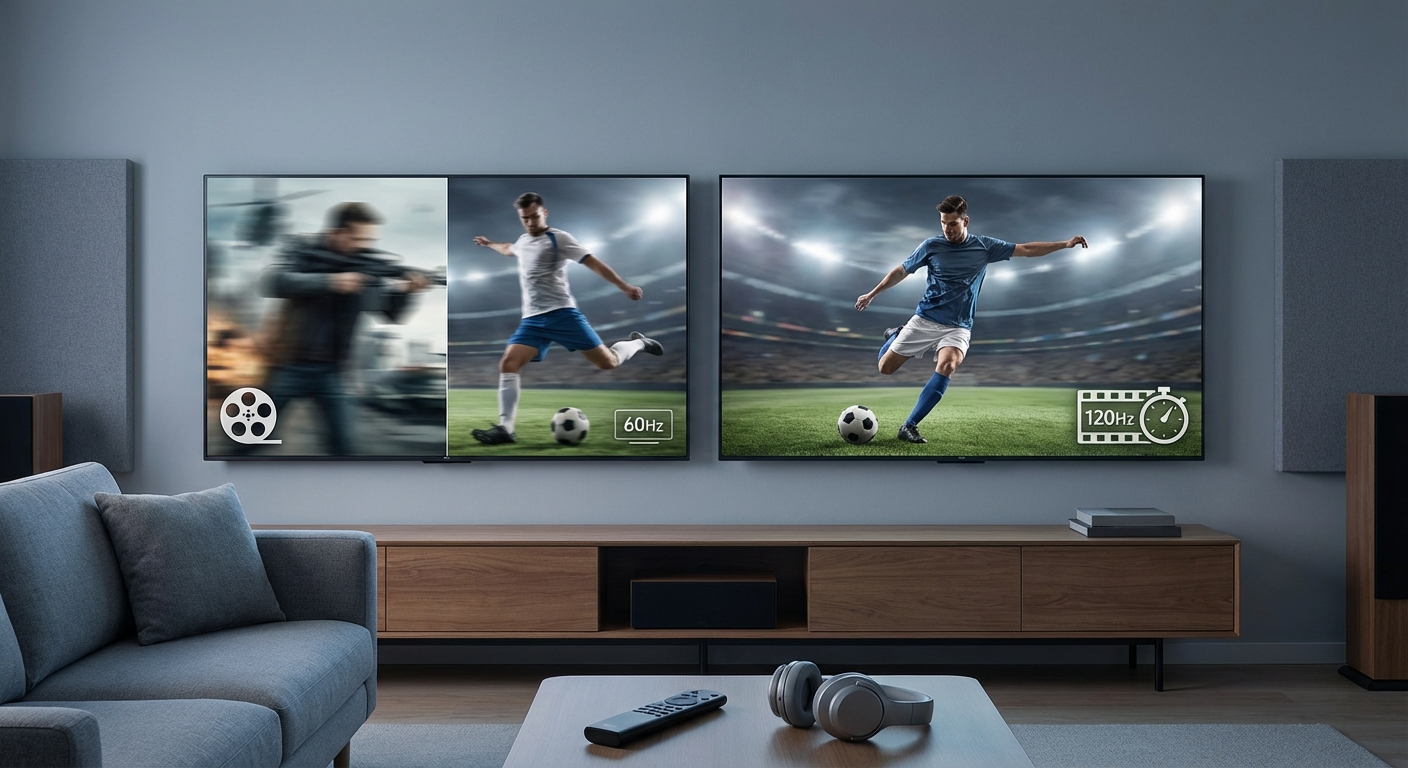
You’re standing in a store staring at two nearly identical TVs. One costs $300 more and promises “120Hz smoothness.” The other is 60Hz and looks perfectly fine. The salesperson is hovering. Your wallet is nervous.
The refresh rate debate trips up almost everyone shopping for a TV. Marketing materials throw around numbers and buzzwords, but they rarely explain what you’ll actually see on screen when watching Sunday football or streaming the latest action movie.
A 60Hz TV refreshes the image 60 times per second and handles most movies and shows perfectly fine. A 120Hz TV doubles that rate, reducing motion blur during fast sports and enabling smoother gaming. For casual viewers who mainly watch streaming content, 60Hz is enough. Sports fans and gamers benefit noticeably from 120Hz, especially if they own current-generation consoles or watch live broadcasts.
What refresh rate actually means for your viewing experience
Refresh rate measures how many times per second your TV redraws the entire screen. A 60Hz panel updates 60 times per second. A 120Hz panel does it 120 times.
That sounds simple, but here’s where it gets confusing. Most content you watch isn’t even produced at these rates.
Movies are filmed at 24 frames per second. Network TV shows run at 30 or 60 frames per second. Streaming services typically deliver content at 24, 30, or 60 frames per second depending on the show.
Your TV has to take that incoming content and display it on a screen that’s refreshing at its native rate. This creates a mismatch that manufacturers handle in different ways.
A 60Hz TV showing a 24fps movie will repeat some frames to fill the gap. A 120Hz TV can divide evenly into 24fps (showing each frame five times), which actually creates smoother motion in theory.
But theory and practice don’t always match up.
How 60Hz and 120Hz TVs handle different content types
The content you watch matters more than the number on the spec sheet.
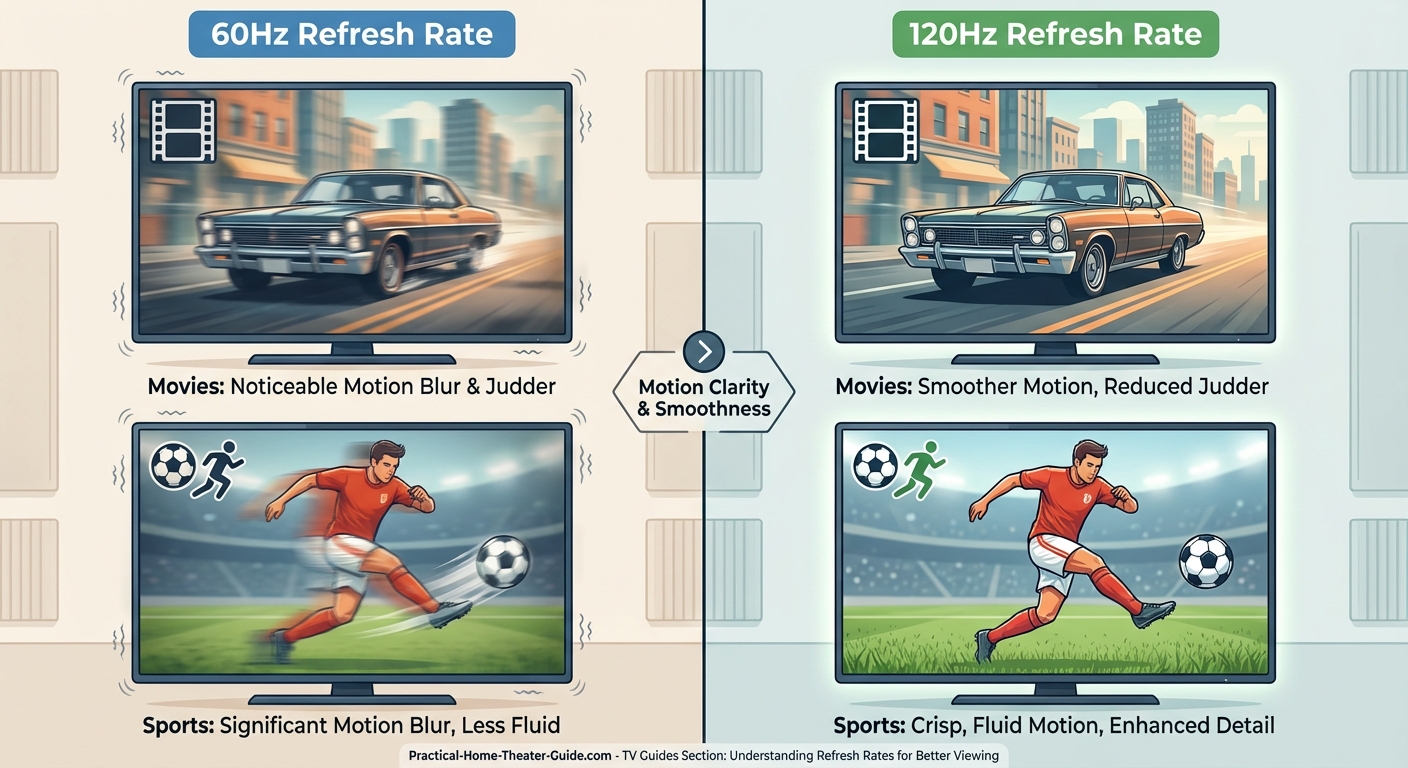
Movies and streaming shows: Most films and scripted TV shows are shot at 24 frames per second. This cinematic frame rate has been standard since the 1920s. Both 60Hz and 120Hz TVs display this content well, though they use different techniques.
A 60Hz display uses a method called 3:2 pulldown. It shows some frames three times and others twice to match the 24fps source to the 60Hz refresh. This can create slight judder during slow panning shots.
A 120Hz display can show each 24fps frame exactly five times, creating mathematically perfect playback. But many viewers can’t tell the difference unless they’re specifically looking for it during slow camera movements.
Live sports: This is where refresh rates start to matter. Sports broadcasts in the US typically air at 60 frames per second. A 60Hz TV displays this content natively without any frame manipulation.
A 120Hz TV can reduce motion blur during fast action by using techniques like black frame insertion or backlight scanning. When a soccer player sprints across the field or a hockey puck flies toward the goal, you’ll see crisper motion on a 120Hz panel.
The difference is real but not dramatic. You’re not getting twice the clarity just because the number doubled.
Gaming: Console and PC gaming is where 120Hz truly shines. The PlayStation 5 and Xbox Series X can output games at 120 frames per second. A 60Hz TV will cut that frame rate in half, wasting the console’s capability.
If you game regularly on current-generation hardware, 120Hz becomes essential rather than optional. The smoother motion gives you a competitive edge in multiplayer games and makes single-player action feel more responsive.
The motion smoothing confusion that trips everyone up
Here’s where TV manufacturers muddy the water. Many 60Hz TVs claim effective refresh rates of 120Hz, 240Hz, or even higher through motion smoothing features.
These aren’t real refresh rates. They’re marketing terms for software processing.
Motion smoothing (also called motion interpolation or the soap opera effect) creates artificial frames between the real ones. The TV analyzes two consecutive frames and generates an in-between frame to make motion appear smoother.
This processing happens on both 60Hz and 120Hz TVs. It can make sports and action scenes look more fluid, but it also creates the infamous soap opera effect that makes movies look like cheap daytime television.
Most home theater enthusiasts turn this feature off immediately. It destroys the cinematic look that directors intended. But for live sports, some viewers prefer it.
The key point: a 60Hz TV with motion smoothing is not the same as a native 120Hz panel. The artificial frames introduce artifacts and processing lag that a true 120Hz display doesn’t have.
Practical differences you’ll actually notice
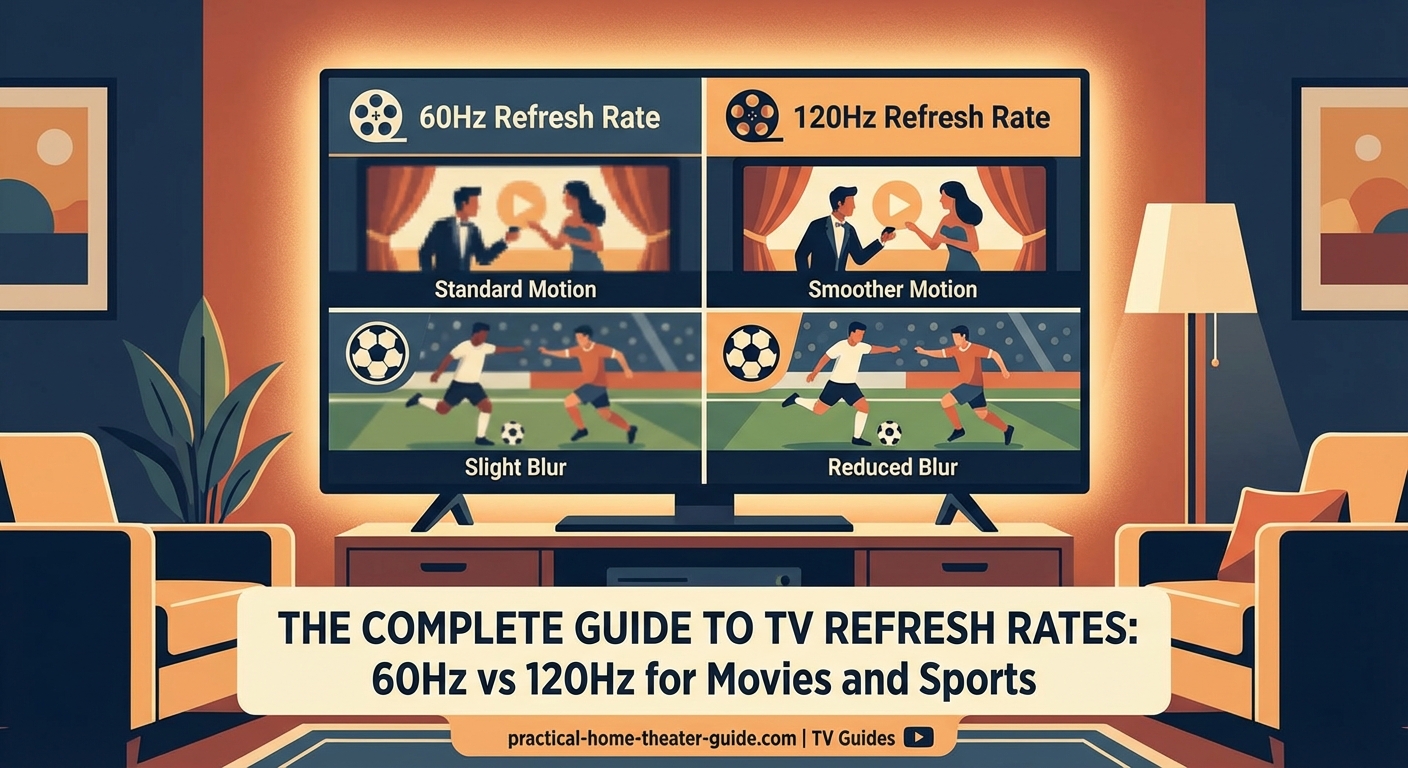
Let’s get specific about what changes when you upgrade from 60Hz to 120Hz.
Motion clarity during fast action: A 120Hz panel reduces the blur you see when objects move rapidly across the screen. This matters most for sports, nature documentaries with quick animal movements, and action movies with lots of camera shake.
The improvement is moderate, not transformative. You’re talking about going from “pretty good” to “slightly better.”
Input lag for gaming: Higher refresh rates typically come with lower input lag, which is the delay between pressing a button and seeing the result on screen. For competitive gaming, this matters significantly. For single-player story games, less so.
Judder during slow pans: Some viewers notice judder when the camera slowly pans across a landscape in movies. A 120Hz TV can reduce this artifact, though proper frame rate matching (displaying 24fps content at 24Hz) solves it on any TV.
Price premium: This is the most noticeable difference. A 120Hz TV typically costs $200 to $500 more than a comparable 60Hz model. Sometimes the price gap is even larger.
Checklist for deciding which refresh rate you need
Use these questions to figure out if 120Hz is worth the extra cost for your situation.
- Do you own a PlayStation 5, Xbox Series X, or gaming PC capable of 120fps output?
- Do you watch live sports multiple times per week?
- Are you sensitive to motion blur during fast action scenes?
- Is your budget flexible enough to absorb a $300+ price increase?
- Are you buying a TV larger than 55 inches where motion artifacts become more visible?
If you answered yes to three or more questions, 120Hz makes sense. If you answered yes to fewer than three, save your money and stick with 60Hz.
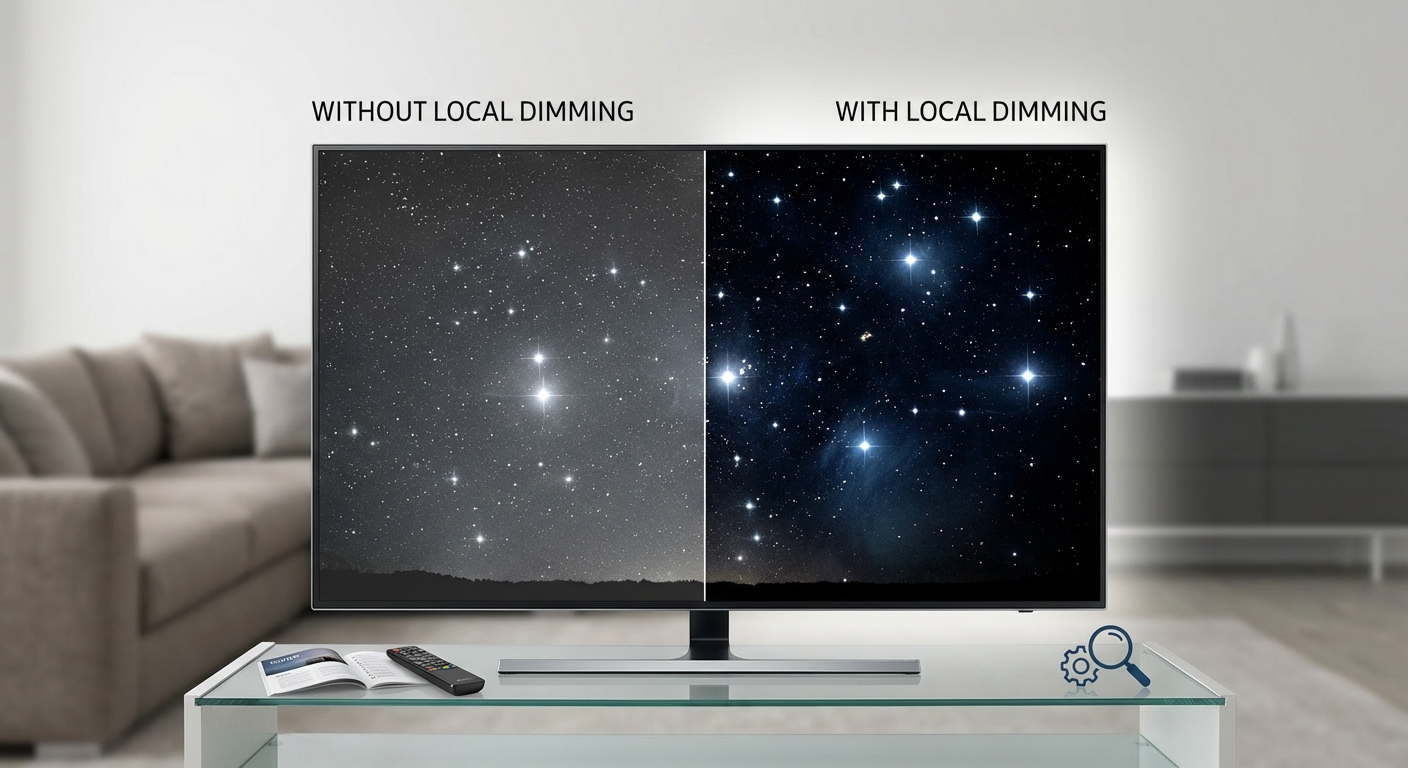
The refresh rate is just one specification among many. Panel quality, HDR performance, and color accuracy matter more for overall picture quality than the difference between 60Hz and 120Hz for most viewers. Don’t sacrifice better contrast or brightness just to get a higher refresh rate.
Common mistakes when comparing refresh rates
People make predictable errors when shopping based on refresh rate specs.
| Mistake | Why it’s wrong | What to do instead |
|---|---|---|
| Believing “effective” refresh rates | Marketing terms like “TruMotion 240Hz” don’t represent real panel refresh rates | Look for “native refresh rate” in detailed specs |
| Assuming higher is always better | 120Hz on a cheap TV with poor contrast looks worse than 60Hz on a quality panel | Prioritize overall picture quality first |
| Ignoring HDMI port specs | Some TVs have 120Hz panels but only 60Hz-capable HDMI ports | Verify HDMI 2.1 support if you need 120Hz input |
| Paying for 120Hz without 120fps content | A 120Hz TV showing 60fps content performs identically to a 60Hz TV | Match your refresh rate to your actual content sources |
| Forgetting about motion settings | Default motion smoothing can make any refresh rate look artificial | Plan to spend time calibrating your TV properly |
The gaming consideration that changes everything
If you game on modern consoles, the calculation shifts dramatically. The PlayStation 5 and Xbox Series X support 120fps output in many titles. This capability is wasted on a 60Hz display.
Games like Call of Duty, Fortnite, Rocket League, and Devil May Cry 5 all support 120fps modes. The difference between 60fps and 120fps in fast-paced games is immediately obvious. Controls feel more responsive. Motion appears smoother. You can track enemies more easily during chaotic firefights.
For competitive multiplayer gaming, 120Hz isn’t just nice to have. It’s a genuine advantage.
Even if you don’t game competitively, single-player action games benefit from higher frame rates. The improved motion clarity makes combat and traversal more enjoyable.
One caveat: many 120fps modes on consoles reduce resolution or graphical effects to hit the higher frame rate. You’re trading visual fidelity for smoothness. Some games offer a choice between 60fps at 4K or 120fps at 1080p or 1440p.
This tradeoff is worth it for fast games but probably not for slower-paced story games where you want maximum visual detail.
Sports viewing and the broadcast limitation
Live sports broadcasts in the United States air at 60 frames per second maximum. This means a 120Hz TV isn’t displaying more actual information during a football game.
But 120Hz panels still improve sports viewing through motion handling techniques. Black frame insertion flashes the backlight on and off rapidly, reducing the blur your eyes perceive during motion. This makes it easier to track a baseball or follow a hockey puck.
Some viewers find this effect too dark or distracting. Others love the added clarity. It’s subjective.
The bigger factor for sports viewing is actually the TV’s response time and processing speed rather than refresh rate alone. A 60Hz TV with excellent motion processing can outperform a 120Hz TV with slow pixel response times.
If sports are your primary concern, test TVs in person with actual sports content before deciding. The spec sheet won’t tell you everything you need to know.
How room size and viewing distance affect your decision
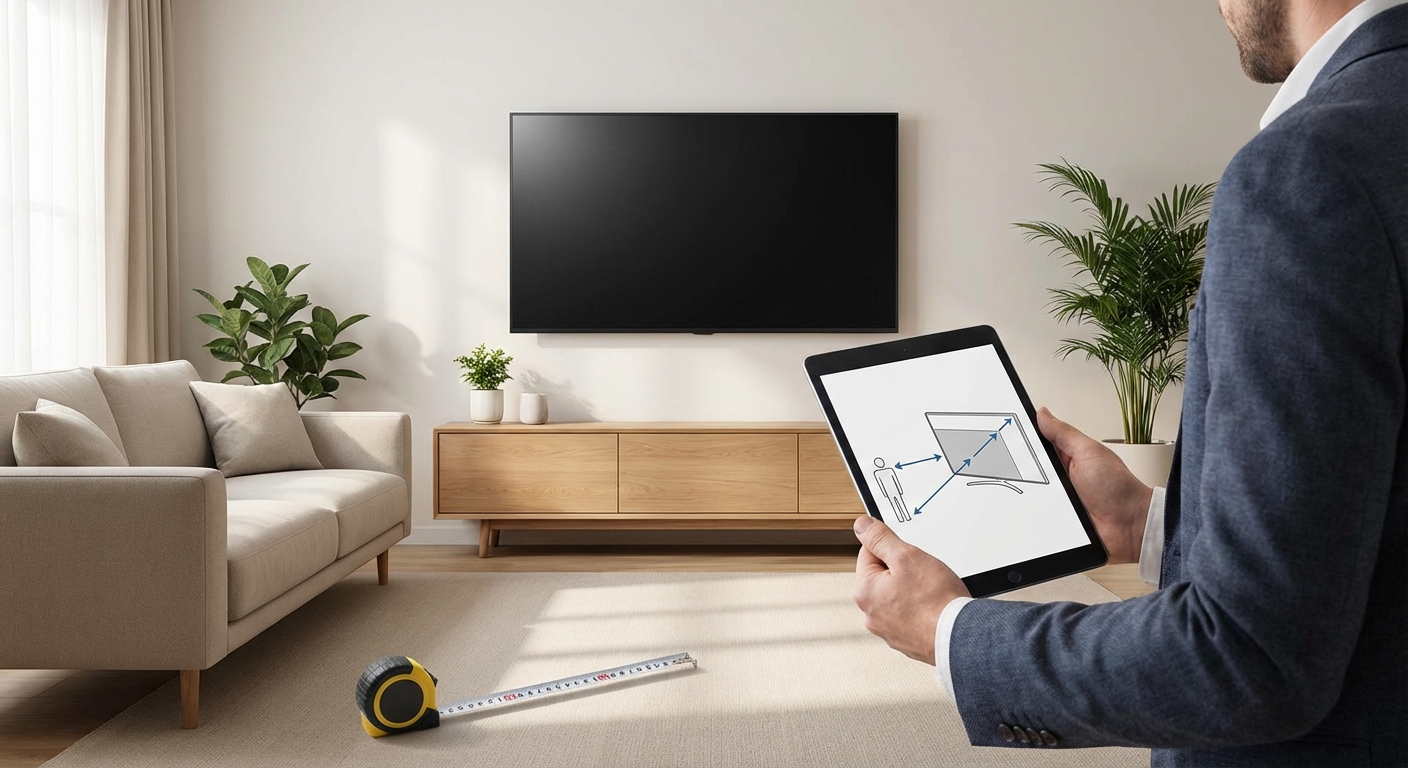
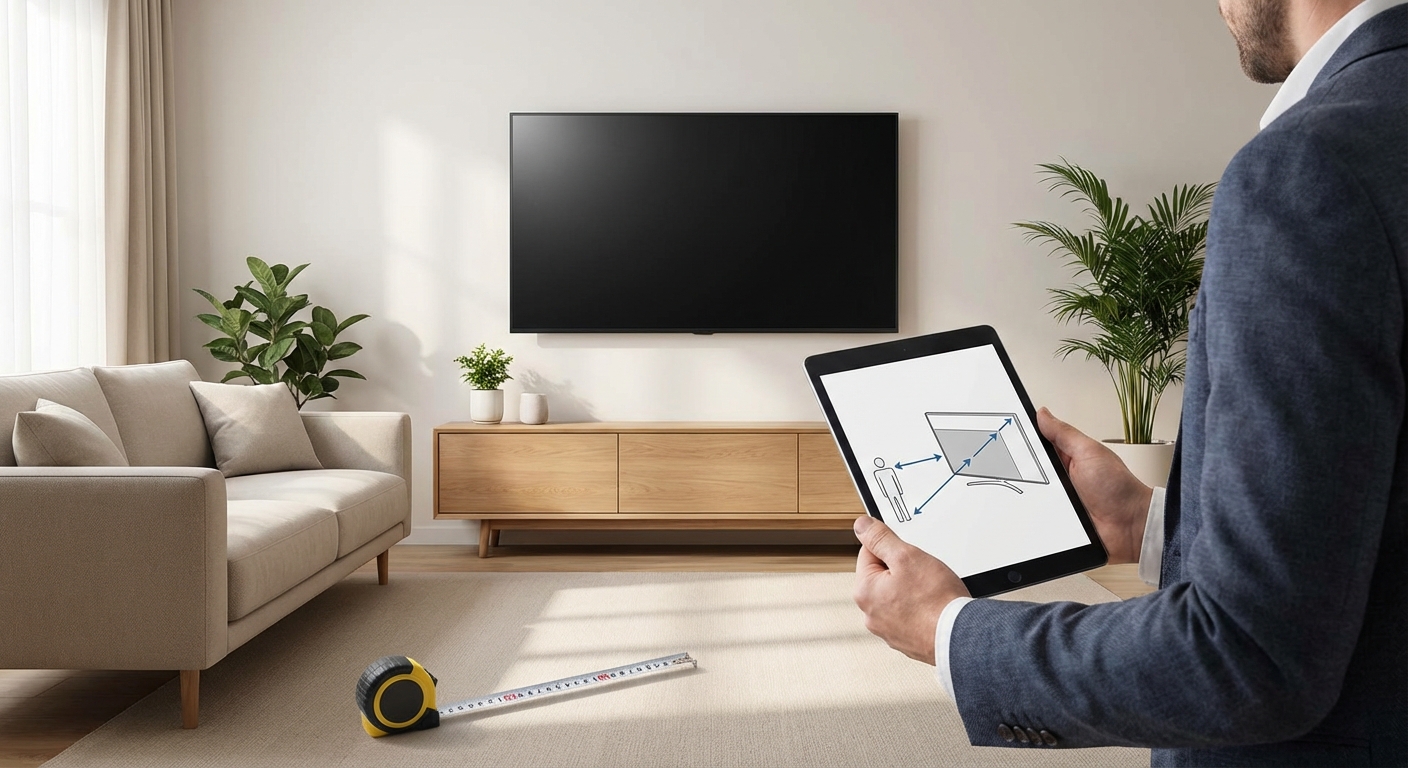
The further you sit from your TV, the less you’ll notice motion artifacts. If you’re sitting 12 feet away from a 55-inch TV, the difference between 60Hz and 120Hz becomes nearly invisible.
Choosing the right TV size for your room distance matters more than most people realize. A properly sized TV at the correct distance will look better than an oversized TV where you’re forced to sit too close or too far.
For smaller rooms where you sit closer to the screen, motion clarity becomes more important. A 120Hz panel makes more sense in a bedroom with a 43-inch TV where you’re sitting 6 feet away than in a large living room where you’re 15 feet from a 65-inch screen.
Screen size also matters. Larger panels make motion artifacts more visible because your eyes can track individual objects more easily. A 75-inch TV benefits more from 120Hz than a 43-inch TV showing the same content.
The technology interaction you need to understand
Refresh rate doesn’t exist in isolation. It interacts with other TV technologies in ways that affect your viewing experience.
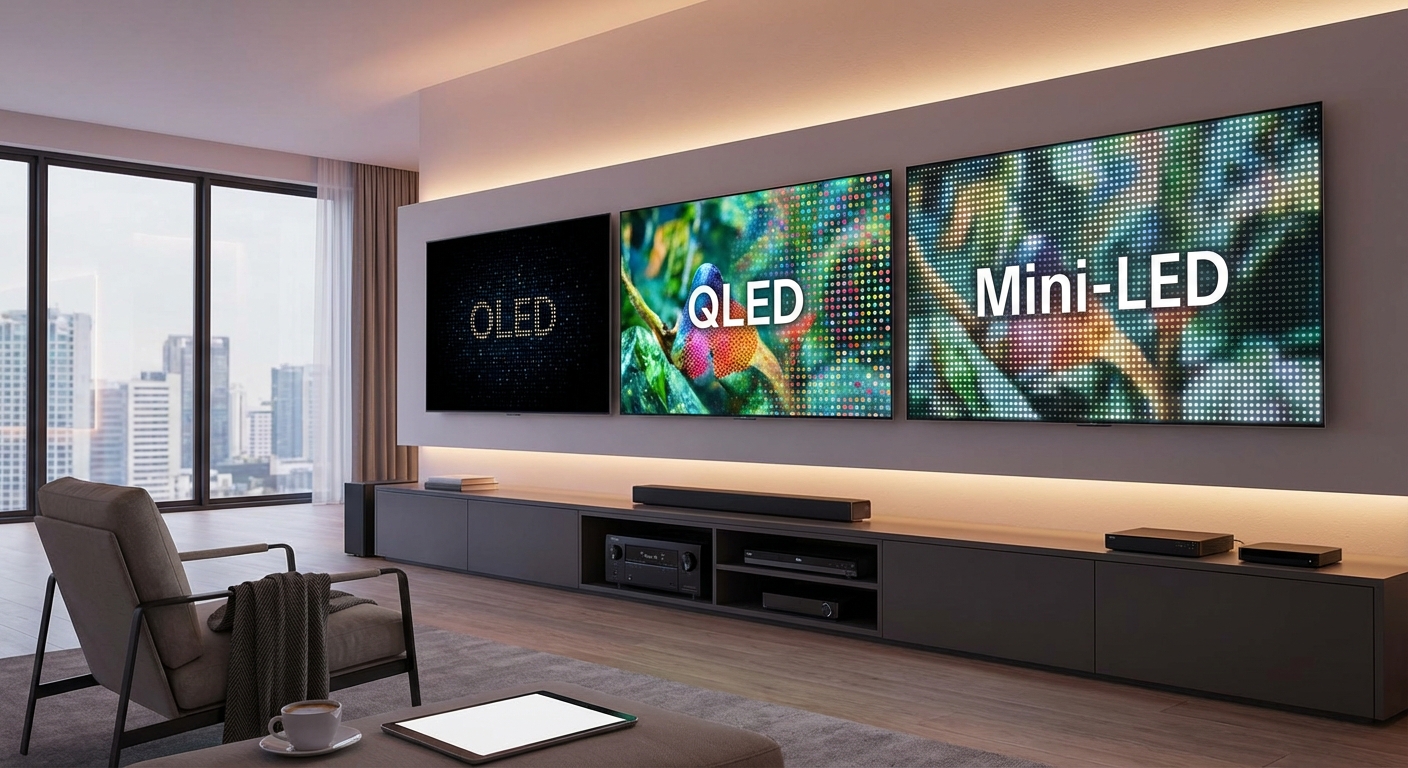
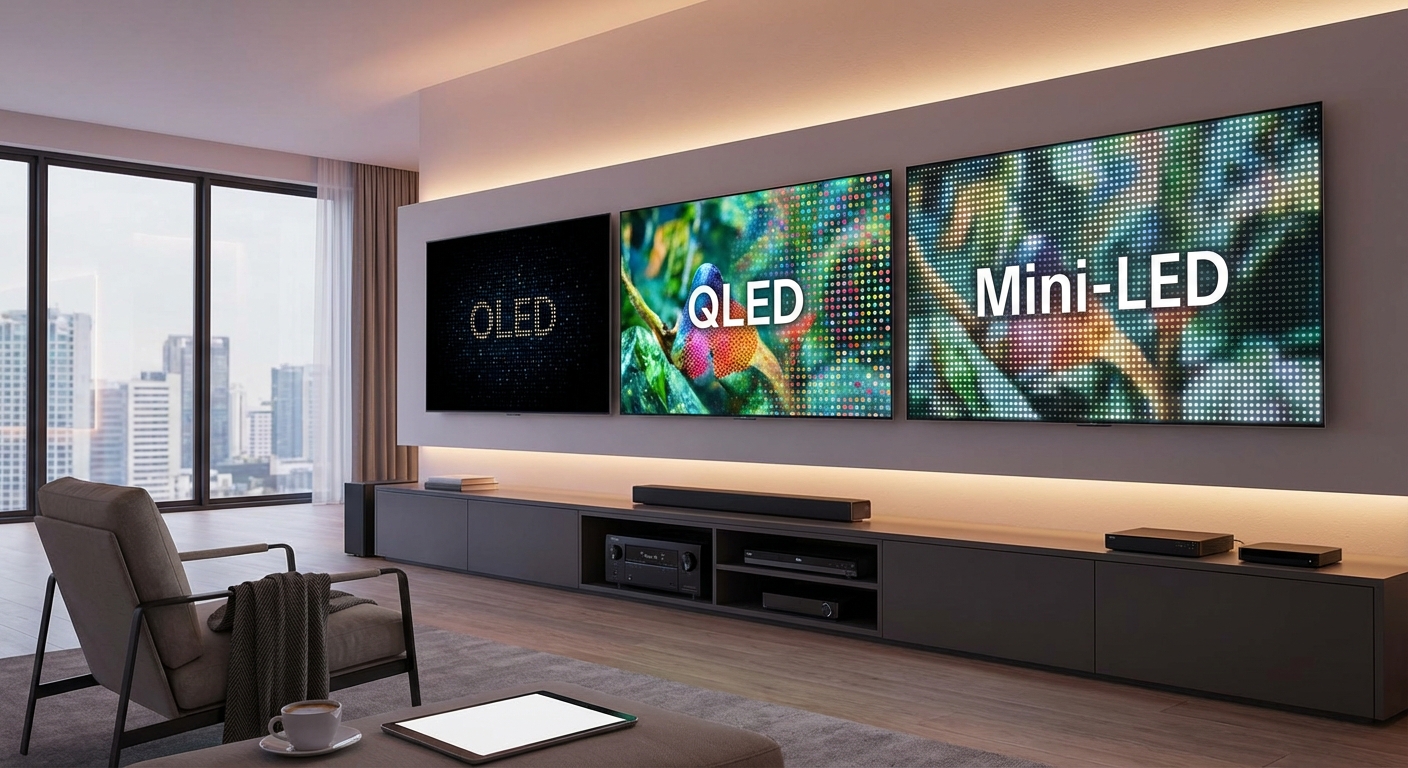
OLED panels respond faster than LCD panels, which reduces motion blur even at 60Hz. An OLED TV at 60Hz can look smoother than an LCD TV at 120Hz because the pixels change color almost instantaneously. If you’re considering OLED vs QLED vs mini-LED technologies, factor in how panel type affects motion handling.
HDR processing can introduce lag that negates some benefits of higher refresh rates. Make sure any TV you consider has low input lag in HDR mode if you plan to game in HDR at 120Hz.
Variable refresh rate (VRR) technologies like HDMI 2.1 VRR, FreeSync, and G-Sync only work properly on 120Hz TVs. These features eliminate screen tearing during gaming by syncing the TV’s refresh rate to the console or PC’s output frame rate.
If you care about gaming, you want VRR support. And VRR requires 120Hz to function properly with current-generation consoles.
Real-world scenarios that clarify the decision
Let’s walk through specific viewer profiles to make this concrete.
Sarah streams Netflix and HBO Max every evening. She watches dramas, comedies, and the occasional action movie. She doesn’t own a gaming console. Her viewing habits involve 24fps movies and 30fps TV shows.
Recommendation: 60Hz is perfectly adequate. Sarah won’t benefit from 120Hz in any meaningful way. She should spend her budget on better HDR performance and color accuracy instead.
Mike watches NFL games every Sunday and college basketball twice a week. He occasionally plays single-player story games on his PlayStation 5 but isn’t competitive.
Recommendation: 120Hz provides noticeable benefits for sports viewing and enables his console’s full capabilities. The upgrade is worth considering if it doesn’t stretch his budget too thin.
Jessica plays Apex Legends and Overwatch competitively. She owns a gaming PC and wants every possible advantage. She rarely watches traditional TV content.
Recommendation: 120Hz is essential, not optional. Jessica should also verify the TV supports 120Hz at 1440p resolution, as many gaming PCs output at this resolution rather than full 4K.
Tom and Linda watch a mix of everything. They stream movies, watch sports occasionally, and their teenage son games on Xbox Series X several hours per week.
Recommendation: 120Hz makes sense for this household because multiple use cases benefit. The gaming capability alone justifies the upgrade, and the parents will appreciate improved sports viewing.
When 60Hz is the smarter choice
Higher numbers aren’t always better. Here are situations where 60Hz makes more sense than 120Hz.
- Budget constraints: If choosing 120Hz means dropping from OLED to LCD or sacrificing screen size, stick with 60Hz on a better panel.
- Smaller screens: TVs under 50 inches don’t benefit much from higher refresh rates because motion artifacts are less visible on smaller displays.
- Casual viewing only: If you stream comedies and dramas without gaming or sports, you’re paying for a feature you won’t use.
- Older content libraries: If you mainly watch classic movies and older TV shows, these were mastered at lower frame rates where 120Hz provides no advantage.
- Secondary TVs: A bedroom or kitchen TV doesn’t need premium specs. Save 120Hz for your primary viewing area.
The money you save on refresh rate can go toward better speakers, proper room acoustics, or a larger screen that improves your experience more than motion handling.
The future-proofing argument
Some people justify 120Hz as future-proofing. The logic goes that more content will eventually be produced at higher frame rates, making 120Hz TVs more valuable over time.
This argument has merit for gaming but less so for video content. The film industry remains committed to 24fps for theatrical releases. Streaming services have experimented with higher frame rates (like The Hobbit trilogy at 48fps) but audiences largely rejected the look.
Sports broadcasting could theoretically move to 120fps, but the infrastructure costs are enormous. Cameras, production equipment, broadcasting systems, and bandwidth requirements would all need upgrading. This transition isn’t happening soon.
Gaming is different. As consoles and graphics cards get more powerful, 120fps will become standard rather than a performance mode compromise. If you plan to keep your TV for five or more years and you game regularly, 120Hz makes sense as an investment.
For non-gamers, future-proofing based on refresh rate is probably unnecessary. Other technologies like HDR formats, HDMI standards, and smart TV platforms change faster than content frame rates.
Making the final call on refresh rate
The 60Hz vs 120Hz decision comes down to three factors: what you watch, what you play, and what you can afford.
If gaming is part of your regular routine and you own hardware capable of 120fps output, the upgrade pays for itself in improved experience. The smoothness and responsiveness genuinely enhance gameplay.
If you watch sports multiple times per week, 120Hz provides moderate but real improvements in motion clarity. Whether those improvements justify several hundred extra dollars depends on how much you value that incremental upgrade.
If you mainly stream movies and TV shows without gaming, 60Hz handles that content perfectly well. Spend your money on better picture quality fundamentals instead.
The spec sheet tells only part of the story. Two TVs with identical refresh rates can perform very differently based on panel quality, processing speed, and motion handling features. Test TVs in person when possible, especially with the type of content you watch most.
Your next step after choosing a refresh rate
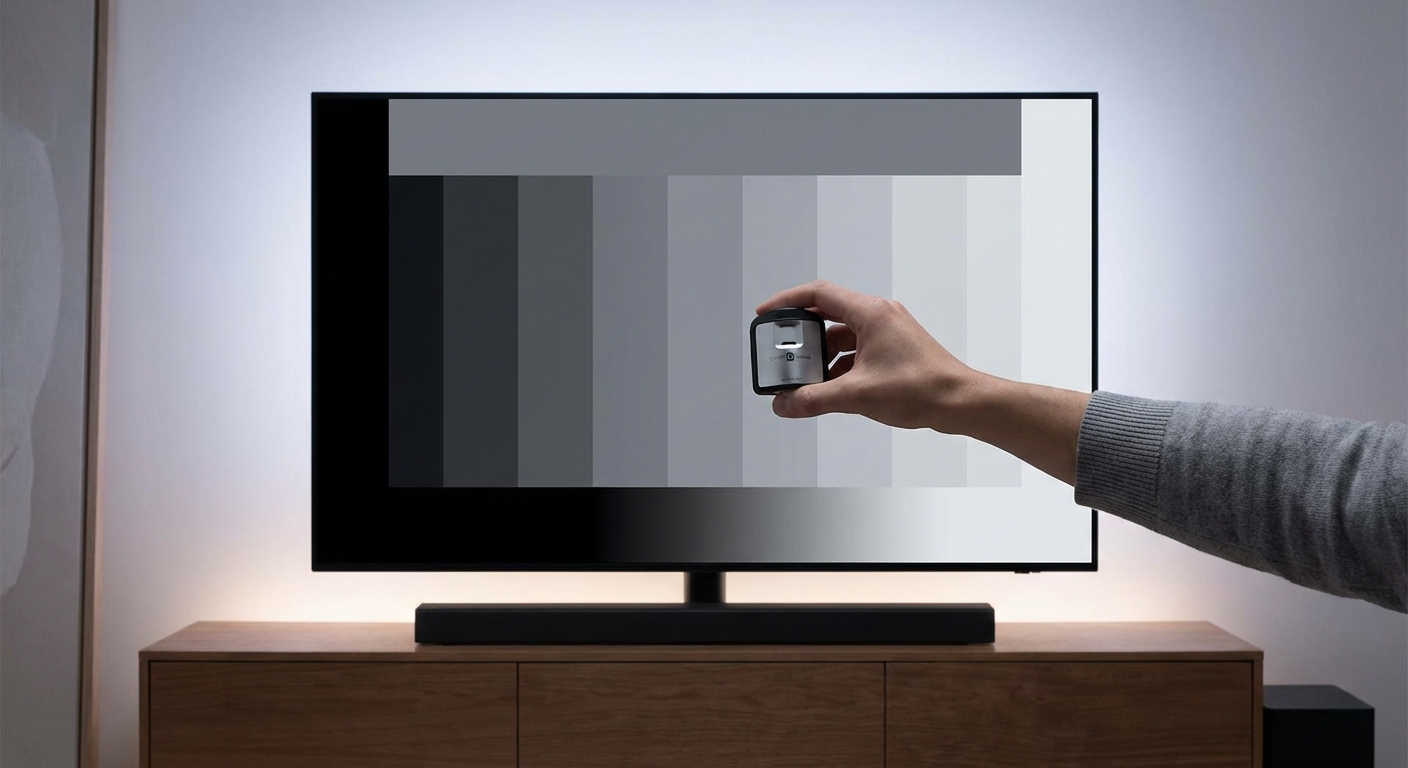
You’ve figured out whether 60Hz or 120Hz makes sense for your needs. Now you can focus on the specifications that matter just as much: contrast ratio, HDR support, color accuracy, and input lag.
Refresh rate is one piece of a larger puzzle. A 60Hz TV with excellent contrast and color will look better than a 120Hz TV with mediocre picture quality for most content. Balance your priorities based on your actual viewing habits rather than chasing the highest numbers on the spec sheet.
Test your final candidates with real content if possible. Bring a USB drive with sports clips, movie scenes, and game footage to the store. See how each TV handles motion in practice rather than trusting marketing claims.
Your eyes are the best measurement tool you have. Trust what you see more than what the box promises.

Leave a Reply