
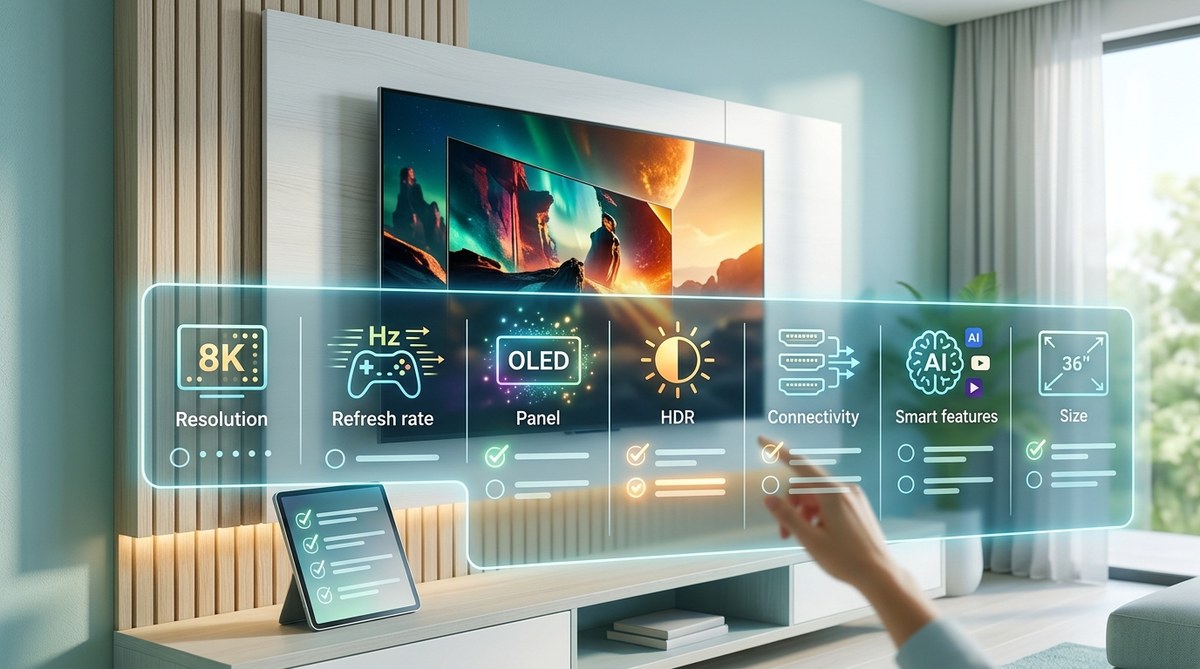
Buying a new television in 2026 is both exciting and overwhelming. The good news is that today’s TVs are better than ever. The bad news is that the spec sheets are packed with confusing terms like local dimming zones, variable refresh rate, and Dolby Vision IQ. You do not need a degree in engineering to make a smart choice. You just need a clear plan.
This TV buying guide 2026 will walk you through exactly what matters. We will skip the marketing fluff and focus on the features that actually improve your picture quality, sound, and daily enjoyment. By the end, you will know exactly which model fits your room, your budget, and your viewing habits.
The best TV for you depends on three things: your room’s lighting, your primary content (movies, sports, or gaming), and your seating distance. Prioritize OLED or high-end Mini-LED for dark rooms. Choose a bright QLED or Mini-LED for living rooms with windows. Always confirm HDMI 2.1 ports if you game. Skip 8K entirely in 2026. Spend your budget on size and panel technology first, then smart features.
Start with Your Room, Not the Spec Sheet
Your living room is not a showroom floor. The lighting, wall colors, and even your furniture all affect how a TV looks. Before you fall in love with a specific model, take a hard look at your space.
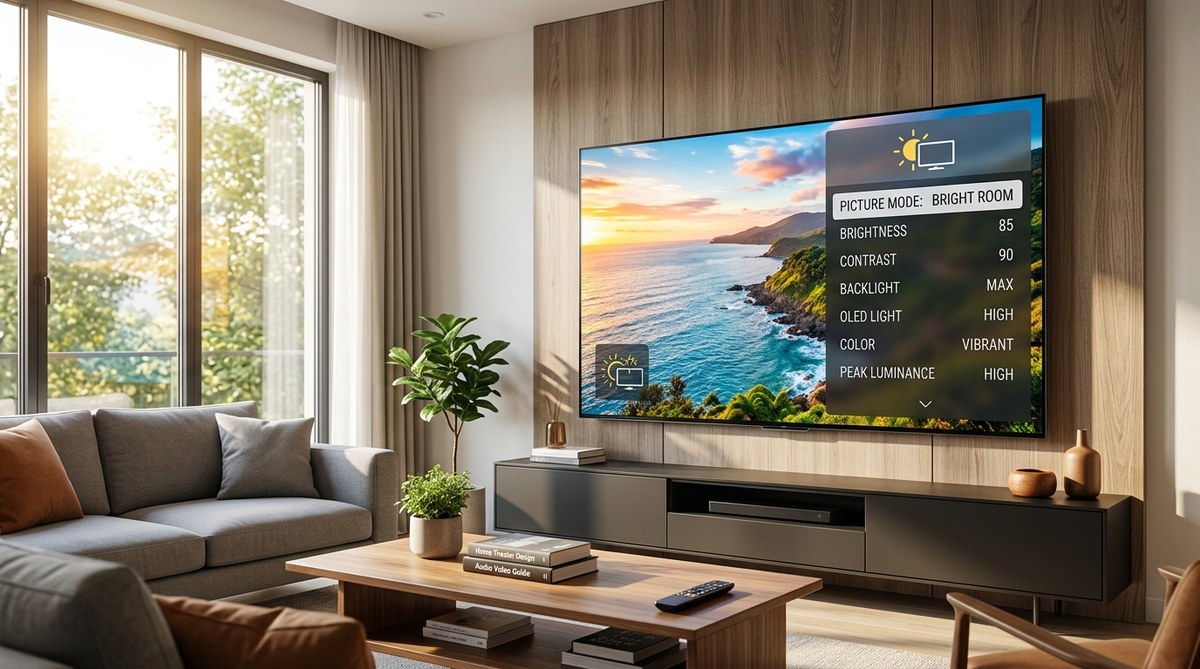
- Bright rooms with windows: You need a TV that fights glare and delivers high brightness. QLED and Mini-LED sets excel here. OLEDs can struggle unless you buy the latest brighter panels.
- Dedicated home theater or dark rooms: OLED is your best friend. Perfect blacks and infinite contrast make movies pop. Mini-LED is a close second if you worry about burn-in.
- Mixed lighting: Most people live here. A good Mini-LED TV with anti-reflective coating gives you the best of both worlds.
Consider your wall color too. Light walls reflect light back at the screen, washing out blacks. Dark walls improve perceived contrast without spending a dime.
The Big Three: Panel Technology, Size, and Resolution
Every TV buying guide 2026 should start with these three pillars. Get them right, and everything else is a bonus.
Panel Technology: OLED vs Mini-LED vs QLED
This is the most important decision you will make. Here is a simple breakdown:
| Technology | Best For | Brightness | Black Levels | Price Range |
|---|---|---|---|---|
| OLED | Dark rooms, movie lovers, gamers | Medium | Perfect (infinite contrast) | $$ to $$$$ |
| Mini-LED | Bright rooms, sports, HDR fans | Very High | Excellent (near OLED) | $$ to $$$ |
| QLED | Budget buyers, bright rooms | High | Good | $ to $$ |
OLED still rules for picture quality. Each pixel produces its own light, so blacks are truly black. The downside? They are not as bright as Mini-LED, and there is a small risk of burn-in if you watch CNN 12 hours a day.
Mini-LED is the 2026 sweet spot. It uses thousands of tiny LEDs behind the screen to control brightness in zones. New models from Sony, Samsung, and TCL offer black levels that rival OLED, but with much higher peak brightness for HDR content.
QLED is essentially a bright LED TV with a quantum dot layer for better color. It is a great value, but it cannot match the contrast of OLED or Mini-LED.
Screen Size: Bigger Is Almost Always Better
The most common regret among TV buyers is not going bigger. Your eyes adapt to the size within a week, and suddenly a 55-inch screen feels small.
- Measure your seating distance.
- Use the THX recommendation: divide your seating distance (in inches) by 1.6 to get the ideal screen diagonal.
- For a 10-foot (120-inch) seating distance, that means a 75-inch TV.
- If you watch mostly movies and sports, go one size larger than your calculation.
- If you watch mostly news and standard cable, you can go one size smaller.
Do not forget to measure your door frames and stairwells. A 77-inch OLED is a beast to move.
Resolution: 4K Is Still the Standard
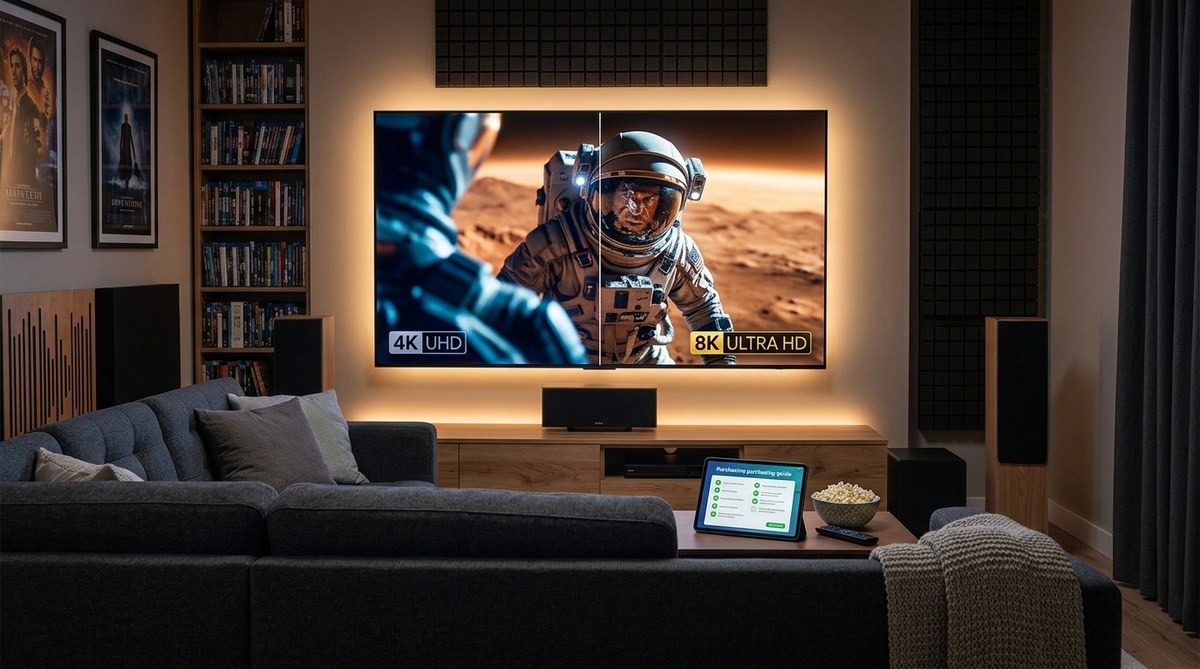
Ignore 8K in 2026. There is almost no native 8K content, and the price premium is not worth it. 4K resolution is sharp enough for any screen size under 100 inches at normal seating distances. Every streaming service, Blu-ray, and gaming console targets 4K.
HDMI 2.1: The Feature You Cannot Skip
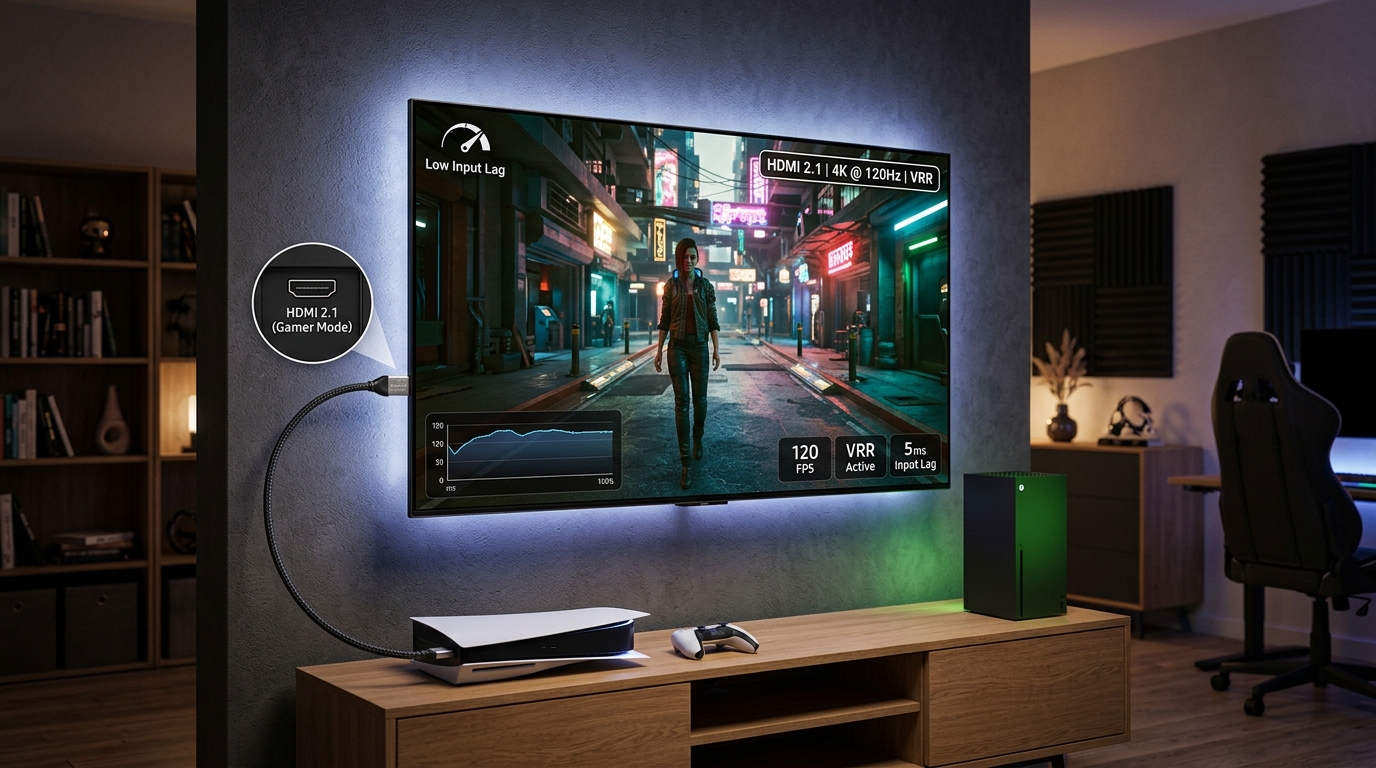
If you own a PlayStation 5, Xbox Series X, or plan to buy one, HDMI 2.1 is non-negotiable. This standard enables 4K gaming at 120 frames per second, variable refresh rate (VRR), and auto low latency mode (ALLM).
Here is what to check on the spec sheet:
- Full bandwidth HDMI 2.1 ports (48 Gbps): Some budget TVs advertise HDMI 2.1 but cap the bandwidth at 24 Gbps. That limits you to 4K at 60Hz or 1440p at 120Hz.
- Number of ports: At least two HDMI 2.1 ports is ideal. One for your console, one for a soundbar or streaming box.
- eARC support: This lets you send uncompressed audio (like Dolby Atmos) from the TV to your receiver or soundbar.
For more details, read our guide on HDMI 2.1 features explained for gamers and movie fans.
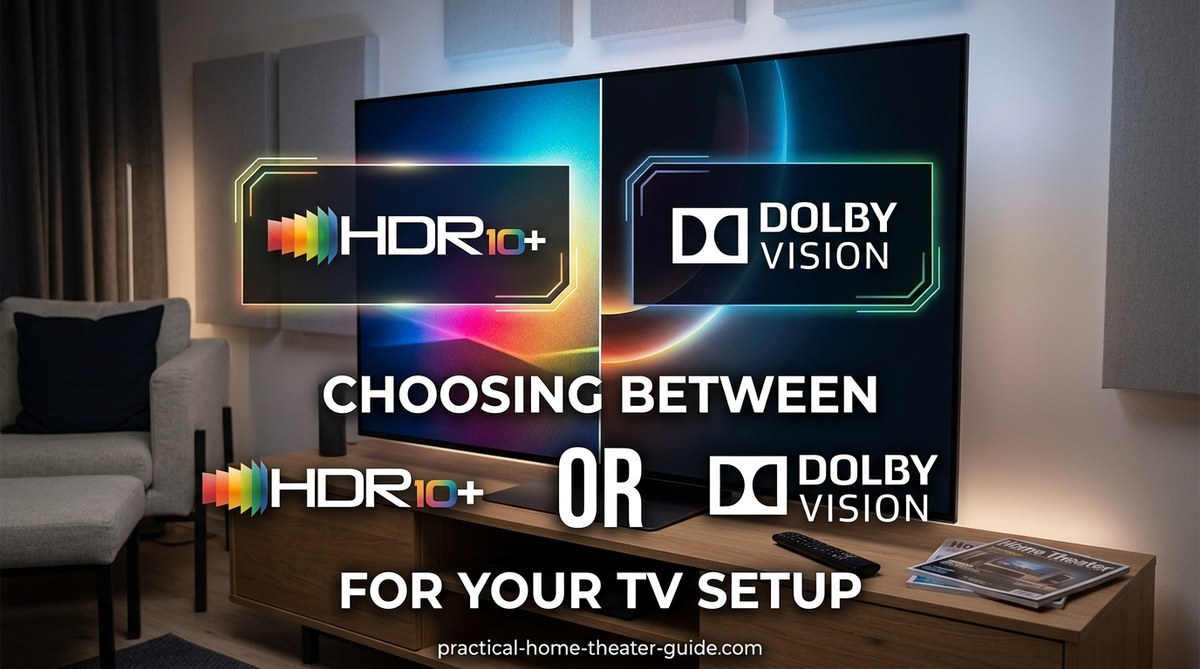
HDR Formats: Dolby Vision vs HDR10+ vs HLG
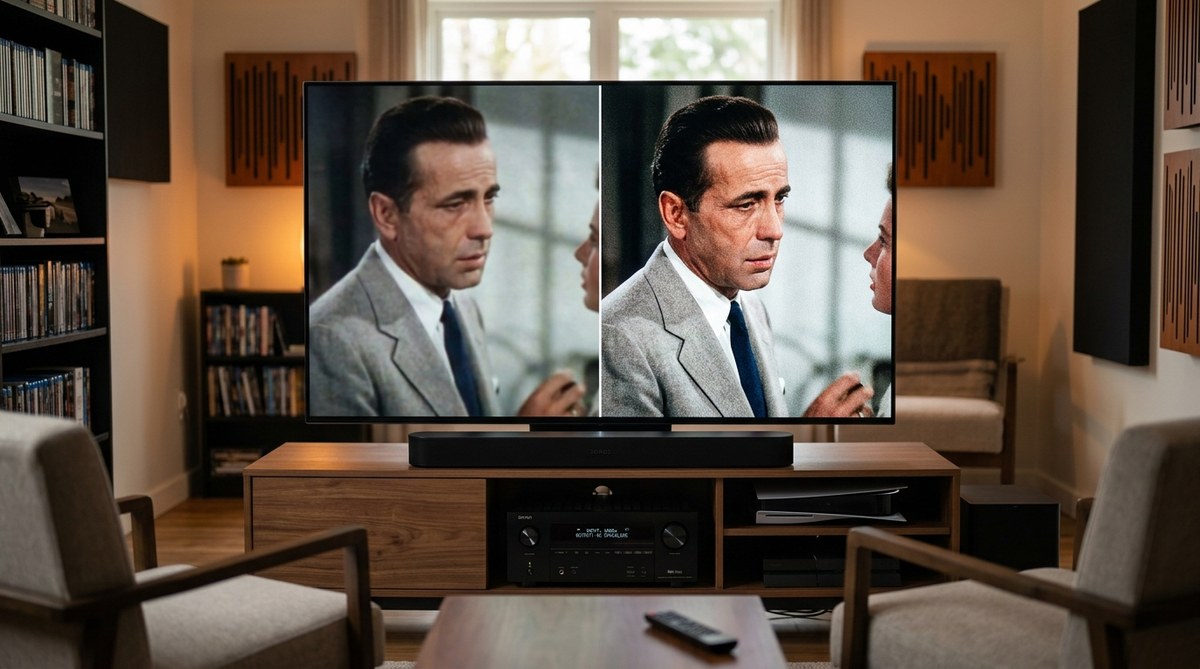
High dynamic range (HDR) is what makes modern TV look lifelike. The format war is confusing, but the solution is simple.
- Dolby Vision: The most widely supported premium HDR format. Netflix, Disney+, Apple TV+, and most 4K Blu-rays use it.
- HDR10+: Samsung’s answer to Dolby Vision. Less content supports it, but it is still good.
- HLG: Used for live broadcast HDR. Not a big factor for most buyers.
Buy a TV that supports Dolby Vision. It is the safest bet for the widest library of content. Samsung TVs do not support Dolby Vision, which is a real downside for movie fans.
If you find HDR content looks too dark or washed out, check our troubleshooting guide on how to fix HDR content that looks washed out or too dark.
Refresh Rate and Motion Handling
Standard TVs run at 60Hz, which is fine for news and sitcoms. But for sports and gaming, 120Hz is a game changer.
- 60Hz: Good for movies and casual viewing.
- 120Hz: Essential for sports, fast action, and console gaming at high frame rates.
- 240Hz (or higher): Marketing gimmick for most people. Native 120Hz is what matters.
Motion interpolation (often called the “soap opera effect”) is a feature you should turn off. It creates extra frames to make motion look smoother, but it ruins the film look of movies. Learn more in our guide on why your new TV looks too smooth and how to fix the soap opera effect.
Smart TV Platforms: Which One Is Best?
Your TV’s operating system is your gateway to streaming. A slow, cluttered interface will annoy you every single day.
| Platform | Speed | App Selection | Ads |
|---|---|---|---|
| webOS (LG) | Very fast | Excellent | Moderate |
| Tizen (Samsung) | Fast | Excellent | Heavy |
| Google TV | Fast | Best (Play Store) | Moderate |
| Roku TV | Fast | Very good | Light |
| Fire TV (Amazon) | Medium | Very good | Heavy |
Google TV and Roku TV are the most user-friendly. They get regular updates and have the widest app support. If you are deep in the Apple ecosystem, look for AirPlay 2 and HomeKit support.
Expert tip: Do not let the smart platform be the sole reason you buy a TV. You can always add a $50 streaming stick later. Focus on picture quality first.
Audio: Don’t Expect Much from Built-In Speakers
TVs are thinner than ever, which means the speakers are tiny. Even the best built-in audio sounds thin and lacks bass. Plan to spend some of your budget on sound.
- Minimum: A decent soundbar with a wireless subwoofer.
- Better: A 3.1 or 5.1 soundbar system with rear speakers.
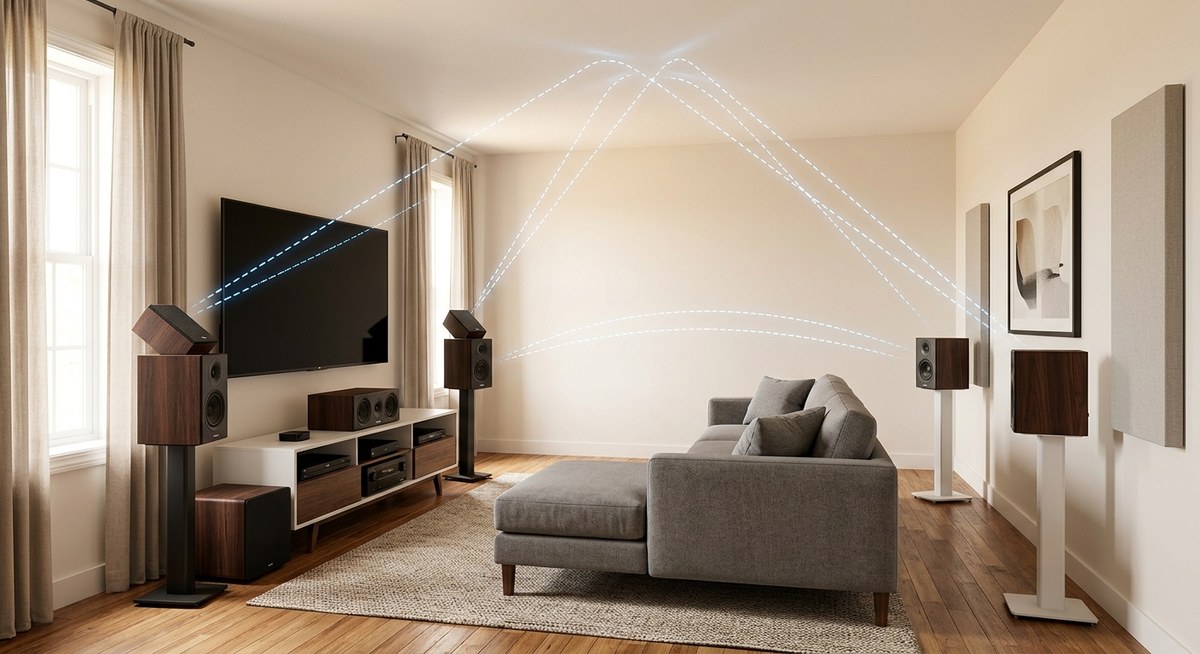
- Best: A full AV receiver and separate speaker setup.
If dialogue sounds muffled, check our guide on how to position your center channel speaker for crystal clear dialogue.
The Complete TV Buying Checklist for 2026
Print this list or keep it on your phone when you go shopping.
- Measure your room and seating distance before you look at prices.
- Choose your panel type based on room brightness: OLED for dark, Mini-LED for bright, QLED for budget.
- Pick a size that feels slightly too big. You will get used to it.
- Confirm HDMI 2.1 ports if you game. At least two ports with full 48 Gbps bandwidth.
- Check HDR support Dolby Vision is a must for movie fans.
- Verify refresh rate 120Hz for sports and gaming, 60Hz is fine for casual use.
- Test the smart platform in the store. If it feels slow, it will only get slower.
- Look at the remote Backlit remotes are a blessing in a dark room.
- Read real user reviews about motion handling and uniformity. Ignore the five-star “looks great” reviews.
- Budget for audio A $300 soundbar will transform your experience more than a $300 upgrade on the TV itself.
Common Mistakes to Avoid
- Buying too small. Go bigger than you think.
- Ignoring HDMI 2.1. Future-proof your gaming setup.
- Choosing 8K. There is no content. Spend the money on a better panel instead.
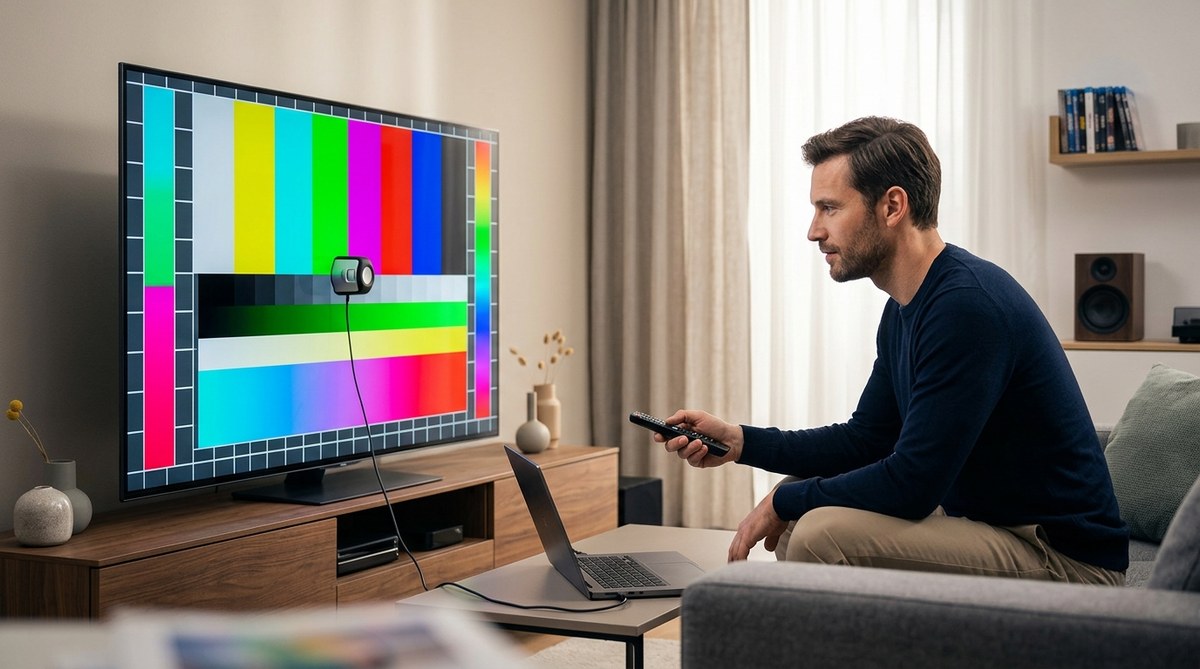
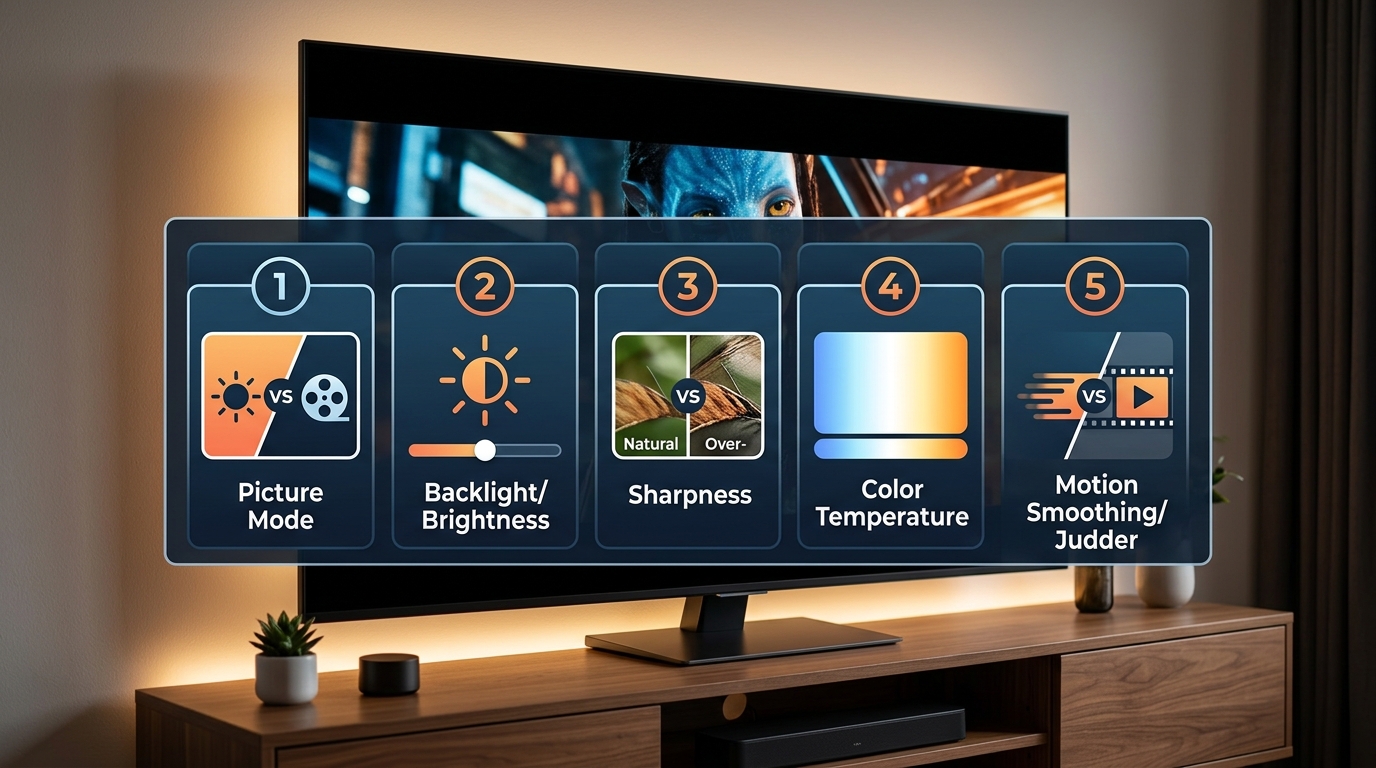
- Skipping calibration. Out of the box, most TVs are set to “torch mode” with exaggerated colors. Read our guide on 5 essential picture settings to adjust on your TV out of the box.
- Forgetting about returns. Keep the box and all packaging for at least 30 days.
Putting It All Together for Your 2026 Purchase
The perfect TV does not exist. Every model is a trade-off between brightness, black levels, price, and features. The goal is to find the set that matches your specific room and your specific habits.
If you watch movies in a dark room at night, buy an OLED and never look back. If your living room has big windows and you host Super Bowl parties, buy a bright Mini-LED. If you are on a tight budget, a solid QLED will still look fantastic.
Take your time. Read the detailed guides on this site for each topic. And when you finally bring that new TV home, spend 30 minutes calibrating it properly. Your eyes will thank you.
For a deeper comparison of the main panel technologies, check out our full breakdown of OLED vs QLED vs Mini-LED and which TV technology you should buy in 2026.

Leave a Reply