
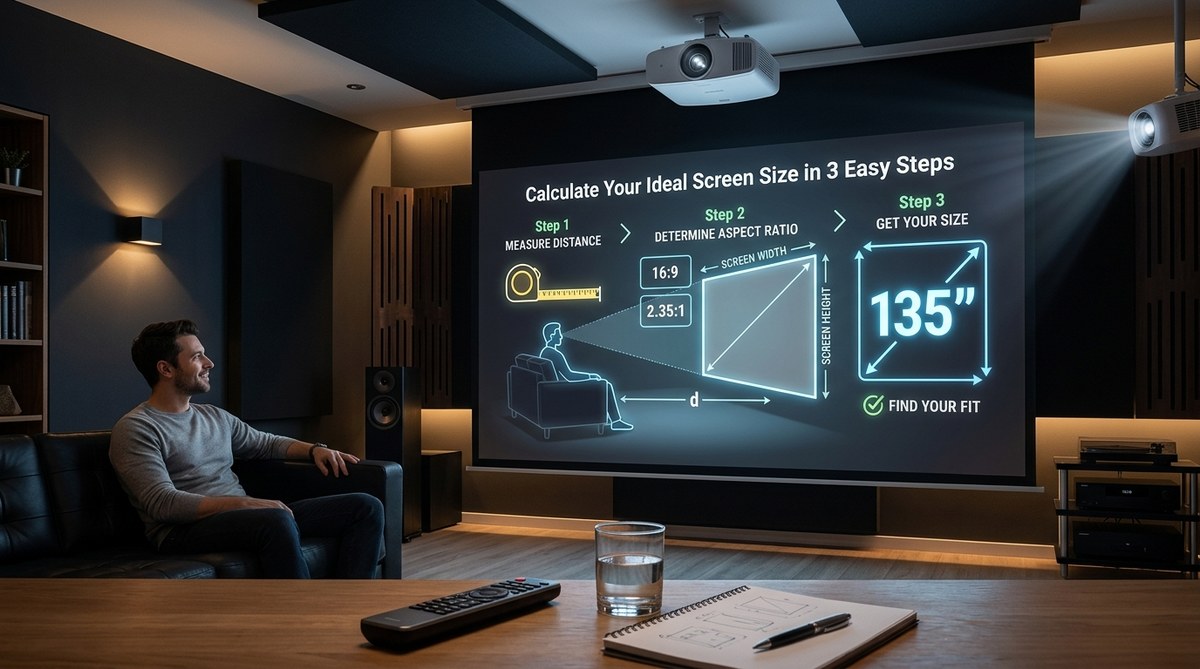
Choosing the right screen size for your projector can feel like a guessing game. You want that big cinematic image, but you also need to avoid a picture that feels overwhelming or a screen that simply won’t fit your wall. The good news is that finding the perfect size isn’t complicated. You just need the right measurements and a simple formula.
A projector screen size calculator takes the guesswork out of your home theater setup. You need to measure your room’s width and your seating distance. The standard rule is to make the screen width about one half to one third of your viewing distance. For a 10 foot seating distance, aim for a 100 to 120 inch diagonal screen. This guide walks you through the math, common mistakes, and how to use our free tool to get it right the first time.
Why Screen Size Matters More Than You Think
You might be tempted to buy the biggest screen your budget allows. That impulse makes sense. Big screens feel immersive. But there is a limit. If you sit too close to a large screen, you will notice individual pixels. Your eyes will have to work harder to track the action. If your screen is too small for the room, you lose that theater feeling entirely.
The right screen size balances three things: your room dimensions, your seating distance, and your projector’s brightness. A projector screen size calculator handles all three at once. It gives you a target that works for your specific space.
The Three Numbers You Need to Measure
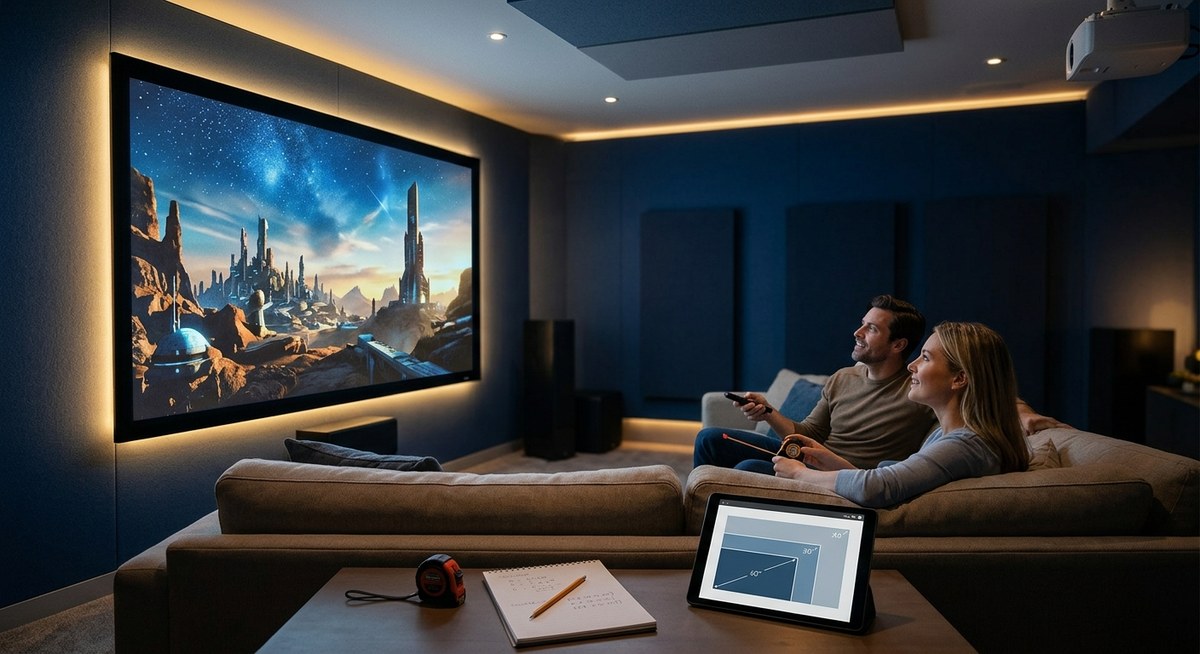
Before you open any calculator, grab a tape measure. You need three room measurements.
- Room width. Measure the wall where the screen will go. Do not assume you can use the entire wall. Leave space for speakers, room for a center channel, and some breathing room on each side.
- Seating distance. Measure from the screen wall to the front of your primary seat. If you have multiple rows, use the distance to the closest row. That row determines the maximum comfortable screen size.
- Ceiling height. This matters for vertical clearance. A 120 inch diagonal 16:9 screen is about 59 inches tall. Your ceiling needs to accommodate that plus a few inches of mounting space.
Write these three numbers down. You will use them in the next step.
How to Use a Projector Screen Size Calculator
Our free projector screen size calculator does the heavy lifting for you. Here is the process.
- Enter your seating distance in feet.
- Enter your room width in feet.
- Select your screen aspect ratio. Most home theater content uses 16:9. If you watch a lot of old movies or presentations, you might prefer 2.35:1.
- Click calculate.
The tool returns an ideal diagonal screen size range. It also shows the screen width and height so you can confirm it fits your wall.
Let us run a real example. Say your seating distance is 12 feet. Your room width is 14 feet. The calculator suggests a 120 inch diagonal screen. That screen is roughly 105 inches wide and 59 inches tall. It leaves you about 4 feet of wall space on each side for speakers or decor. Perfect.
Common Mistakes That Ruin Your Setup
Even with a calculator, people make errors. Here are the most common ones and how to avoid them.
| Mistake | Why It Happens | How to Fix It |
|---|---|---|
| Buying a screen too large for the room | Excitement over big numbers | Always use seating distance as your primary guide |
| Ignoring projector throw distance | Not checking if the lens can fill the screen | Verify your projector’s throw ratio before buying |
| Forgetting about screen gain | Picking a screen that washes out in ambient light | Match gain to your room’s light control |
| Mismeasuring wall space | Not accounting for trim, outlets, or furniture | Measure width from the floor, not from memory |
| Choosing the wrong aspect ratio | Assuming all content fits 16:9 | Consider your primary use case (movies vs gaming vs office) |
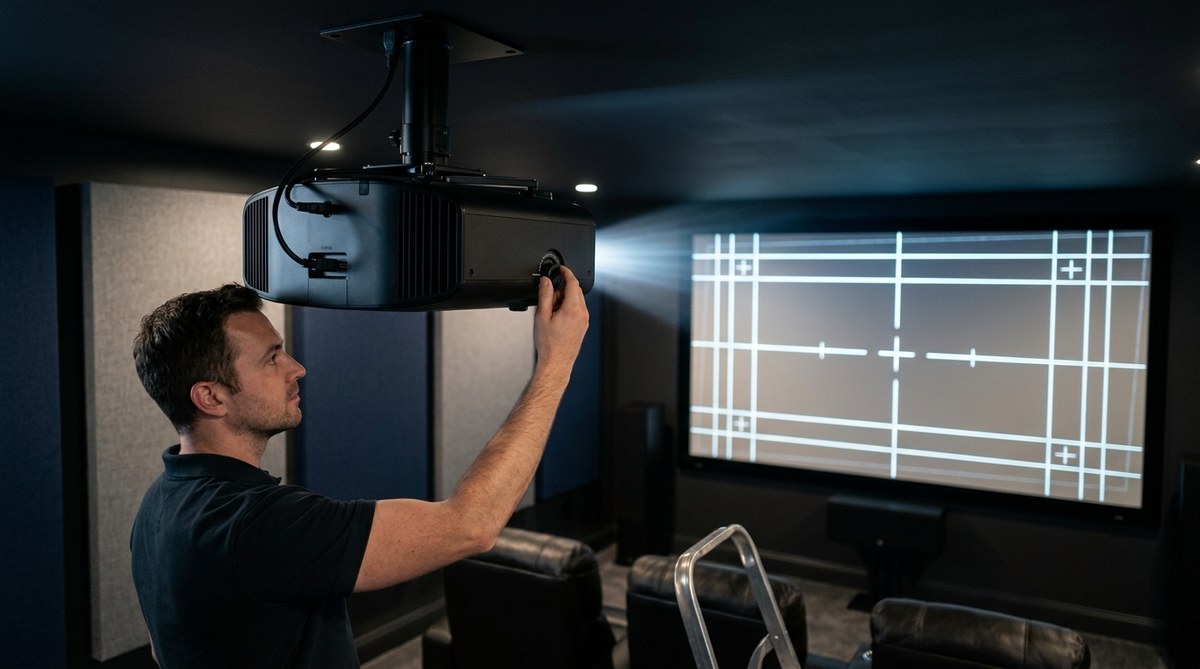
One mistake that catches many people is forgetting the projector itself. You need to confirm that your projector can actually fill that screen from your chosen mounting position. Read our guide on how to calculate projector throw distance for your room size before you finalize anything.
Screen Size Rules for Different Use Cases
Your ideal screen size shifts depending on what you watch and who watches with you.
- Home theater movie fans. The Society of Motion Picture and Television Engineers recommends a 30 degree horizontal viewing angle. That translates to a screen width that is roughly one half of your seating distance. If you sit 10 feet away, your screen should be about 60 inches wide. That is roughly a 120 inch diagonal.
- Gamers. You sit closer to the action. A 40 degree viewing angle is common. For the same 10 foot seating distance, you might go up to a 140 inch diagonal. Just make sure your projector has low input lag.
- Office or classroom presentations. Readability is the priority. Text needs to be clear from the back row. A good rule is to make the screen height at least one sixth of the distance to the farthest viewer. For a 30 foot room, that means a screen height of about 60 inches.
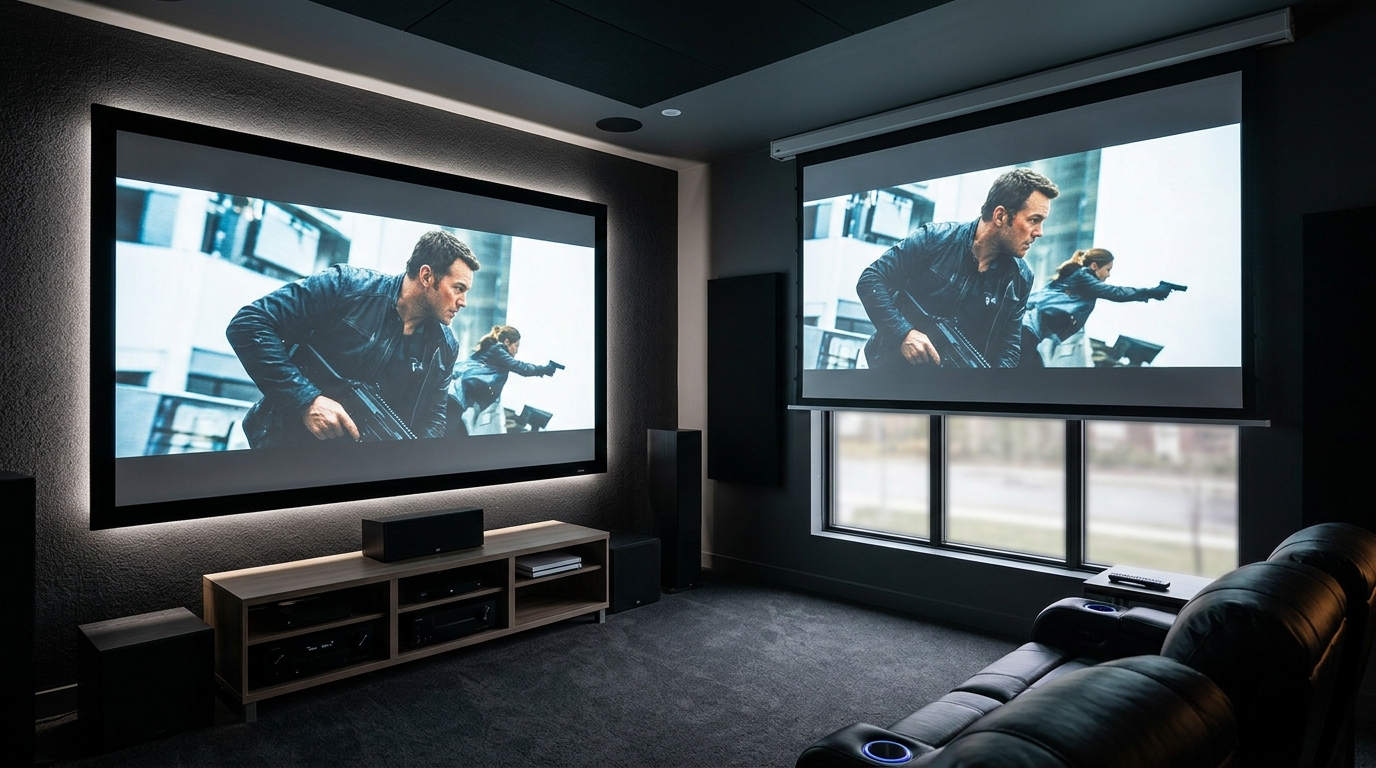
If you are setting up a dedicated room, you have more flexibility. For living rooms or multipurpose spaces, you need to balance screen size with daily livability. A motorized screen that drops down only when you use it is a smart compromise. Check our comparison of fixed frame vs motorized projector screens for more details.
What to Do When Your Room Is Too Small
Not everyone has a dedicated home theater room. Maybe you are working with a 10 foot by 12 foot bedroom or a narrow apartment living room. You can still get a great image.
The trick is to use a short throw projector. These projectors sit close to the screen and still produce a large image. If your room is small, a standard projector might not have enough distance to reach a 100 inch screen. A short throw model solves that problem.
Read our breakdown of short throw vs long throw projectors to see which type fits your space.
For very small rooms, consider a 90 inch or 100 inch diagonal screen. That size still feels cinematic in a cozy space. You will get better brightness and contrast because the projector does not have to stretch the image as far.
Understanding Screen Gain and Ambient Light
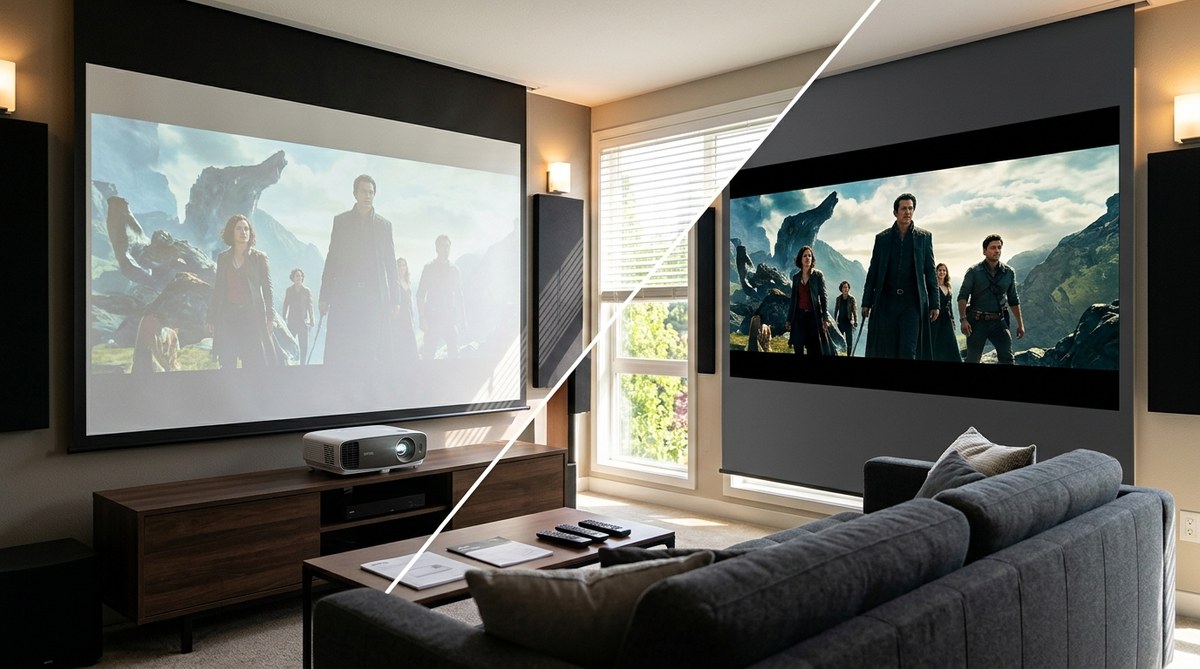
Screen size is only half the picture. The material you choose affects how bright and vibrant the image looks.
Screen gain measures how much light the screen reflects. A gain of 1.0 is neutral. Higher gain screens reflect more light back to the viewer. That helps in rooms with some ambient light. But high gain screens can create “hot spotting” where the center of the screen looks brighter than the edges.
If you have good light control, a matte white screen with 1.0 gain is the safest choice. If you watch movies during the day or have windows you cannot fully black out, a gray screen with a gain of 0.8 to 1.2 can improve contrast.
Our guide on do you really need an ambient light rejecting screen explains this in more detail.
The Math Behind the Calculator
If you want to understand the numbers yourself, here is the simple formula.
For a 16:9 screen:
– Screen height = diagonal x 0.49
– Screen width = diagonal x 0.87
For a 2.35:1 screen:
– Screen height = diagonal x 0.39
– Screen width = diagonal x 0.92
To find your ideal diagonal, divide your seating distance (in inches) by 1.5. That gives you the screen width. Then divide that width by 0.87 to get the diagonal.
Let us do that with a 12 foot seating distance.
– 12 feet = 144 inches.
– 144 / 1.5 = 96 inches screen width.
– 96 / 0.87 = 110 inch diagonal.
That matches closely with what the calculator returns. You can use this math to double check any result.
When to Ignore the Calculator
Rules are made to be broken. Sometimes your room forces a different choice.
Maybe your wall has a fireplace or a window that limits width. Maybe your projector has a fixed zoom lens that only fills a specific screen size. Maybe you are building a curved screen for a truly immersive experience.
In those cases, start with the calculator to get a baseline. Then adjust based on your constraints. The goal is to get as close to the ideal as your room allows.
“The perfect screen size is the one that makes you forget you are watching a screen. If you are constantly aware of the edges, you went too big. If you are leaning forward to see details, you went too small.” — Home Theater Designer, 2026
How Brightness Affects Screen Size
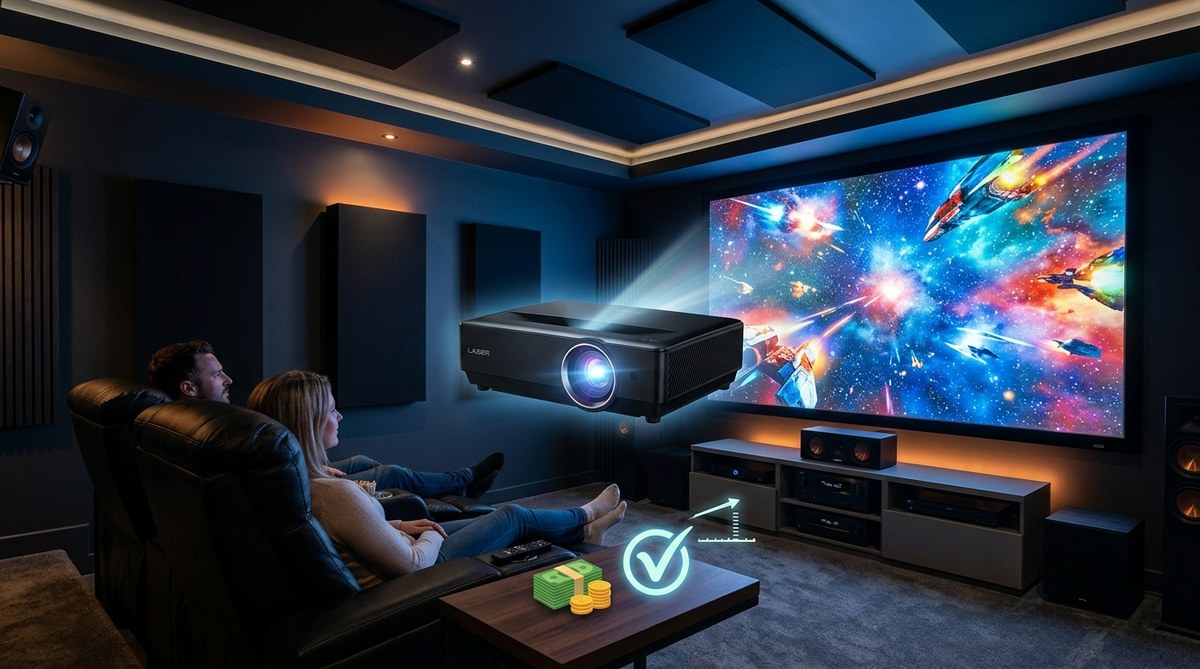
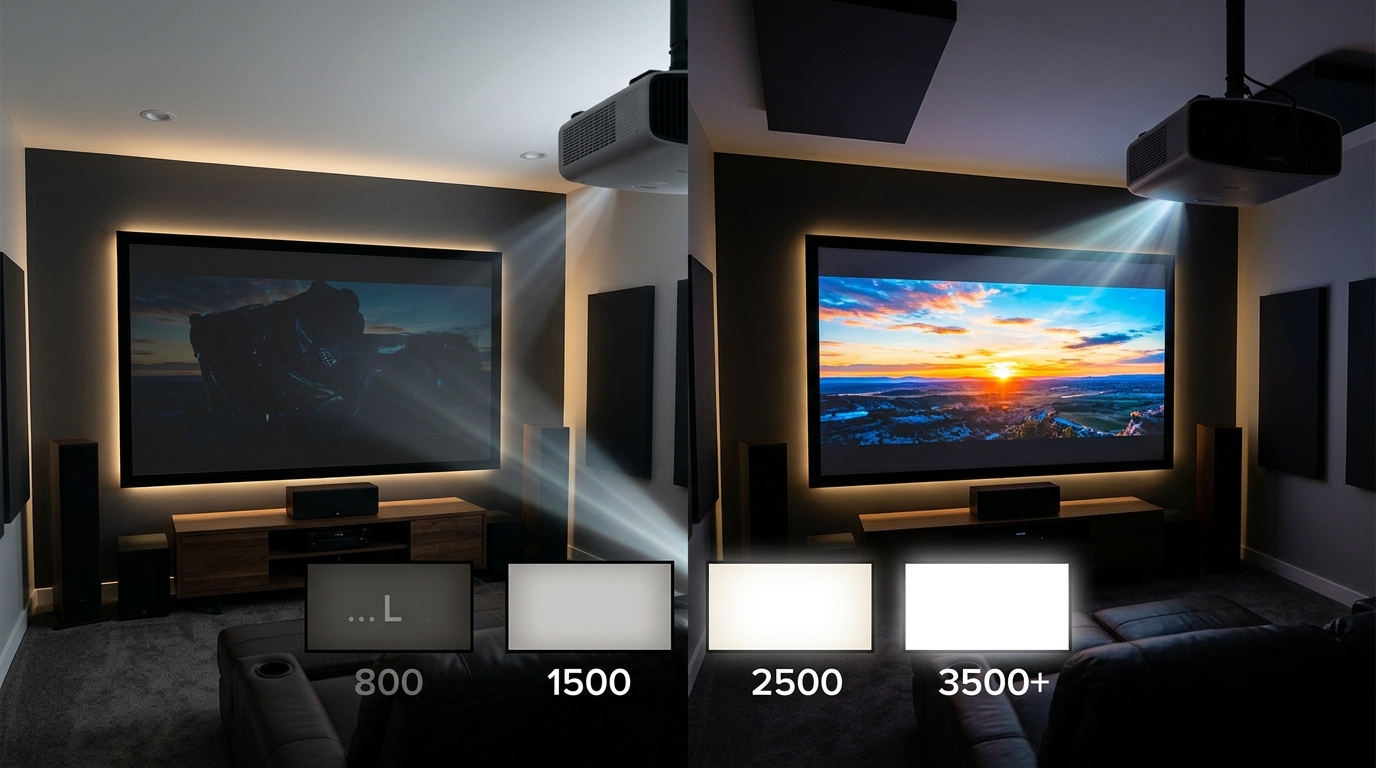
Your projector’s brightness, measured in lumens, sets a ceiling on screen size. A larger screen spreads the same amount of light over a bigger area. That makes the image dimmer.
For a standard home theater room with good light control, you want at least 12 to 15 foot-lamberts on the screen. A 120 inch screen needs roughly 1,500 to 2,000 lumens to hit that target in a dark room. If your projector only outputs 1,000 lumens, you should stick to a 100 inch screen or smaller.
For brighter rooms, you need more lumens. A 120 inch screen in a living room with some ambient light might need 2,500 to 3,000 lumens.
Learn more about matching brightness to your room in our guide on projector lumens explained.
Putting It All Together for Your Setup
You now have everything you need to choose the right screen size. Here is a summary checklist.
- Measure your room width, seating distance, and ceiling height.
- Use the projector screen size calculator with those numbers.
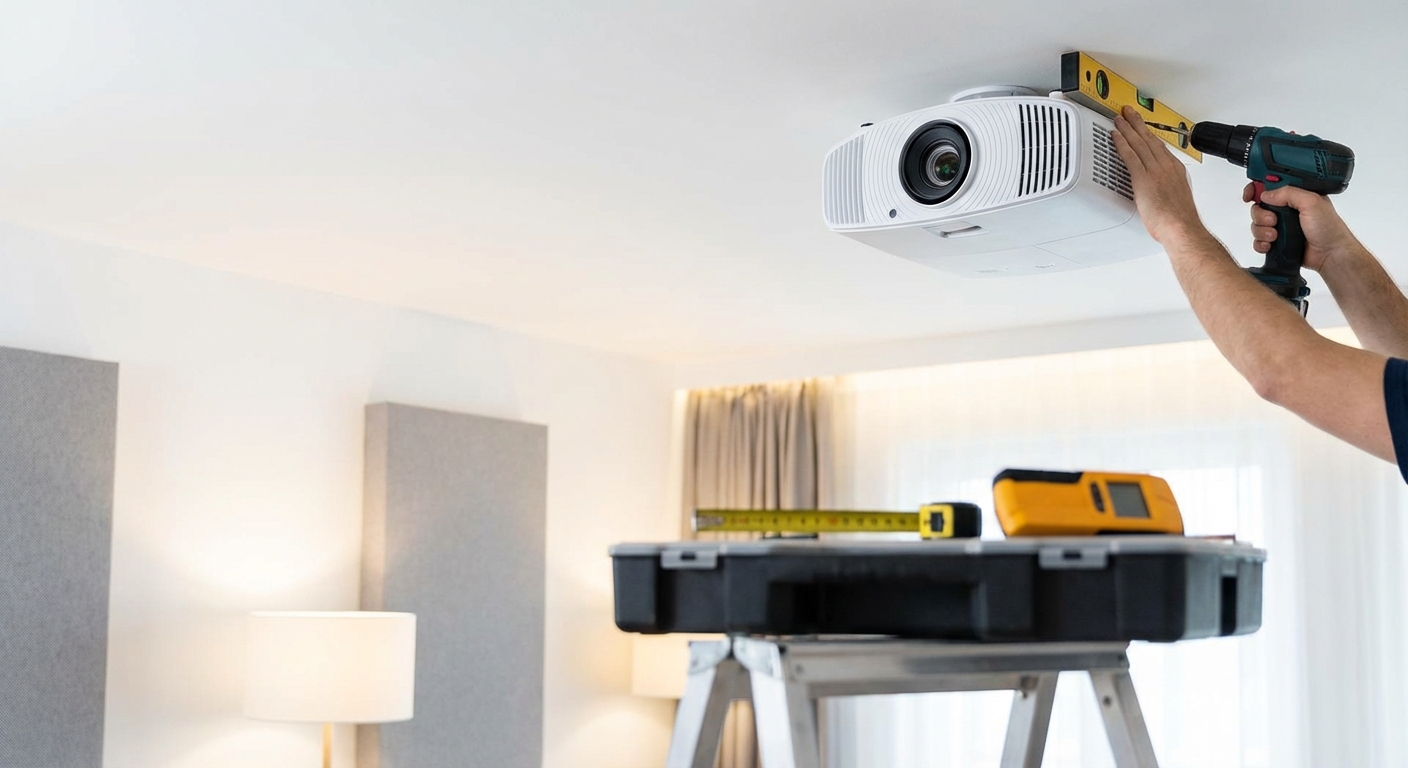
- Verify your projector’s throw distance can fill that screen.
- Match screen gain to your room’s light conditions.
- Confirm your projector has enough lumens for the screen size.
If you follow these steps, you will end up with a screen that feels immersive without being uncomfortable. Your movie nights will look better. Your gaming sessions will feel more intense. Your presentations will be easier to read.
Your Next Step Is Simple
Grab that tape measure and get your three room measurements. Open the projector screen size calculator and plug them in. The number you get back is your starting point. From there, you can confidently shop for a screen, mount your projector, and start enjoying the big picture you have been dreaming of.
Your home theater is only as good as its foundation. Getting the screen size right is that foundation. Do it once, do it right, and then sit back and watch the show.

Leave a Reply