
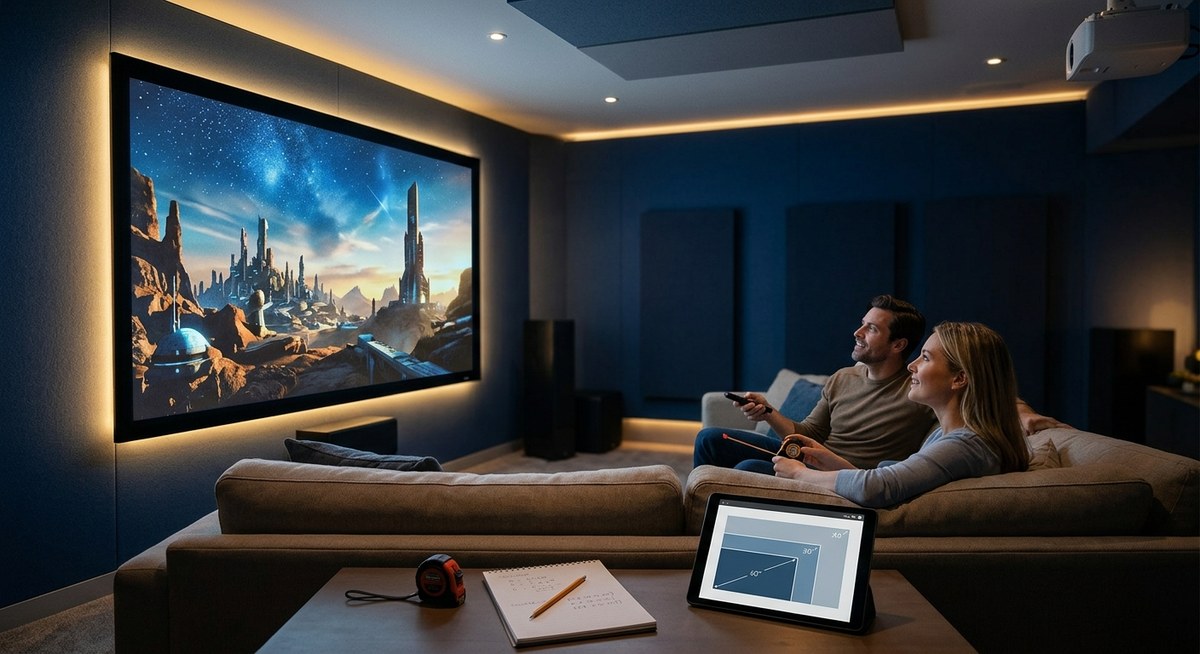
Looking to create the ultimate home theater experience? Picking the right projector screen size is key. It influences picture quality, immersion, and overall enjoyment. A screen that’s too small can make movies feel underwhelming, while one that’s too large might cause eye strain or poor image clarity. Finding that sweet spot requires understanding your space, projector capabilities, and viewing habits. This guide walks you through essential steps to choose the perfect projector screen size for your setup.
Selecting the right projector screen size involves measuring your space, considering your projector’s throw distance, and matching your viewing preferences. Use our step-by-step guide to ensure your home theater setup is immersive, comfortable, and picture-perfect.
Understanding the Basics of Projector Screen Size
Before choosing a size, it’s important to understand how projector screens are measured. Typically, screen size is given diagonally in inches. However, the actual width and height depend on the aspect ratio of your projector. Common formats are 16:9 and 4:3, with 16:9 being the standard for most home theaters.
A larger screen creates a more immersive experience but requires a bigger room and proper projector throw distance. Conversely, smaller screens are better for compact spaces or rooms with limited throw range. Your goal is to balance size with room dimensions and projector capabilities.
How To Determine Your Ideal Screen Size
Follow these steps to find the projector screen size that fits your room and viewing needs:
1. Measure Your Room and Seating Distance
Start by measuring your room’s dimensions. Focus on the distance from your seating area to where the screen will be mounted or placed. This measurement influences the optimal screen size.
2. Calculate Your Viewing Distance
Most experts recommend that the ideal viewing distance is approximately 1.5 to 2.5 times the diagonal size of your screen. For example, if your seating is 8 feet from the screen, a 100-inch diagonal might be ideal.
3. Use the 4/6/8 Rule
This simple rule helps in selecting a comfortable screen size based on your room size and projector throw.
- For a small room, aim for a screen that is roughly one-third to half your viewing distance.
- For medium to large rooms, you can go bigger, keeping the viewing distance within the 1.5 to 2.5 times rule.
4. Match Your Projector’s Throw Distance
Your projector’s throw distance is the space needed to project a certain image size. Check your projector’s specifications to see the minimum and maximum throw distances for different screen sizes.
You can find detailed guides on https://practical-home-theater-guide.com/how-to-calculate-projector-throw-distance-for-your-room-size/ to help determine if your space can accommodate your desired screen.
5. Decide on a Comfortable Viewing Experience
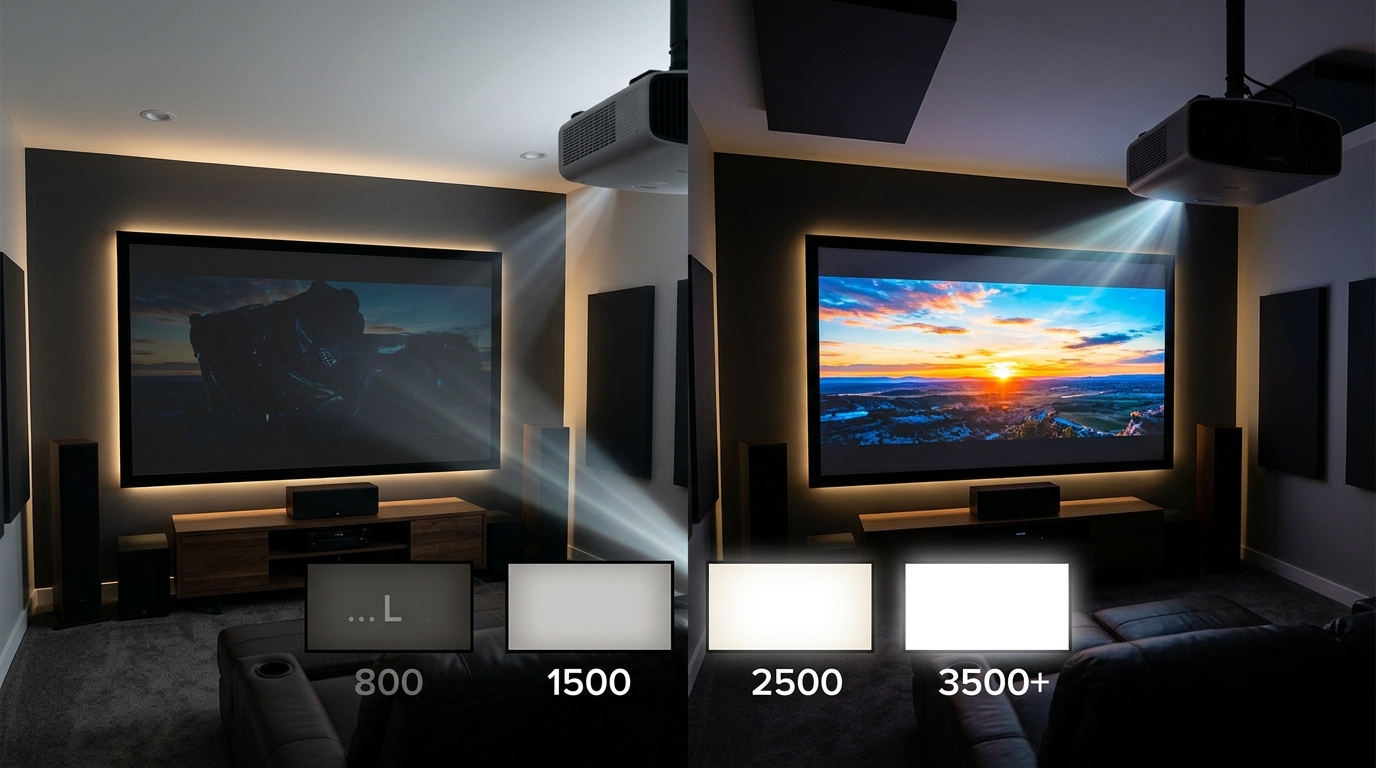
Ultimately, the best screen size is one that fits your room and feels natural. You shouldn’t have to turn your head to see the edges or strain your eyes to view the entire picture. Keep in mind that larger screens may require higher lumen projectors and darker rooms for optimal clarity.
Practical Tips for Picking the Right Size
- Avoid screens that are too big for your room. They can cause discomfort and reduce picture quality.
- Consider your projector’s resolution. Higher resolutions like 4K look better on bigger screens.
- Balance immersion with room constraints. If your room is small, a 100-inch screen might be overwhelming.
Bulleted list for quick reference:
- Measure your room and seating distance.
- Use the 1.5 to 2.5 times viewing distance rule.
- Check your projector’s throw ratio.
- Choose a size that allows comfortable viewing without straining.
- Consider light conditions in your room.
Common Techniques and Pitfalls in Selecting Screen Size
| Technique / Mistake | Explanation | Impact |
|---|---|---|
| Overestimating room size | Picking a screen larger than your space can handle | Causes discomfort, poor image quality |
| Ignoring projector throw distance | Choosing a size your projector cannot project properly | Results in blurry or cut-off images |
| Not considering ambient light | Bright rooms need screens with higher gain or darker shades | Reduces picture clarity |
| Using the same size as a friend’s setup | Every room is unique, so adapt your choice | Can lead to suboptimal viewing experience |
Expert tip: Remember that bigger isn’t always better. The goal is clarity and comfort. A well-chosen size enhances your viewing without causing eye fatigue or requiring excessive projector brightness.
Final thoughts on finding your perfect projector screen size
Choosing the right screen size is a balance between room dimensions, projector capabilities, and personal preference. It’s better to start with measurements and guidelines rather than guesswork. Use tools like https://practical-home-theater-guide.com/how-to-calibrate-your-projector-screen-height-and-throw-distance-for-perfect-viewing/ to fine-tune your setup.
Remember, a screen that fits your space and viewing habits will make your movie nights far more enjoyable. Take your time, measure carefully, and don’t be afraid to test different sizes before making a final decision.
Transform your space into a cinematic haven with the right projector screen size
Applying these principles ensures your home theater will be comfortable, immersive, and picture-perfect. With a little planning and measurement, you’ll create a space that makes every viewing a memorable event. Enjoy your journey to the perfect home theater setup!







Leave a Reply